


Quick Answer: What Are the Best WordPress Plugins for Website Feedback & Bug Tracking?
The best WordPress feedback plugins help teams collect user feedback, report bugs, and manage website changes efficiently. BugHerd is best for agencies and web development teams needing visual feedback and task management, while tools like Marker.io suit developer workflows, SureFeedback supports WordPress-specific feedback, and Ninja Forms is better for feedback forms and surveys.
Content
- What are the Best WordPress Plugins for Website Feedback & Bug Tracking?
- Key Takeaways
- What Are WordPress Plugins?
- What Types of WordPress Plugins for Website Feedback are Available?
- What to Look for in Website Feedback & Bug Tracking Plugins
- Website Feedback & Bug Tracking WordPress Plugins Compared – BugHerd vs the Alternatives
- Which are the Top Website Feedback & Bug Tracking WordPress Plugins in 2026?
- Which WordPress Plugins for Website Feedback & Bug Tracking are Best for Web Dev Agencies and Teams?
- Frequently Asked Questions
Key Takeaways
- The best WordPress feedback plugins help you collect user feedback, capture bug reports, and turn insights into actionable improvements.
- Visual feedback tools like BugHerd are the most effective for web agencies, allowing users to click directly on a live website and submit feedback with context.
- Native WordPress tools like SureFeedback are useful for managing client feedback inside the WordPress dashboard, while tools like Ninja Forms are better suited to feedback forms and surveys.
- Different tools serve different needs - some focus on visual QA, others on surveys, widgets, or activity tracking - so choosing the right tool depends on your workflow.
- For agencies and teams, BugHerd stands out as the most complete solution for collecting visual feedback, managing tasks, and improving collaboration across client projects.
What Are WordPress Feedback Plugins?
A WordPress plugin is a tool that adds functionality to your WordPress website without needing custom code. In this guide, we focus on plugins and tools that help you collect feedback, track bugs, and improve your site faster.
While some of these are native WordPress plugins, others integrate seamlessly with any WordPress site to help you collect visual feedback and manage bug tracking more effectively.
What Types of WordPress Plugins for Website Feedback are Available?
There are several types of tools you can use to collect feedback, manage bug reports, and improve your WordPress website. The right choice depends on how you want to collect user feedback - from clients, internal teams, or website visitors.
1. Visual feedback & bug tracking tools
These are the most powerful tools for teams that want to collect visual feedback directly on a live website. Users can click on any element to submit feedback, with screenshots and technical details like browser data, screen size, and console logs automatically captured. Tools like BugHerd and Marker.io also integrate with project management tools or include a built-in ticketing system, making it easier to track progress and speed up bug fixes. These are widely used by web agencies and teams managing complex WordPress projects.
2. Native WordPress feedback plugins
These are true WordPress feedback plugins that run inside your WordPress admin and WordPress dashboard. They allow you to collect client feedback directly on your site without relying on external tools. This makes them a good fit for teams working on client sites who want to manage WP feedback in one place.
3. Feedback forms & survey plugins
Form-based tools are designed to gather feedback through structured inputs rather than visual comments. Using a form builder like Ninja Forms, you can create forms, run user surveys, and even launch an NPS survey. These tools support drag and drop builders, flexible form fields like multiple choice and text boxes, and advanced features like conditional logic. They’re ideal for scalable feedback collection, but they don’t provide visual feedback on specific parts of a page.
4. Feedback widgets & on-site tools
These tools add a feedback widget or feedback button to your site, allowing users to quickly provide feedback while browsing. They’re useful for capturing insights from real website visitors and improving user engagement. Some tools also offer page level targeting, helping you collect feedback on specific pages and turn it into actionable insights for better data driven decisions.
5. Activity logs & monitoring plugins
These WordPress plugins don’t collect feedback directly but support bug tracking by recording activity across your WordPress site. They help identify issues, track changes, and support faster bug fixes. They’re often used alongside other tools as part of a complete feedback and QA workflow.
How to Choose the Right WordPress Feedback Plugin for Your Team
To choose the best WordPress feedback plugin or tool, start with how you need to collect feedback. The right option depends on whether you need visual website feedback, bug reporting, client approvals, user surveys, or activity monitoring.
- Choose visual feedback for website reviews. If clients or team members need to comment on specific website elements, look for tools that let users submit feedback directly on a live or staging website.
- Consider who will provide feedback. For client-facing workflows, prioritize a simple interface that requires little technical knowledge. For developers and QA teams, technical context and integrations with project management tools may be more important.
- Decide what information you need to capture. For bug reporting, look for automatic screenshots and technical details such as the page URL, browser, operating system, and screen size.
- Check how feedback becomes actionable. Choose a tool that fits your workflow, whether that means built-in task management or integrations with tools such as Jira, Asana, Trello, or ClickUp.
- Use forms or surveys for structured user feedback. If you want to gather responses from website visitors rather than annotate a webpage, a form builder such as Ninja Forms may be a better choice.
- Compare pricing and scalability. Consider the number of users, websites, projects, and clients you need to support, as well as whether the tool offers a free plan or trial.
For web agencies and development teams, prioritize visual feedback, easy client collaboration, automatic technical context, and task management. For WordPress-specific workflows, consider native WordPress tools, while forms and survey plugins are better for structured feedback collection.
How to Set Up Website Feedback and Bug Tracking on WordPress
Setting up website feedback on WordPress involves choosing the right feedback method, installing or connecting your chosen tool, inviting reviewers, and turning their feedback into actionable tasks.
Step 1: Decide What Feedback You Need
Choose whether you need visual website feedback, bug reports, client feedback, user surveys, or activity monitoring. For website QA and client reviews, a visual feedback tool is usually the most appropriate option.
Step 2: Choose a WordPress Feedback Tool
Select a tool that matches your workflow. BugHerd is designed for agencies and web teams collecting visual client feedback, while tools such as Marker.io focus on sending bug reports into existing project management workflows. Form builders such as Ninja Forms are better for surveys and structured feedback.
Step 3: Add the Feedback Tool to Your WordPress Site
Install the WordPress plugin or connect the feedback tool to your website using the setup method provided by the platform. The exact process varies depending on the tool you choose.
Step 4: Invite Clients, Team Members or Users to Provide Feedback
Give reviewers access to the website and explain how to submit feedback. Visual feedback tools allow reviewers to comment directly on specific website elements, reducing the need to describe issues through email or spreadsheets.
Step 5: Review and Prioritize the Feedback
Review incoming comments and bug reports, remove duplicates where necessary, assign priorities, and determine which changes need to be made before approval or launch.
Step 6: Assign and Track Website Changes
Turn feedback into actionable work and assign it to the appropriate developer, designer, or team member. Use built-in task management or integrations with your existing project management tools to track progress.
Step 7: Resolve Issues and Complete the Review
Once changes have been made, review the website again and resolve completed feedback. Repeat the process until outstanding issues are addressed and the website is ready for client approval or launch.
Website Feedback & Bug Tracking WordPress Plugins Compared – BugHerd vs the Alternatives
The table below compares the top WordPress feedback plugin and tools for website feedback and bug tracking, based on G2 rating, best-for use case, standout strengths, and pricing. But before diving into the full comparison, here’s a quick breakdown of the standout tools by category.
BugHerd is the top choice for agencies and web development teams that want to collect visual feedback directly on a live website, making it especially strong for web agencies and teams managing client sites, while Usersnap and Userback are good for user feedback, surveys, and bascic bug reporting. Atarim is better suited to WordPress-specific workflows, helping teams collect client feedback and manage approvals inside their WordPress dashboard.
For lighter-weight options, Gleap offers feedback widget solutions to gather insights from website visitors. Tools like Feedbucket provide simple ways to collaborate on feedback, while WP Activity Log supports bug tracking indirectly through activity monitoring. Finally, if your focus is structured feedback forms and surveys, Ninja Forms is a reliable form builder for scalable feedback collection.
Which are the Top Website Feedback & Bug Tracking WordPress Plugins in 2026?
Below you'll find information on the top website feedback and bug tracking WordPress plugins in 2026 so you can make an informed decision on which one will suit your team best.
#1. BugHerd
BugHerd is the best tool for visual feedback and bug tracking on a WordPress website, making it easy for teams to collect user feedback and manage bug reports in one place. Unlike other WordPress feedback plugins that rely on feedback forms, surveys or email, BugHerd lets users click directly on a live or staging website to submit feedback, turning comments into actionable tasks automatically.
The BugHerd WordPress plugin bridges the gap between non-technical stakeholders and developers. When users provide feedback, it captures key technical details like browser, OS, URL, and screen size, so developers can quickly reproduce issues and ship faster bug fixes without back-and-forth. It’s not designed for automated testing or scripts. Instead, it focuses on helping teams collect visual feedback, streamline client feedback, and improve collaboration across web agencies and teams managing multiple client sites.
Who is BugHerd designed for?
BugHerd is designed for agencies, creative teams, and web development and QA teams that need a simple way to collect visual feedback and manage bug reports on a WordPress website without technical complexity. It's also designed for project managers who want a client‑friendly system that turns visual feedback straight into tasks and can be actioned and resolved quickly.
What are the key features of BugHerd?
The key features of BugHerd are:
- Visual point‑and‑click feedback directly on a web page.
- Feedback captured via video to record multi-step interactions, broken animations, or complex user flows that are difficult to describe with text alone.
- Automatic screenshot & user tech details capture including browser version, OS, screen resolution, viewport size, and selector data.
- Task tracking via a built‑in Kanban board to assess, assign, prioritize, and action feedback. You can even give clients visibility into this board so they can see real-time progress.
- AI-powered workflow where your AI agent reads the feedback tasks in BugHerd, triages the queue, makes the changes in WordPress, and keeps the board clean.
- Deep two-way integrations with project management tools such as Jira, Asana, Trello, ClickUp, and monday.com; as well as Slack, Microsoft Teams, and GitHub.
- No client login required. Clients are sent a simple link and can start leaving feedback immediately without creating an account or remembering a password.
- Ongoing feedback collection: Visitors can QA your website and leave comments even after your website project has finished. This ensures that your website is always up-to-date and accurate
What are the Pros and Cons of BugHerd?
BugHerd Pros:
- Makes it very easy to collect visual feedback directly on a live website
- Simple for non-technical users to submit feedback without technical knowledge
- Automatically captures screenshots, browser data, URL, screen size, and other technical details to speed up bug fixes
- Includes a built-in Kanban-style task board to help teams manage tasks and track progress
- AI workflows speed up actioning feedback
- Integrates with popular project management tools like Jira, Trello, Asana, ClickUp, Slack, and GitHub
- Strong fit for web agencies and teams managing multiple client sites
- Clients can provide feedback without needing to log in or create an account
BugHerd Cons:
- Not designed for automated testing or developer test scripts
- More focused on website feedback and collaboration than advanced QA automation
- Does not offer session replay, product analytics, or in-app surveys
How much does BugHerd cost?
- Standard: $42/month
- Studio: $67/month
- Premium: $125/month
- Custom pricing for larger teams
Find out more about what's included in each of the BugHerd pricing plans
Does BugHerd offer a free trial?
BugHerd offers a free 7-day trial where you can test all features. No credit card is required. You can also book a 1:1 demo to see how it fits your specific workflow.
“BugHerd has sped up web delivery timelines by 2.5 weeks and given our team more time to focus on creativity.” - Austin Mallar, CTO, Longhouse Branding & Marketing
#2. Marker.io
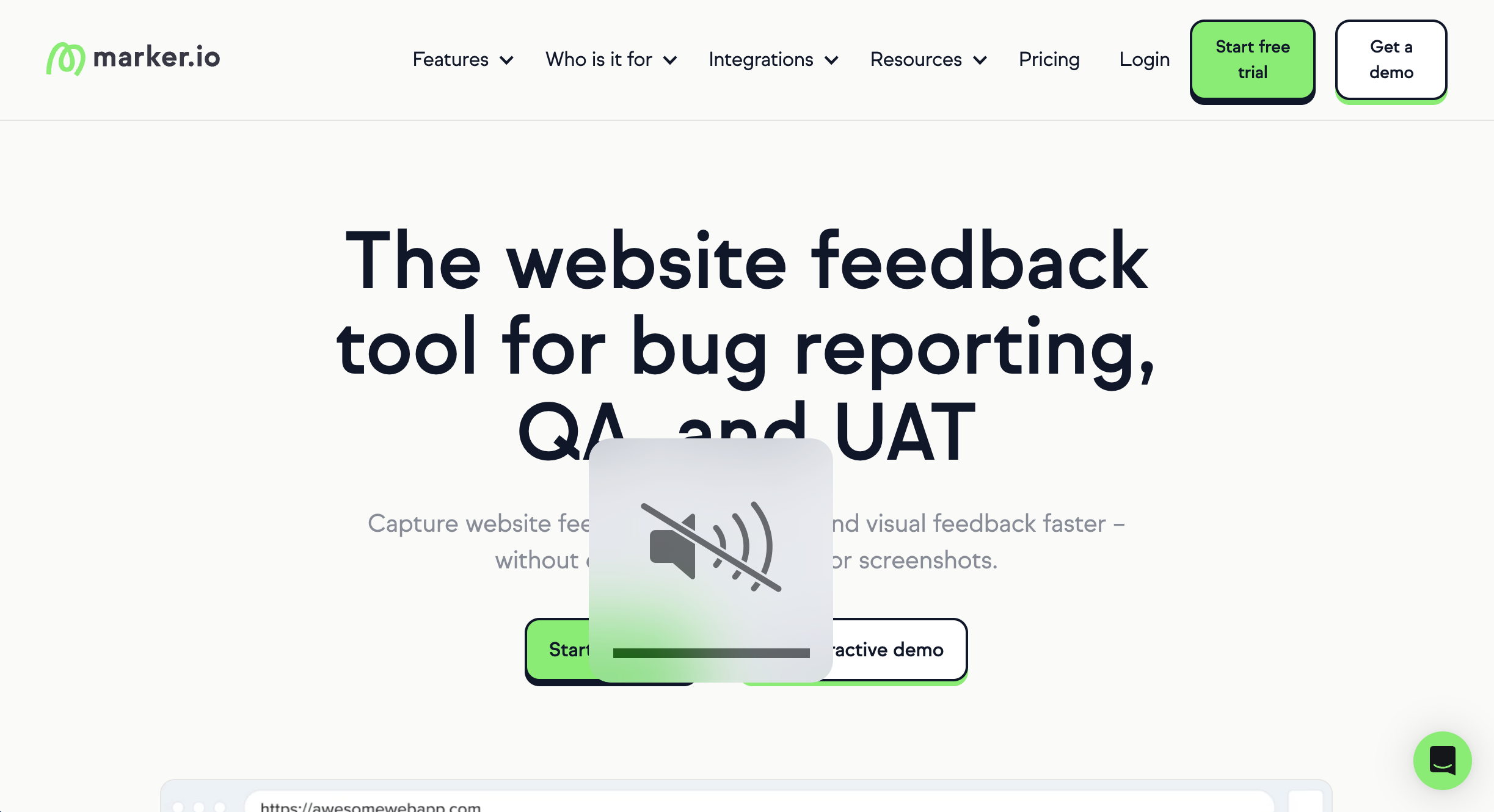
Marker.io is best for teams that need to collect feedback and send bug reports into existing workflows because it integrates deeply with tools like Jira and ClickUp. It is less suited to client-facing collaboration and approvals.
Who is Marker.io designed for?
QA teams, developers, and product teams who need to collect user feedback and sync it with project management tools.
What are the key features of Marker.io?
- Visual feedback plugin for websites
- Sends bug reports to Jira, Trello, ClickUp, Asana
- Captures screenshots, console logs, and environment data
- Customizable feedback widget
What are the Pros and Cons of Marker.io?
Marker.io Pros
- Strong integrations with dev tools
- High-quality bug reports with technical data
Marker.io Cons
- Less focused on client collaboration UX
- No free plan
How much does Marker.io cost?
- Starter: $59/month
- Team: $199/month
- Business: Custom pricing
Does Marker.io offer a free trial?
Yes, Marker.io offers a 15-day free trial.
#3. Usersnap

Usersnap is best for product teams that want to collect user feedback and run surveys because it combines visual feedback with analytics and user surveys. It is less suited to simple or lightweight feedback use cases.
Who is Usersnap designed for?
Usersnap is designed for SaaS and product and UX teams that want to collect user feedback directly from websites while also gathering insights like surveys and user behavior.
What are the key features of Usersnap?
- Screenshot capture
- Feedback widgets embedded in websites
- User surveys and feedback forms
- Session tracking and user insights
What are the Pros and Cons of Usersnap?
Usersnap Pros:
- Combines feedback with user insights
- Strong for product teams
Usersnap Cons:
- More complex setup
- Can be expensive
- Not ideal for small teams
How much does Usersnap cost?
- Starter: $53/month
- Growth: $121/month
- Professional: $216/month
- Premium: $432/month
Does Usersnap offer a free trial?
Yes, Usersnap offers a free trial.
#4. Userback
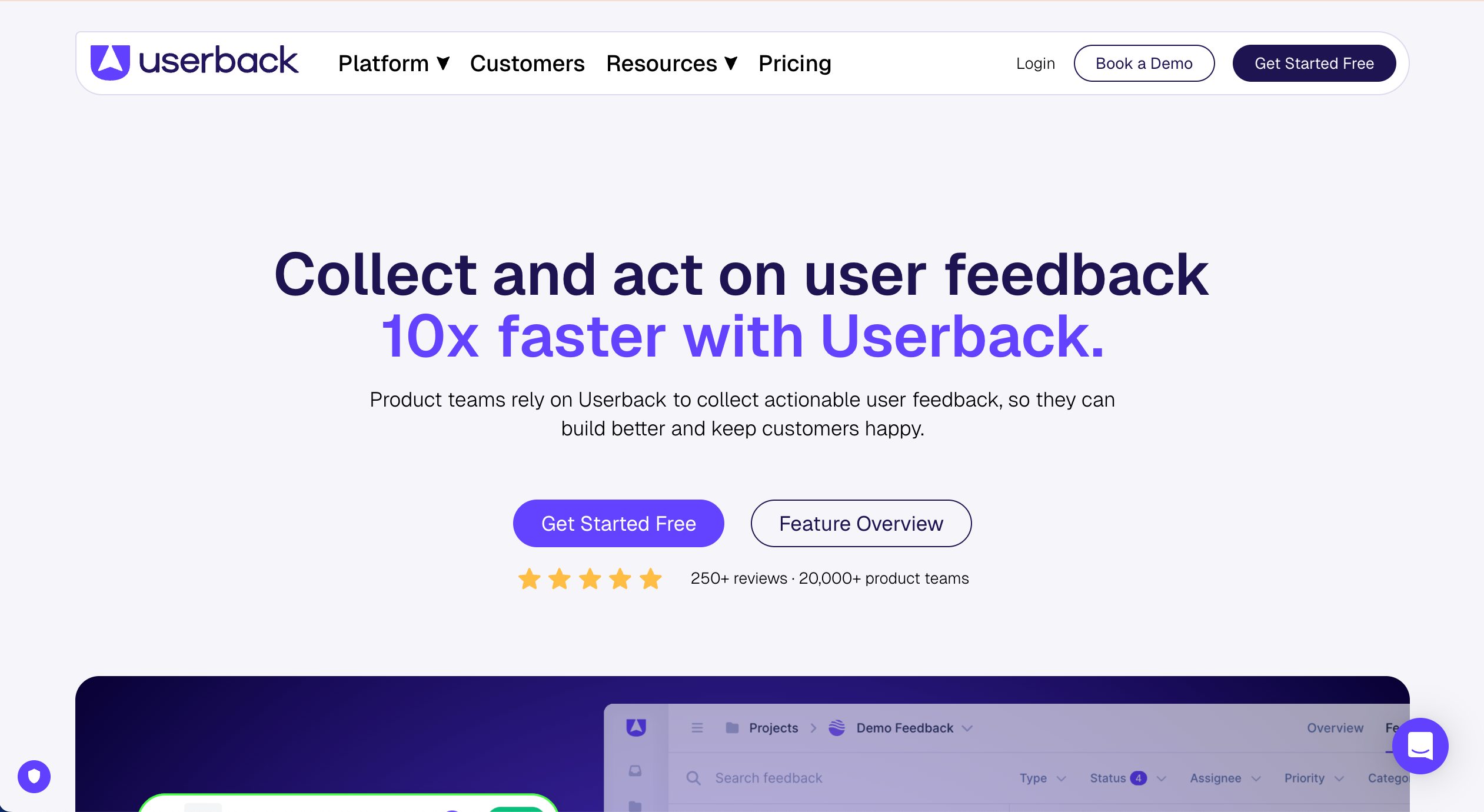
Userback is best for teams that want flexible ways to collect feedback because it supports screenshots, video, and surveys in one platform. It is less suited to teams that only need simple visual feedback.
Who is Userback designed for?
Userback is designed for product managers, customer support teams, and developers building web applications.
What are the key features of Userback?
- Visual feedback with screenshots
- Video and session replay
- Surveys and feedback forms
- Public feedback boards
What are the Pros and Cons of Userback?
Userback Pros:
- Multiple ways to collect user feedback
- Includes session replay
Userback Cons:
- UI can be dense for simple agency work
- Can be feature-heavy
- Pricing scales per user
How much does Userback cost?
- Free Forever: Free
- Team: $9/month
- Business: $19/month
- Business Plus: $29/month
Does Userback offer a free trial?
Userback offers a free plan
#5. Atarim

Atarim is best for WordPress teams managing multiple client sites because it centralizes client feedback and workflows across projects. It is less suited to non-WordPress environments.
Who is Atarim designed for?
Atarim is designed for WordPress teams that want to manage feedback and tasks directly within client websites.
What are the key features of Atarim?
- WordPress-native annotation
- Task management dashboard
- Client collaboration tools
What are the Pros and Cons of Atarim?
Atarim Pros:
- Built for WordPress workflows
- Onboarding is simple
Atarim Cons:
- Limited outside WordPress
- More complex setup
How much does Atarim cost?
- Free: $0/month (very limited)
- Pro: $29/seat/month
- Business: $42/seat/month
- Enterprise: Contact Sales
Does Atarim offer a free trial?
Atarim offers a free plan.
#6. SureFeedback

SureFeedback is best for WordPress teams that need structured client feedback and approvals because it focuses on review workflows inside WordPress. It is less suited to advanced integrations or large-scale workflows.
Who is SureFeedback designed for?
SureFeedback is designed for freelancers and WordPress teams managing approvals and feedback.
What are the key features of SureFeedback?
- Visual feedback on websites
- Approval workflows
- Centralized dashboard
- WordPress integration
What are the Pros and Cons of SureFeedback?
SureFeedback Pros
- Strong for client feedback
- Simple interface
SureFeedback Cons
- No free plan
- Smaller ecosystem
How much does SureFeedback cost?
- Starter: $25/month
- Professional: $42/month
- Business: $84/month
Does SureFeedback offer a free trial?
No, SureFeedback does not offer a free trial nor a free plan.
#7. Ybug

Ybug is best for teams that want a simple feedback widget to collect feedback because it’s lightweight and easy to install. It is less suited to agencies and web teams that work on multiple websites and that require full workflow management.
Who is Ybug designed for?
Ybug is designed for teams wanting quick feedback from website visitors.
What are the key features of Ybug?
- Embedded feedback widget
- Screenshot capture
- Console logs
- Simple setup
What are the Pros and Cons of Ybug?
Ybug Pros
- Easy to implement
- Lightweight
Ybug Cons
- Limited features
- No task management
How much does Ybug cost?
- Free: $0/month
- Basic: $15/month
- Startup: $34/month
- Company: $69/month
Does Ybug offer a free trial?
Yes, 10-day trial
#8. Gleap

Gleap is best for product teams that want an all-in-one platform for user feedback, support, and analytics because it combines multiple tools in one. It is less suited to teams focused only on website QA.
Who is Gleap designed for?
SaaS and product-led teams focused on user engagement.
What are the key features of Gleap?
- Bug tracking and visual feedback
- Live chat
- Session replay
- Feedback boards
What are the Pros and Cons of Gleap?
Gleap Pros
- Strong for product workflows
- All-in-one platform
Gleap Cons
- More features than needed
- Not WordPress-specific
How much does Gleap cost?
- Hobby plan: $39/month
- Team plan: $149/month
- Enterprise plan: from $999/month
Does Gleap offer a free trial?
Yes, Gleap offers a free 14-day trial.
#9. WP Activity Log

WP Activity Log is best for monitoring changes on a WordPress site because it provides detailed activity tracking and audit logs. It is less suited to collecting user feedback.
Who is WP Activity Log designed for?
Admins and teams needing visibility into site activity.
What are the key features of WP Activity Log?
- Activity logs
- User tracking
- Security monitoring
- Email alerts
What are the Pros and Cons of WP Activity Log?
WP Activity Log Pros
- Strong monitoring
- Improves issue tracking
WP Activity Log Cons
- No feedback collection
- Not a visual tool
How much does WP Activity Log cost?
- Free: $0/month
- Premium: from $139/year
- Enterprise: from $189/year
- Enterprise Support+ : from $249/year
Does WP Activity Log offer a free trial?
WP Activity Log offers a free open-source version of the tool.
#10. Feedbucket
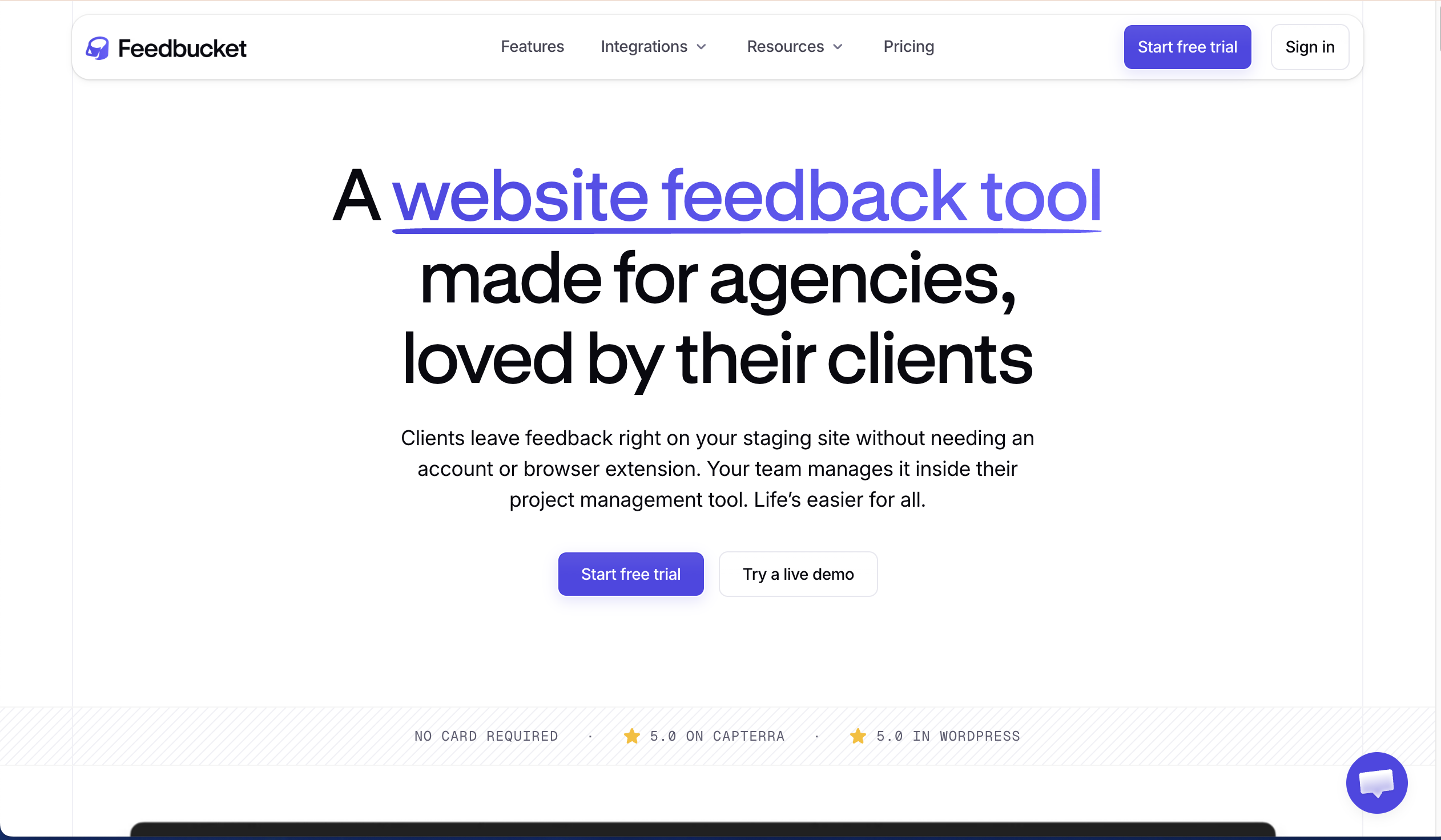
Feedbucket is best for teams that want a simple way to collect feedback because it offers an easy interface for non-technical users. It is less suited to agencies and advanced workflows.
Who is Feedbucket designed for?
Feedbucket is designed for teams needing simple client feedback tools.
What are the key features of Feedbucket?
- Simple UI for clients
- Basic task tracking
What are the Pros and Cons of Feedbucket?
Feedbucket Pros:
- Visual feedback
- Simple UX
- Basic task tracking
Feedbucket Cons:
- Too basic for agencies
- Limited advanced features and integrations
How much does Feedbucket cost?
- Pro: $49/month
- Business: $89/month
- Custom: Contact Sales
Does Feedbucket offer a free trial?
Yes, Feedbucket offers a free 14-day trial.
#11. Webvizio

Webvizio is best for teams that want both visual feedback and task management because it combines annotation with workflow tools. It is less suited to teams needing deep integrations with their current PM and other tools.
Who is Webvizio designed for?
Webvizio is designed for developers and teams needing combined feedback and task management.
What are the key features of Webvizio?
- Website annotation
- Task and workflow management
- Team collaboration
What are the Pros and Cons of Webvizio?
Webvizio Pros:
- All-in-one platform
- Flexible workflows
Webvizio Cons:
- Can feel complex
- Less intuitive for clients
How much does Webvizio cost?
- Solo: $10/month
- Starter: $35/month
- Advanced: $57/month
- Enterprise: Contact Sales
Does Webvizio offer a free trial?
Yes, Webvizio offers a free trial.
#12. Ninja Forms

Ninja Forms is best for teams that want to collect user feedback through feedback forms because it offers a flexible drag-and-drop form builder. It is less suited to visual feedback and bug tracking.
Who is Ninja Forms designed for?
WordPress users wanting to create forms and collect feedback.
What are the key features of Ninja Forms?
- Drag-and-drop form builder
- Custom form fields
- Conditional logic
- Payment forms
What are the Pros and Cons of Ninja Forms?
Ninja Forms Pros
- Easy to use
- Flexible
Ninja Forms Cons
- No visual feedback
- Not built for bug tracking
How much does Ninja Forms cost?
- Core: $0/month
- Plus: $99/month
- Pro: $199/month
- Elite: $499/month
Does Ninja Forms offer a free trial?
Ninja Forms offers a free plan.
#13. Reviso
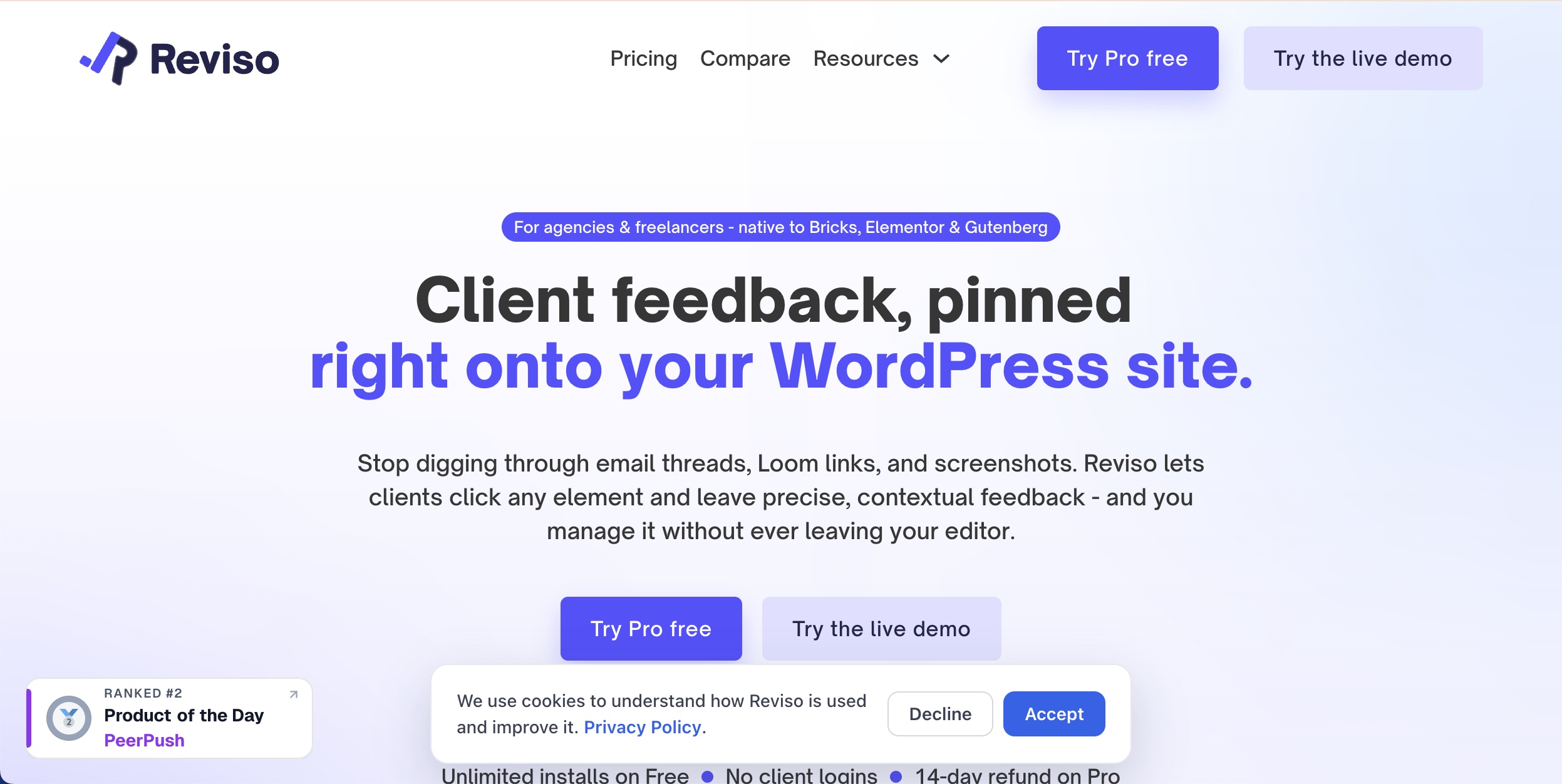
Reviso is best for WordPress agencies and freelancers that want to collect visual client feedback and approvals directly on their WordPress websites. It is particularly well suited to teams using Bricks, Elementor or Gutenberg, but works with any WordPress theme or site. It is less suited to teams that need a platform designed to work across non-WordPress websites.
Who is Reviso designed for?
WordPress agencies, freelancers and development teams that need to collect client feedback, manage revisions and get website pages approved.
What are the key features of Reviso?
- Pinned visual comments directly on WordPress pages
- Automatic screenshots and browser context
- Client approvals and sign-off
- No client login required
What are the Pros and Cons of Reviso?
Reviso Pros:
- Purpose-built for WordPress client feedback and approvals
- Free version includes visual comments, screenshots and approvals
- Feedback data is stored on your own WordPress site
- Clients can provide feedback without creating an account
Reviso Cons:
- Primarily designed for WordPress workflows
- Multi-page reviews, integrations and some advanced features require a paid plan
How much does Reviso cost?
- Free: $0
- Pro: $9/month or $89/year
- Agency: $29/month or $279/year
- Founder: $449 one-time payment
Does Reviso offer a free trial?
Yes. Reviso has a free version, and the Pro and Agency plans offer a 14-day free trial.
#14. Spotfix
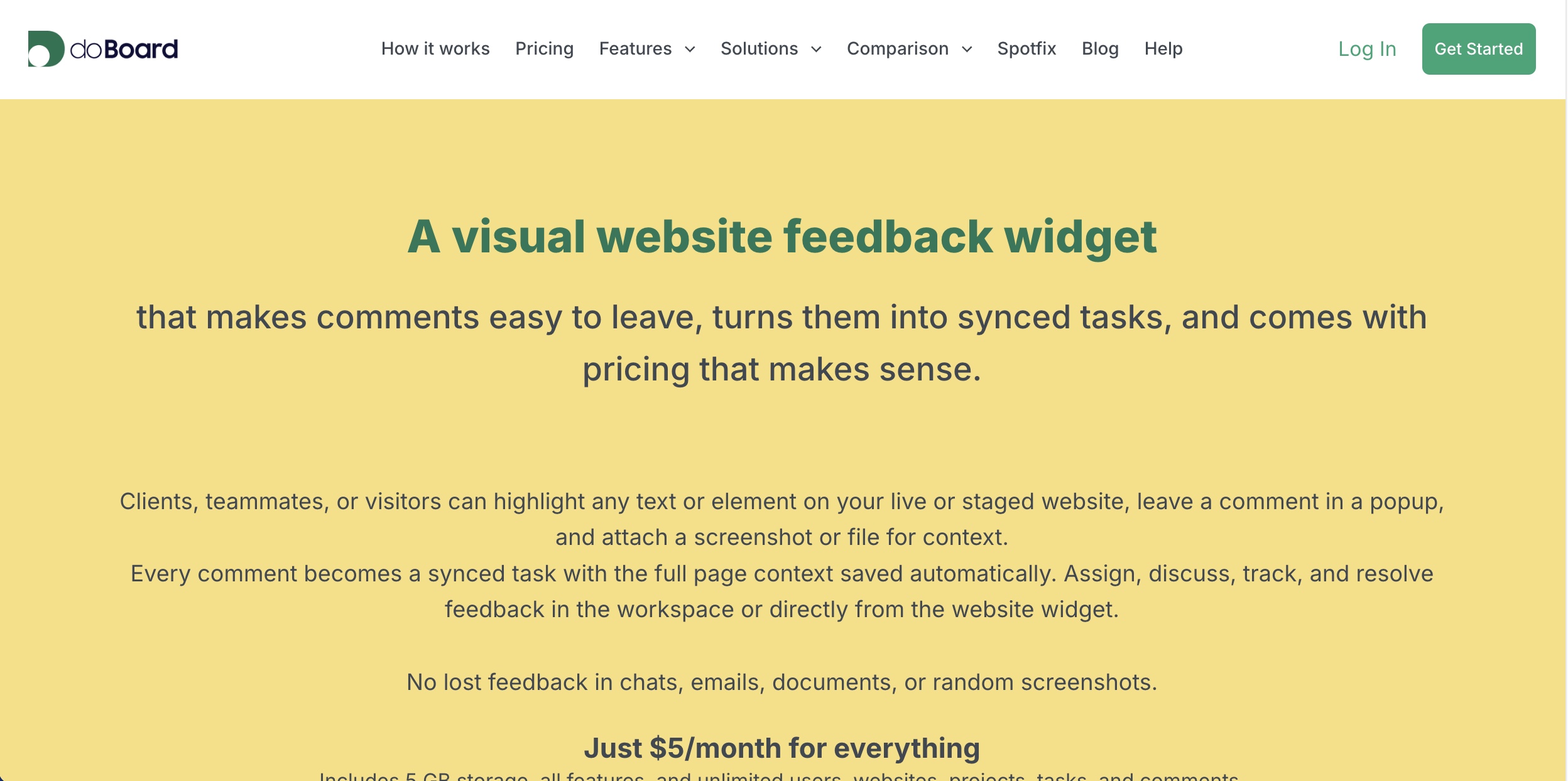
Spotfix is best for WordPress teams that want a simple visual feedback and bug reporting widget at a low monthly price. Clients, team members or website visitors can highlight an element, leave a comment and attach supporting files, with each submission turned into a task. It is less suited to teams looking for advanced website approval workflows.
Who is Spotfix designed for?
Website owners, WordPress teams, agencies and developers that want to collect contextual feedback, bug reports and change requests directly from a website.
What are the key features of Spotfix?
- On-page visual feedback widget
- Highlight specific text or website elements
- Bug reports and change requests
- Screenshot and file attachments
- Automatic page URL and element context
- Feedback converted into structured tasks
- Task assignment, discussion and status tracking
- Can be restricted to clients and team members or opened to website visitors
What are the Pros and Cons of Spotfix?
Spotfix Pros
- Low starting price
- Unlimited users, websites, projects, tasks and comments
- Simple contextual feedback workflow
- Dedicated WordPress plugin available
Spotfix Cons
- Requires the external doBoard workspace to manage feedback
- Less focused on formal client approvals and sign-off
- Not a WordPress-only tool
How much does Spotfix cost?
- Spotfix: $5/month, including 5 GB of storage
- Additional cost only applies if more storage is required
Does Spotfix offer a free trial?
Yes. Spotfix offers a 7-day free trial with no credit card required.
#15. Annotix
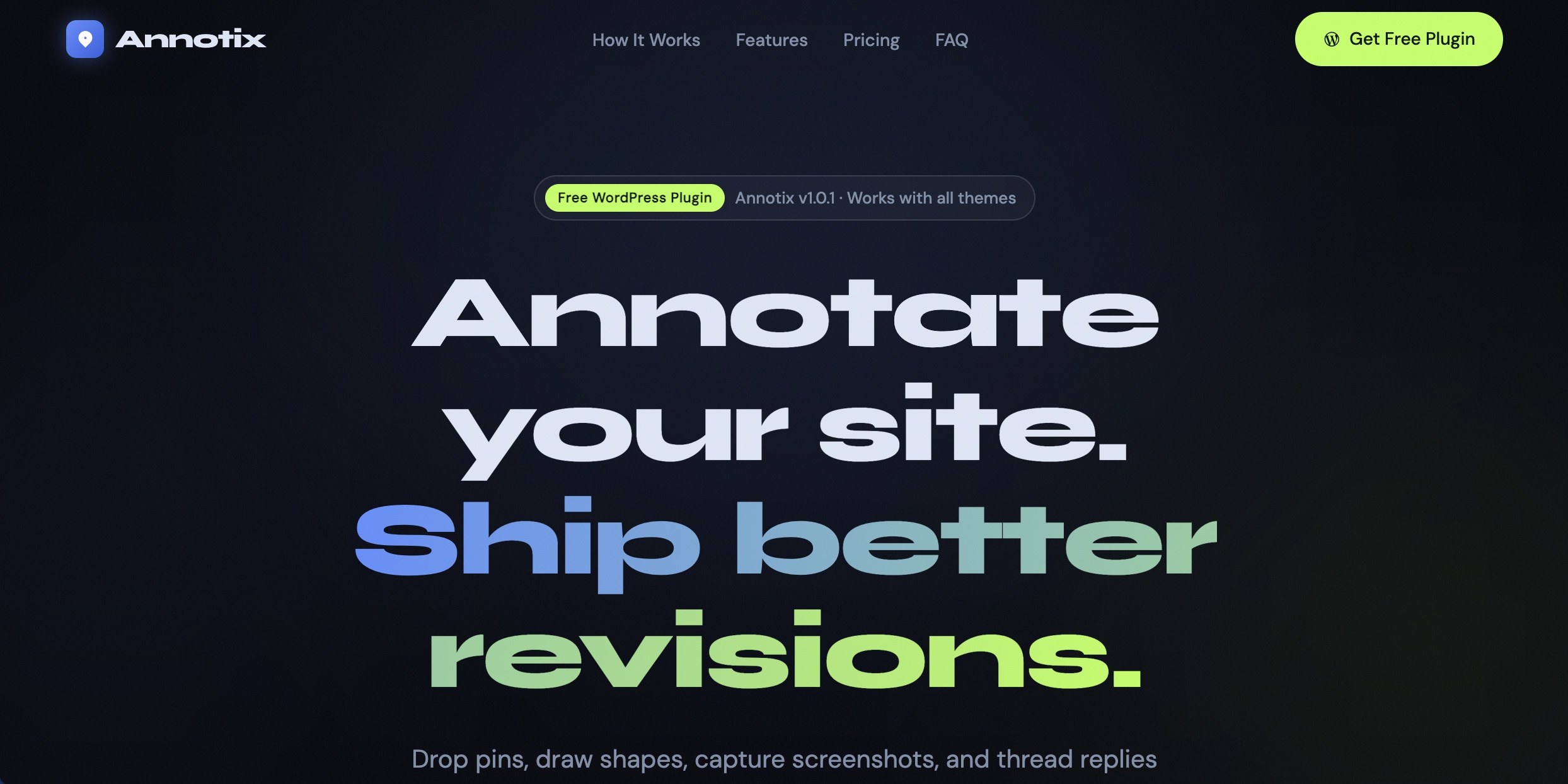
Annotix is best for WordPress agencies, freelancers and internal teams that want a self-hosted visual feedback tool. Users can annotate pages, capture screenshots, assign feedback and track its status without leaving the WordPress website. It is less suited to teams that need extensive integrations with external project management platforms.
Who is Annotix designed for?
Small WordPress agencies, freelancers and internal teams that want to collect and manage visual website feedback directly inside WordPress.
What are the key features of Annotix?
- Click-to-annotate feedback pins
- Area selection and screenshot capture
- Drawing tools including arrows, rectangles and circles
- Priority levels and task assignment
- Threaded replies and status tracking
- Guest feedback links for clients
- File attachments and @mentions
- Email notifications
What are the Pros and Cons of Annotix?
Annotix Pros
- Free and self-hosted
- Feedback stays within the WordPress site
- Combines visual annotation with assignment and status tracking
- Works with different WordPress themes and page builders
Annotix Cons
- Less suited to non-WordPress websites
- Smaller and newer plugin with no WordPress.org reviews currently
- External workflow integrations are limited in the current free version
How much does Annotix cost?
- Core: Free
- Pro: $49/year – planned, not currently available
- Agency: $99/year – planned, not currently available
Does Annotix offer a free trial?
Annotix does not need a free trial because its current Core WordPress plugin is free to use. Its website states that the planned Pro and Agency versions have not yet been released.
How Does BugHerd Compare to Marker.io, Usersnap and Userback?
BugHerd, Marker.io, Usersnap and Userback all help teams collect website feedback, but they are designed for different workflows. BugHerd is best suited to agencies and web development teams that need simple client-facing visual feedback combined with built-in task management, while Marker.io is stronger for teams that want feedback pushed into existing project management tools. Usersnap and Userback offer broader user feedback capabilities, including surveys.
BugHerd vs Marker.io: Which is better?
For web agencies looking for a Marker.io alternative for WordPress feedback, BugHerd is a strong choice when client-friendly visual feedback and built-in task management are priorities. BugHerd is better suited to agencies and web teams that want to collect client feedback and manage it within the same platform. Clients can pin visual feedback directly to a website, while BugHerd captures technical context and turns each comment into a task on its built-in Kanban board.
Marker.io is better suited to development and QA teams that already manage work in tools such as Jira, ClickUp, Trello or Asana. Its strength is capturing detailed bug reports and sending them into an existing project management workflow.
Choose BugHerd for client collaboration and built-in task management. Choose Marker.io if integration with an existing development workflow is your priority.
BugHerd vs Usersnap: Which is better?
BugHerd is better suited to agencies and web development teams managing website QA and client reviews, with point-and-click visual feedback, automatic technical context and built-in task management.
Usersnap is better suited to SaaS, product and UX teams that want broader user feedback capabilities. In addition to visual website feedback, Usersnap supports feedback widgets, surveys and other methods of gathering user insights.
Choose BugHerd for website feedback, client reviews and bug tracking. Choose Usersnap when your priority is ongoing product feedback and user research.
BugHerd vs Userback: Which is better?
BugHerd is better suited to agencies and web teams that want a straightforward workflow for collecting client feedback and turning it into actionable website tasks. Its focus is visual website feedback, technical context and task management.
Userback is better suited to product teams that want multiple ways to collect user feedback. It combines visual feedback with features such as video feedback, session replay, surveys and feedback boards.
Choose BugHerd for a focused website feedback and client collaboration workflow. Choose Userback if you need a broader range of product and user feedback tools.
Which WordPress Plugins for Website Feedback & Bug Tracking are Best for Web Dev Agencies and Teams?
The best WordPress feedback plugin is one that fits seamlessly into your workflow.
There are several strong options depending on your needs. Tools like Marker.io are ideal for teams heavily invested in project management tool, while Atarim is well suited to WordPress specific teams & freelancers. Usersnap and Userback offer more flexible feedback collection, combining visual feedback, surveys, and feedback widgets to gather insights from website visitors. If you prefer to gather feedback using forms and surveys, then NinjaForms is the top choice.
However for website feedback and bug tracking, BugHerd stands out as the best overall solution for agencies and web development teams.
It’s specifically designed to collect visual feedback directly on a live or staging website, allowing clients and team members to submit feedback by simply clicking on a web page and pinning feedback right where an issue occurs. Every piece of feedback is automatically enriched with technical details like browser, URL, and screen size, then turned into a task in a built-in Kanban-style ticketing system, making it easy to track progress and manage work without switching tools.
If your team regularly handles website QA, client reviews, and ongoing WordPress projects, BugHerd offers the most complete way to collect feedback, streamline collaboration, and deliver faster bug fixes with less back-and-forth.
Start a free 7-day trial of BugHerd and see how much faster your website feedback process can be. You can also book a 1:1 demo with a BugHerd product specialist to see exactly how it fits into your agency's specific workflow.
"BugHerd is bug tracking at its best form, simple and fast." - Software Finder BugHerd review
"Reduced website bug resolution time by more than 75%."
75% faster bug resolution — Read Manifest's story
"Saved 1,000+ hours a year on website projects with BugHerd."
1,000+ hours saved annually — Read Redback's story
"BugHerd probably saves us at least 3-4hrs per week."
3-4 hours saved per week, per team member — Read BOP Design's story

Frequently Asked Questions About WordPress Plugins for Website Feedback & Bug Tracking
How do WordPress website feedback plugins work?
Most WordPress user feedback plugins and tools let users submit feedback directly on your WordPress website. Some use visual feedback, where users click on a page, while others rely on feedback forms, user surveys, or a feedback widget to gather input from website visitors.
BugHerd’s WordPress plugin removes the need to add code to your website. Simply install the plugin once, then turn it on and off as required. You can use BugHerd on both your websites and the WordPress Admin.
Can BugHerd integrate with project management tools like Jira and Asana?
Yes. BugHerd integrates with Jira and Asana, as well as Trello, ClickUp, monday.com, Linear and GitHub. Feedback collected in BugHerd can be sent to your project management tool as a task. It arrives with the screenshot and technical details already attached, including browser, OS and URL. Because the integrations are two-way, your team can keep working in the tools they already use while clients keep leaving feedback with BugHerd's simple point-and-click interface. See the full list of BugHerd integrations.
What’s the difference between visual feedback tools and feedback forms?
Visual feedback tools let users click on a page to provide feedback in context, while feedback forms are better for structured responses like surveys or a Net Promoter Score. Many teams use both to collect feedback and gain deeper insights.
What is the difference between a native WordPress feedback plugin and a JavaScript feedback widget?
A native WordPress feedback plugin runs entirely inside your WordPress site. Feedback is collected, stored and managed from the WordPress dashboard, which works well for teams who build only in WordPress and want everything in one place. SureFeedback, Reviso and Annotix all work this way.
A JavaScript feedback widget is a small script that loads a feedback tool on top of your web page. Feedback goes to the tool's own platform instead of being stored in WordPress, so you can use the same tool on any website, whatever it's built on. That makes widgets a better fit for agencies managing client sites across different platforms. BugHerd uses the widget approach, and the BugHerd WordPress plugin adds the script for you, so you don't need to touch any code.
Can I collect feedback from website visitors without technical knowledge?
Yes. Most modern user feedback plugins are designed to be easy to use, even for non-technical users. Tools with a feedback button or widget allow anyone to start collecting feedback directly without needing coding skills or technical knowledge.
Do WordPress feedback tools support email notifications?
Yes, many tools include email notification features so teams are alerted when users submit feedback. This helps teams respond faster and stay on top of new bug reports or client feedback.
Are there free versions of WordPress feedback plugins?
Some tools offer a free version or free plan, while others only provide a trial before requiring a premium version. Free plans are usually limited in features, projects, or the number of users.
Can I use feedback plugins on specific devices or pages?
Yes. Many tools support page level targeting and allow feedback collection on specific devices or pages. This helps teams focus on key areas of their WordPress site and gather more relevant insights.
Can I customize feedback forms and surveys?
Yes. Tools like Ninja Forms let you customize forms, add different form fields, and use conditional logic. Some tools also allow an unlimited number of submissions or even unlimited questions, depending on the plan.

Marina Domoney
Marina Domoney is Marketing Communications Lead at BugHerd and a senior B2B marketer with 20+ years’ experience in SaaS and website delivery workflows. She’s worked closely with agencies, creative teams, and developers across countless web projects, giving her practical expertise in design and website feedback, approvals, and client collaboration.
Try BugHerd on your site
See feedback in context
Click anywhere to leave feedback directly on your website.











But don't just take our word for it.
BugHerd is loved by 10,000+ companies,
350,000+ users across 172 countries.
4.8/5
4.7/5
4.5/5
5/5
8.7/10
Sam Duncan 📱📏 🌱
@SamWPaquet
"@bugherd where have you been all my life??
We just migrated our bug tracking over from Asana and have at least halved our software testing time🪳👏📈. "
Ashley Groenveld
Project Manager
“I use BugHerd all day every day. It has sped up our implementation tenfold.”
Sasha Shevelev
Webcoda Co-founder
"Before Bugherd, clients would try to send screenshots with scribbles we couldn't decipher or dozens of emails with issues we were often unable to recreate."
Mark B
Developer
“A no-brainer purchase for any agency or development team.”
Kate L
Director of Operations
"Vital tool for our digital marketing agency.”
Paul Tegall
Delivery Manager
"Loving BugHerd! It's making collecting feedback from non-tech users so much easier."
Daniel Billingham
Senior Product Designer
“The ideal feedback and collaboration tool that supports the needs of clients, designers, project managers, and developers.”
Chris S
CEO & Creative Director
“Our clients LOVE it”
Emily VonSydow
Web Development Director
“BugHerd probably saves us
at least 3-4hrs per week.”