

Contents
- Key Takeaways
- Quick Answer: What is Online Proofing Software for Website Content?
- Why Using Online Proofing Software Matters When Reviewing Website Content
- How to Choose an Online Proofing Platform for Your Content Review Process
- What to Look for in Your Review and Approval Process
- Comparing Online Proofing Software for Website Content
- The Best Online Proofing Software for Website Content Review in 2026
- Which Online Proofing Software Is Best for Your Content Review Process?
- FAQs
Key Takeaways
- Online proofing software lets reviewers comment directly on the exact piece of website content they're flagging, instead of describing it in an email or spreadsheet. Visual annotations are less ambiguous than written instructions.
- For website content review specifically, look for in-page markup on live or staging URLs, not just uploaded images, PDFs, or annotation tools built for a content management system rather than a live page.
- BugHerd leads this list for website content review: it's purpose-built for pinning feedback to live and staging pages, with technical detail captured automatically, helping teams streamline collaboration between clients and developers.
- You need to have a robust content review process with more than a comment box: version control, automated workflows, and a clear review stage matter just as much as the markup itself, and all support high quality content and content quality over time. Faster approvals mean quicker project completion, which also protects engagement metrics once content goes live.
- Pricing models vary widely, from flat per-team rates to per-seat plans, so the "best value" answer depends on your team size.
Quick Answer: What is Online Proofing Software for Website Content?
Online proofing software for website content lets teams review, comment on, and approve copy, images, links, and other page elements in one place. Reviewers can leave feedback directly on live or staging web pages, keeping comments tied to the relevant content. This helps agencies and web teams centralize feedback, reduce revision cycles, and streamline the review and approval process.
Why Using Online Proofing Software Matters When Reviewing Website Content
Getting a client or stakeholder to review website content usually means chasing feedback across email, Google Docs comments (even with a Google Apps Script workaround bolted on), and screenshots, with scattered feedback landing in multiple different threads before anyone acts on it. Online proofing software fixes the unwieldy spread of feedback by giving marketing teams and content teams a single platform where reviewers mark up copy, images, links, and other digital assets right where they appear on the page, whether that's a live URL or a page still sitting inside a content management system (CMS). Centralized feedback reduces confusion, reduces errors, and speeds up revisions.
Adobe highlights the value of this approach, noting that teams can “centralize content feedback for more collaborative reviews and quicker turnaround.”
Agencies have used dedicated proofing software platforms to streamline collaboration between clients and developers for over a decade, and this guide ranks the best online proofing platforms for reviewing website content specifically (not print, video, or general design critique - for those, see our best online proofing tools roundup, or our online proofing for all deliverables BugHerd use case), so you can shortlist the right one for your content review process.
How to Choose an Online Proofing Platform for Your Content Review Process
For a full walkthrough of structuring reviews end to end, see our website proofing workflow.
What to Look For in Your Review and Approval Process
- In-page markup on live URLs. Comments pinned to the actual sentence, image, or broken link, not a general thread about "the homepage". Annotation tools should work on the page itself, not just a screenshot of it.
- No login required for reviewers. Clients and external stakeholders should be able to leave feedback from a shared link, no account setup needed.
- Threaded comments with resolution status. So nothing gets missed, and nothing gets fixed twice, as you review content across every review stage.
- Version control and version history. Comparing previous versions and the ability to track versions of a page reduces risk on anything going out under tight deadlines.
- Integration with your dev or design workflow. Sync or export into Jira, Asana, Trello, or whatever project management software your team already runs on.
- Responsive and cross-browser support. Feedback software should work the way your visitors will experience the site, including on mobile breakpoints, to protect brand consistency across devices.
- Support for regular content audits. Look for software that makes recurring content audits easy, not just a one-off pre-launch review.
For more detail on structuring each stage, see our guide to online proofing workflows for faster web content reviews.
Comparing the Online Proofing Software Platforms for Website Content
The table below follows the same ranking as the full list further down, not alphabetical order. Every figure comes from each vendor's current pricing page, but software pricing changes often, so confirm directly with the vendor before you buy.
The Best Online Proofing Software for Website Content Review in 2026
1. BugHerd
BugHerd is the best online proofing software for reviewing website content because it lets reviewers click directly on the page element that needs a change, and captures the browser, screen size, and page context automatically, so nothing gets lost between your client and your dev team; helping teams streamline collaboration on live and staging pages.
Who is BugHerd designed for?
Web agencies and in-house web teams collecting content feedback from clients and stakeholders who don't necessarily need any technical know-how to leave a comment.
What are the key features of BugHerd for website content review?
- Point-and-click feedback, pinning comments directly on the live or staging page, keeping feedback matched to a team's brand voice and target audience
- Automatic screenshot and technical user details captured with every comment
- Feedback converts straight into a Kanban task board, with automated notifications keeping internal teams and external stakeholders on the same page
- No login or account set up required for clients
- AI-powered task management, including Auto-title Generation, Auto-tagging, and Similar Task Detection to help teams organize and triage feedback faster
- BugHerd MCP connectivity, which lets teams connect BugHerd with AI tools such as ChatGPT, Claude Code, and Cursor to triage feedback, action fixes, and update tasks
What are the pros and cons of BugHerd?
BugHerd pros
- Purpose-built for website review rather than adapted from general design software, keeping digital content on-brand
- Reviewers need zero setup to leave feedback from a shared link
BugHerd cons
- Per-seat pricing means costs climb as a team adds more members
- Not built for reviewing print materials or standalone documents
How much does BugHerd cost?
- Standard: $42/month
- Studio: $67/month
- Premium: $125/month
- Custom pricing for larger teams
Find out more about what's included in each of the BugHerd pricing plans.
Does BugHerd offer a free trial?
Yes, BugHerd offers a 7-day free trial, no credit card required, with every feature included.
#2. GoVisually
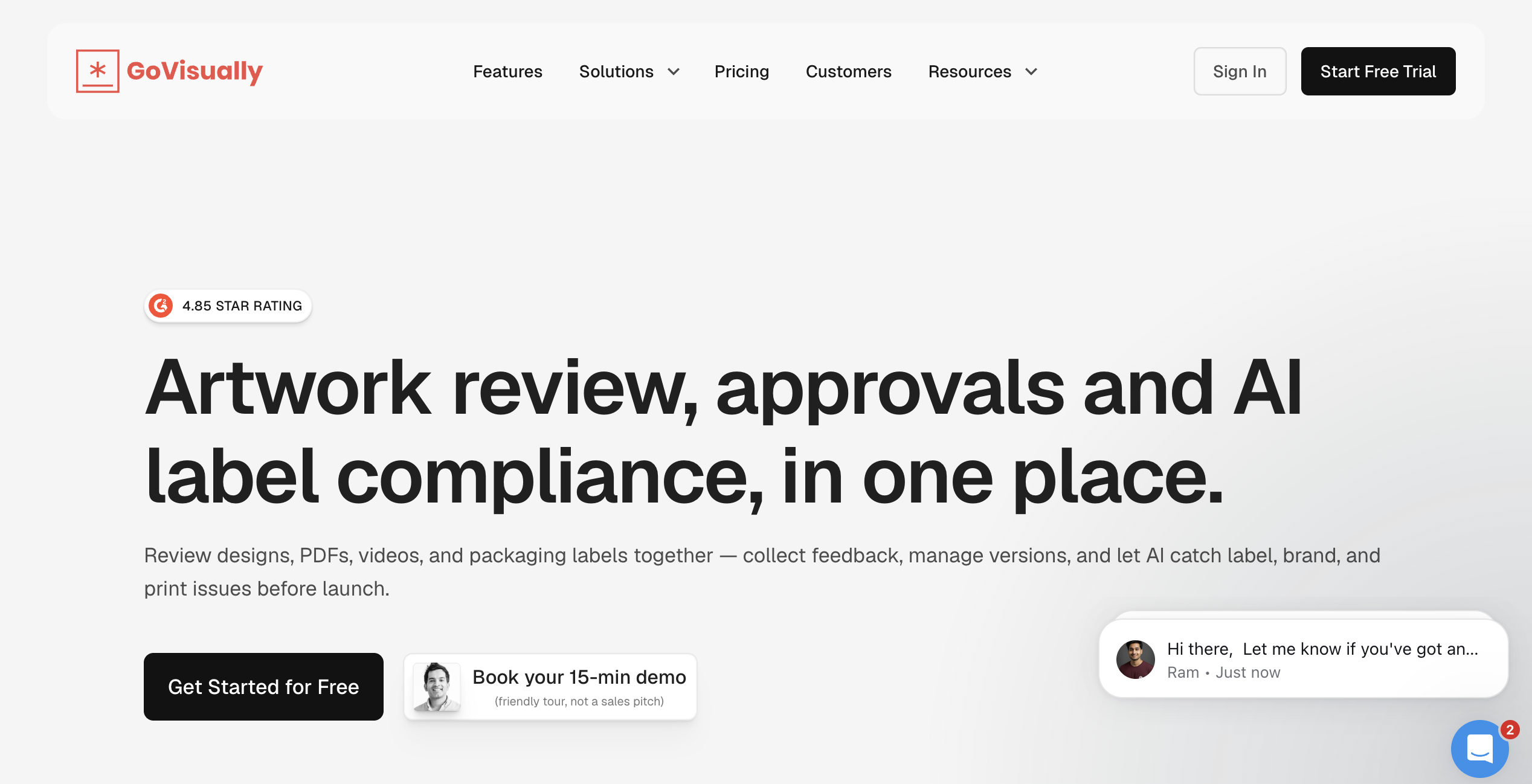
GoVisually covers a wide range of creative assets, images, PDFs, and video, with a strong footprint in packaging and label compliance for CPG brands. It also supports layout and design comments alongside content annotation. Website content review sits alongside that broader creative-review focus rather than being GoVisually's primary use case.
Who is GoVisually designed for?
Marketing and creative teams reviewing a mix of design files, video, and packaging artwork.
What are the key features of GoVisually for website content review?
- Annotation on uploaded screenshots and image exports of web pages, with version history across multiple revisions
- Native Adobe Creative Cloud integration for teams whose web banners and campaign assets start in design software
- Unlimited external reviewers on paid plans
- Zapier integration for connecting to project management software like Asana and Trello
What are the pros and cons of GoVisually?
GoVisually pros
- Broad file-type support if your team reviews more than just web pages
- Clean, low-learning-curve interface for non-technical reviewers
GoVisually cons
- Per-user pricing on both tiers
- Live in-page markup on an actual URL isn't the core workflow
How much does GoVisually cost?
- Lite: from $16/month
- Pro: from $33/month
Does GoVisually offer a free trial?
Yes, no credit card required.
#3. PageProof
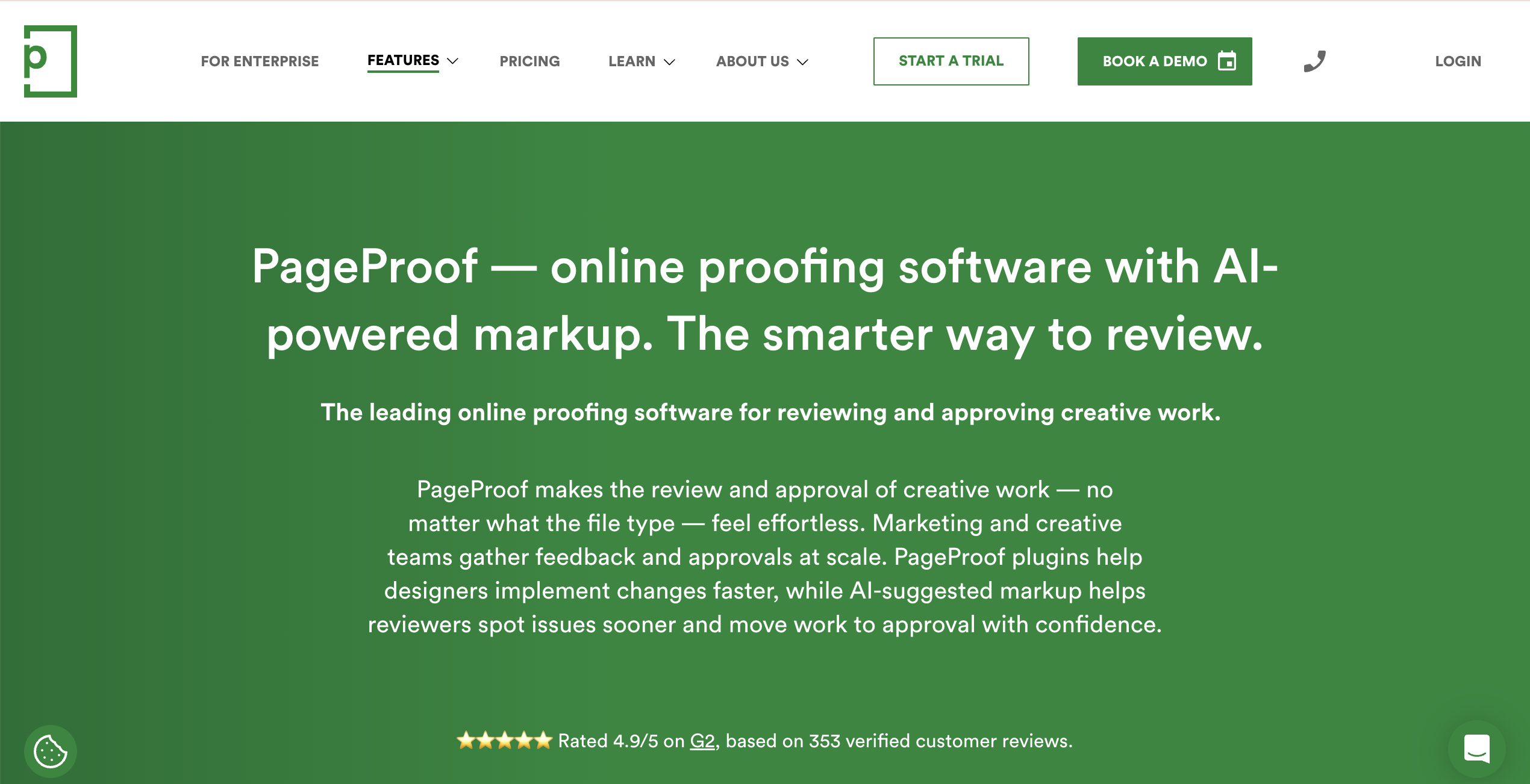
PageProof's strength is proofing structured file types: documents, email templates, and HTML, alongside images and video. It can also proof HTML web pages, though its workflow is built around a proofing queue rather than pinning comments to a live, browsable site. PageProof also uses AI to suggest markup on proofs, flagging spelling, layout, and brand-compliance issues before a reviewer opens the file. Every plan includes the same review and approval toolset, so smaller teams aren't locked out of core features.
Who is PageProof designed for?
Teams that proof a mix of documents, email campaigns, and web content and want one flat-rate platform covering all of it, including regulated industries that need a documented approval process.
What are the key features of PageProof for website content review?
- Proofing support for HTML and email-template content, across a wide range of file formats
- AI-suggested markup that flags likely spelling, layout, and brand-compliance issues automatically
- Unlimited reviewers and file types on every plan
- Workflow templates for repeatable approval chains
- Enterprise features like security and role-based permissions built into every tier
What are the pros and cons of PageProof?
PageProof pros
- Flat team pricing rather than per-seat, which can suit larger teams
- Every plan gets the full feature set, no gating
PageProof cons
- Flat pricing is a poor fit for a small team or solo user
- Live-page markup on a browsable URL is not the primary workflow
How much does PageProof cost?
- Team: from $249/month
- Team Plus: $399/month
- Enterprise: custom pricing
Does PageProof offer a free trial?
Available on request; a limited free plan also exists for reviewers.
#4. Filestage
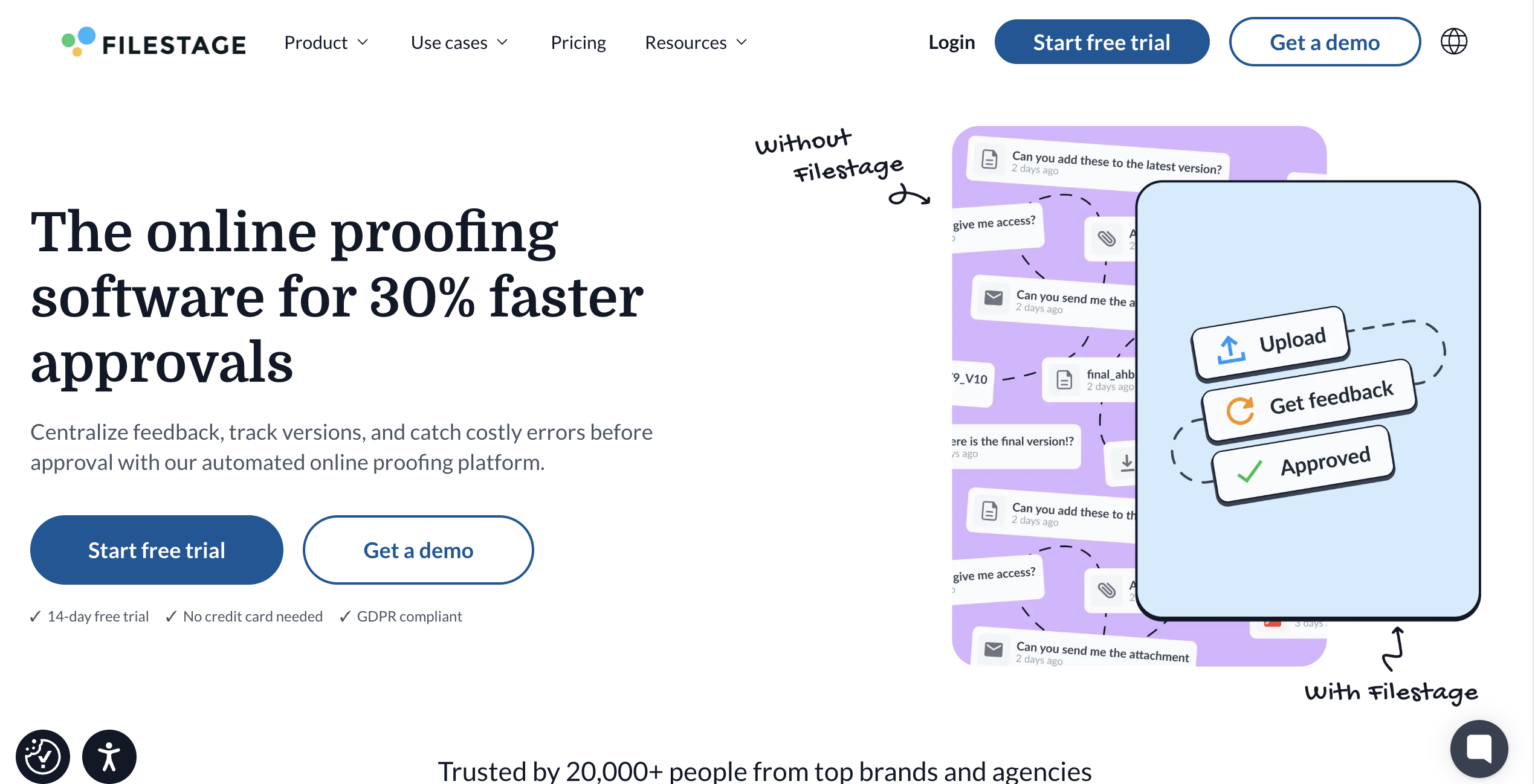
Filestage runs structured, multi-round approval workflows for content workflows spanning websites, interactive HTML, video, images, and documents. It also supports layout and design annotation. Its free plan is genuinely usable for small teams, though active project limits mean growing content teams will hit the ceiling and need to upgrade.
Who is Filestage designed for?
Marketing and creative teams that need a structured, repeatable approval process across multiple reviewer groups and internal teams.
What are the key features of Filestage for website content review?
- Direct upload support for websites and interactive HTML, not just static files
- Separate reviewer groups for internal versus client-facing rounds, keeping content on-brand before external stakeholders see a draft
- Due dates and automated notifications per review round
- Unlimited reviewers and team members on every paid tier, supporting team collaboration at scale
What are the pros and cons of Filestage?
Filestage pros
- Free plan is a real option for very small teams, not just a trial
- Structured approval stages reduce back-and-forth on who signs off when
Filestage cons
- Active project limits on entry tiers can be restrictive for busy agencies
- Flat monthly pricing regardless of team size can be pricier for solo users
How much does Filestage cost?
- Starter: $199/month
- Business: $329/month
- Enterprise: custom pricing
Does Filestage offer a free trial?
Yes, no credit card required.
#5. Ziflow
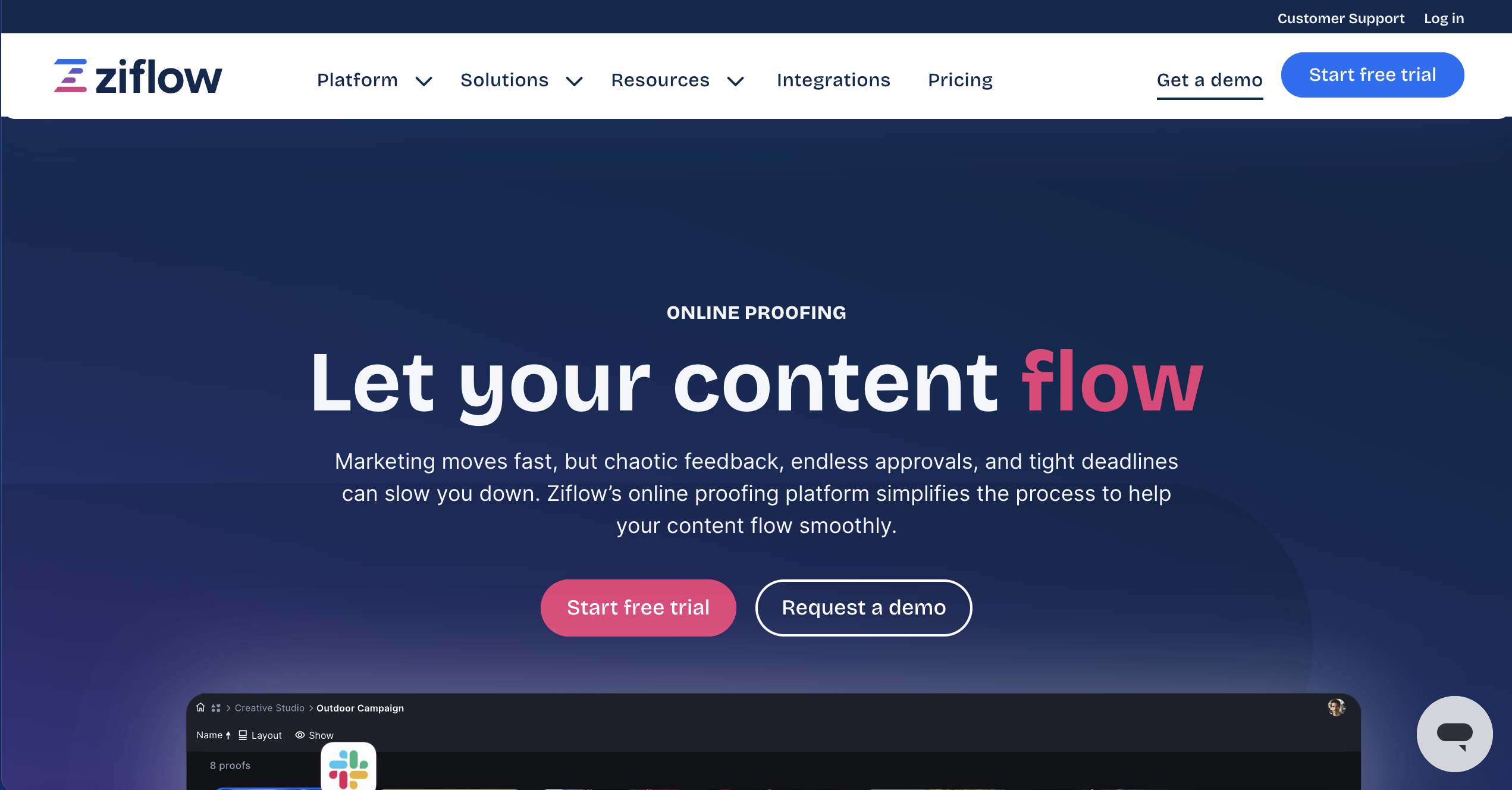
Ziflow is built for creative teams running high-volume review and approval, and it supports markup on live websites alongside PDFs, images, and video, plus layout and design comments. Its roots are in print and creative production, useful for regulated industries and teams whose revision cycles need more structure than a single comment thread.
Who is Ziflow designed for?
Larger creative operations and production teams running multi-stage approval chains across many stakeholders.
What are the key features of Ziflow for website content review?
- Multi-stage approval workflows with version-by-version comparison to help maintain brand standards across a review process
- Unlimited reviewers on every paid tier
- @mentions and automated notifications for faster stakeholder response
- Broad integration list including Jira, Slack, and Adobe Creative Cloud
What are the pros and cons of Ziflow?
Ziflow pros
- Free tier exists for very small teams to trial the core workflow
- Strong audit trail and approval-stage structure for compliance-heavy reviews
Ziflow cons
- Paid tiers price at the premium end of this category
- Print/creative production heritage means some features skew away from web-specific review
How much does Ziflow cost?
- Free tier: small teams
- Standard: around $199/month
- Pro: $329/month
- Enterprise: custom pricing
Does Ziflow offer a free trial?
Yes, 14 days on paid tiers.
#6. Markup.io
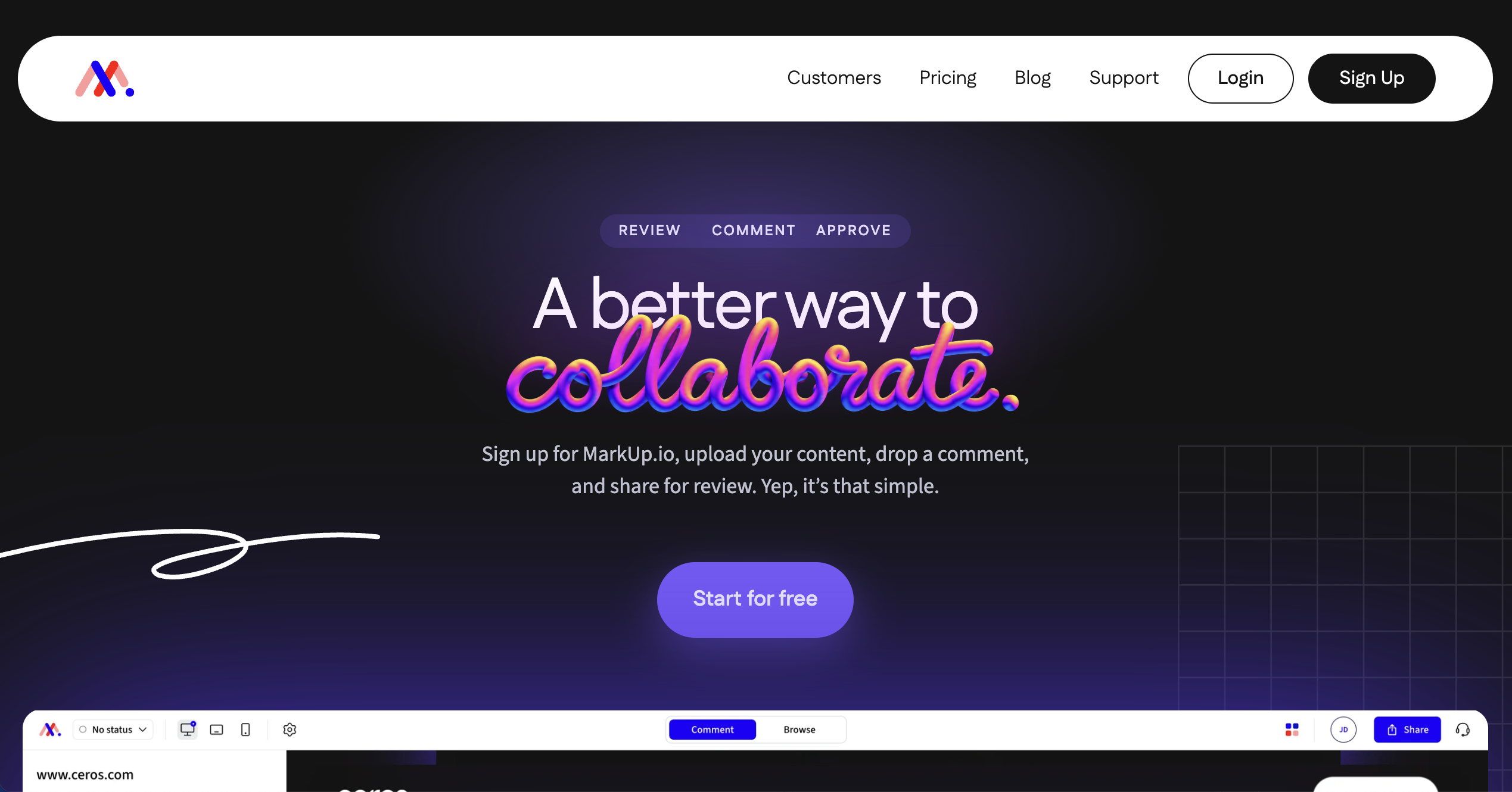
MarkUp.io is a straightforward, canvas-based way to annotate websites, images, PDFs, and video with a client-friendly interface that needs no install. Its pricing changed significantly in 2025: the long-standing free plan is gone, and the current Pro plan is a flat rate covering unlimited users in a single shared workspace, strong value for a bigger team and less so for a solo user managing multiple client workspaces.
Who is MarkUp.io designed for?
Teams collaborating on website and design feedback within a single shared workspace.
What are the key features of MarkUp.io for website content review?
- Canvas-based annotation on live pages without installing anything
- Support for 30+ file formats beyond just websites
- Unlimited users included in the flat Pro rate, useful for one centralized platform shared across a whole content team
- Single sign-on support for teams that need it
What are the pros and cons of MarkUp.io?
Markup.io pros
- Flat pricing regardless of headcount is strong value for larger single-workspace teams
- Familiar, easy interface for non-technical clients
Markup.io cons
- No ongoing free plan since the 2025 pricing change
- Pro is limited to one workspace, a real constraint for agencies juggling several clients
How much does MarkUp.io cost?
- Pro: $79/month
- Enterprise: custom pricing
Does MarkUp.io offer a free trial?
Yes, 14 days, no credit card required.
#7. Usersnap
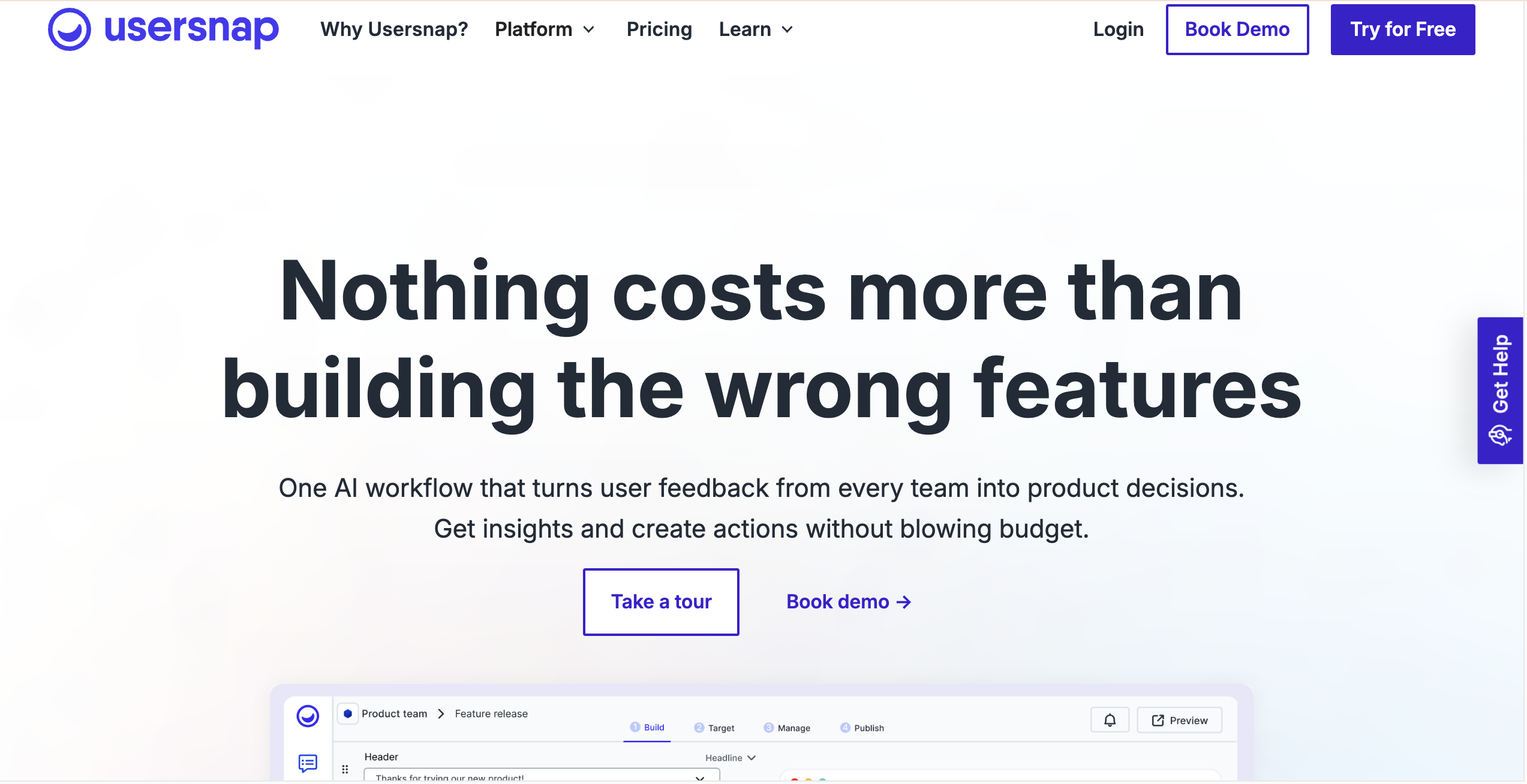
Usersnap embeds a feedback widget directly into your website or web app, so visitors and testers can flag issues without leaving the page. It's expanded well beyond a simple annotation widget into a broader product-feedback platform with surveys and channel-based feedback intake, so content-review teams may find some plan tiers built more around ongoing product feedback than one-off website content proofing.
Who is Usersnap designed for?
Product and support teams collecting ongoing visitor feedback on a live site or app, rather than running discrete client review rounds.
What are the key features of Usersnap for website content review?
- Feedback widget and browser extension for annotating any page
- Automatic capture of browser, URL, and screen metadata with each item
- Kanban-style board for triaging incoming feedback
- Integrations with Jira, Slack, and 50+ other platforms
What are the pros and cons of Usersnap?
Usersnap pros
- Genuinely useful free tier for testing the workflow before committing
- Strong metadata capture for triaging reported issues
Usersnap cons
- Built more for ongoing product feedback than discrete review-and-approval rounds
- Paid tier pricing isn't published in exact figures on the current pricing page; confirm directly before budgeting
How much does Usersnap cost?
- Starter: from $45
- Growth, Professional, and Premium tiers scale by seats and monthly volume
Does Usersnap offer a free trial?
Yes, no credit card required to start.
#8. ReviewStudio
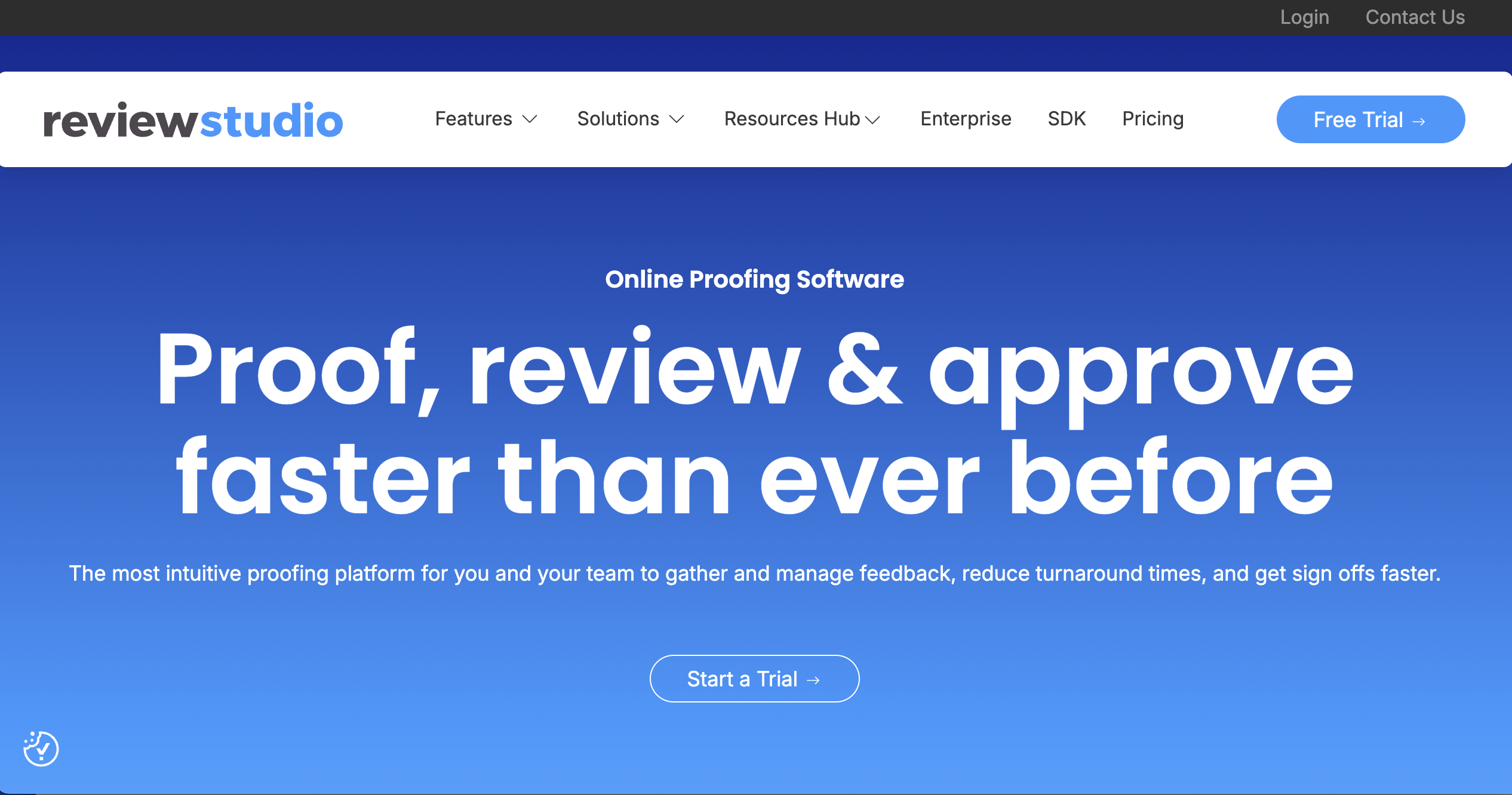
ReviewStudio covers image, video, PDF, and web page markup in one dashboard, with real-time synchronized viewing so reviewers see the same version at once. It's a strong generalist for production teams and video editors whose review work spans video and creative assets alongside web pages. Dedicated video-review platforms go further still with frame accurate commenting, which isn't the focus here.
Who is ReviewStudio designed for?
Production studios, agencies, and marketing teams reviewing a mix of video, creative assets, and web content.
What are the key features of ReviewStudio for website content review?
- Markup and commenting on web pages alongside PDFs, images, and video
- Side-by-side version comparison across revisions, to track progress across a full review process
- Custom-branded review sites with your own subdomain to keep the reviewer experience on brand
- Unlimited guest reviewers on every plan
What are the pros and cons of ReviewStudio?
ReviewStudio pros
- Free Starter plan available for small teams testing the workflow
- One dashboard covers video and web content review together
ReviewStudio cons
- Paid tiers price per user, which adds up for larger reviewer groups
- More feature depth built around video than pure website content review
How much does ReviewStudio cost?
- Pro: from $12/month
- Advanced: from $25/month
- Enterprise: custom pricing
Does ReviewStudio offer a free trial?
Yes.
#9. Ruttl
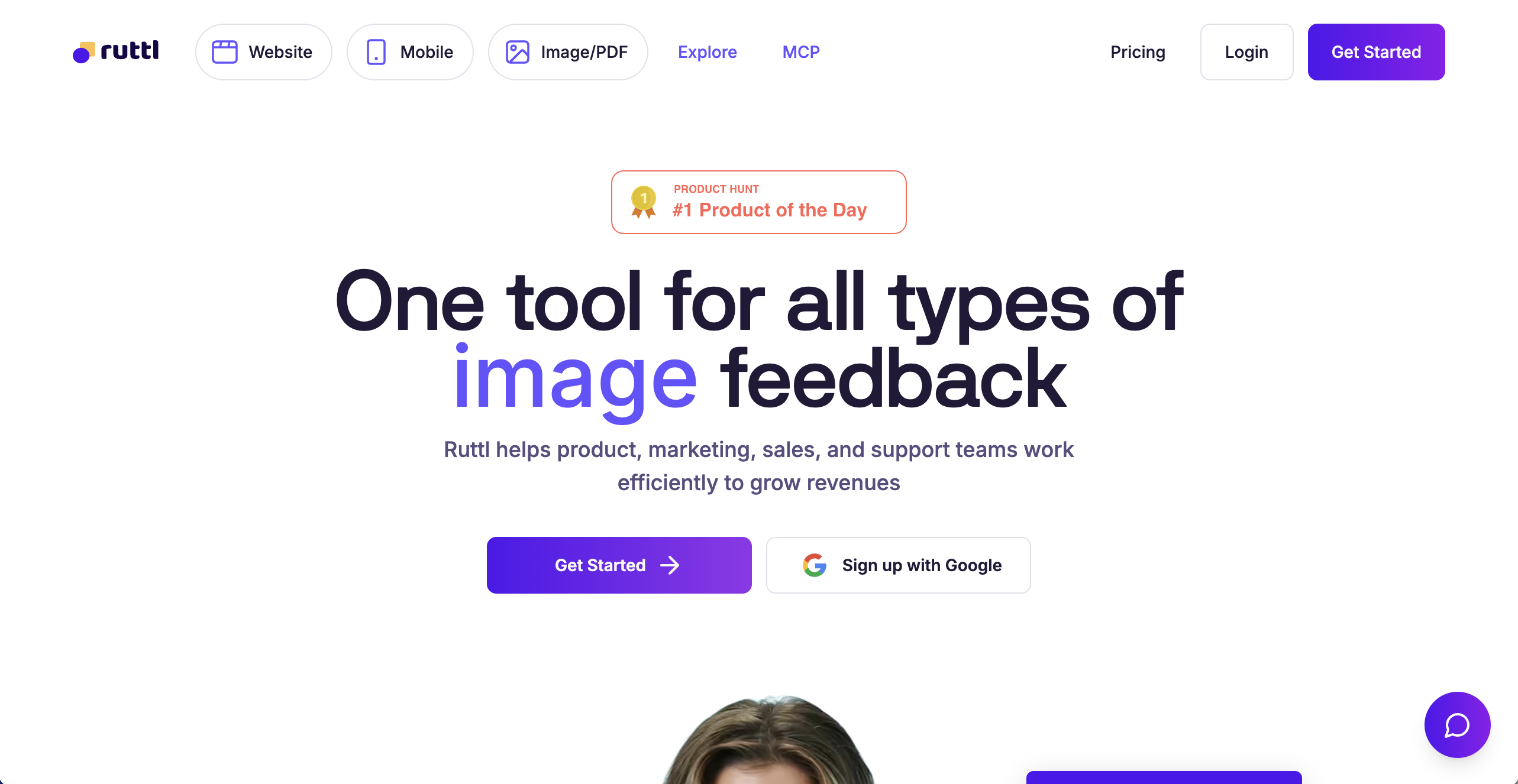
Ruttl is built specifically for commenting on live websites, and it goes further than pure annotation by letting reviewers make real-time visual edits, such as moving elements or changing text, that developers can reference directly. It also supports layout and design feedback in the same workflow, keeping a page on brand without a separate design review round. It's lighter-weight overall, well suited to smaller agency teams and creative agencies rather than large multi-department organizations.
Who is Ruttl designed for?
Small to mid-sized agency teams collecting client feedback directly on live or staging websites.
What are the key features of Ruttl for website content review?
- Comments pinned directly to elements on a live, browsable URL
- Real-time visual edit mode alongside standard commenting
- Works with static sites as well as WordPress, Vue.js, and React builds
- Integrations with Jira, Slack, Trello, and Asana
What are the pros and cons of Ruttl?
Ruttl pros
- Purpose-built for live website commenting, not adapted from design software
- Real-time edit mode can shortcut small fixes without a developer round-trip
Ruttl cons
- Per-user pricing scales up for larger teams
- Lighter workflow depth than heavier enterprise proofing platforms
How much does Ruttl cost?
- Plans: from around $18/month
Does Ruttl offer a free trial?
No formal free trial, but the first project doesn't require payment.
#10. ProofHub
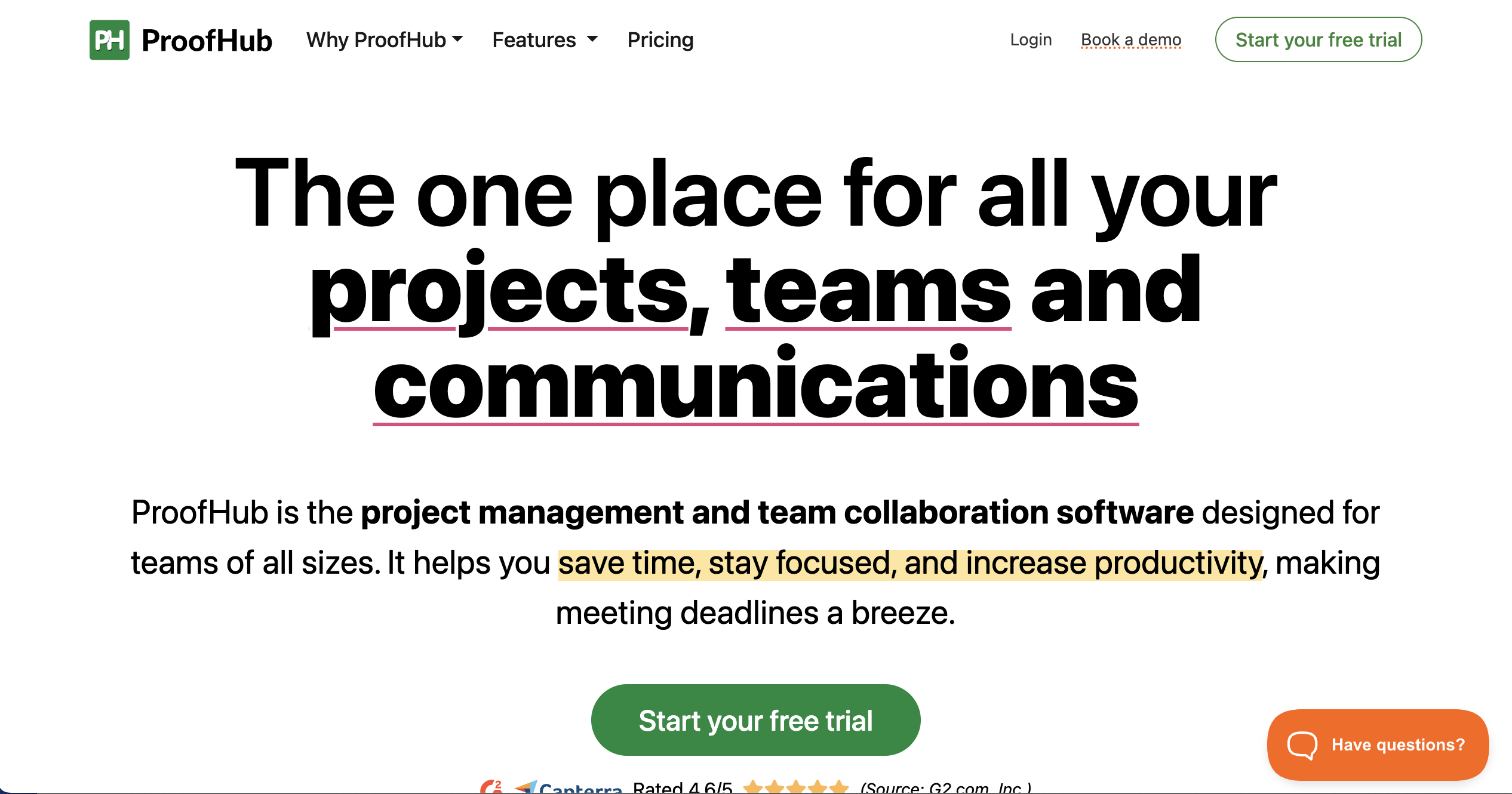
ProofHub is a full project management platform with proofing and file approval built in as one feature among many, alongside task boards, Gantt charts, and time tracking. That's a reasonable fit for a team that wants proofing folded into a broader project management system, but content-review depth isn't its focus the way it is for dedicated proofing software.
Who is ProofHub designed for?
Teams that want project management and content proofing in a single flat-rate platform, rather than separate software for each.
What are the key features of ProofHub for website content review?
- Proofing and file approval alongside task and project status tracking
- Flat pricing with unlimited users on both plans
- File versioning to track progress across review rounds over time
- Discussions and in-app chat tied to specific projects, keeping a content audit trail in one place
What are the pros and cons of ProofHub?
ProofHub pros
- Flat, unlimited-user pricing is predictable as a team grows
- One platform covers both project management and content review
ProofHub cons
- Proofing is a feature within a PM suite, not a dedicated review workflow
- Less markup depth on live web pages than website-specific proofing software
How much does ProofHub cost?
- Essential: $45/month
- Ultimate Control: from $89/month
Does ProofHub offer a free trial?
Yes, 14 days, no credit card required.
Which Online Proofing Software is Best for Your Website Content Review Process?
For a web agency or in-house team whose main job is getting clients to review and approve live website content, BugHerd is the clearest fit on this list: it's purpose-built for pinning feedback to a real web page rather than an upload or screenshot of one, and automatic technical capture means developers get everything they need without a follow-up question. That no-login, point-and-click workflow suits agencies managing content review across several client sites, enabling teams to move faster without sacrificing accuracy.
If your team also reviews video and creative assets alongside web pages, GoVisually is worth a look, though live in-page markup on an actual URL isn't its core workflow. Filestage suits teams needing structured, multi-round sign-off across internal and client-facing reviewers, but proofing is built around uploaded files rather than a live page. ProofHub can work if you'd rather fold proofing into a broader project management platform, though content-review depth isn't its main focus.
Try BugHerd free for 7 days
See how point-and-click website feedback works for your clients and team. Every feature is included in the trial, including enterprise features like role based permissions, and no credit card is required. Book a live demo instead if you'd rather see it walked through first. Plans come with a 60-day money-back guarantee, and remember that BugHerd is trusted by 10,000+ companies and 350,000+ users across 172 countries.
“We consistently get fantastic feedback from our clients about using BugHerd. Clients are very happy and excited to be using BugHerd. I show them how easy it is, they're always really happy.”
— Emily Proctor, Bop Design
FAQs
What is online proofing software?
Online proofing software lets reviewers mark up and comment on content directly where it appears, on a web page, image, or document, so feedback is tied to the exact spot it refers to instead of a separate email or spreadsheet.
What's the difference between reviewing website content and giving design feedback?
Website content review covers what's actually on the page, copy, images, links, and accuracy, before it goes live, while design feedback covers layout and visual styling; several of the software options above handle both, but they're different jobs.
Can clients leave feedback on a website without creating an account?
Yes, on most of the software above reviewers can comment from a shared link with no account setup or technical knowledge required, though a few platforms, like PageProof, still ask reviewers to sign in depending on the plan.
BugHerd vs GoVisually vs PageProof: which is best for website content review?
BugHerd is the strongest choice for reviewing live website content specifically, since it pins comments directly to a page element with no reviewer login required. GoVisually is built primarily around uploaded design files and creative assets, better suited to teams whose review work spans packaging and video alongside the occasional web page. PageProof is built around a proofing queue for documents, email, and HTML, a good fit for teams standardizing on one flat-rate platform across mixed file types rather than reviewing live URLs specifically.
How do I get non-technical stakeholders to review website content before it goes live?
Send them a shared link from software that requires no account or login, so they can click directly on the page and leave a comment without any training. BugHerd and Ruttl are both built for exactly this: the reviewer clicks on what needs to change, and the technical detail a developer needs gets captured automatically.
Does online proofing software work on live websites, or only on static images and PDFs?
BugHerd, Ziflow, Filestage, and Ruttl all support markup directly on a live or staging URL, while others, like GoVisually, are built primarily around uploaded files and screenshots rather than a browsable page.
How is website content review different from general website feedback software?
Website content review is specifically about copy, image, and link accuracy on the page itself, a narrower job than general website feedback software, which often bundles in surveys, analytics, and community upvoting boards alongside visual markup.
Which software is best for an agency managing content review across several client sites?
BugHerd is the strongest fit here: point-and-click feedback with no reviewer login, automatic technical capture for developers, and pricing that scales cleanly as you add more client projects.
What are the best online proofing software options?
The best online proofing software options for website content review include BugHerd, GoVisually, PageProof, Filestage, Ziflow, MarkUp.io, Usersnap, ReviewStudio, Ruttl and ProofHub. BugHerd is purpose-built for reviewing live and staging websites, while other platforms are better suited to creative assets, structured approval workflows, product feedback or project management.
Which online proofing software is best for agencies?
For agencies reviewing live website content with clients, BugHerd is designed specifically for this workflow. Clients can click directly on a live or staging page to leave feedback without creating an account, while screenshots and technical details are captured automatically for the agency team. Agencies reviewing mostly creative files, video or other asset types may be better suited to a broader proofing platform.
What software lets you comment directly on a live website page?
BugHerd, MarkUp.io and Ruttl let reviewers comment directly on live website pages. BugHerd is built specifically for website feedback, allowing clients and stakeholders to click on a page element, leave a comment, and automatically capture the screenshot and technical details developers need.

Marina Domoney
Marina Domoney is Marketing Communications Lead at BugHerd and a senior B2B marketer with 20+ years’ experience in SaaS and website delivery workflows. She’s worked closely with agencies, creative teams, and developers across countless web projects, giving her practical expertise in design and website feedback, approvals, and client collaboration.
Try BugHerd on your site
See feedback in context
Click anywhere to leave feedback directly on your website.







But don't just take our word for it.
BugHerd is loved by 10,000+ companies,
350,000+ users across 172 countries.
4.8/5
4.7/5
4.5/5
5/5
8.7/10
Sam Duncan 📱📏 🌱
@SamWPaquet
"@bugherd where have you been all my life??
We just migrated our bug tracking over from Asana and have at least halved our software testing time🪳👏📈. "
Ashley Groenveld
Project Manager
“I use BugHerd all day every day. It has sped up our implementation tenfold.”
Sasha Shevelev
Webcoda Co-founder
"Before Bugherd, clients would try to send screenshots with scribbles we couldn't decipher or dozens of emails with issues we were often unable to recreate."
Mark B
Developer
“A no-brainer purchase for any agency or development team.”
Kate L
Director of Operations
"Vital tool for our digital marketing agency.”
Paul Tegall
Delivery Manager
"Loving BugHerd! It's making collecting feedback from non-tech users so much easier."
Daniel Billingham
Senior Product Designer
“The ideal feedback and collaboration tool that supports the needs of clients, designers, project managers, and developers.”
Chris S
CEO & Creative Director
“Our clients LOVE it”
Emily VonSydow
Web Development Director
“BugHerd probably saves us
at least 3-4hrs per week.”