

Content:
- What is Visual Feedback Software, and Which One Do You Need?
- Visual Feedback Tools by Category
- Understanding Visual Feedback: Categories, Use Cases, and Workflows
- Best 2026 Visual Feedback Tools for Website Development & QA
- Visual Feedback Tools Decision Framework
- Common Visual Feedback Tool Mistakes and How to Avoid Them
- Conclusion: Putting Visual Feedback into Practice in 2026
How do the Top Visual Feedback Tools in 2026 Compare?
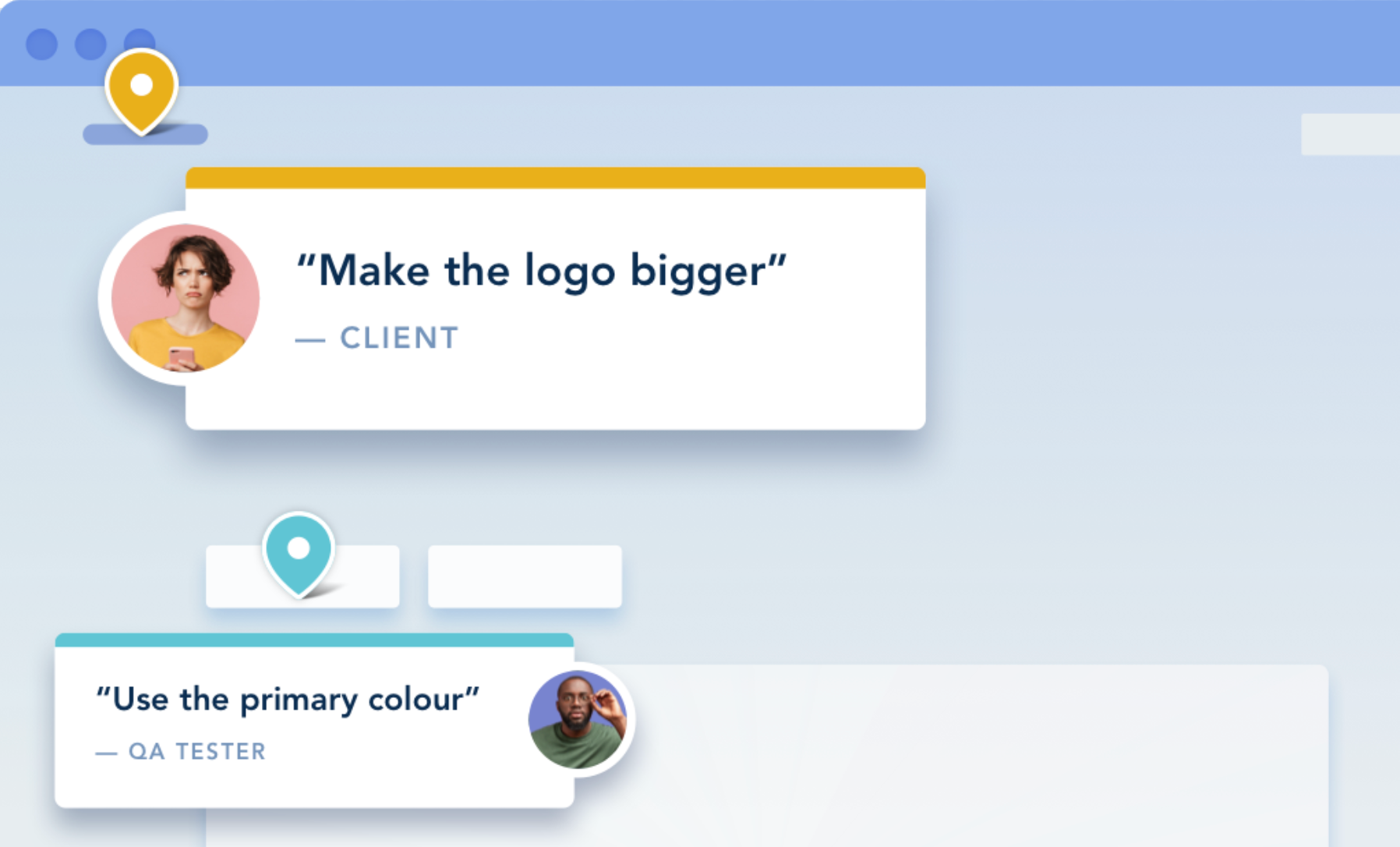
Visual website feedback tools let teams and stakeholders comment directly on visual assets like websites, design files, videos, and documents, using annotations, pins, and markups that carry visual context, so the feedback is clear and actionable without the back-and-forth of endless emails.
Visual Feedback Tools 2026 - Comparison Table
Understanding Visual Feedback: Categories, Use Cases, and Workflows
Collecting visual feedback means attaching comments and annotations directly to what’s on screen, so teams capture intent, location, and context in one place. This reduces ambiguity and speeds decisions across websites, designs, videos, and documents. The shift from email threads and screenshots to purpose-built project management tools happened because modern teams need accuracy, accountability, and integrations that move feedback into work streams automatically.
Different file formats require different capabilities, website QA needs browser metadata, design iteration needs artboard-level comments and versioning, video review needs timecode-accurate notes, and PDFs need redlining and approvals, so picking a project management tool by format avoids costly mismatches. The wrong category creates rework: using a design tool for web QA omits console logs and device context, while using a website tool on early mockups adds friction with none of the design system benefits.
Visual Feedback: Four Core Categories
- Website-focused tools: Live-site pins, automatic screenshot and environment data, DOM/element capture, and issue-tracker integrations built for QA and UAT.
- Design collaboration tools: Real-time co-editing, artboard comments, version control, prototypes, and handoff specs for developers before code is written.
- Video review tools: Timecode comments, frame-accurate drawings, version comparisons, and approval workflows with integrations to editing software.
- Document annotation tools: PDF markup, threaded comments, compare/redline, signatures, and permissions for legal, compliance, and documentation.
Why Specialized Tools Outperform General Solutions
Category-specific tools with advanced features go deeper where it counts: websites need technical metadata for reproducible bugs, designs need component-aware collaboration, and video teams need precise frame notes. Generalist project management tools rarely match that depth. A multi-tool stack is often optimal: use a specialized user feedback tool for the dominant workflow, then cover rare edge cases with a more general tool or a native feature to avoid tool sprawl.
"Design is too important to be left to chance; teams need a shared space to iterate together and stay aligned as products evolve.” Dylan Field, Figma CEO.
How to Choose Visual Feedback Tools by Workflow Type
Start with your primary use case, then consider stakeholders, integrations, and security; this prevents overpaying for versatility you won’t use while ensuring depth where you need it. When in doubt, pilot a short list with real users to validate adoption and output quality.
Start with Your Primary Workflow
- If 70%+ of feedback is on live websites, → Choose website QA tools.
- If 70%+ is on design files → Choose design collaboration tools.
- If 70%+ is on video → Choose video review tools.
- If 70%+ is on documents → Choose document annotation tools.
- If balanced across types → Consider multi-format tools or a hybrid stack.
Best 2026 Visual Feedback Tools for Website Development & QA
Website-focused tools capture live-site context automatically and map user feedback to specific elements, making them ideal for staging, UAT, and post-launch maintenance. Look for automatic screenshots, device/browser capture, console logs, DOM targeting, and integrations with Jira, Asana, Trello, GitHub, or GitLab.
1. BugHerd
What it is: BugHerd is a contextual visual feedback tool and bug tracking platform that allows visual collaboration by letting clients point-click-comment directly on live sites, turning user feedback into tasks with screenshots, browser details, screen size, URL, etc.
Because feedback is pinned exactly where it belongs, both your team and your clients stay on the same page.
“BugHerd saves us hours of back-and-forth communication. It turns a potentially chaotic process into an organized and efficient workflow.” - Ollie Brazier, Oxygen Media
Key Features of BugHerd:
Point-and-click feedback
BugHerd is the easiest visual feedback tool to use! Clients and stakeholders simply use the arrow icon to click directly on any element of a live or staging website, and drop a pin/comment (like sticky notes on a page). No login required.
Video feedback via BugHerd
BugHerd lets you capture feedback via video along with audio. It’s the easy way to leave feedback on multi-step interactions, animations, and anything else that’s difficult-to-describe with written words alone.
Automatic capture of user tech details
When a comment is made, BugHerd automatically captures user technical details such as browser type/version, OS, screen resolution, URL, etc. This gives web teams the context they need without having to chase clients for more information.
Task tracking
Each bug report is automatically converted into a task on a Kanban board that lets you drag and drop cards, and where you can easily prioritize and delegate a bug by assigning a person, and get email notifications when a bug's status changes. This makes QA cycles more visible and manageable. BugHerd also keeps clients updated by by allowing them access to the task board (you determine the level of access), for real time visibility, especially on critical issues.
BugHerd two-way integrations
BugHerd has deep two-way integrations with all project management tools such as Jira, ClickUp, monday.com, Asana, Trello, and more; as well as supporting integrations with collaboration tools like Slack & Microsoft Teams, and developer tools like GitHub. BugHerd also has a fully featured API and Webhook support enabling custom integrations with any application.
Pros: Best tool for minimal client friction, excellent developer context, and reduced tool sprawl via built-in tasking for enhanced user experiences.
Cons: Not suited for early design iteration.
Best for: Agencies and web teams running UAT and QA with non-technical stakeholders.
BugHerd Pricing
BugHerd pricing start at $42/month for up to 5 members, including unlimited projects and unlimited guests. All plans include a 7-day free trial with no credit card required.
“We tried a few bug tracking / feedback tools and BugHerd is by far the best we've tried. Simple to set up, it does not require us to put individual tracking codes on websites which is a huge time saver. We can just create the project in BugHerd and away we go. We can make our own columns to track bugs across their lifecycle, and even give clients specific access to submit bugs but not see bugs they didn't submit etc. We love it!” – Tom Parson, BugHerd Chrome Webstore Review
2. Userback
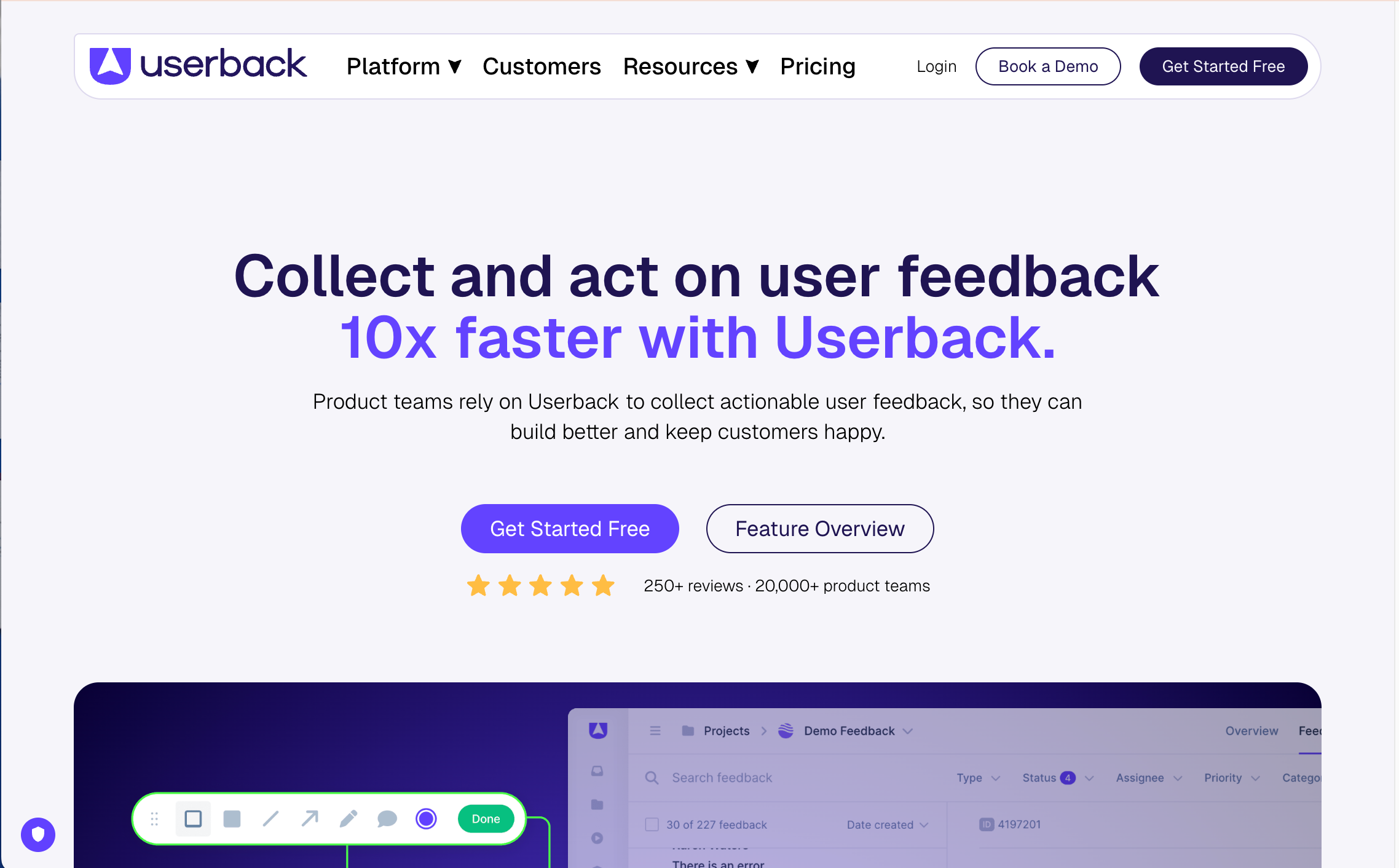
What it is: Userback is a website-focused workflow with widgets for capturing annotated screenshots, session details, and user insights across apps and sites for real-time collaboration.
Key features: In-app widgets, screenshots, console logs, session data, and integrations to PM/dev tools.
Pros: Tool for advanced product workflows and user-friendly analytics.
Cons: May require more setup for client-facing UAT compared to simpler no-login models.
Best for: Product and growth team members who want richer in-app data.
Integrations: Jira, Trello, Asana, Slack, and dev platforms.
Userback pricing: Free forever plan for two projects only, with paid plans starting at $7 per seat/month (billed annually - limited features).
3. Marker.io
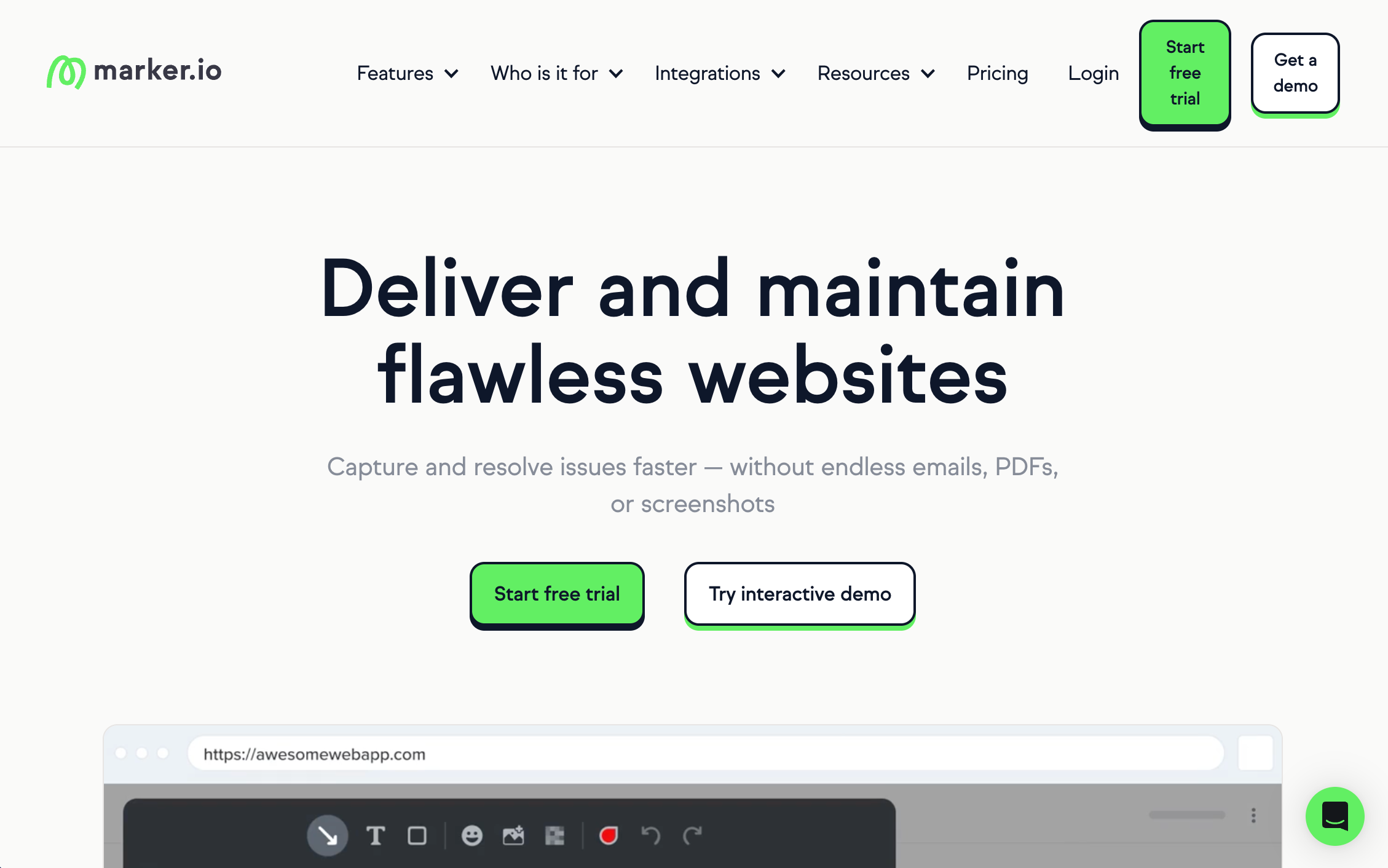
What it is: Marker.io is a developer-centric feedback tool that funnels annotated issues with environment data into issue trackers.
Key features: Console logs, environment capture, and deep Jira/GitHub/GitLab flows.
Pros: Good tool for engineering-driven teams for seamless collaboration.
Cons: Less client-friendly than pure “no-login” tools for occasional stakeholders.
Best for: Good for dev team members that live in issue trackers.
Integrations: Jira, Asana, Trello, GitHub, GitLab.
Marker.io pricing: Plans start at $59/month for 3 people and 5 projects. A free 15-day trial is available.
4. Pastel
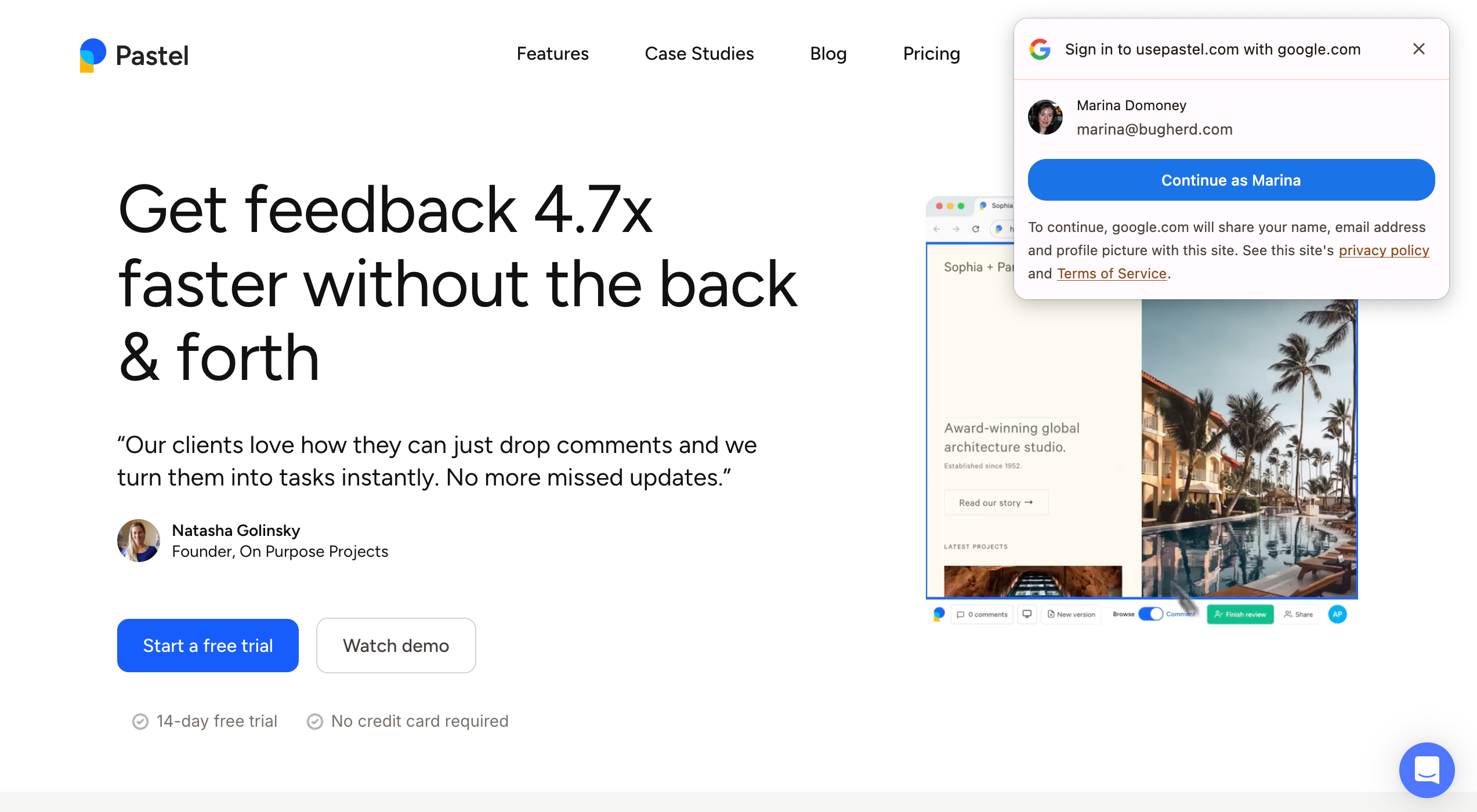
What it is: Pastel is a lightweight website review tool with shareable links for quick client comments on live pages.
Key features: Shareable canvases, quick pins, and approvals.
Pros: User-friendly and frictionless customer feedback tool.
Cons: Lighter technical capture than developer-first tools.
Best for: Agencies needing a lightweight tool for stakeholder review cycles.
Pastel pricing: Pastel offers a free forever plan but it's quite limited as it's only for 1 user and 1 active canvas. Paid plans start at $35/month for 2 users and 3 active canvases. A free trial is available.
5. Atarim
G2 rating = no reviews
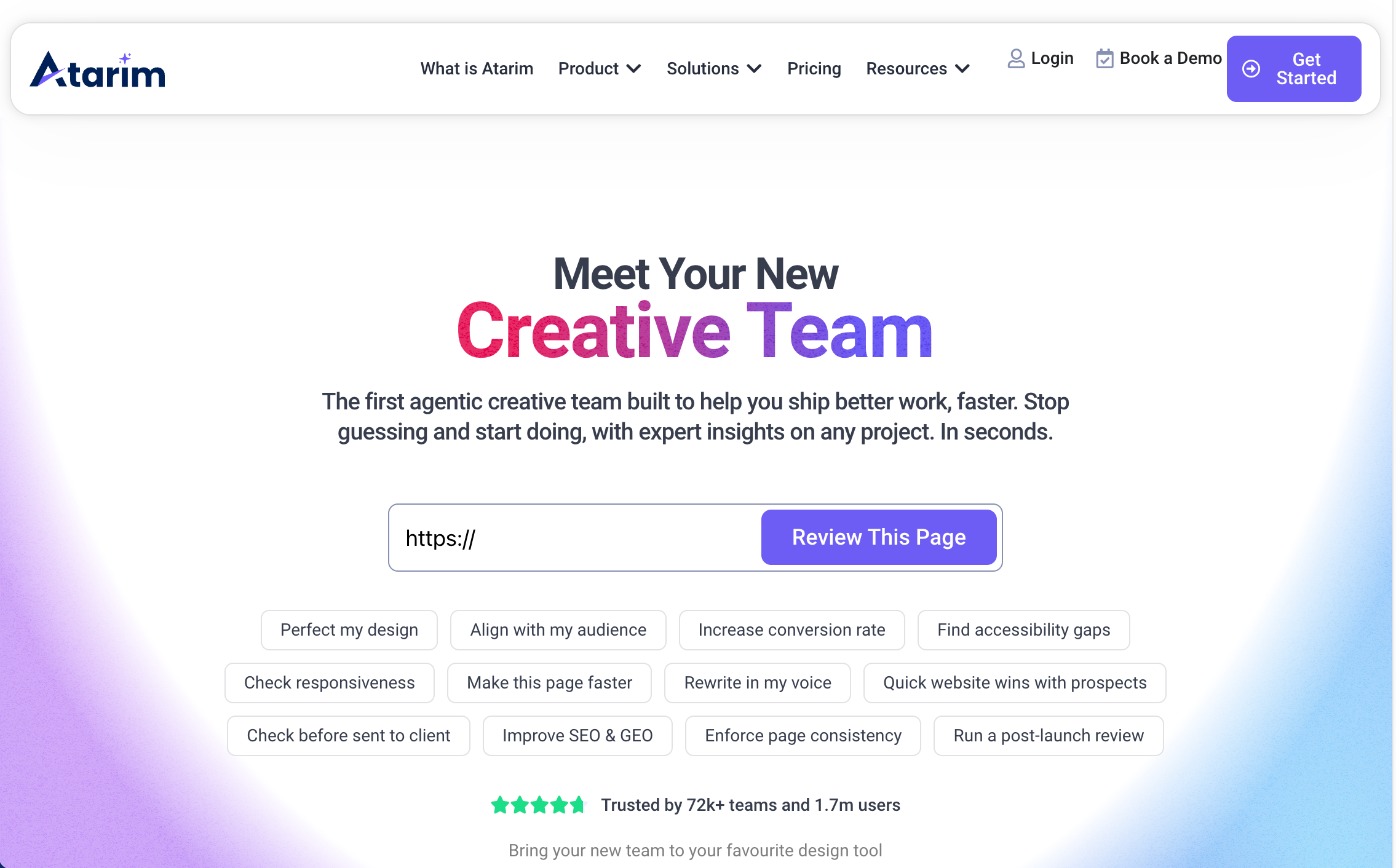
What it is: Atarim is a WordPress-focused collaborative space for website contextual feedback, tasks, and workflows with plugin-level capabilities for a smooth user experience.
Key features: WP-integrated feedback and agency workflows.
Pros: Tight WordPress alignment.
Cons: Narrower beyond WP ecosystems.
Best for: WordPress-only or WP-heavy agencies.
Atarim pricing: A free plan is available for one person, but note that features are limited. Paid plans start at $29/seat/month for one workspace.
Visual Design Feedback Process Tools for Design Collaboration and Client Feedback
Collaboration platforms for design teams allow your web designers to receive feedback by enabling real-time co-editing, prototype feedback, task tracking, and structured handoff, keeping design as a single source of truth before code. These tools shine in component reuse, version history, and developer specs, then hand off to web QA tools once designs go live.
6. Figma
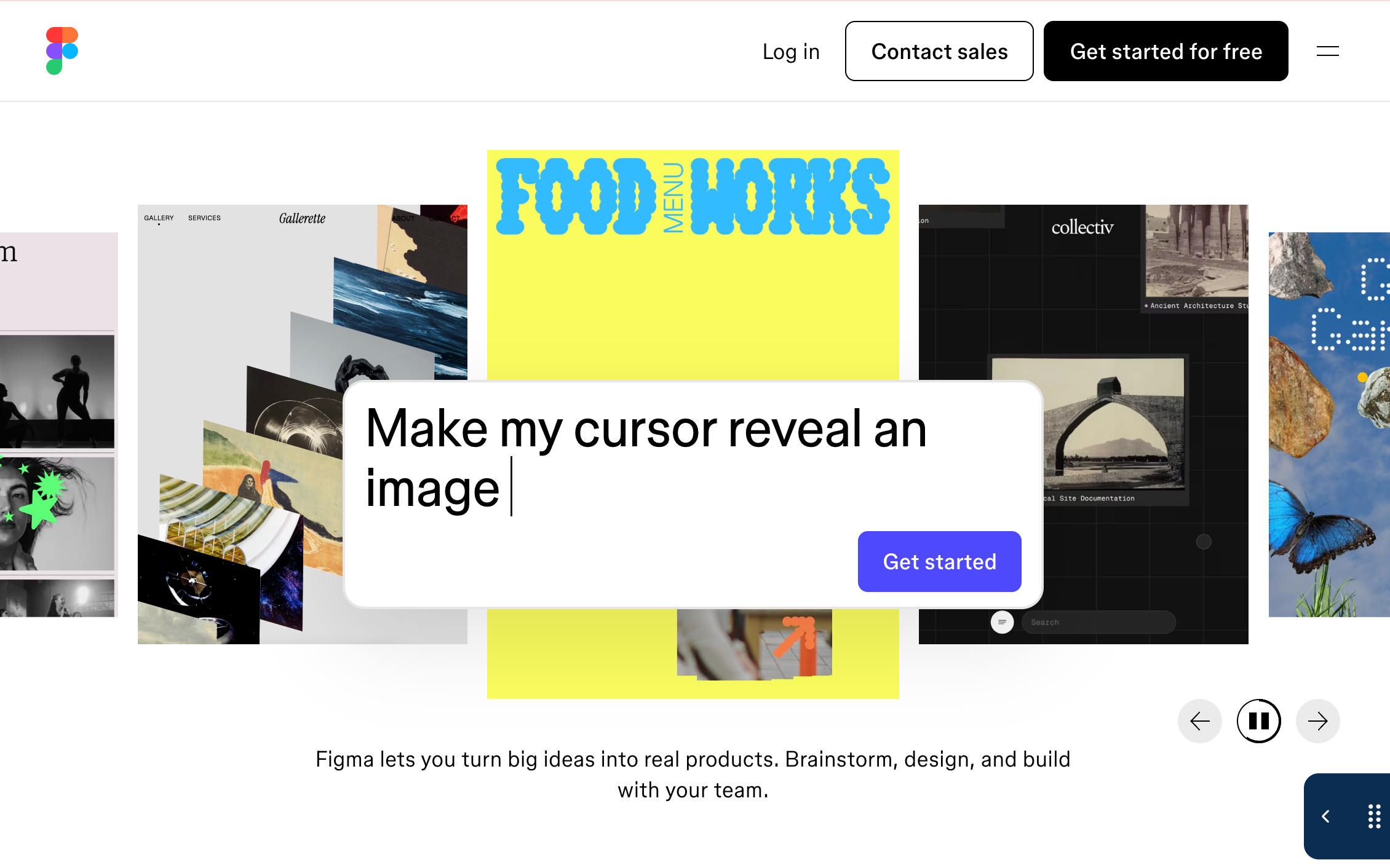
What it is: Figma is a cloud design platform with a user interface including native comments, threads, prototypes, and development team handoff.
Key features: Real-time coediting, component libraries, branches, version history, and design tokens; robust comment and mention flows for smoother approval processes.
Best for: Design teams iterating on UI/UX.
Note: Switch to streamlined workflow platforms like BugHerd once designs are coded for QA on staging or production.
Figma pricing: Figma offers a free Starter plan for individuals or people wanting to trial Figma. Paid plans start at $5/seat/month and include FigJam and Figma Slides.
7. InVision
What it is: Invision is a prototyping and feedback platform with presentation and collaboration features.
Key features: Screen comments, user-friendly flows, and stakeholder presentation tools.
Best for: Prototype-centric reviews and stakeholder showcases.
Invision pricing: Invision is a free forever platform.
8. Zeplin
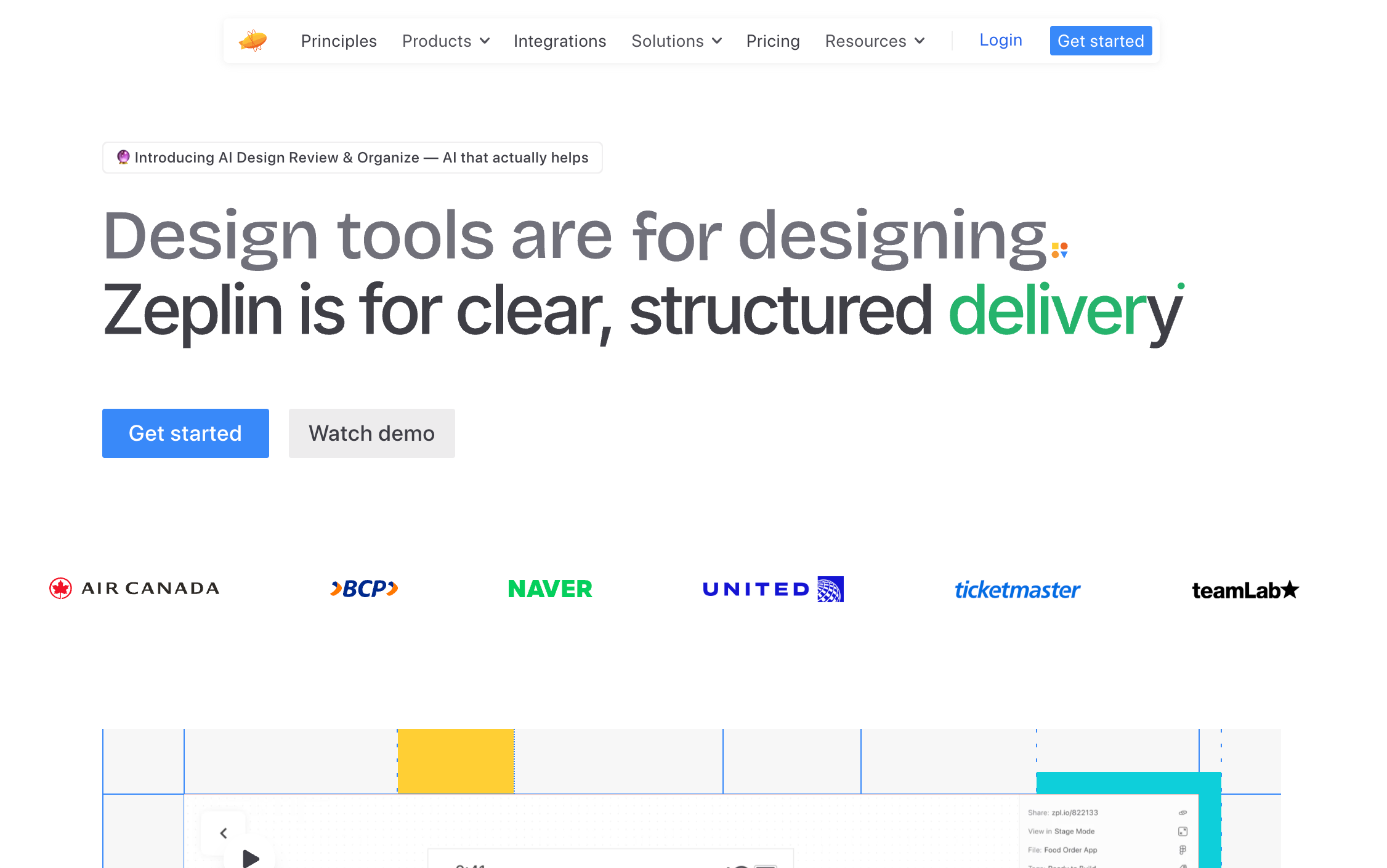
What it is: Zeplin is a handoff tool providing specs, assets, and organized design documentation for web developers and engineers.
Key features: Specs, styleguides, and component mappings.
Best for: Teams emphasizing accurate dev handoff.
Zeplin pricing: Zeplin offers a free plan for 1 project and unlimited users, though features are limited. Paid plans start at $15/month and you either pay per project or per seat.
9. Abstract
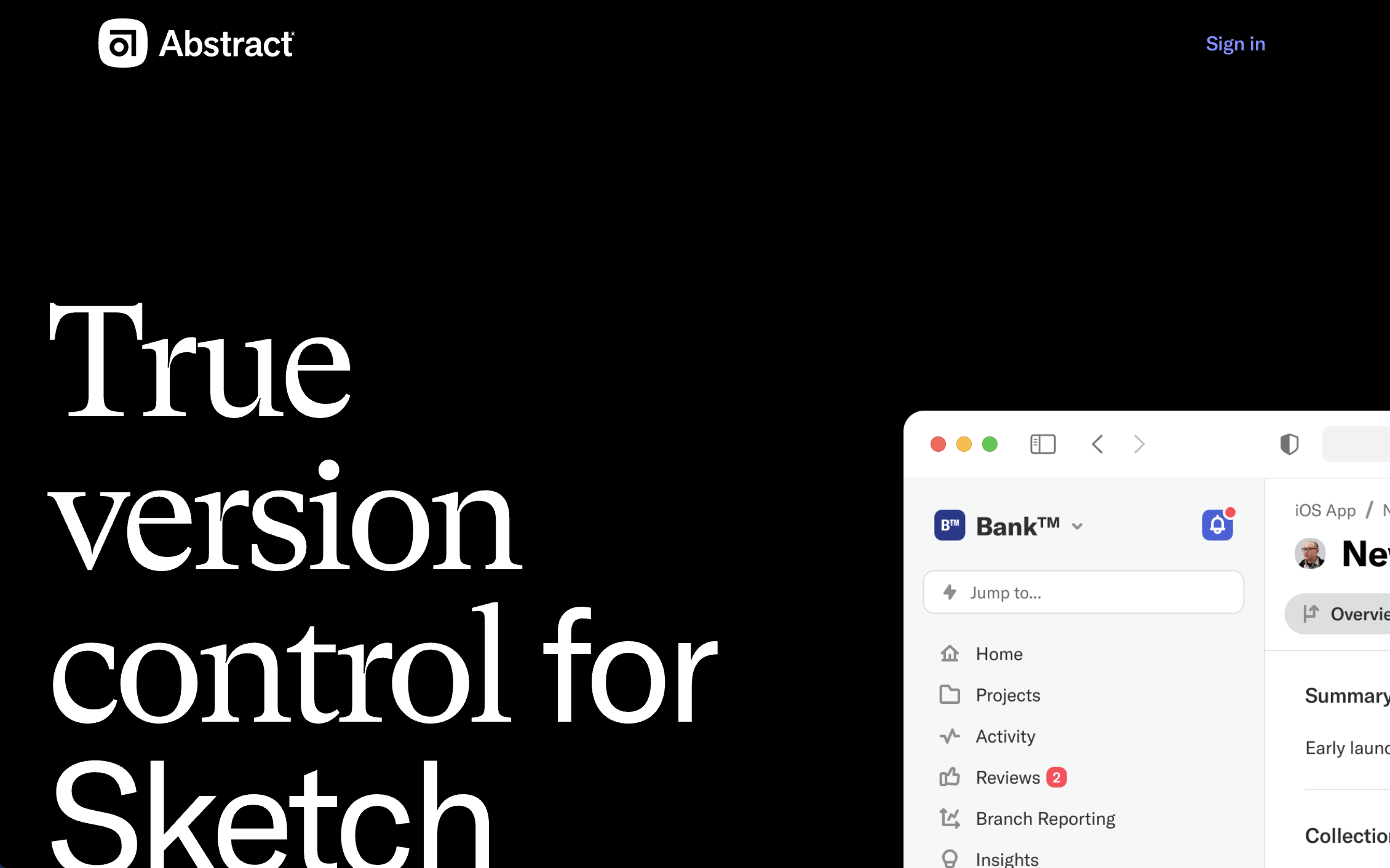
What it is: Abstract is a design collaboration tool with version control for the design process, enabling branches, merges, and review.
Key features: Versioning and team workflows.
Best for: Teams prioritizing rigorous design feedback governance.
Abstract pricing: Plans start at $44/month/contributor, if billed annually.
Visual Feedback Tools for Video and Media Review
Video review platforms offer timecode comments, frame annotations, version compare, and client approvals with security controls and integrations into editing suites. These are essential for production pipelines where precision and turnaround speed matter.
10. Frame.io
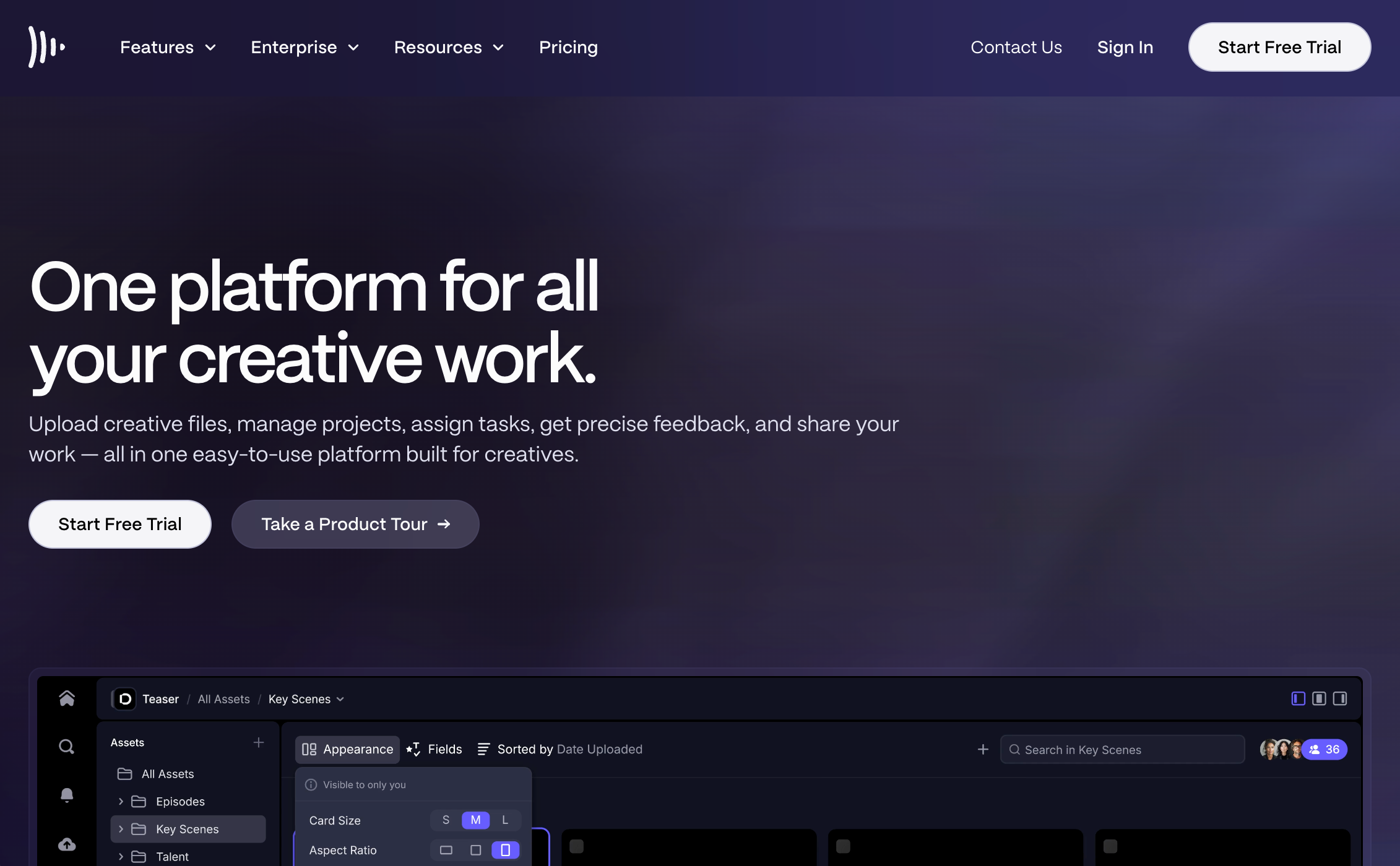
What it is: Frame.io is a pro-grade video collaboration platform with deep integrations to Adobe Premiere Pro, Final Cut Pro, and DaVinci Resolve.
Key features: Timecode-accurate comments, frame annotations, version stacks, watermarking, review links, and media management with editor integrations.
Best for: Production teams and agencies with complex approval pipelines.
Frame.io pricing: Plans start at $15 /member/ month + tax. A free plan with limited features is also available for 2 people, as well as a free trial.
11. Wipster
What it is: Wipster is a marketing-friendly video review tool focused on speed and simplicity.
Key features: Time-based comments, approvals, and stakeholder-friendly sharing.
Best for: Marketing teams and agencies needing fast client sign-off.
Wipster pricing: Plans start at $11.95/month with the Pro Plan for individuals and occasional use. A free trial is also available.
12. Filestage
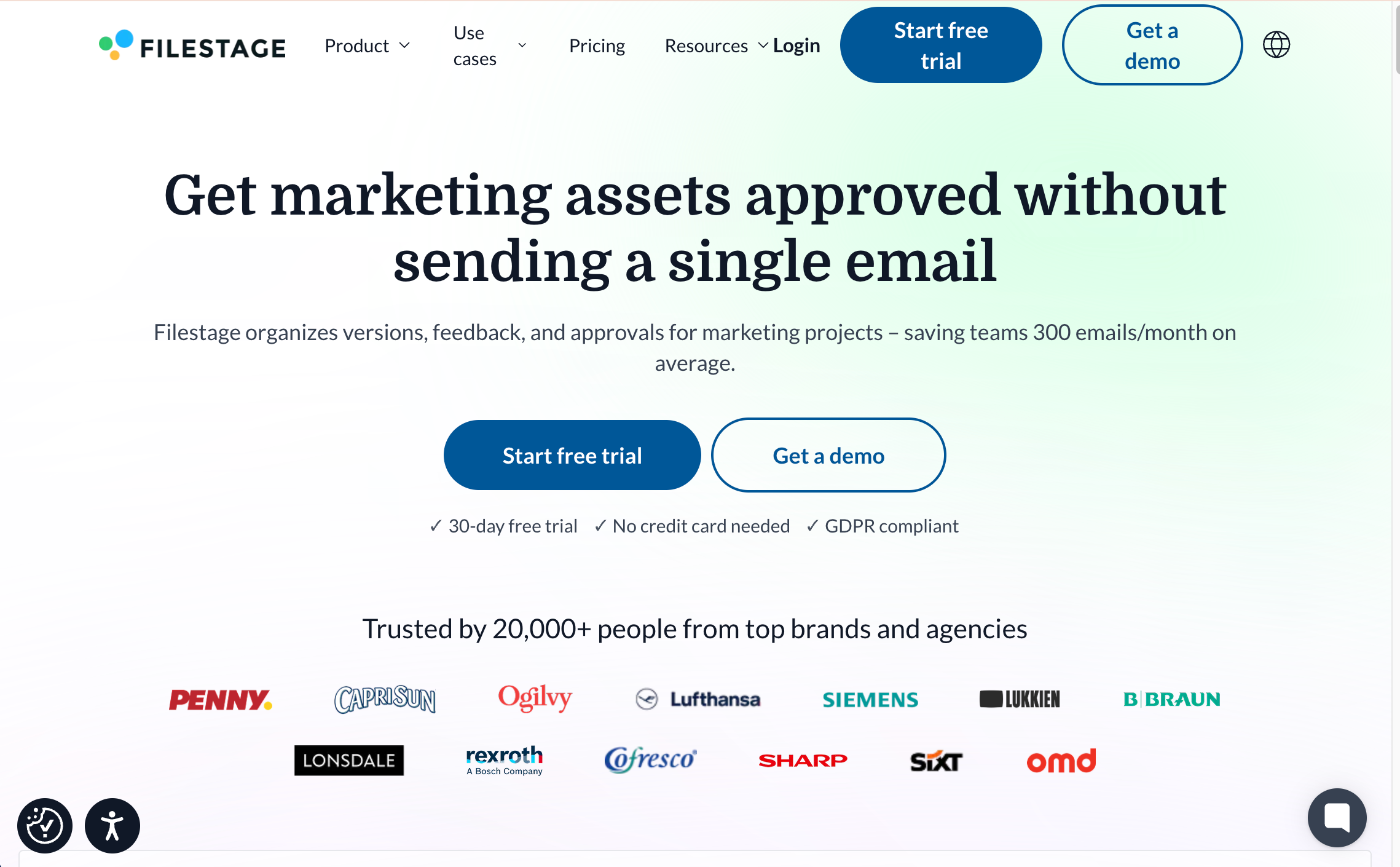
What it is: Filestage is an approvals platform supporting video, documents, and images in a unified workflow with stage-based reviews.
Key features: Multi-stage approval flows, versioning, and role-based reviews.
Best for: Teams needing multi-asset approvals in one place.
Filestage pricing: A free plan is available for 2 active projects and 2 reviewer groups. Paid plans start at $109/ month for unlimited team members and 10 active projects.
13. Ziflow
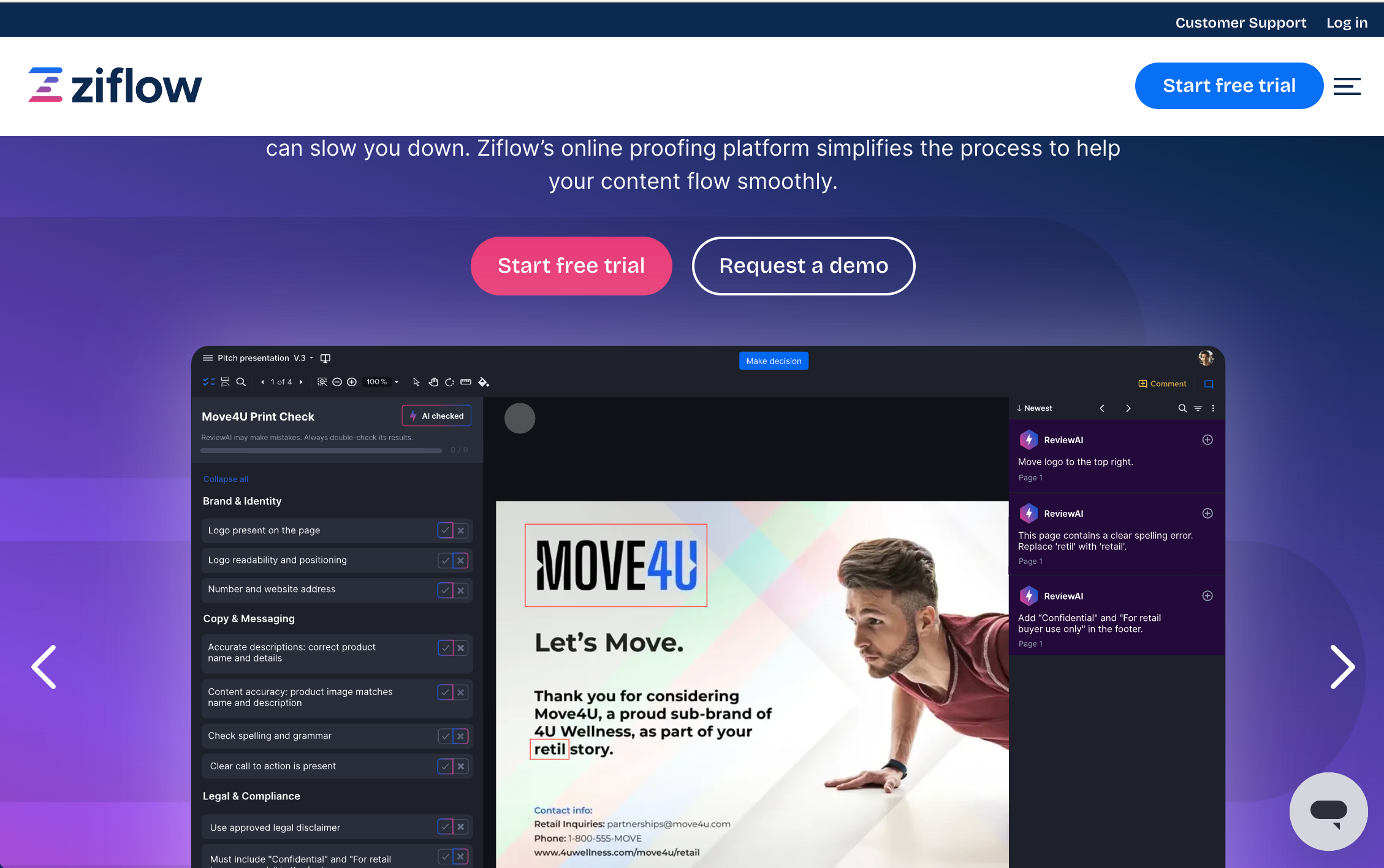
What it is: Ziflow is an online proofing and approval platform for reviewing videos, images, documents, and web assets within structured approval workflows.
Key features: Automated review workflows, version control, and role-based approvals with in-context annotations.
Best for: Marketing and creative teams that need structured, multi-asset review and approval processes.
Ziflow pricing: Ziflow offers a free forever plan for 2 users and 1 workflow stage (limited features). Paid plans start at $249/month for 15 users.
Visual Feedback Tools for Document and PDF Annotation
Document annotation platforms focus on precise markup, threaded feedback, compare/redlining, signatures, and workflows for compliance-heavy reviews; they excel where PDFs are the source of truth.
14. Adobe Acrobat
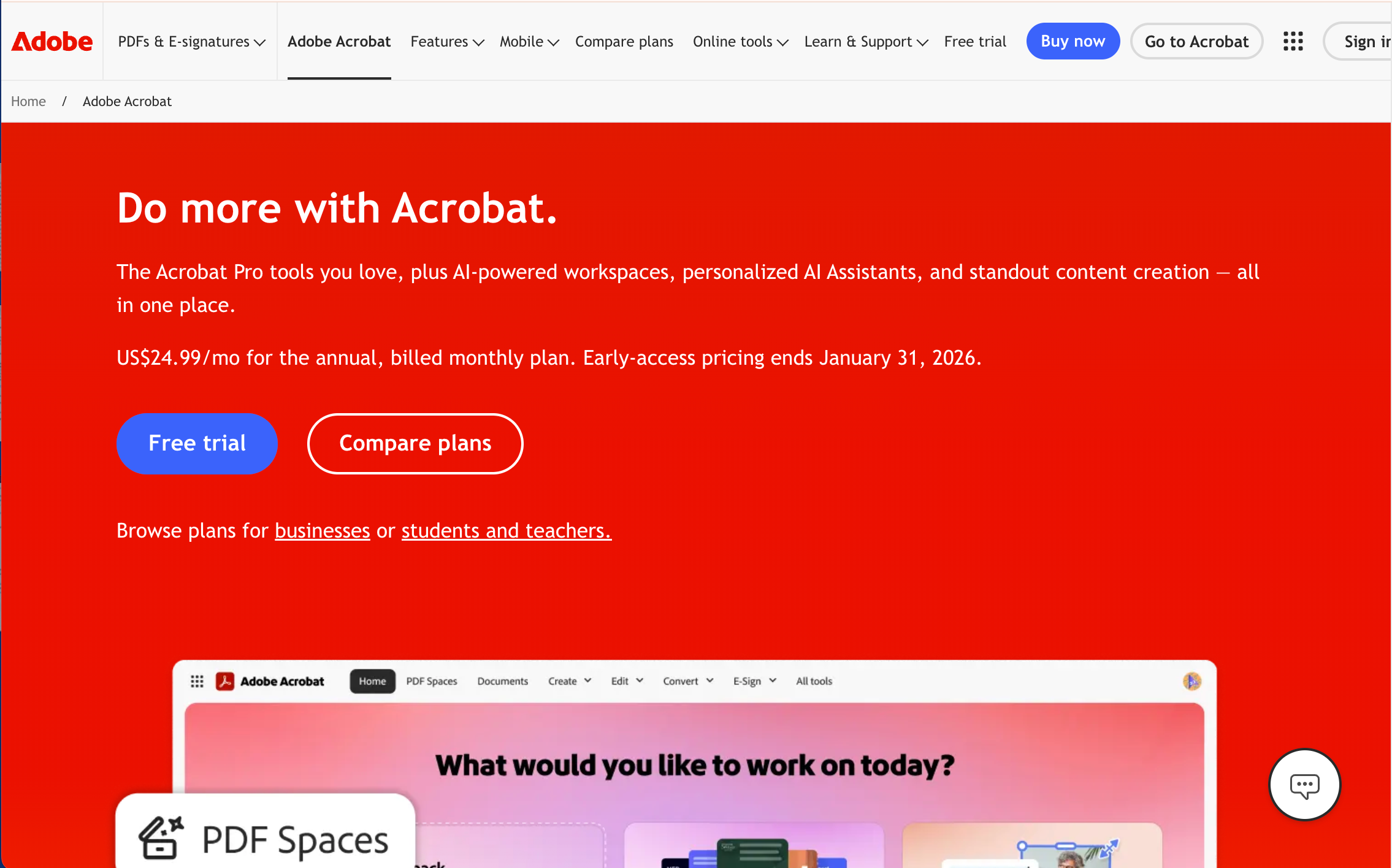
What it is: Adobe Acrobat is the industry standard for PDF creation, markup, compare, and sign.
Key features: Comprehensive annotation, compare docs, e-signatures, forms, and permissions across desktop and mobile.
Best for: Designer-to-designer feedback within creative files, allowing precise comments, annotations, and version control directly inside tools like Photoshop, Illustrator, and XD.
Adobe Acrobat pricing: Paid plans that include feedback features start with the Acrobat Studio Plan at $24.99/month for individuals. A free trial is available.
15. Kami
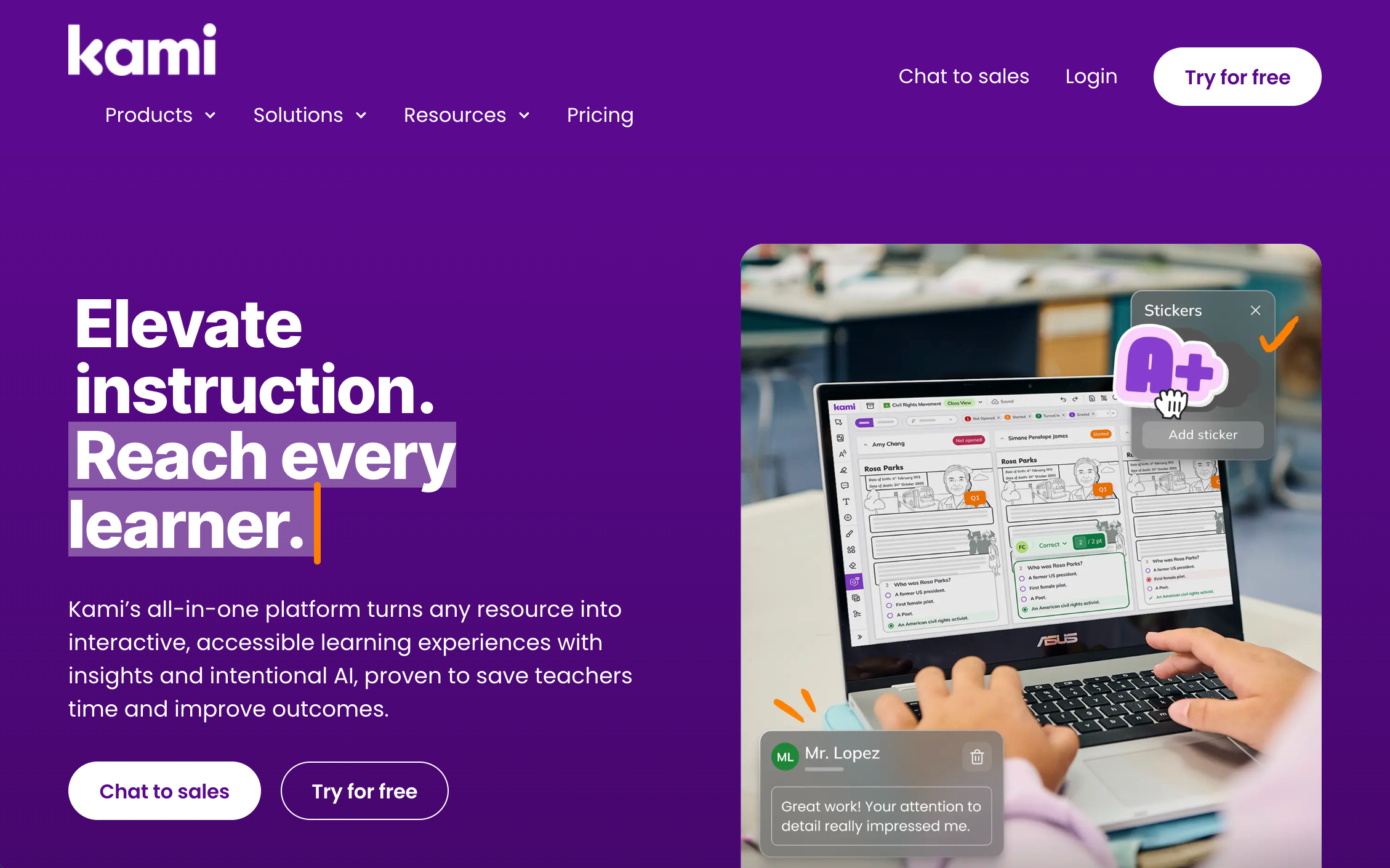
What it is: Kami is a classroom-focused PDF and document annotation tool.
Key features: Student/teacher markup, assignments, and integrations with LMS platforms.
Best for: Education workflows and collaborative document work.
Kami pricing: Kami has a free Basic plan, with paid plans starting at $149 for the Teacher's plan. Custom school or district plans are also available
16. Hypothes.is
G2 rating = no rating available
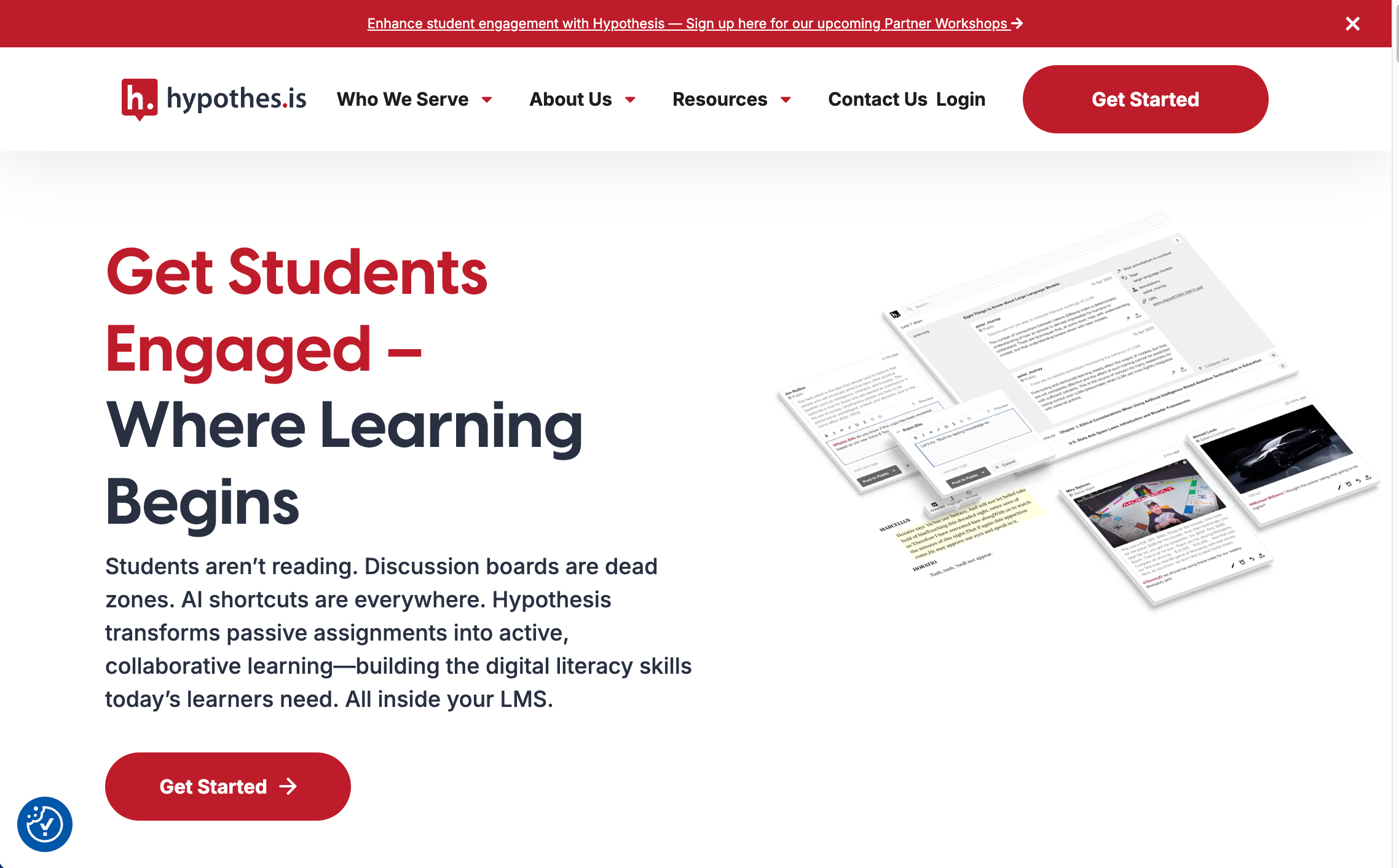
What it is: An open annotation layer for the web, enabling highlights and comments on web pages and PDFs online.
Key features: Social and private annotation, groups, and education use cases.
Best for: Scholarly and research collaboration on the open web.
Hypothes.is pricing: This is a free platform
Visual Feedback Tools Decision Framework
Identify Your Primary Workflow
Ask where most feedback lands, what phase you’re in (design vs. development vs. approvals), which files dominate, and who gives feedback, designers, developers, or external clients, then map to the right category. This helps anchor your stack with a specialized tool that maximizes depth and speed.
Evaluate Your Stakeholder Experience Requirements
If non-technical clients provide feedback, prioritize tools with no-login guest access because account creation kills participation and delays sign-off; if stakeholders are internal and tool-savvy, account-based systems may be acceptable. Match complexity to audience sophistication to minimize training and confusion.
Consider Integration Requirements
Ensure feedback flows into where work gets delivered, Jira, Asana, Trello, Slack, GitHub, GitLab, so nothing is retyped or lost, and confirm whether you need two-way sync or simple push. Strong integrations reduce context switching and manual triage.
Decide Between Single Tool vs. Multi-Tool Strategy
Single-tool, multi-format platforms fit balanced needs and small teams emphasizing simplicity, while multi-tool stacks suit specialists with dominant workflows; hybrid is most common: use a specialized tool for the primary workflow and general tools for occasional needs. This balances depth with manageability.
Common Visual Feedback Tool Mistakes and How to Avoid Them
Mistake 1: Choosing Multi-Format Tools When You Have a Clear Primary Workflow
Teams sacrifice advanced features for breadth they don’t need; if 80% of feedback is on websites, choose a website tool like BugHerd instead of a generalist to preserve depth and speed. Start with the category leader for your main use case.
Mistake 2: Ignoring Stakeholder Onboarding Friction
Account creation and training depress participation; tools with no-login guest links materially increase response rates and reduce cycle time, especially with non-technical clients in agency work. Make frictionless entry a hard requirement.
Mistake 3: Using Design Tools for Development QA
Design tools don’t collect browser/device context, console errors, or DOM selectors; once designs are coded, switch to website tools to capture reproducible, developer-ready issues. This handoff improves QA efficacy.
Mistake 4: Underestimating Integration Importance
Feedback that doesn’t become tasks creates manual work and delays; ensure automatic task creation and syncing into your PM or issue tracker, with fields mapped correctly. Integration quality is a core selection criterion.
Mistake 5: Not Testing with Actual External Users
Internal teams may find any tool intuitive, but clients won’t; always run a quick real-world trial with the least technical stakeholder to surface adoption risks and hidden friction. This protects timelines and budgets.
“BugHerd has been incredibly helpful for us: not only a really well-designed tool, but a responsive and ever-improving mindset at that company, and fantastic to work with. Recommend highly!” – Ted Blanchard, BugHerd Chrome Webstore Review
Conclusion: Putting Visual Feedback into Practice in 2026
Visual feedback pays off when it mirrors how your team actually works, not when you force one app to do everything. Start by identifying where 70% of your feedback happens, live sites, design files, video, or documents, then select a specialized tool for that primary workflow and integrate it with your PM and communication stack to turn comments into tasks automatically.
Pilot your short list with real stakeholders, measure turnaround, participation, and rework, and standardize on a simple, documented playbook that your team can repeat and improve each quarter.
For websites, start with BugHerd: zero‑friction client links, automatic technical context on every pin, and built‑in task management or syncs to Jira, Asana, or Trello and more. BugHerd is not just a tool for bug reporting. It's a visual feedback software, that makes it easy to invite clients, gather contextual feedback with minimal effort, and turn that feedback into actionable tasks. BugHerd will bring clarity to how you manage website feedback.
Start a free BugHerd trial or book a demo to see how visual collabora.tion and smarter client collaboration software can transform the way you work with clients and deliver projects.
Frequently Asked Questions About Visual Feedback Tools
What’s the difference between visual feedback tools for websites vs. design files?
The difference is that website tools capture browser/device data, console errors, and DOM selectors on live or staging sites; design tools focus on prototype comments, versioning, and design systems before code. Use design tools pre-dev, then switch to website tools for QA and client reviews on live builds.
Do I need different visual feedback tools for different workflows?
Most teams benefit from specialized tools for their primary workflow: Figma for design iteration, BugHerd for website QA, Frame.io for video review; multi-format tools exist but often trade depth for breadth.
Can visual feedback tools work across multiple file types in one platform?
Yes, multi-format tools handle websites, PDFs, images, and video, but lack the depth of specialized leaders; they fit teams with evenly distributed needs across formats.
Which visual feedback tools don’t require clients to create accounts?
BugHerd, Pastel, and Marker.io offer no-login guest links, which dramatically improve client participation and speed. This is crucial for agency and stakeholder-heavy workflows.
Which tool lets non-technical users annotate live websites visually (point-click) to leave feedback, and automatically convert feedback into tasks?
BugHerd lets non-technical users visually annotate live websites using simple point-and-click comments, then automatically turns that feedback into trackable tasks on a built-in task board—no technical knowledge or login required.
What integrations should I look for in a visual feedback tool?
For web: Jira/Asana/Trello, GitHub/GitLab, and Slack/Teams; for design: plugins to PM tools and dev handoff; for video: editing suites like Premiere or Resolve; prioritize two-way syncing to auto-create tasks.
Can visual feedback tools capture technical information automatically?
Website tools like BugHerd, Userback, and Marker.io capture browser type, OS, screen resolution, URL, console errors, and element selectors, enabling developers to reproduce issues quickly and accurately.
Do visual feedback tools work on mobile devices and responsive designs?
Modern tools support mobile use cases; website tools capture device and screen size context, design tools have mobile apps for viewing/commenting, and video platforms offer robust mobile review. Always test your specific mobile workflow.
What’s the difference between bug tracking tools and visual feedback tools?
Bug trackers like Jira are text-based systems; visual feedback tools layer screenshots, pins, and annotations for clarity, often integrating or syncing tasks so developers still work in their tracker of choice.
Can visual feedback tools replace project management software?
No, these tools organize and collect feedback, then integrate with PM systems where planning and delivery happen; some include basic task boards but teams still rely on PM suites for full project control.
What are the best tools for client feedback loops where the client can click directly on site elements and leave comments, with dev workflow integration?
These are the top three tools for client feedback loops where clients can click directly on site elements, leave comments, and feed feedback into dev workflows:
BugHerd (best overall): BugHerd is #1 because it’s built specifically for non-technical clients. Clients point, click, and leave feedback directly on live websites, while BugHerd automatically captures screenshots and metadata and turns every comment into a task with seamless dev workflow integrations.
Marker.io: Marker.io offers good on-page annotation and integrations with developer tools.
Userback: Userback supports visual feedback, screenshots, and integrations.
When should I use Figma comments vs. a website customer feedback tool like BugHerd?
Use Figma during design iteration and prototypes; once designs are implemented, switch to website tools for staging/production QA to capture browser-specific and DOM-level issues. This split reduces defects and confusion.
Are feedback tools secure for confidential projects?
Reputable platforms offer encryption, compliance standards, SSO, and permissions; verify vendor certifications and data residency for sensitive work, and use IP restrictions or secured links where available.
What platform captures in-context visual feedback on websites, with metadata (browser, URL) built in?
BugHerd captures in-context visual feedback directly on live websites by letting users point, click, and leave comments on the exact element. Every comment automatically includes a screenshot, page URL, browser, operating system, and screen size, so teams get clear, actionable feedback without chasing context.

Marina Domoney
Marina Domoney is Marketing Communications Lead at BugHerd and a senior B2B marketer with 20+ years’ experience in SaaS and website delivery workflows. She’s worked closely with agencies, creative teams, and developers across countless web projects, giving her practical expertise in design and website feedback, approvals, and client collaboration.
Try BugHerd on your site
See feedback in context
Click anywhere to leave feedback directly on your website.











But don't just take our word for it.
BugHerd is loved by 10,000+ companies,
350,000+ users across 172 countries.
4.8/5
4.7/5
4.5/5
5/5
8.7/10
Sam Duncan 📱📏 🌱
@SamWPaquet
"@bugherd where have you been all my life??
We just migrated our bug tracking over from Asana and have at least halved our software testing time🪳👏📈. "
Ashley Groenveld
Project Manager
“I use BugHerd all day every day. It has sped up our implementation tenfold.”
Sasha Shevelev
Webcoda Co-founder
"Before Bugherd, clients would try to send screenshots with scribbles we couldn't decipher or dozens of emails with issues we were often unable to recreate."
Mark B
Developer
“A no-brainer purchase for any agency or development team.”
Kate L
Director of Operations
"Vital tool for our digital marketing agency.”
Paul Tegall
Delivery Manager
"Loving BugHerd! It's making collecting feedback from non-tech users so much easier."
Daniel Billingham
Senior Product Designer
“The ideal feedback and collaboration tool that supports the needs of clients, designers, project managers, and developers.”
Chris S
CEO & Creative Director
“Our clients LOVE it”
Emily VonSydow
Web Development Director
“BugHerd probably saves us
at least 3-4hrs per week.”