

Table of Contents
- What Are Online Proofing Tools?
- What Features Matter Most When Choosing an Online Proofing Tool?
- What are the Most Common Mistakes When Choosing an Online Proofing Tool?
- What Types of Commenting Tools are There?
- How Do the Top Online Proofing Tools in 2026 Compare To Each Other?
- What are the Best Online Proofing Tools in 2026?
- Which Online Proofing Tool is Best for Agencies and Web Teams?
- Frequently Asked Questions About Online Proofing Tools
Key Takeaways
- Online proofing tools replace messy email threads by keeping feedback, approvals, and proof versions in one place.
- The best platforms support visual feedback, markup tools, and structured workflows so teams can review and approve creative work faster.
- Version control and version comparison are essential to prevent rework and stop stakeholders approving the wrong version.
- If you proof live websites as well as creative assets, choose a tool that supports both web-based feedback and file proofing.
- For agencies and web teams, BugHerd stands out because it combines online proofing, client-friendly feedback, and built-in task management in one workflow.
What Are Online Proofing Tools?
Online proofing tools (sometimes called digital proofing or an online proofing solution) are platforms that let users review and annotate creative work like live or staging websites, PDFs, images, videos, and even content; all in a browser. Instead of sending files back and forth, stakeholders can leave visual feedback in-context, track changes across versions, and move assets through a structured review and approval process with sign-off.
A strong online proofing platform typically supports:
- Centralized feedback and approvals in one platform
- A trackable workflow for stakeholder sign-off
- Version control so teams don’t approve the wrong file
- Version comparison to spot what changed between proof rounds
- A clearer path to review and approve outcomes
What Features Matter Most When Choosing an Online Proofing Tool?
Whether you’re in a creative agency, running marketing teams, leading creative teams, or juggling multiple creative projects, the right online proofing software can speed up your review process and help you save time - without sacrificing quality.
When choosing online proofing tools, these are the features that matter most:
- In-context visual feedback (annotations pinned to the exact spot)
- Support for multiple file types (websites, PDFs, images, videos, and more)
- Version control and proof versions management
- Version comparison (side-by-side or overlay comparison)
- A structured review and approval workflow (stages, roles, permissions)
- A reliable approval process with a clear audit trail
- Collaboration features for clients and internal stakeholders (guest access helps)
- Built-in task management so feedback can be easily actioned
- Security and permissions that help protect creative assets and maintain brand standards
- Integrations with project management and collaboration tools you already use
What are the Most Common Mistakes When Choosing an Online Proofing Tool?
- Choosing based on price alone: Keep in mind that free or low cost tools usually have limited functionality and you'll pay for it in lost productivity.
- Forgetting real stakeholders: A tool can be powerful, but if clients can’t use it easily, you won’t get quick feedback.
- Overlooking the need to review different file types: Many teams need to proof more than PDFs. Make sure you choose an online proofing tool that also supports web pages / live websites, images, Figma files, and other documents that will need reviewing during your projects.
- Assuming “comments” equals workflow: Look for a tool that captures a user's technical details and has inbuilt task management.
- Ignoring versioning needs: Without strong version control and version comparison, teams waste time arguing about what changed and approving the wrong new version.
What Types of Online Proofing Tools are There?
Online proofing has many overlaps with 'commenting', but proofing tools tend to be built specifically for high-volume asset review and formal approvals:
- Web feedback + proofing hybrids: Tools that support proofing of files and feedback on live websites, useful when web delivery and creative approvals overlap.
- Creative proofing platforms (multi-asset): Built for reviewing files (web pages, PDFs, images, etc) with structured approvals, version control, and version comparison.
- Video-first review tools: Purpose-built for frame-accurate feedback and fast client approvals on video deliverables.
- Work management platforms with proofing: Broader project/portfolio tools that add proofing/approvals inside a wider system (often enterprise). This is where Adobe Workfront (and tools like Aproove work management) often sit.
How Do the Top Online Proofing Tools in 2026 Compare To Each Other?
The table below compares 17 leading online proofing tools by G2 rating, best use case, key features, pros/cons, pricing, and free trial availability.
What are the Best Online Proofing Tools in 2026?
The best online proofing software depends on your workflow. Some teams need lightweight client approvals; others need formal governance, strict permissions, and a full clear audit trail. Below you’ll find more information on the top 17 online proofing tools so you can choose the best fit for your creative process.
#1. BugHerd
BugHerd is best for online proofing on live websites, PDFs, images, Figma files, etc, because it lets clients and stakeholders pin visual feedback directly to page elements while automatically capturing screenshots and technical context. It works well when agencies and web teams need faster review cycles, clearer collaboration, and a streamlined workflow that turns feedback into trackable tasks on an inbuilt Kanban task board - all in a single workflow. It’s less suited for native mobile app proofing workflows.
Who is BugHerd designed for?
BugHerd is designed for creative agencies, web teams, and marketing teams managing website projects and creative deliverables; especially when clients need a low-friction way to leave feedback without long onboarding.
What are the key features of BugHerd?
The key features of BugHerd are:
- Visual point‑and‑click feedback tied to exact elements on a web page, PDF, image, Figma file, etc. Clients and stakeholders simply use the arrow icon to click directly on any element and drop a pin/comment (like sticky notes on a page).
- Capture feedback via video and leave feedback on multi-step interactions, animations, and anything else that’s difficult-to-describe with written words alone.
- Automatic screenshot & tech details captured with browser, OS, URL, screen size, screen resolution, etc.
- Task tracking via a built‑in Kanban board to assess, assign, prioritize, and action feedback. BugHerd also keeps clients updated by allowing them access to the task board (you determine the level of access), for real time visibility, especially on critical issues.
- BugHerd has deep two-way integrations with all project management tools such as ClickUp, monday.com, Asana, Trello, Jira and more; as well as supporting integrations with collaboration tools like Slack & Microsoft Teams, and developer tools like GitHub. BugHerd also has a fully featured API and Webhook support enabling custom integrations with any application.
- No client login required. Clients and stakeholders are sent a link and they can start leaving feedback right away without having to set up a login.
- Ongoing public feedback is easy with BugHerd’s public feedback widget, which lets visitors share feedback directly from your live website.
What are the Pros and Cons of BugHerd?
BugHerd Pros:
- Easiest online proofing tool for clients to use
- No login required for clients
- Excellent contextual feedback makes actioning tasks quick and easy
- Deep two-way integrations
- Works on live and staging websites
- Feedback is organized by page
- All-in-one feedback workflow (from capturing to managing feedback)
- Dramatically speeds up feedback loops
- Reduces revision misunderstandings
- Helps teams hit deadlines
BugHerd Cons:
- If you only require file proofing at enterprise scale, a dedicated platform may fit better than a web-centric workflow.
How much does BugHerd cost?
- Standard: $42/month (5 members - unlimited projects - unlimited guests)
- Studio: $67/month (10 members - unlimited projects - unlimited guests)
- Premium: $125/month (25 members - unlimited projects - unlimited guests)
- Custom: Custom pricing available for large teams
Find out more about what's included in each of the BugHerd pricing plans.
Does BugHerd offer a free trial?
BugHerd offers a free 7-day trial where you can check out all of the features. No credit card is required.
You can also book a 1:1 demo with a BugHerd product specialist where all of your questions will be answered on the spot.
“BugHerd makes it easy to provide feedback to the development team for our project. This feature has made communication much smoother for both myself and my team. Not having to rely on back-and-forth emails has saved us an incredible amount of time.” - Ashley H. Marketing & Asset Analyst - G2 Review
#2. Filestage
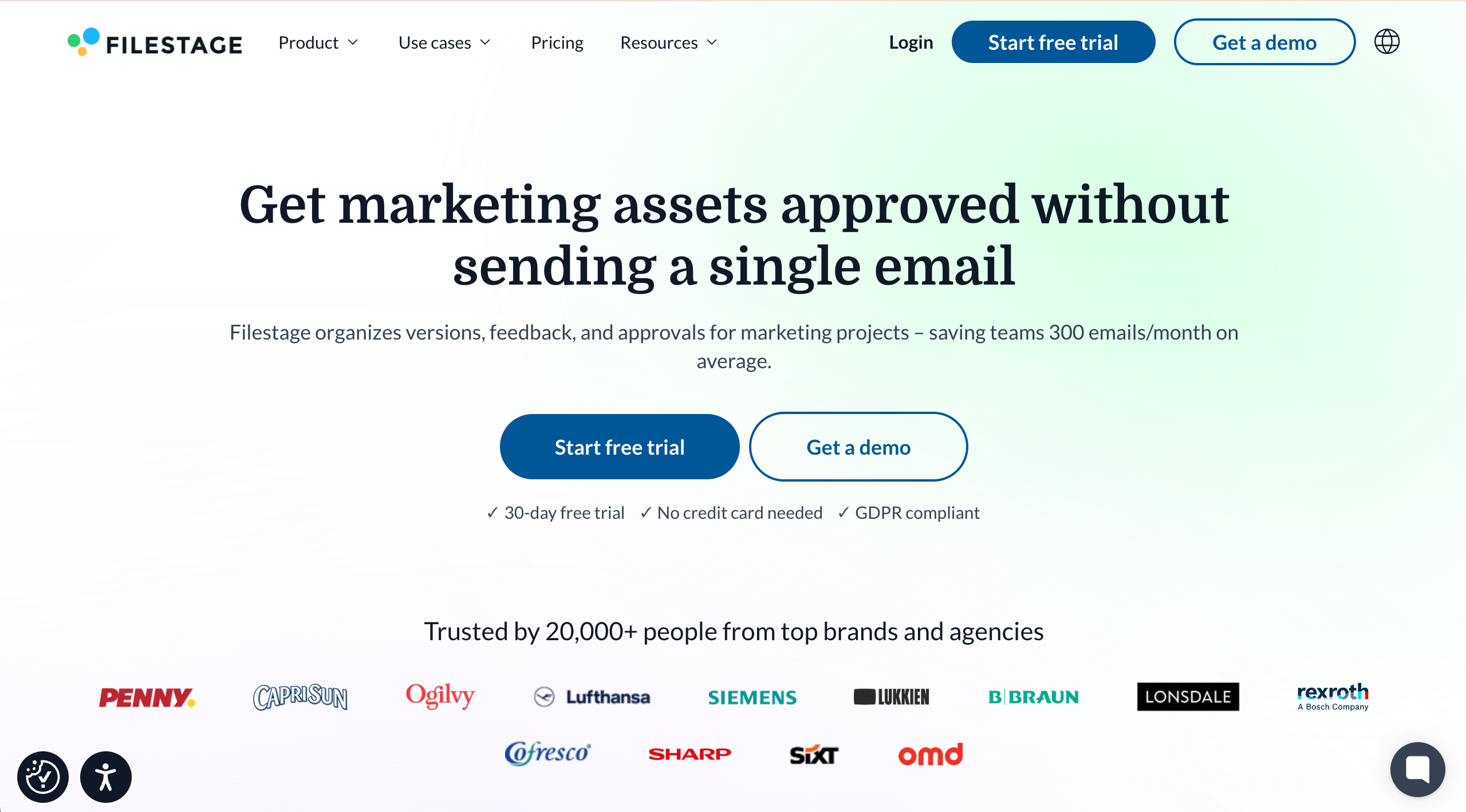
Filestage is best for structured content reviews and approvals because it centralizes feedback, versioning, and sign-off across files and stakeholders. It’s ideal for marketing and creative teams managing multi-step approvals for files (especially video), but less suited for detailed feedback on live websites.
Who is Filestage designed for?
Filestage is designed for creative agencies managing campaign assets, video producers, brand teams, and marketing team members who require formal approvals.
What are the key features of Filestage?
- Multi‑format review across video, images, PDFs, and documents.
- Time‑stamped video comments for feedback on motion and edits.
- Branded client portals for professional approvals at scale.
What are the Pros and Cons of Filestage?
Filestage Pros
- Works for multiple file types
- Easy to use for teams & clients
- Centralizes feedback & approvals
Filestage Cons
- Steeper onboarding for new reviewers
- Some UI parts not intuitive
- Limits on project structure in certain plans
How much does Filestage cost?
- Free Forever Plan (very limited)
- Basic: $129/month
- Professional: $369/month
- Enterprise: Custom pricing
Find out more about what's included in each of the Filestage pricing plans.
Does Filestage offer a free trial?
Filestage offers a free 30-day trial.
#3. PageProof
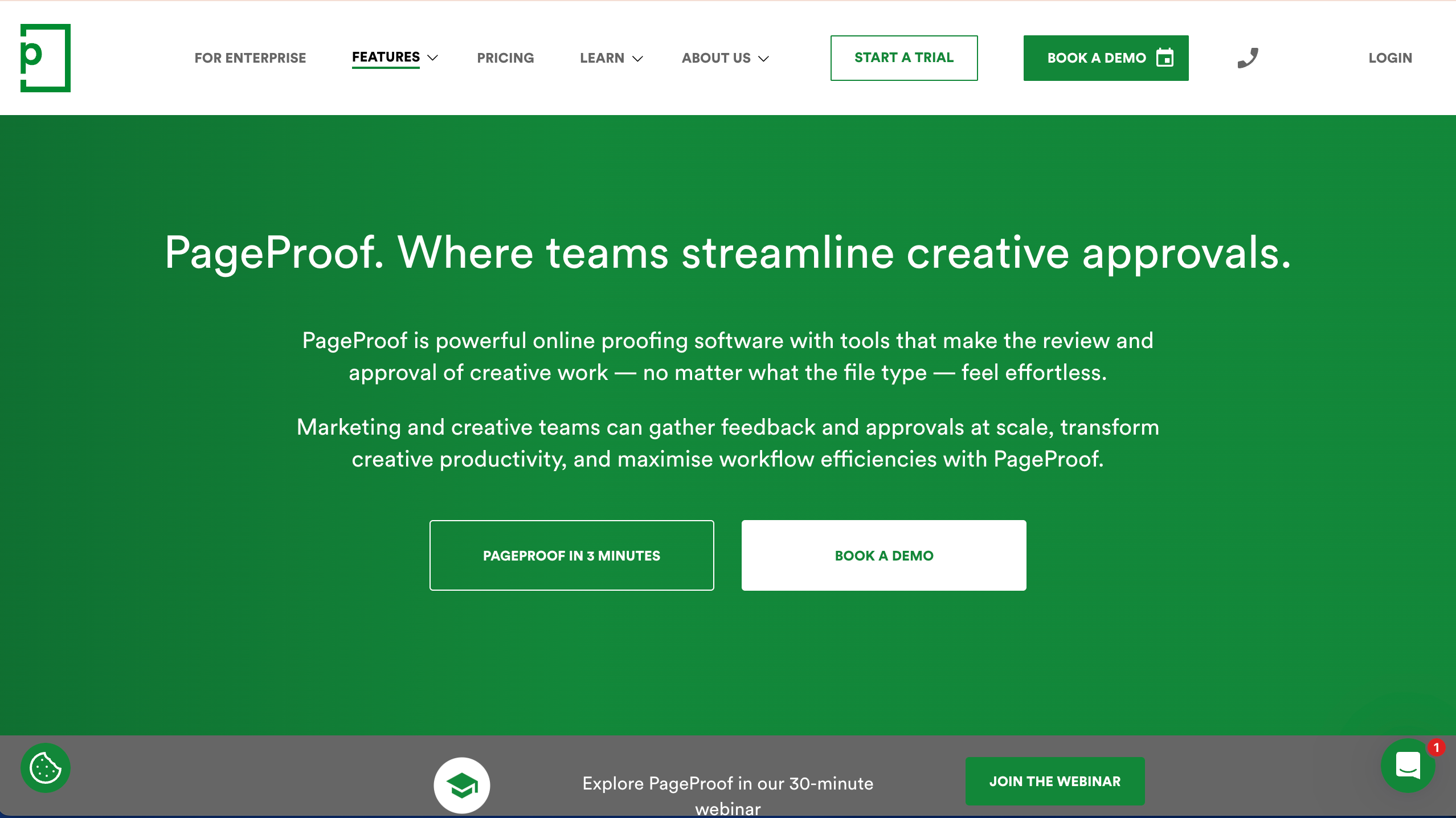
PageProof is best for enterprise-grade proofing and approvals because it supports highly structured workflows, secure reviewer access, and clear version control across creative assets. It’s ideal for large marketing and creative teams needing governed approvals and Adobe Creative Cloud integrations, but less suited for smaller teams that want lightweight, low-cost proofing.
Who is PageProof designed for?
PageProof is designed for design teams, brand teams, and marketing teams that need a reliable, secure online proofing platform with formal approvals and clear accountability.
What are the key features of PageProof?
- Proofing tools and markups for many deliverable formats
- Automated workflows for review stages
- Version control and compare mode (version comparison)
- Integrations with multiple Adobe apps
What are the Pros and Cons of PageProof?
PageProof Pros:
- Extremely secure
- Unlimited reviewers included
- Excellent Adobe integration
PageProof Cons:
- Overkill for small teams
- Expensive entry point
How much does PageProof cost?
- Team: $249/month
- Team Plus: $399/month
- Enterprise: Quote upon request
Find out more about what's included in each of the PageProof pricing plans.
Does PageProof offer a free trial?
Yes, PageProof offers a 10-day free trial.
#4. Ziflow
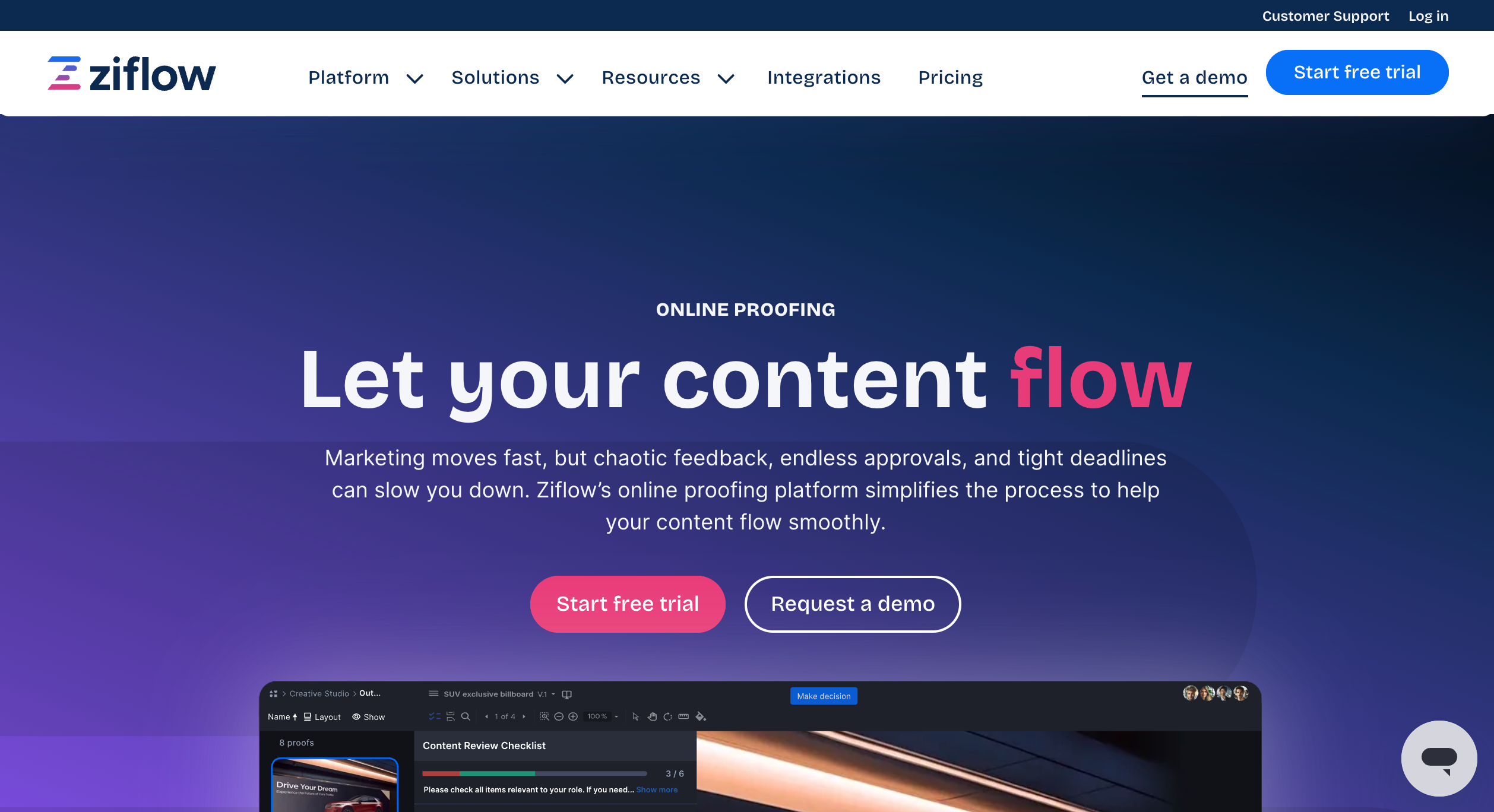
Ziflow is best for high-volume creative review workflows because it automates review stages, centralizes feedback, and manages approvals across teams and stakeholders. It’s ideal for organizations running complex, multi-round approvals at scale, but less suited for teams that want a simple tool with minimal setup.
Who is Ziflow designed for?
Ziflow is designed for marketing and creative operations teams, agencies, and organizations coordinating multi-step approvals across many stakeholders.
What are the key features of Ziflow?
- Proofing workflows and stages
- Collaboration and commenting across assets
- Approvals and structured review steps
What are the Pros and Cons of Ziflow?
Ziflow Pros:
- Strong for scaling review workflows across teams
- Purpose-built for online proofing at volume
Ziflow Cons:
- Can be more complex to configure than lightweight proofing tools
How much does Ziflow cost?
- Free Forever Plan (very limited)
- Standard: $249/month
- Pro: $399/month
- Enterprise: Custom pricing
Find out more about what's included in each of the Ziflow pricing plans.
Does Ziflow offer a free trial?
Yes, Ziflow offers a free 14-day trial in to a free plan.
#5. ReviewStudio
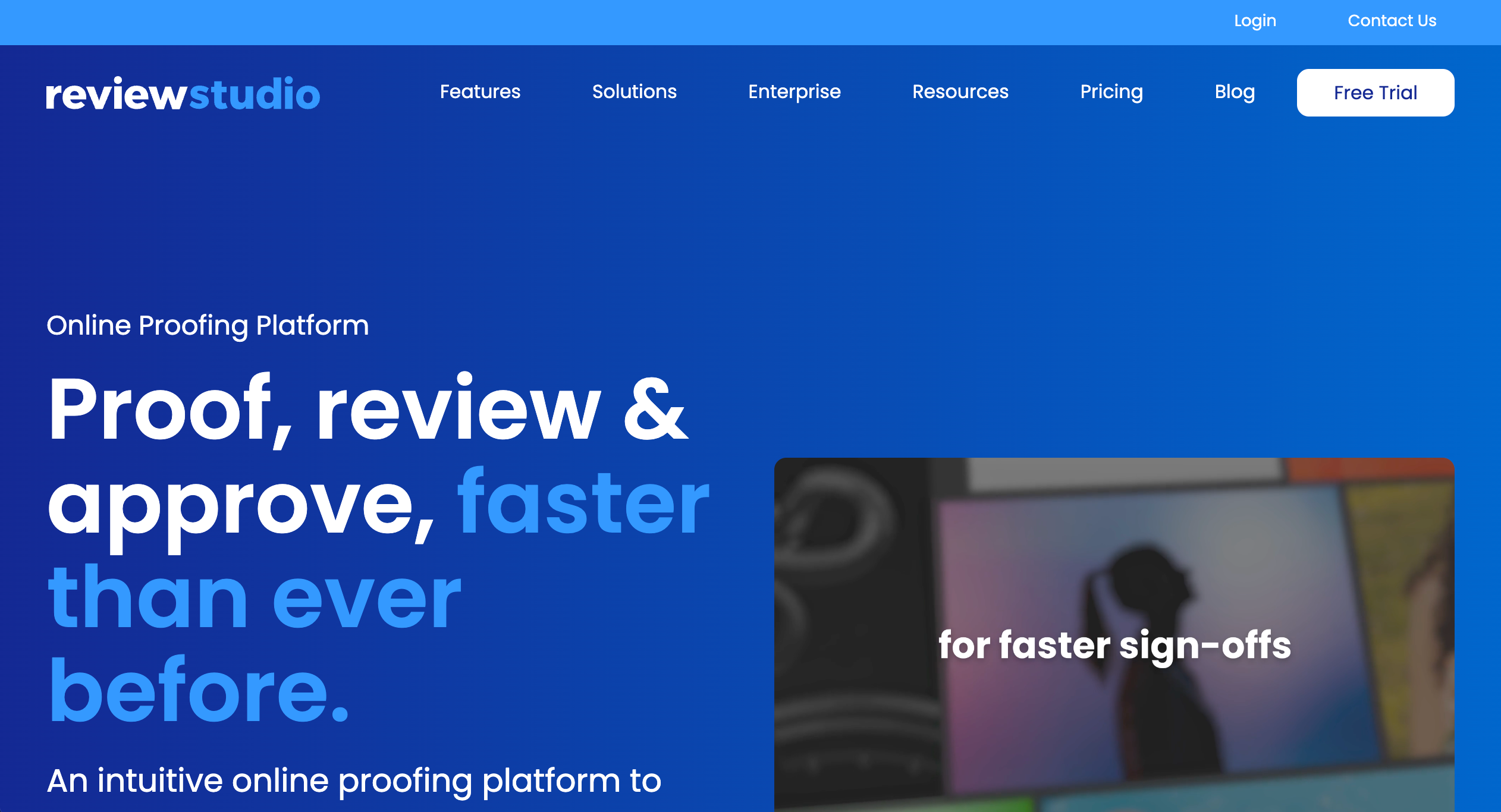
ReviewStudio is best for creative approvals because it provides powerful markup tools for in-context feedback and strong version control to keep reviews organized across multiple proof rounds. It’s ideal for teams that need structured review cycles and version comparison, but less suited for workflows focused mainly on live website feedback.
Who is ReviewStudio designed for?
ReviewStudio is designed for teams that need repeatable approvals and faster creative feedback loops across projects.
What are the key features of ReviewStudio?
- Built-in task management
- Approval management and review and approval
- Versioning and compare mode for version comparison
What are the Pros and Cons of ReviewStudio?
ReviewStudio Pros:
- Strong compare mode and structured approvals
- Clear options for different plan levels
ReviewStudio Cons:
- Limited technical feedback context
- Fewer workflow automations
- Lacks deep PM tool integrations
How much does ReviewStudio cost?
- Starter: $0 (very limited)
- Pro: $12/user/month
- Advanced: $20/user/month
- Enterprise: Custom pricing
Find out more about what's included in each of the ReviewStudio pricing plans.
Does ReviewStudio offer a free trial?
Yes, ReviewStudio offers a 30-day trial.
#6. StreamWork
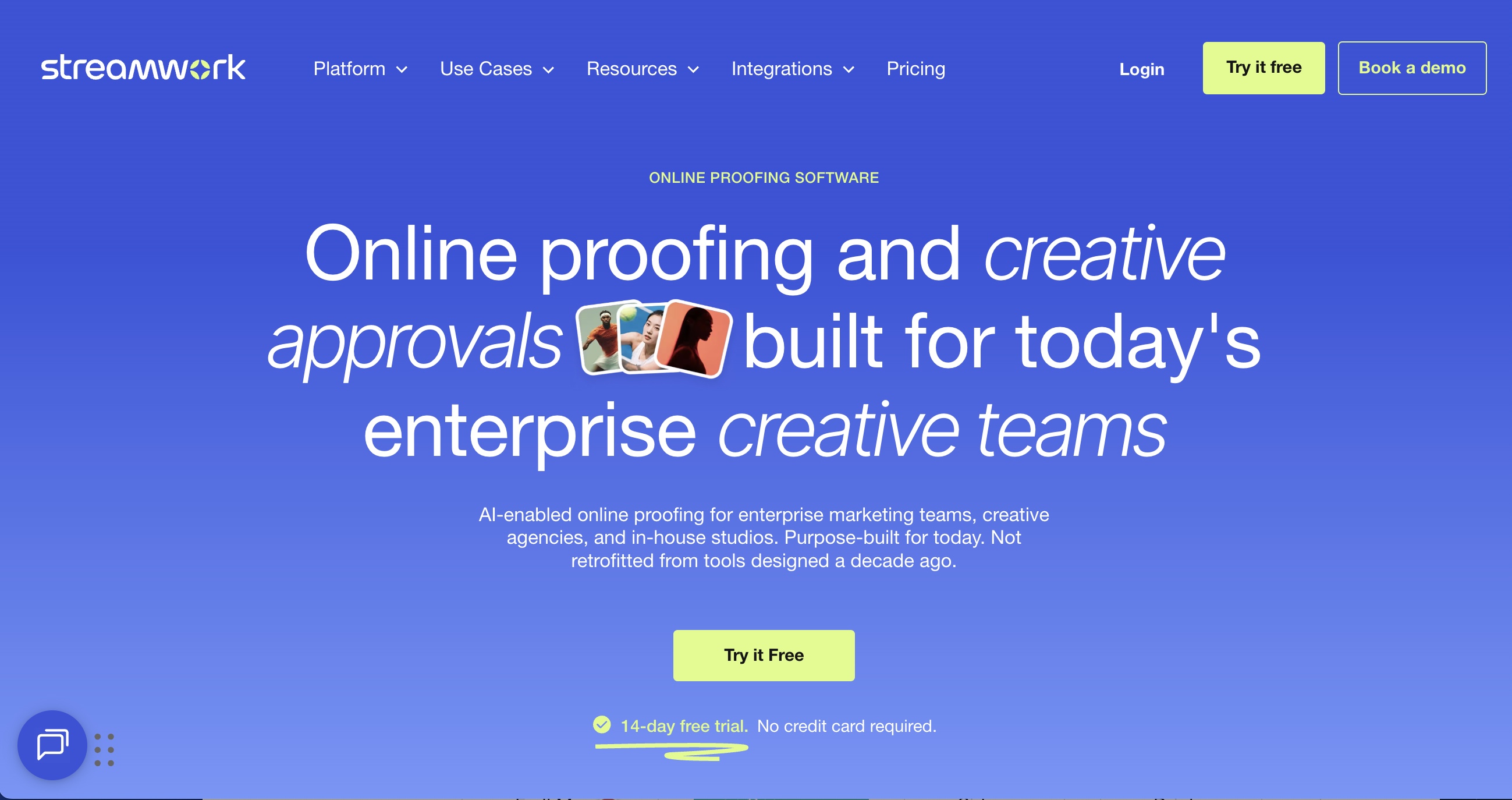
StreamWork is best for enterprise creative approval workflows because it combines AI-enabled multi-stage approval routing with deep version control across nearly any file type. It's ideal for marketing teams, creative ops, and agencies managing high-volume review at scale, but less suited for smaller teams with simple, single-stage approval needs.
Who is StreamWork designed for?
Enterprise marketing teams, creative ops leaders, in-house studios, and agencies managing creative work across multiple stakeholders and clients.
What are the key features of StreamWork?
- AI-enabled multi-stage approval routing with automated deadline reminders
- Version control with full audit trail across every asset
- No-login reviewer access via a single link
- Native integrations with Asana, Monday.com, and Adobe Creative Cloud
What are the Pros and Cons of StreamWork?
Streamwork Pros:
- Rated #1 for ROI in Online Proofing on G2
- No login required for reviewers
- Recognized for fast implementation and ease-of-use
Streamwork Cons:
- Enterprise-tier customization requires a sales conversation rather than self-serve signup
How much does StreamWork cost?
- Free plan: (2 users)
- Starter: $169/month
- Team: $299/month
- Enterprise: Custom pricing
Full details on StreamWork's pricing page.
Does StreamWork offer a free trial?
Yes, StreamWork offers a 14-day free trial with no credit card required.
"Streamwork has quickly become an invaluable partner for our team... The platform is simple to use, efficient, and has noticeably improved our overall workflow." - Adrienne, Senior Manager Creative Operations, MegaFood
#7. QuickReviewer
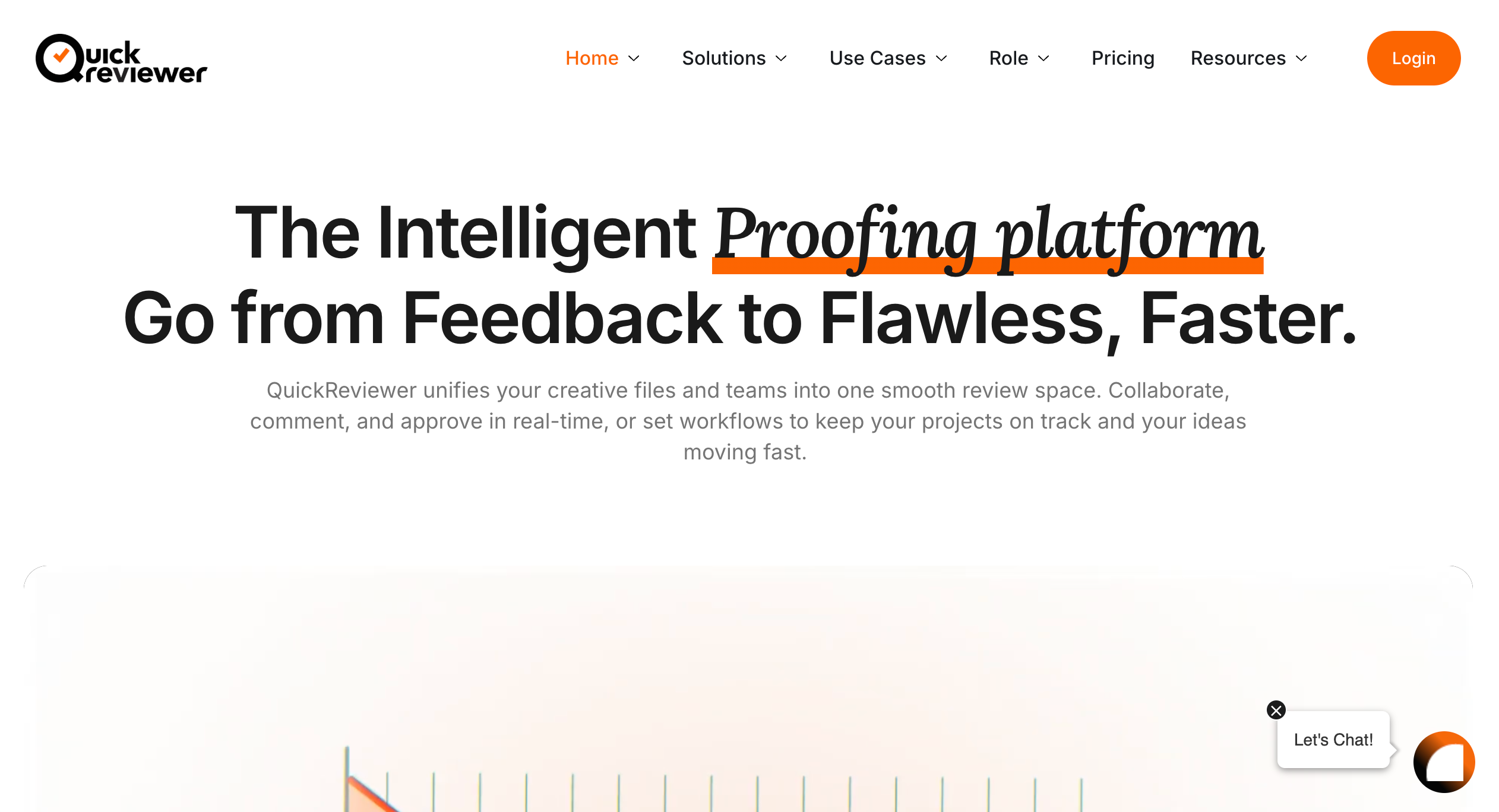
QuickReviewer is best for proofing across multiple file types because it makes it easy for teams and clients to review, comment, and approve creative assets in one place with clear version tracking. It’s ideal for creative agencies and marketing teams handling frequent revision rounds, but less suited for teams that need deep project management or website-specific technical context capture.
Who is QuickReviewer designed for?
QuickReviewer is designed for teams and reviewers who need efficient online proofing and fast approvals.
What are the key features of QuickReviewer?
- Online proofing with structured review/approval
- Support for version compare workflows
- Collaboration and review tracking
What are the Pros and Cons of QuickReviewer?
QuickReviewer Pros:
- Extremely strong G2 satisfaction rating
- Good for speeding up proofing cycles
- Supports 150+ file types
- Strong version control
- Simple, client-friendly
QuickReviewer Cons:
- Feature depth varies by plan
How much does QuickReviewer cost?
- Forever Free Plan (1 seat)
- Pro: $79/month
- Premium:: $169month
- Enterprise: Custom pricing
Find out more about what's included in each of the QuickReviewer pricing plans.
Does QuickReviewer offer a free trial?
QuickReviewer doesn't offer a free trial as a free forever plan is available.
#8. GoVisually
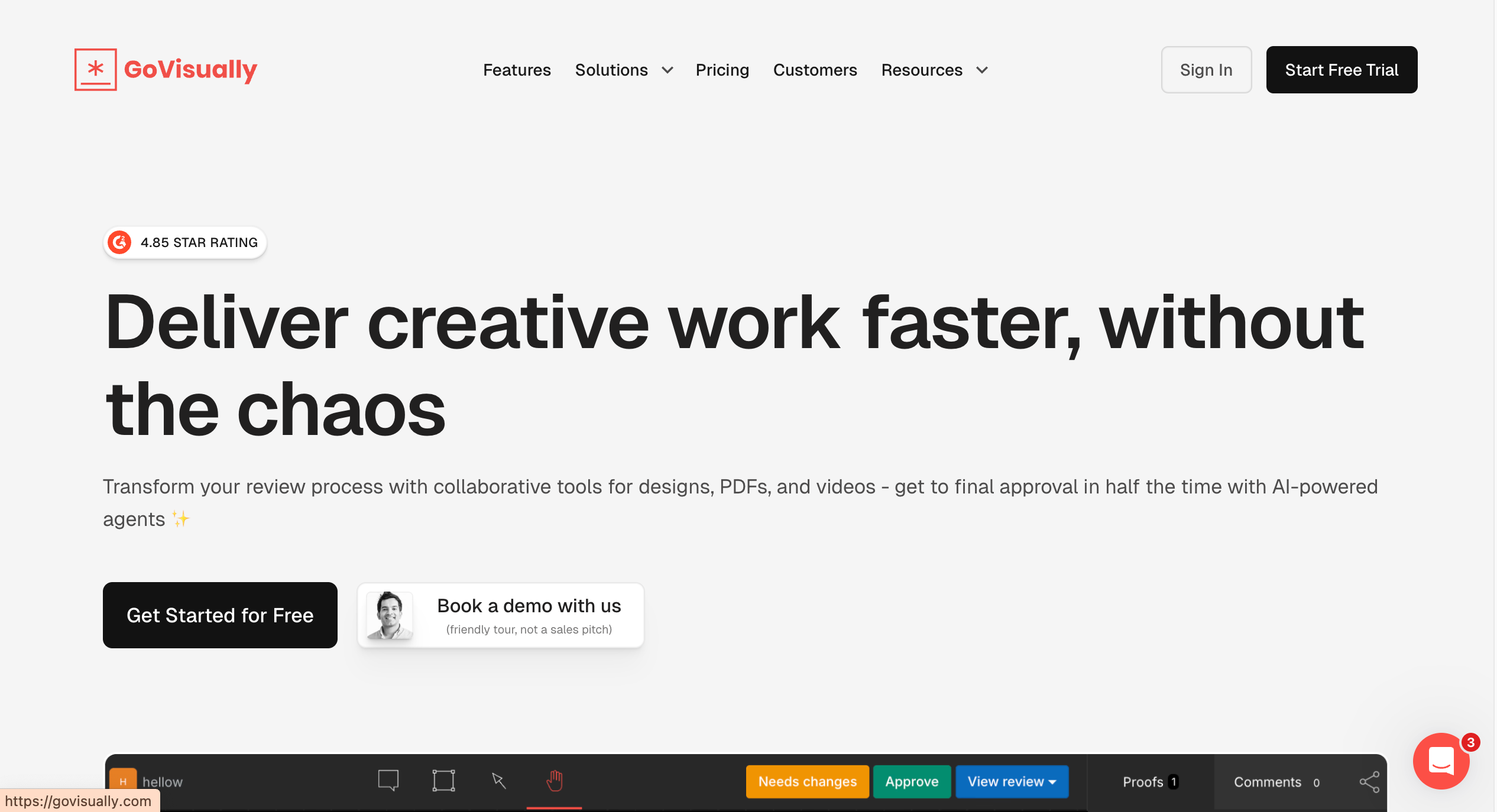
GoVisually is best for online proofing of design files because it simplifies review rounds with clear annotations, approvals, and revision tracking. It’s ideal for creative teams reviewing PDFs and images with clients, but less suited for detailed feedback on live websites or complex technical bug reporting.e.
Who is GoVisually designed for?
GoVisually is designed for creative review workflows used by designers and marketing teams handling iterative design approvals.
What are the key features of GoVisually?
- Review rounds / revision cycles
- Approval states and annotated feedback on creative deliverables
What are the Pros and Cons of GoVisually?
GoVisually Pros:
- Simple, focused proofing workflow for design files
- Easy for clients and stakeholders
GoVisually Cons:
- Not positioned as a full enterprise work management platform
How much does GoVisually cost?
- Lite: $20/month
- Pro: $40/month
- Enterprise: Custom pricing
Find out more about what's included in each of the GoVisually pricing plans.
Does GoVisually offer a free trial?
Yes, GoVisually offers a free trial.
#9. Frame.io
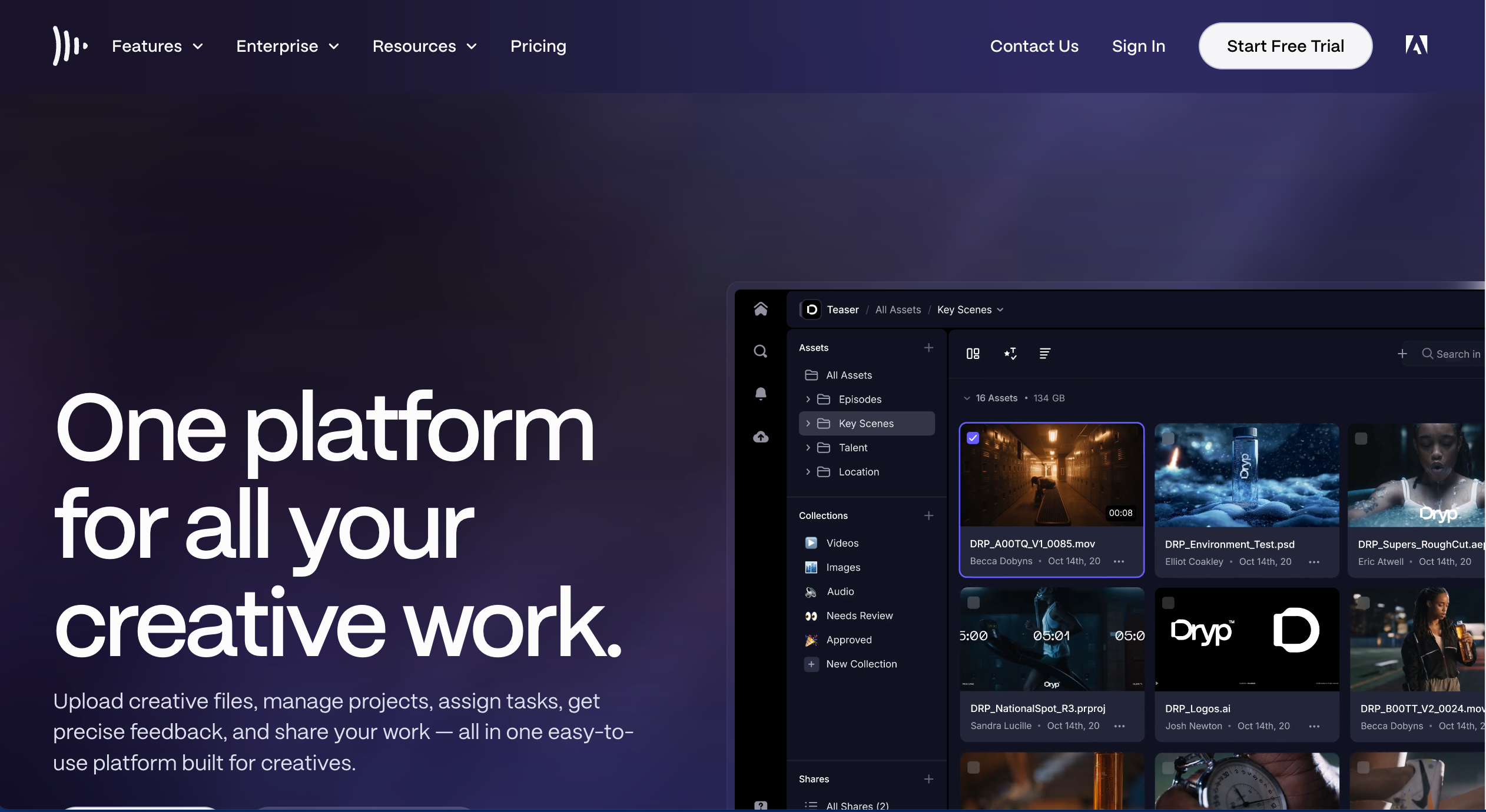
Frame.io is best for online proofing of video because it enables frame-accurate comments, fast collaboration, and streamlined review cycles for video content. It’s ideal for video production teams managing video approvals, but less suited for proofing static design files or live website feedback workflows.
Who is Frame.io designed for?
Frame.io is designed for video teams, creative production teams, and marketing teams shipping video deliverables and needing tight feedback loops.
What are the key features of Frame.io?
- Frame-accurate comments on video
- Version management and proofing workflow support
- Integrations (including Adobe tools like Premiere Pro)
What are the Pros and Cons of Frame.io?
Frame.io Pros:
- Excellent for video review and approvals
- Designed around speed and collaboration
Frame.io Cons:
- Storage and pricing tiers matter if you do heavy video volume
How much does Frame.io cost?
- Free Forever Plan (very limited)
- Pro: $15/member/month (+ tax)
- Team: $25/member/month (+ tax)
- Enterprise: Custom pricing
Find out more about what's included in each of the Frame.io pricing plans.
Does Frame.io offer a free trial?
Yes, Frame.io offers a free trial option, as well as a free forever plan.
#10. ProofHub
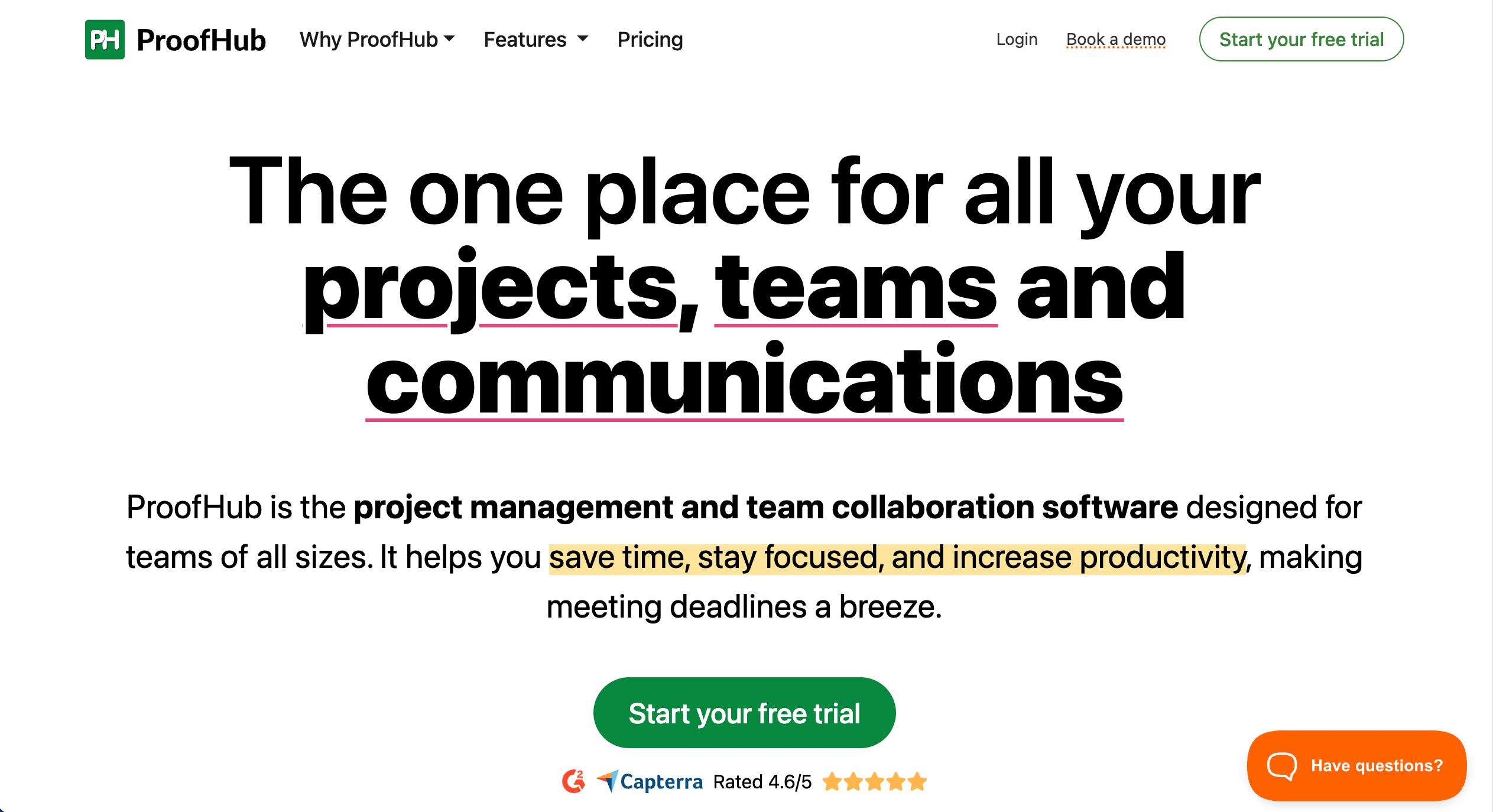
ProofHub is best for proofing with built-in task management because it combines file review, comments, and approvals with project workflows in one platform. It’s ideal for teams that want proofing and project delivery together, but less suited for specialist enterprise proofing with advanced version comparison.
Who is ProofHub designed for?
ProofHub is designed for teams that want project management plus proofing/approvals under one roof.
What are the key features of ProofHub?
- Proofing and approvals
- Collaboration and project tracking tools
What are the Pros and Cons of ProofHub?
ProofHub Pros:
- Combines proofing and project tracking
- Helpful for teams that want fewer “other tools”
- Unlimited users
ProofHub Cons:
- Can feel limited vs competitors (fewer advanced features)
- Upload/performance issues with larger files
- UI can be unintuitive / learning curve for some users
How much does ProofHub cost?
- Essential: $50/month
- Ultimate Control: $99/month
Find out more about what's included in each of the ProofHub pricing plans.
Does ProofHub offer a free trial?
Yes, ProofHub offers a free 14-day trial.
#11. Adobe Workfront
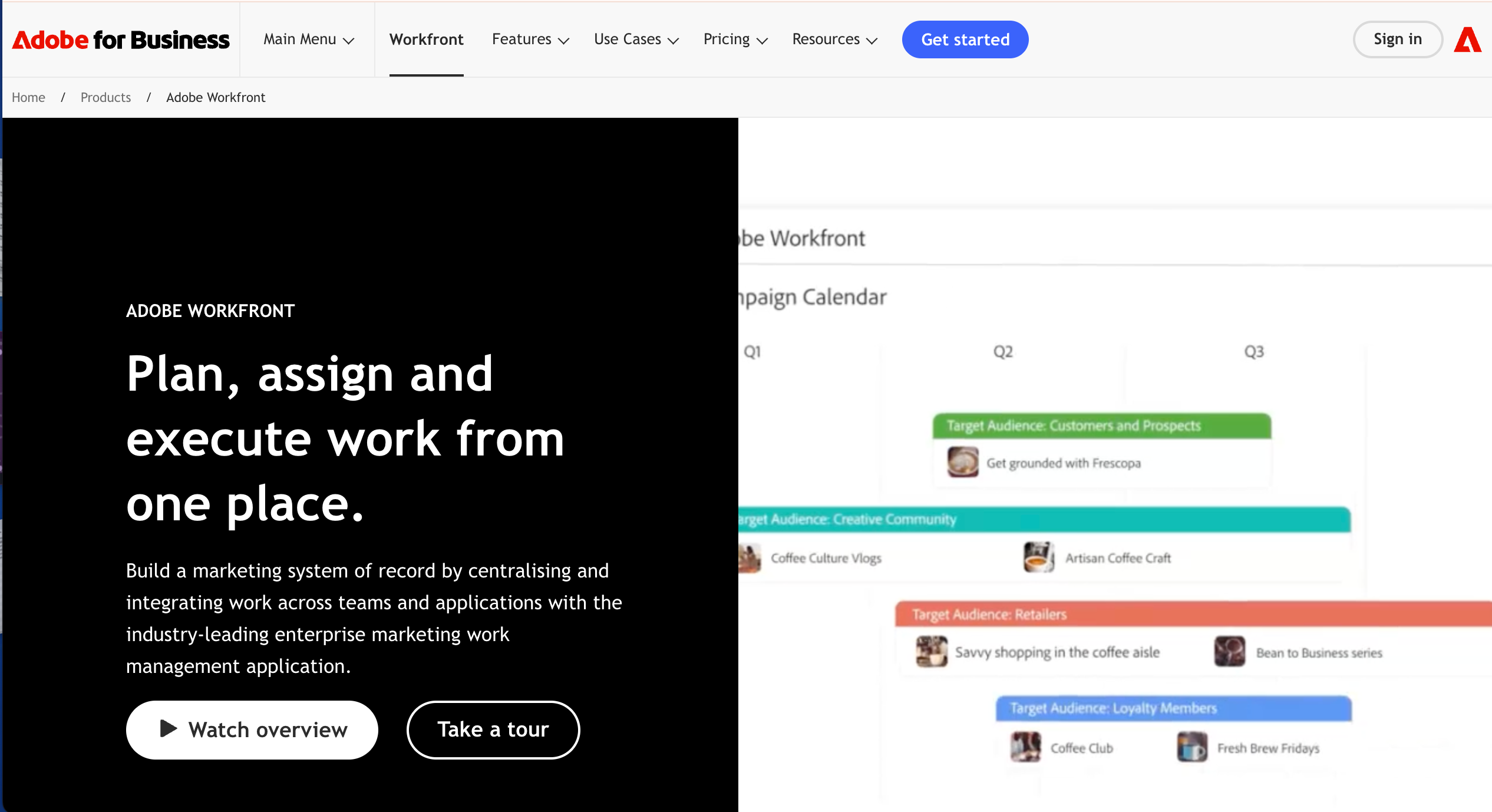
Adobe Workfront is best for enterprise review and approval workflows because it supports large-scale work management, approvals, and governance across teams. It’s ideal for enterprise marketing operations running complex approval processes, but less suited for small teams that want lightweight online proofing with quick setup.
Who is Adobe Workfront designed for?
Adobe Workfront is designed for enterprise marketing and operations teams coordinating large volumes of work, approvals, and governance across departments.
What are the key features of Adobe Workfront?
- Enterprise work management and approvals
- Governance and portfolio-level visibility (depending on plan)
What are the Pros and Cons of Adobe Workfront?
Adobe Workfront Pros:
- Strong fit for complex enterprise workflows
- Built for scale and structured governance
Adobe Workfront Cons:
- Heavier setup and change management vs. lightweight proofing tools
- Pricing is sales-led
How much does Adobe Workfront cost?
- Select: Contact Adobe for pricing
- Prime: Contact Adobe for pricing
- Ultimate Contact Adobe for pricing
Find out more about what's included in each of the Adobe Workfront pricing plans.
Does Adobe Workfront offer a free trial?
Trial availability varies by plan and sales process.
#12. Marker.io
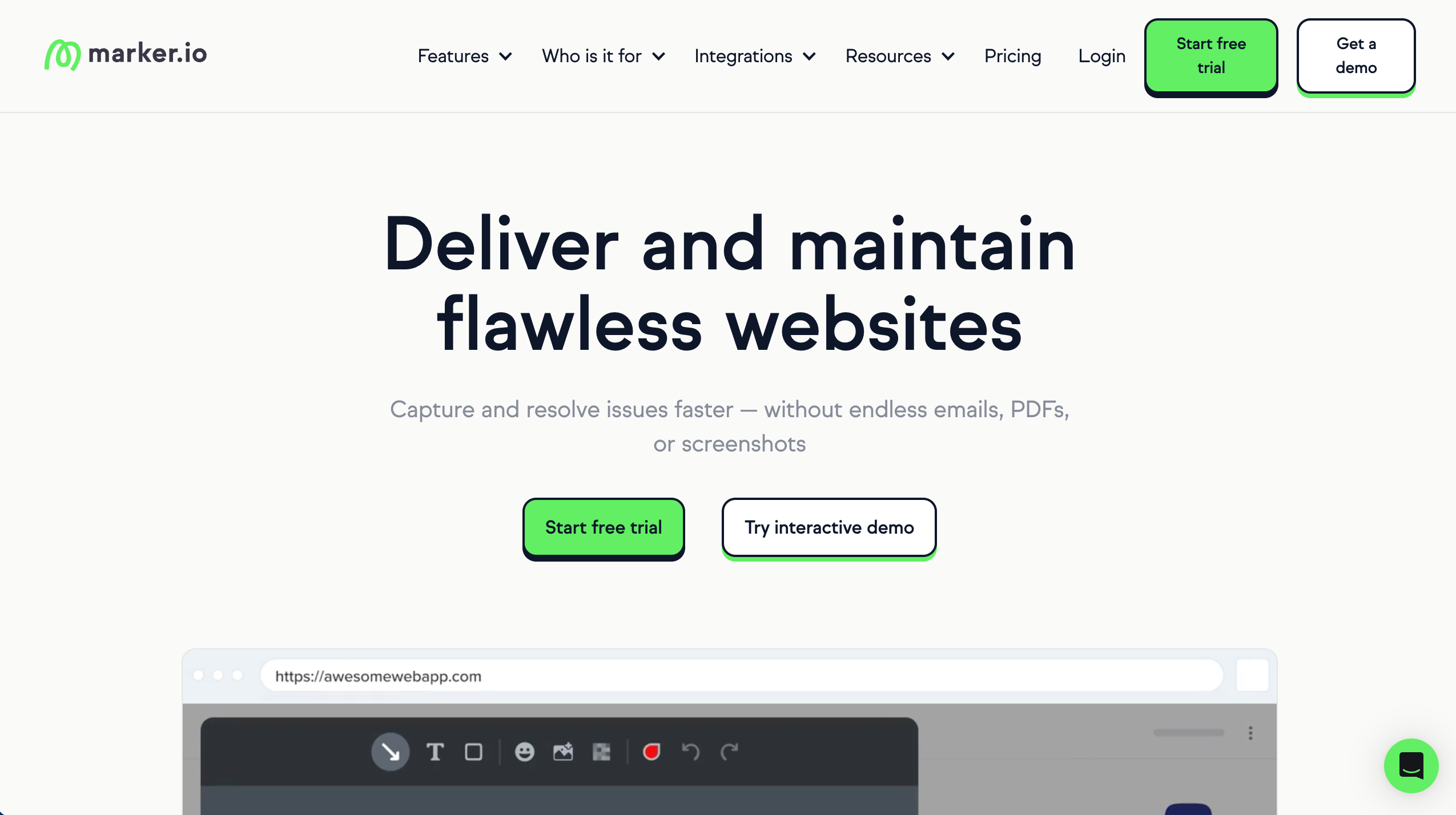
Marker.io is best for developer-focused feedback capture because it turns website feedback into actionable bug reports with technical metadata and issue tracker integrations. It’s ideal for web teams that live in Jira/GitHub and need reproducible bug reports, but less suited for creative proofing workflows across varied file types.
Who is Marker.io designed for?
Marker.io is designed for dev teams and agencies that work inside issue trackers.
What are the key features of Marker.io?
- One‑click capture with console logs, environment data, and repro context
- Custom fields and routing rules to fit existing issue templates
- Browser overlays for visual annotation on live sites or apps
What are the Pros and Cons of Marker.io?
Marker.io Pros:
- Strong dev workflow fit
- Reduces back-and-forth
- Feedback includes context
Marker.io Cons:
- Less client-friendly
- Not design-first
- Can get expensive
How much does Marker.io cost?
- Starter: $59/month
- Team: $199/month
- Business: Custom pricing paid yearly
Find out more about what's included in each of the Marker.io pricing plans.
Does Marker.io offer a free trial?
Yes, Marker.io offers a 15-day free trial.
#13. Feedbucket
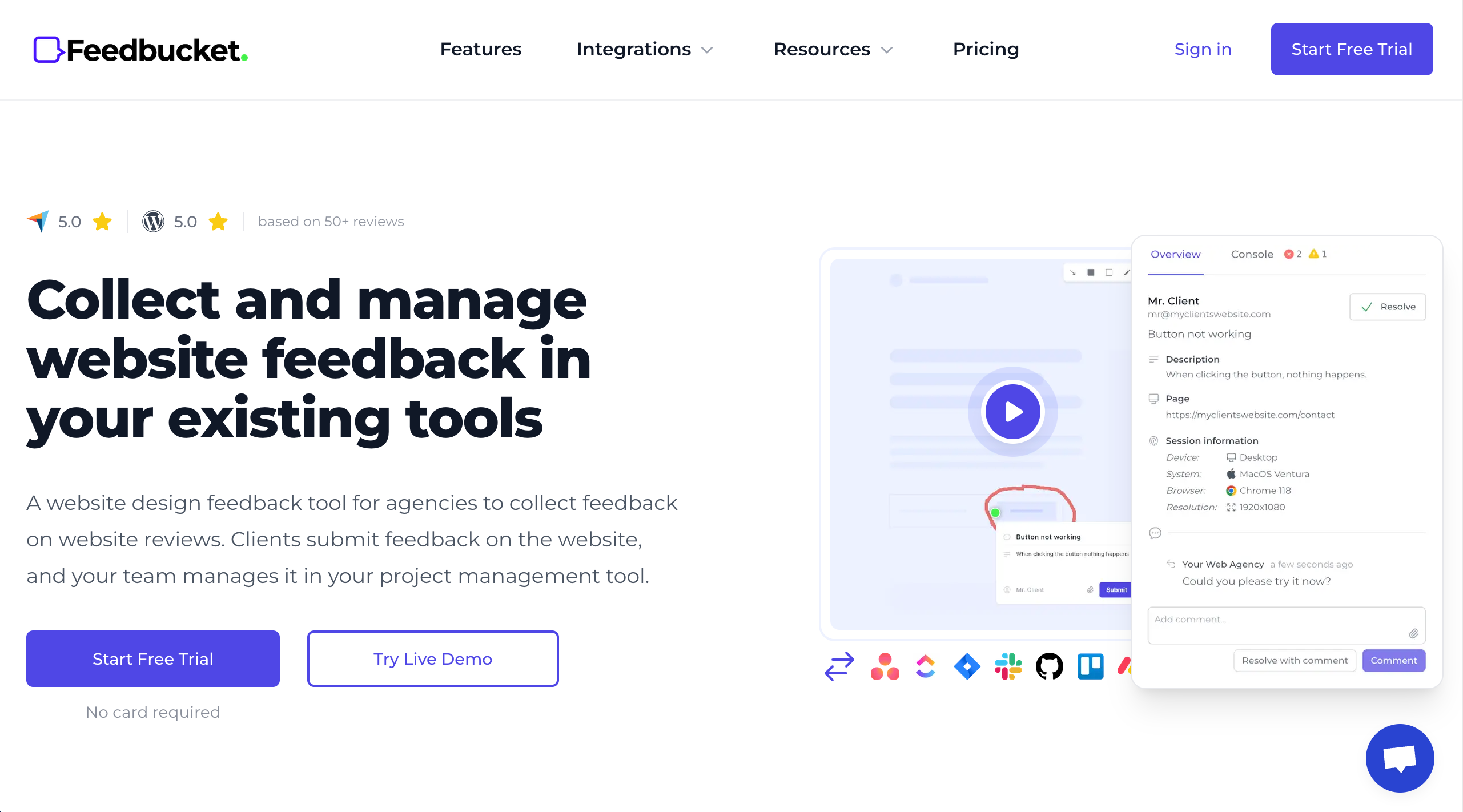
FeedBucket is best for online proofing on Webflow websites because it enables frictionless client feedback without logins and supports fast review cycles. It’s ideal for Webflow agencies collecting website feedback from clients, but less suited for multi-format proofing across files like PDFs and videos.
Who is Feedbucket designed for?
FeedBucket is designed for web design teams, agencies, and developers who want simple, annotated feedback that connects to their workflow.
What are the key features of Feedbucket?
- Annotated screenshots
- Video feedback capture
- Comment threads
- Integrations with workflow tools
What are the Pros and Cons of Feedbucket?
Feedbucket Pros:
- Easy feedback capture
- Works across file types
- Good for client feedback
Feedbucket Cons:
- Smaller review footprint online
- UI feels basic
- Some plans can add up in cost
How much does Feedbucket cost?
- Pro: $39/month
- Business: $89/month
- Enterprise: $259/month
Find out more about what's included in each of the Feedbucket pricing plans.
Does Feedbucket offer a free trial?
Yes, Feedbucket offers a 14-day free trial.
#14. Markup.io
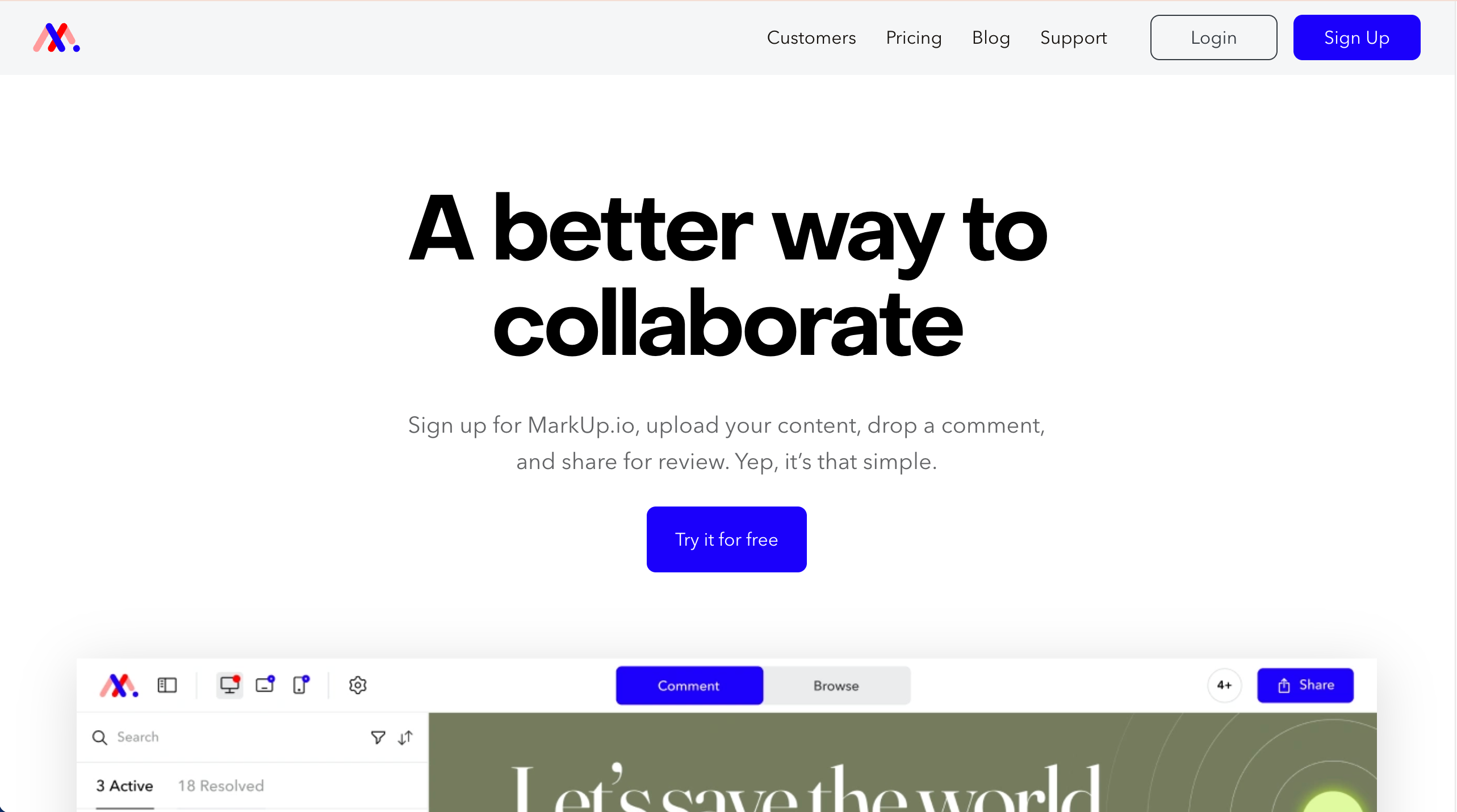
MarkUp.io is best for visual proofing across multiple file types because it supports collaborative commenting on websites, PDFs, images, and videos via shareable links. It’s ideal for teams needing quick cross-asset feedback, but less suited for strict enterprise approval workflows with deep audit controls.
Who is MarkUp.io designed for?
MarkUp.io is designed for freelancers and small teams who want simple, visual feedback. For agency‑scale work or dev workflows, tools like BugHerd fit better.
What are the key features of MarkUp.io?
- Basic annotations
- Lightweight notifications to keep threads moving
- Mobile‑responsive reviewing for quick checks on any device
What are the Pros and Cons of MarkUp.io?
MarkUp.io Pros:
- Relatively easy to use
- Works across file types
- Fast client feedback
MarkUp.io Cons:
- Limited project management
- Pricing is expensive compared to similar tools
- Not built for large teams
How much does MarkUp.io cost?
- Pro: $79/month
- Custom pricing: Get in touch with the MarkUp.io team
Find out more about what's included in each of the MarkUp.io pricing plans.
Does MarkUp.io offer a free trial?
Yes, MarkUp.io offers a 30-day free trial.
#15. Markup Hero

Markup Hero is best for lightweight visual feedback because it makes it easy to capture and annotate screenshots, images, PDFs, and webpages with shareable links. It’s ideal for teams needing fast annotations and quick feedback, but less suited for formal online proofing with structured approvals and version control.
Who is Markup Hero designed for?
Markup Hero is designed for creative teams, and individuals who need a quick visual feedback solution for screenshots and static files such as images, PDFs, and captured webpages.
What are the key features of Markup Hero?
- Annotate with arrows, text, shapes, and highlights
- Searchable history and visual feedback tracking
- Shareable links for reviewers
- Support for multiple platforms (browser, Mac, Windows, Linux, Chrome)
What are the Pros and Cons of Markup Hero?
Markup Hero Pros:
- Simple and intuitive annotation experience
- Cloud links make sharing and collaboration fast
- Supports multiple file types (screenshots, images, PDFs, static webpages)
Markup Hero Cons:
- Not a full-featured enterprise online proofing tool with structured approval workflows
- Limited deep version control and compare features compared to dedicated proofing platforms
- Best suited for quick screenshots/annotations rather than formal reviews
How much does Markup Hero cost?
- Free forever plan (limited)
- Premium: $5/month/user
- Lifetime: $199 once off
Find out more about what's included in each of the Markup Hero pricing plans.
Does Markup Hero offer a free trial?
Markup Hero offers a free forever plan.
#16. Approval Studio
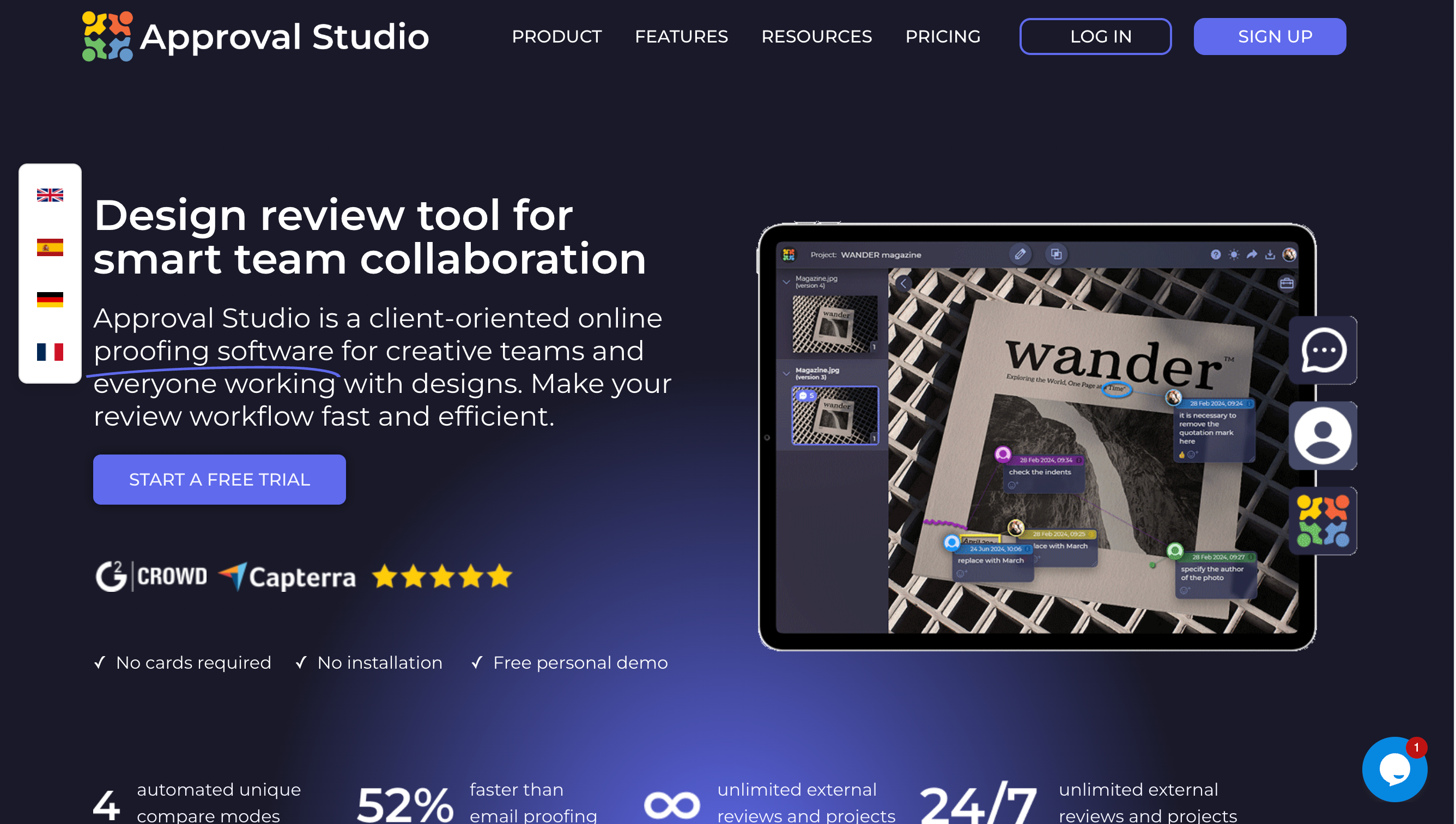
Approval Studio is best for proofing of creative assets because it provides straightforward markup, review rounds, and approval workflows for design deliverables. It’s ideal for creative teams that want simple proofing and approvals, but less suited for complex enterprise governance or deep integrations.
Who is Approval Studio designed for?
Approval Studio is designed for small to mid-size creative teams that work on a variety of creative assets.
What are the key features of Approval Studio?
- Easy annotation and comments
- Feedback tracking
- Simple review interface
- Approval rounds
What are the Pros and Cons of Approval Studio?
Approval Studio Pros:
- Intuitive and easy to adopt
- Strong for creative asset proofing
- Affordable entry point
Approval Studio Cons:
- Not as robust for enterprise workflows
- Integrations are less extensive
How much does Approval Studio cost?
- Lite: $60/month
- Pro: $160/month
- Pro XL: $300/month
- Enterprise: Custom pricing
Find out more about what's included in each of the Approval Studio pricing plans.
Does Approval Studio offer a free trial?
Yes, Approval Studio offers a free trial.
#17. GoProof
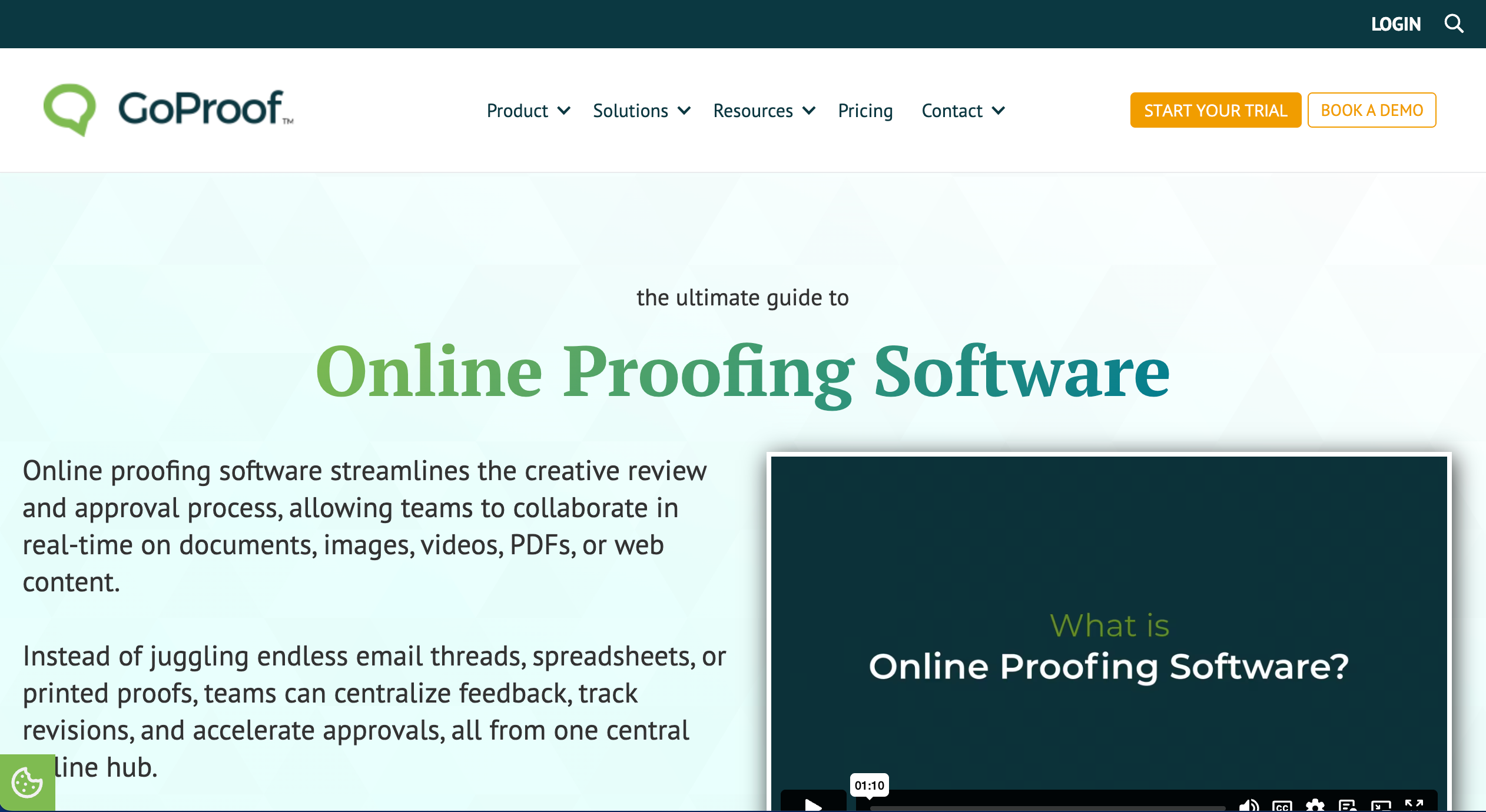
GoProof is best for Adobe-centric online proofing because it integrates directly into Adobe Creative Cloud workflows to keep feedback close to the design process. It’s ideal for design teams working heavily in Adobe apps, but less suited for teams that need broad proofing across websites and technical QA workflows.
Who is GoProof designed for?
Designers and creative teams using Adobe products.
What are the key features of GoProof?
- In-app Adobe integrations
- Real-time proofing and annotations
- Version tracking and review comments
What are the Pros and Cons of GoProof?
GoProof Pros:
- Strong Adobe workflow support
- Real-time collaboration
- Keeps feedback inside design tools
GoProof Cons:
- Not as feature-rich as standalone platforms
- Enterprise approvals may require extras
How much does GoProof cost?
- Connect: $159/month
- Pro: $329/month
- Enterprise: Custom pricing
Find out more about what's included in each of the GoProof pricing plans.
Does GoProof offer a free trial?
Yes, GoProof offers a free trial.
Which Online Proofing Tool is Best for Agencies and Web Teams?
BugHerd is the best online proofing tool for agencies because it makes it easy for clients and stakeholders to leave in-context visual feedback directly on live websites, PDFs, images, Figma files, etc; while automatically capturing the technical details teams need to action changes quickly. It also includes built-in task management, so feedback flows from comment → task → done without switching between multiple tools. And it has deep two-way integrations with PM and collaboration tools such as Asana, ClickUp, Jira, Trello, Slack, and many more.
BugHerd offers a free 7-day trial where you can check out all of the features. No credit card is required.
You can also book a 1:1 demo with a BugHerd product specialist where all of your questions will be answered on the spot.
“BugHerd fixes the frustration of unclear client feedback instantly by letting clients simply point, click, and leave comments right on the live site, turning suggestions into clear, actionable tasks.”- Ciroapp review
Frequently Asked Questions About Online Proofing Tools
What are the best online proofing tools for video and motion design teams?
The best online proofing tools for video and motion design teams are Frame.io, Wipster, and Vimeo Review - all designed to streamline video review with time-coded feedback so editors and stakeholders can comment directly on the timeline instead of relying on messy email threads.
Frame.io is the strongest option for professional post-production workflows and frame-accurate collaboration, Wipster is a simpler tool for straightforward review and approvals, and Vimeo Review is a great fit if you want secure video hosting plus review tools in one platform.
What online proofing platforms are built for enterprise compliance and data security?
The best online proofing platforms built for enterprise compliance and data security are Ziflow, GoProof, and Aproove, as they’re designed for governed approvals, permission controls, and audit-ready workflows.
Ziflow is a strong choice for enterprise security requirements (including audit trails and access controls), GoProof supports secure proofing with permissioning and audit history alongside creative workflow integrations, and Aproove combines proofing with work management for organisations needing structured governance and oversight.
What are the top-rated online proofing tools for PDF and print workflows?
The best online proofing tools for PDF and print workflows are PageProof, ReviewStudio, and Filestage - all of which provide strong annotation and approval controls tailored to document review.
PageProof excels at PDF proofing with intuitive markup, automated review workflows, and collaboration features. ReviewStudio offers easy feedback gathering and approvals across PDFs and creative files with clear markups. Filestage lets teams build structured approval steps, comment directly on PDF content, and manage versioning in a compliant, collaborative environment.
How do online proofing tools help creative agencies reduce revisions and speed up approvals?
Online proofing tools help a creative agency reduce revision cycles by making it easy for clients to provide feedback, automatically capturing user technical details, and pushing all feedback as tasks into a task board for easy management. They keep all feedback, markups, and approvals tied directly to the correct file version, so teams don’t waste time chasing comments across email threads or updating the wrong proof. For a project manager, this means faster sign-off, fewer misunderstandings, and clearer accountability, since it’s easy to see who reviewed what, what’s been actioned, and what’s still waiting for approval.
What integrations do online proofing tools support?
Most online proofing tools integrate with project management (Jira, Asana, Trello), communication platforms (Slack, Microsoft Teams), and development tools (GitHub, GitLab). Website-specific tools like BugHerd offer deeper integrations with Jira and GitHub for automated ticket creation with technical data. Video tools like Frame.io integrate with Adobe Premiere, Final Cut Pro, and DaVinci Resolve. Multi-format tools like PageProof and Filestage connect with Google Drive, Dropbox, and Adobe Creative Cloud.

Marina Domoney
Marina Domoney is Marketing Communications Lead at BugHerd and a senior B2B marketer with 20+ years’ experience in SaaS and website delivery workflows. She’s worked closely with agencies, creative teams, and developers across countless web projects, giving her practical expertise in design and website feedback, approvals, and client collaboration.
Try BugHerd on your site
See feedback in context
Click anywhere to leave feedback directly on your website.






But don't just take our word for it.
BugHerd is loved by 10,000+ companies,
350,000+ users across 172 countries.
4.8/5
4.7/5
4.5/5
5/5
8.7/10
Sam Duncan 📱📏 🌱
@SamWPaquet
"@bugherd where have you been all my life??
We just migrated our bug tracking over from Asana and have at least halved our software testing time🪳👏📈. "
Ashley Groenveld
Project Manager
“I use BugHerd all day every day. It has sped up our implementation tenfold.”
Sasha Shevelev
Webcoda Co-founder
"Before Bugherd, clients would try to send screenshots with scribbles we couldn't decipher or dozens of emails with issues we were often unable to recreate."
Mark B
Developer
“A no-brainer purchase for any agency or development team.”
Kate L
Director of Operations
"Vital tool for our digital marketing agency.”
Paul Tegall
Delivery Manager
"Loving BugHerd! It's making collecting feedback from non-tech users so much easier."
Daniel Billingham
Senior Product Designer
“The ideal feedback and collaboration tool that supports the needs of clients, designers, project managers, and developers.”
Chris S
CEO & Creative Director
“Our clients LOVE it”
Emily VonSydow
Web Development Director
“BugHerd probably saves us
at least 3-4hrs per week.”