

Table of Contents
- What is User Feedback Software?
- What Features Matter Most When Choosing a User Feedback Tool?
- Comparison of the Best User Feedback Software Platforms in 2026
- What Are the Best User Feedback Tools in 2026?
- Which User Feedback Software is Best for Agencies?
- Frequently Asked Questions About User Feedback Software
Key Takeaways
- User feedback software replaces scattered emails with structured, centralized feedback collection tied to live websites and apps.
- Visual feedback tools are ideal for agencies and dev teams, turning on-page comments into actionable tasks with automatic technical data.
- Strong feedback management features matter — Kanban boards, filtering, tagging, and deep integrations help organize feedback and speed up delivery.
- Different tools serve different workflows, from visual bug reporting to behavior analytics, in-app surveys, and feature requests.
- The best platforms turn feedback into actionable insights that can be prioritized and resolved quickly by your team.
What is User Feedback Software?
User feedback software platforms allow teams to gather direct input from users on live websites and applications through on-page annotations, visual comments, surveys, etc; and then centralize that feedback into actionable tasks for development and marketing teams. These platforms are designed specifically for user feedback collection, providing specialized features to manage, analyze, and prioritize user insights.
These tools serve as a single source of truth, replacing messy email chains and vague screenshots. For marketing agencies and dev teams, this means being able to collect customer feedback easily, reduce miscommunication, and turn raw feedback into structured tasks that lead to software or website improvements. This will ultimately drive higher client satisfaction and better product usability.
Comparison of Best User Feedback Software in 2026
The table below compares 15 leading user feedback tools based on G2 rating, best-for use case, key features, pros, cons, pricing, and free trial availability so you can quickly narrow down your options.
What are the Best User Feedback Tools in 2026?
The best user feedback tool for you depends heavily on your workflow and what type of feedback you require. User feedback tools generally fall into the following categories:
1. Visual Website Feedback & Bug Tracking
Point-and-click feedback directly on live websites (often for agencies & dev teams)
- BugHerd
- Usersnap
- Marker.io
- Userback
- Pastel
- Ruttl
- MarkUp.io
2. Design & Content Review / Approval
Feedback on design files, PDFs, videos, and creative assets
- Filestage
- BugHerd (cross-over)
- Ruttl (cross-over)
- MarkUp.io (also fits here depending on use case)
3. Behavior Analytics & On-Site Feedback
Heatmaps, session recordings, and micro-surveys
- Hotjar
- Sprig
- Mopinion
4. Product Experience & In-App Feedback
NPS, in-app surveys, product analytics, and user guidance
- Pendo
- Refiner
- UserGuiding
- SatisMeter
Below you'll find detailed breakdowns of the top user feedback tools for 2026 so you can make an informed decision on which one fits your team best.
#1. BugHerd
Visual Website Feedback & Bug Tracking Tool | Design, Content Review / Approval Tool
BugHerd is best for agencies and development teams collecting user feedback on live websites or software because it allows clients to pin comments directly to page elements while automatically capturing screenshots and user technical data. It’s ideal for non-technical clients and teams that want a streamlined feedback loop without the chaos of email chains and messy spreadsheets.
It combines point-and-click annotation, automated technical capture, and a Kanban-style task board into a single, cohesive workflow. This is what makes it stand out. Feedback isn't just a comment - it's a fully contextualized task that sits directly on the live site or staging environment. Deep two-way integrations mean your agency workflow stays in sync without constant toggling between tools.
Who is BugHerd designed for?
BugHerd is designed for digital agencies, marketing and web development teams that need to collect and manage website feedback, especially across multiple client sites. It’s also built for project managers who need a client-friendly system that instantly turns vague feedback into structured, manageable tasks.
What are the key features of BugHerd?
- Visual point-and-click feedback tied to exact elements on a web page. Clients simply click an element to drop a pin, like a sticky note, directly on the site.
- Capture feedback via video to explain complex interactions, animations, or bugs that are hard to describe in text.
- Automatic screenshot & technical details, including browser, OS, screen resolution, and URL, are attached to every ticket automatically.
- Built-in Kanban board allows teams to track, assign, and prioritize feedback without leaving the platform. Clients can also view status updates (if you choose) to see progress in real-time.
- Deep two-way integrations with tools like Jira, Asana, Trello, ClickUp, and Slack ensure tasks sync perfectly with your existing dev sprints.
- Guest feedback with no login allows stakeholders to start leaving feedback immediately via a simple link, removing barriers to entry.
- Ongoing public feedback is easy with BugHerd’s public feedback widget, which lets visitors share feedback directly from your live website.
What are the Pros and Cons of BugHerd?
- BugHerd Pros:
- The easiest user feedback tool for website reviews
- No login required for guest reviewers
- Context-rich tasks reduce developer back-and-forth
- Deep 2-way sync with major PM tools
- Works on live sites, staging, and local environments
- Unlimited projects on all plans
- BugHerd Cons:
- Not designed for native mobile app testing
- No built-in prototyping tools
How much does BugHerd cost?
- Standard: $50/month
- Studio: $80/month
- Premium: $150/month
- Custom pricing for larger teams
Find out more about BugHerd pricing plans.
Does BugHerd offer a free trial?
Yes, BugHerd offers a free 7-day trial with full access to all features. No credit card is required. You can also book a 1:1 demo to see how it fits your specific workflow.
"I appreciate how simple BugHerd is to provide feedback to the development team for our project. This feature has made communication much smoother for both myself and my team. Not having to rely on back-and-forth emails has saved us an incredible amount of time". - Ashley H, G2 Review
#2. Zonka Feedback
Behavior Analytics & On-Site Feedback
Zonka Feedback is best for CX and product teams who want to understand what users think because it runs website and in-app surveys, then uses AI agents to group open-text responses into themes and signals for each team.
Who is Zonka Feedback designed for?
Zonka Feedback is designed for customer experience, product and digital teams, and agencies running long-term client sites, who need survey-based feedback with analysis built in.
What are the key features of Zonka Feedback?
- Website survey widgets with page and behavior targeting
- NPS, CSAT and CES surveys across web, email, in-app, SMS and WhatsApp
- AI analysis of themes and sentiment, with signals sent to the right team
What are the Pros and Cons of Zonka Feedback?
Zonka Feedback Pros:
- Turns open-text responses into themes without manual tagging
- One platform for website, email and in-app feedback
- Case assignment helps close the loop on unhappy responses
Zonka Feedback Cons:
- Not designed for pinning comments to page elements
- Pricing is not visible on the website
How much does Zonka Feedback cost?
Request pricing
#3. Usersnap
Visual Website Feedback & Bug Tracking Tool
Usersnap is best for enterprise product teams and QA engineers because it offers deep technical logging alongside diverse customer feedback methods like micro-surveys.
Who is Usersnap designed for?
Usersnap is designed for SaaS companies, enterprise QA teams, and product managers who need to combine bug reporting with customer sentiment analysis.
What are the key features of Usersnap?
- Console log recording
- Targeted micro-surveys
- Screen recording
What are the Pros and Cons of Usersnap?
- Usersnap Pros:
- Good for technical QA with console logs
- Versatile feedback widget (bugs + surveys)
- Enterprise-grade security features
- Usersnap Cons:
- Can be expensive for smaller teams
- Interface is more complex than simple annotation tools
- Steeper learning curve for clients
How much does Usersnap cost?
- Starter: $49/month
- Growth: $109/month
- Professional: $199/month
- Premium: $389/month
Does Usersnap offer a free trial?
Yes, Usersnap offers a 15-day free trial.
#4. Marker.io
Visual Website Feedback & Bug Tracking Tool
Marker.io is best for developers who live in Jira or GitHub because it focuses heavily on deep integrations and capturing advanced technical environment data.
Who is Marker.io designed for?
Marker.io is designed for software developers and QA testers who want bug reports delivered directly into their existing issue tracking software.
What are the key features of Marker.io?
- Issue tracker integration
- Session replay
- Console logs and network requests
What are the Pros and Cons of Marker.io?
- Marker.io Pros:
- Sync with Jira, GitHub, GitLab, etc.
- High-quality technical data capture
- Session replay speeds up debugging
- Marker.io Cons:
- Browser extension required for full functionality
- Less focused on visual design feedback
- Client interface can feel "tech-heavy"
How much does Marker.io cost?
- Starter: $59/month
- Team: $199/month
- Business: Custom pricing
Does Marker.io offer a free trial?
Yes, Marker.io offers a 15-day free trial.
#5. Userback
Visual Website Feedback & Bug Tracking Tool
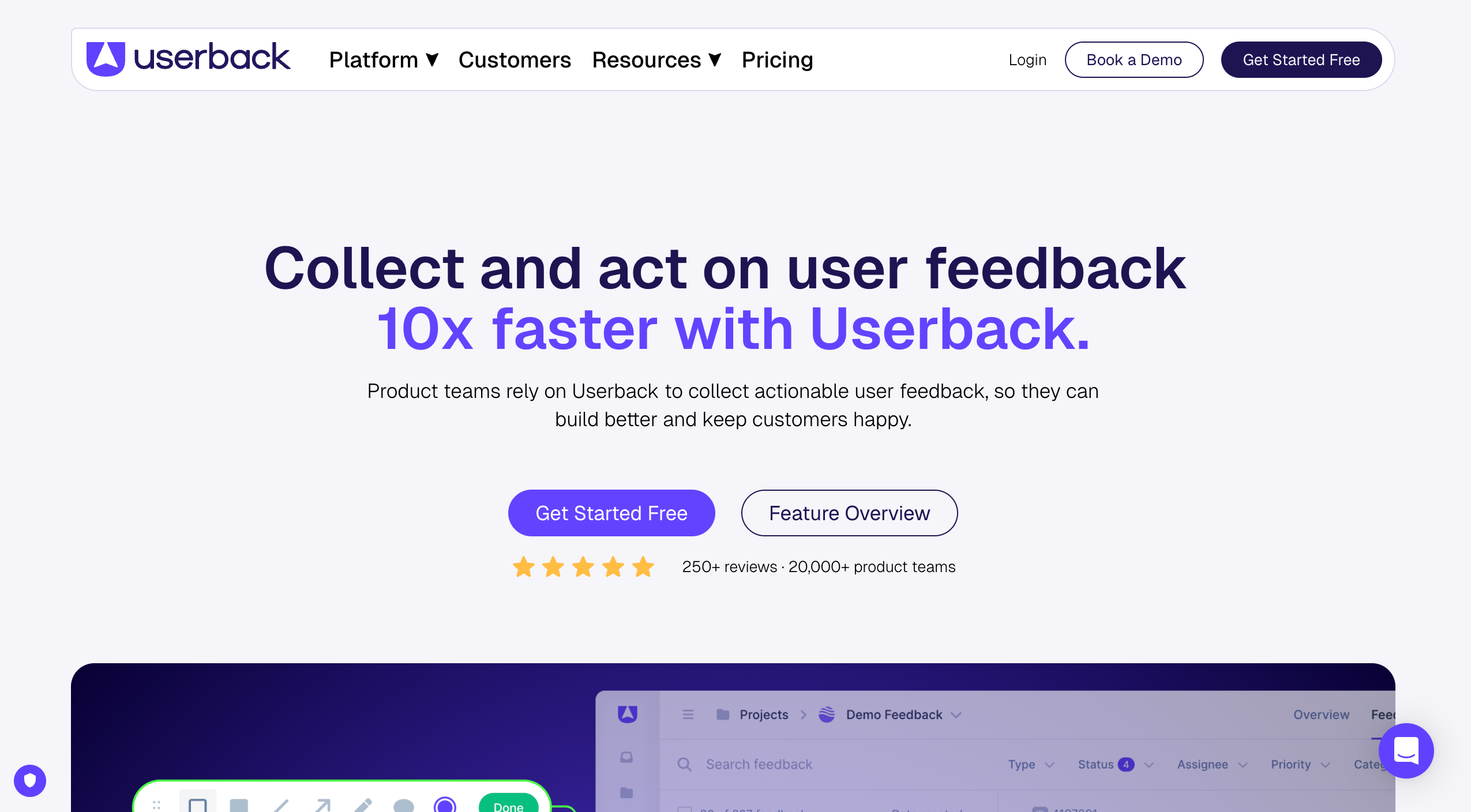
Userback is best for SaaS companies looking to manage the entire product feedback lifecycle because it combines visual bug reporting with user feedback collection, feature voting, and roadmapping.
Who is Userback designed for?
Userback is designed for product managers and customer success teams who want to gather bugs, feature requests, ideas, new ideas, and general feedback in one portal.
What are the key features of Userback?
- Feedback portal
- Video feedback
- Session replay
What are the Pros and Cons of Userback?
Userback Pros:
- Solution for bugs, feature requests, and ideas
- Great video recording capabilities
- Helps build a public roadmap
Userback Cons:
- Pricing per seat can get expensive
- Setup is more involved than simple tools
- Can be overwhelming for simple projects
How much does Userback cost?
- Free Forever: Free
- Team: $9/month
- Business: $19/month
- Business Plus: $29/month
Does Userback offer a free trial?
Yes, Userback offers a 14-day free trial.
#6. Pastel
Visual Website Feedback & Bug Tracking Tool
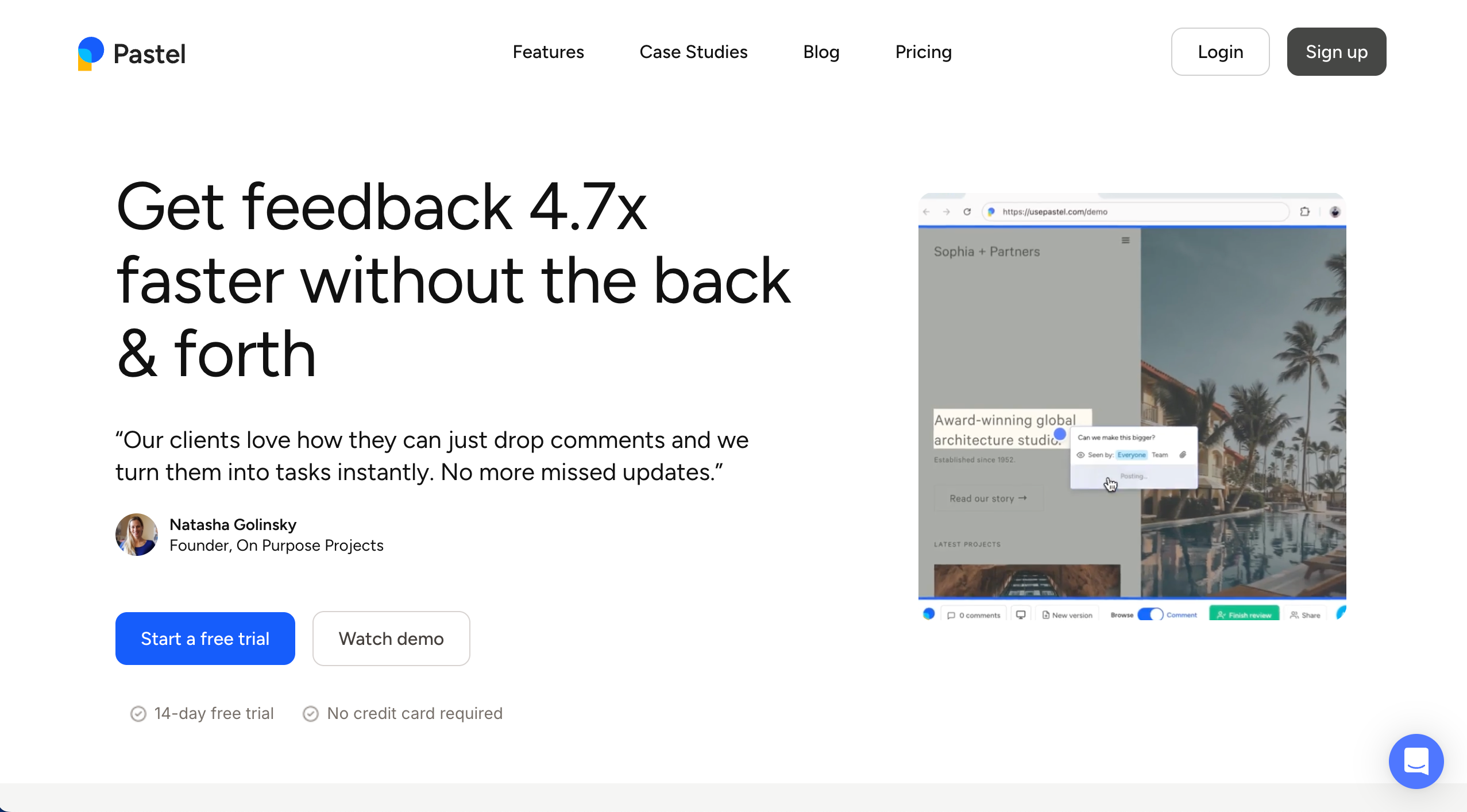
Pastel is a lightweight feedback tool used to review simple websites and collect feedback directly on a live page.
Who is Pastel designed for?
Pastel is for best for solo freelancers that work on simple website projects. It is not suited to agencies or web developers that work on multiple web projects and multiple clients.
What are the key features of Pastel?
- "Canvas" proxy links
- Mobile responsiveness testing
- Comment directly on copy and design elements
What are the Pros and Cons of Pastel?
- Pastel Pros:
- Zero setup required for clients or devs
- Very fast to generate a review link
- Simple, clean interface
- Pastel Cons:
- Proxy technology breaks on complex SPAs/logged-in states
- Lacks deep technical bug data (console logs, etc.)
- Limited integrations compared to dev-focused tools
How much does Pastel cost?
- Free Forever: $0/month
- Pro: $35/month
- Team: $119/month
- Enterprise: $450/month
Does Pastel offer a free trial?
Yes, Pastel offers a 14-day free trial.
#7. Ruttl
Visual Website Feedback & Bug Tracking Tool | Design, Content Review & Approval Tool
Ruttl is best for web designers and UI/UX professionals because it allows them to edit text and CSS directly on the live site to propose changes.
Who is Ruttl designed for?
Ruttl is designed for designers and front end developers who want to experiment with changes live in the browser before committing code.
What are the key features of Ruttl?
- Live content editing
- CSS inspection
- Mobile view debugging
What are the Pros and Cons of Ruttl?
- Ruttl Pros:
- Visual editing features are powerful for designers
- Good for checking mobile layouts
- Guest commenting is easy
- Ruttl Cons:
- Can be buggy on heavy JavaScript sites
- Less focused on the task management workflow
- Integrations are not as deep as competitors
How much does Ruttl cost?
- Free: $0/month
- Starter: $12/month/user
- Pro: $18/month/user
- Business: $90/month/user
Does Ruttl offer a free trial?
Ruttl offers a free plan with limited features.
#8. MarkUp.io
Visual Website Feedback & Bug Tracking Tool | Design, Content Review & Approval Tool
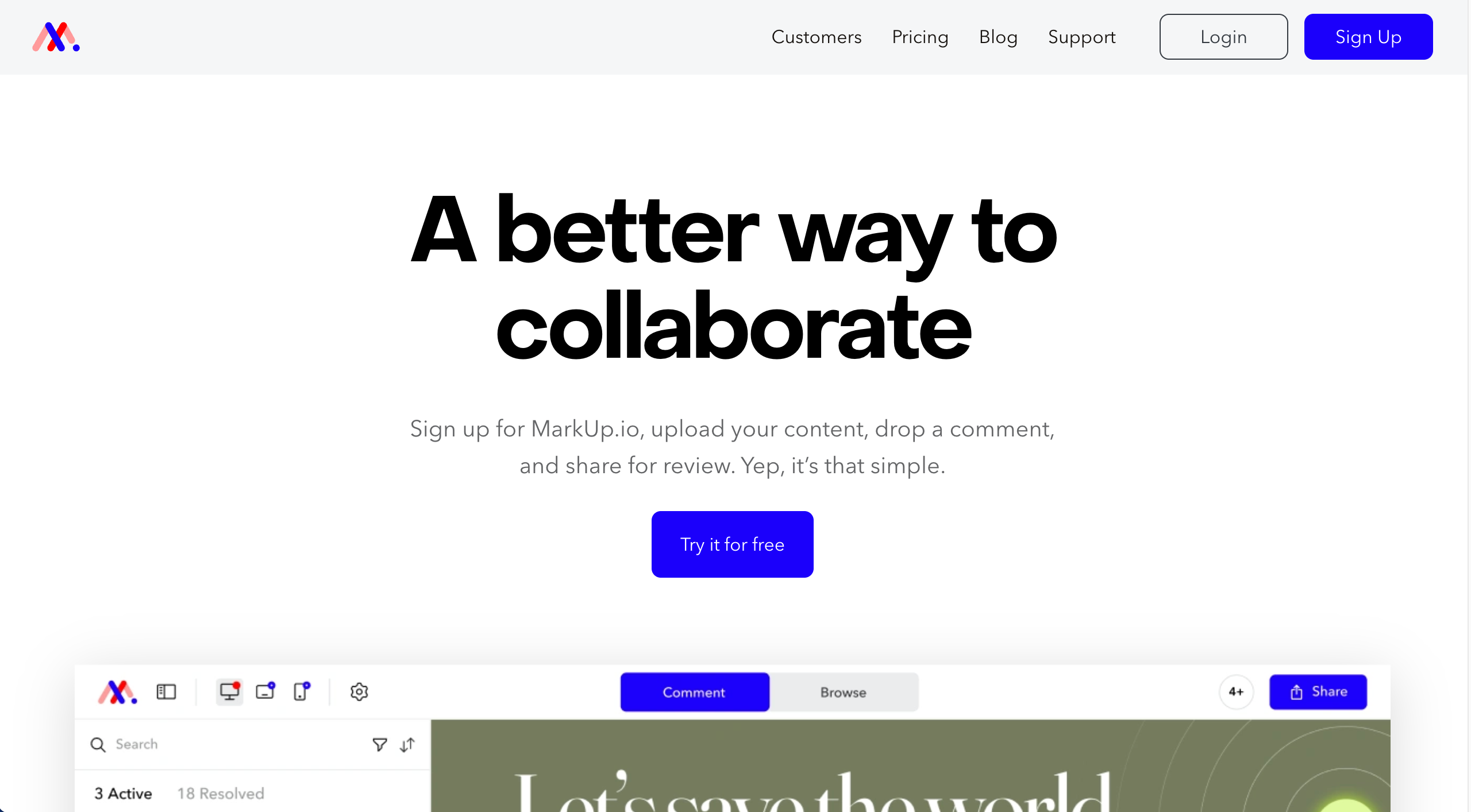
MarkUp.io is best for creative teams and freelancers needing feedback across multiple file types because it supports websites, PDFs, images, and videos in one simple interface.
Who is MarkUp.io designed for?
MarkUp.io is designed for creative professionals who need a simple way to review diverse content formats with clients.
What are the key features of MarkUp.io?
- Support for 30+ file types
- Video annotation
- Loom integration
What are the Pros and Cons of MarkUp.io?
- MarkUp.io Pros:
- Versatile file support
- Easy to use
- Generous free tier for freelancers
- MarkUp.io Cons:
- Website feedback is proxy-based (can be slow)
- Not suitable for complex bug tracking
- Reporting features are basic
How much does MarkUp.io cost?
- Pro: $79/month
- Enterprise: Custom pricing
Does MarkUp.io offer a free trial?
MarkUp.io offers a free plan.
#9. Filestage
Design & Content Review & Approval
Filestage is best for marketing teams managing complex approval workflows because it excels at version control and structured sign-off processes.
Who is Filestage designed for?
Filestage is designed for marketing departments and agencies that need a rigorous audit trail of approvals and changes.
What are the key features of Filestage?
- Automated approval steps
- Version comparison
- Compliance-ready
What are the Pros and Cons of Filestage?
- Filestage Pros:
- Best-in-class approval workflow
- Keeps versions perfectly organized
- Secure and compliance-friendly
- Filestage Cons:
- Expensive for small teams
- Overkill for simple website edits
- Steeper learning curve
How much does Filestage cost?
- Free: $0/month
- Basic: $129/month
- Professional: $369/month
- Enterprise: Custom pricing
Does Filestage offer a free trial?
Yes, Filestage offers a free trial.
#10. Hotjar
Behavior Analytics & On-Site Feedback
Hotjar is best for UX researchers and marketers wanting to understand user behavior because it visualizes how users interact with pages via heatmaps and recordings.
Who is Hotjar designed for?
Hotjar is designed for CRO specialists, UX designers, and marketers focused on improving website conversion and usability.
What are the key features of Hotjar?
- Heatmaps show where users click and scroll
- Session recordings
- Feedback widgets
What are the Pros and Cons of Hotjar?
- Hotjar Pros:
- Visualizes user behavior beautifully
- Easy to install via Google Tag Manager
- Great for spotting usability trends
- Hotjar Cons:
- Not a task management or bug tracking tool
- Individual feedback is hard to action
- Sampling can miss specific issues
How much does Hotjar cost?
- Free: $0/forever
- Growth: $49/month
- Pro: Custom pricing
- Enterprise: Custom pricing
Does Hotjar offer a free trial?
Hotjar offers a free basic plan.
#11. Sprig
Behavior Analytics & On-Site Feedback

Sprig is best for product managers needing rapid, high-quality user insights because it uses AI to analyze open-ended survey responses and video feedback.
Who is Sprig designed for?
Sprig is designed for product teams conducting user research and concept testing at scale.
What are the key features of Sprig?
- In-product surveys
- AI analysis
- Concept testing
What are the Pros and Cons of Sprig?
- Sprig Pros:
- AI saves hours of analysis time
- High-quality templates for research
- Modern, lightweight user experience
- Sprig Cons:
- Focused on research, not execution/fixes
- Can be expensive for startups
- Limited "task" management features
How much does Sprig cost?
- Research Core: Book a demo
- Digital experience: Book a demo
- Digital Behavior: Book a demo
Does Sprig offer a free trial?
Sprig offers a free plan.
#12. Pendo
Product Experience & In-App Feedback
Pendo is best for enterprise product operations because it combines robust analytics with in-app guides and feedback management.
Who is Pendo designed for?
Pendo is designed for large SaaS companies and enterprise product teams focused on adoption and retention.
What are the key features of Pendo?
- Product analytics
- In-app guides
- Feedback prioritization
What are the Pros and Cons of Pendo?
- Pendo Pros:
- Powerhouse for product adoption
- Connects feedback directly to usage data
- Comprehensive enterprise solution
- Pendo Cons:
- Very expensive
- Complex implementation
- Overwhelming for simple feedback needs
How much does Pendo cost?
- Basic: Request pricing
- Core: Request pricing
- Ultimate: Request pricing
Does Pendo offer a free trial?
Pendo offers a free version.
#13. Refiner
Product Experience & In-App Feedback
Refiner is best for B2B SaaS growth teams because it offers highly targeted microsurveys that feel native to your application.
Who is Refiner designed for?
Refiner is designed for growth marketers and product managers in B2B SaaS who need high response rates.
What are the key features of Refiner?
- Segment-based targeting
- Native-feel widgets
- Slack & webhook integrations
What are the Pros and Cons of Refiner?
- Refiner Pros:
- Incredibly customizable design
- Precise targeting options
- High response rates due to native feel
- Refiner Cons:
- Not for visual feedback or bugs
- Smaller integration ecosystem
- Niche focus (surveys only)
How much does Refiner cost?
- Essentials: $99/month
- Growth: $239/month
- Enterprise: Custom pricing
Does Refiner offer a free trial?
Yes, Refiner offers a free trial.
#14. UserGuiding
Product Experience & In-App Feedback
UserGuiding is best for SaaS teams who want to collect feedback during onboarding because it integrates surveys directly into no-code product tours.
Who is UserGuiding designed for?
UserGuiding is designed for customer success and product teams who want to build onboarding flows without coding.
What are the key features of UserGuiding?
- No-code product tours
- NPS surveys
- Segmentation
What are the Pros and Cons of UserGuiding?
- UserGuiding Pros:
- Easy no-code setup
- Affordable alternative to big enterprise tools
- Great for new user feedback
- UserGuiding Cons:
- Analytics are basic
- Not a general-purpose feedback tool
- Limited to "guide" based interactions
How much does UserGuiding cost?
- Free Essentials: Free forever
- Starrer: $249/month
- Growth: $499/month
- Enterprise: Custom pricing
Does UserGuiding offer a free trial?
Yes, UserGuiding offers a 14-day free trial.
#15. SatisMeter
Product Experience & In-App Feedback
SatisMeter is best for customer success teams because it is a lightweight, dedicated tool for tracking NPS and CSAT over time.
Who is SatisMeter designed for?
SatisMeter is designed for customer success managers who need a reliable, set-and-forget survey tool.
What are the key features of SatisMeter?
- NPS, CSAT, CES surveys.
- Automated follow-ups
- Public roadmap
What are the Pros and Cons of SatisMeter?
- SatisMeter Pros:
- Extremely simple and lightweight
- Very affordable
- Focuses purely on standard metrics
- SatisMeter Cons:
- No visual feedback features
- Limited customization
- One-dimensional (surveys only)
How much does SatisMeter cost?
- Free: $0
- Growth: $199/month
- Enterprise: Custom pricing
Does SatisMeter offer a free trial?
SatisMeter offers a free tier.
#16. Mopinion
Behavior Analytics & On-Site Feedback
Mopinion is best for large enterprises needing an all-encompassing feedback solution because it covers web, mobile, and email feedback with heavy-duty analytics.
Who is Mopinion designed for?
Mopinion is designed for enterprise digital teams and CX managers who need to aggregate feedback from many channels.
What are the key features of Mopinion?
- Cross-channel feedback
- Text analytics
- Custom dashboards
What are the Pros and Cons of Mopinion?
- Mopinion Pros:
- Powerful data analysis tools
- Highly customizable
- Great for high-volume feedback
- Mopinion Cons:
- Steep learning curve
- Expensive enterprise pricing
- Setup can be lengthy
How much does Mopinion cost?
- Standard: £349/month
- Enterprise: Custom pricing
Does Mopinion offer a free trial?
Yes, Mopinion offers a 14-day free trial.
Which User Feedback Software is Best for Agencies?
The best user feedback software for your agency depends on your agency's specific workflow and client base.
For agencies who require visual website feedback and bug tracking, the simplicity and visual clarity of tools such as BugHerd, Usersnap, or Marker.io make them the top contenders.
BugHerd is the leader of this pack as it allows clients to pin feedback directly onto live websites and staging environments while automatically capturing the user technical metadata developers need to fix issues fast. By turning vague comments into actionable tasks on a built-in Kanban board, BugHerd completely streamlines the feedback process. It has deep two-way integrations with leading project management and collaboration tools, so it can easily fit into an agency's existing workflow.
BugHerd offers a free 7-day trial or you can also book a 1:1 demo with the team to see exactly how it fits into your existing agency workflow.
If your agency's work leans heavily into design or creative asset reviews alongside web feedback, a tool like Filestage may be more appealing for its broader review features.
Agencies with a focus on UX optimization or product growth would benefit more from behavior analytic tools like Hotjar, Sprig, or Mopinion which provide heatmaps, session recordings, and micro-surveys to understand user behavior.
Agencies that also need survey feedback with AI analysis of what visitors write can add a tool like Zonka Feedback, which turns open-text responses into themes and signals.
Meanwhile, agencies working closely with SaaS or product teams may benefit from tools such as Pendo, Refiner, UserGuiding, and SatisMeter, which specialize in NPS, in-app surveys, analytics, and user guidance.
Ultimately, the best use feedback software for an agency balances intuitive client experience, actionable context for internal teams, and seamless integration with PM systems — qualities that the leading visual feedback tools in this category consistently deliver.
Frequently Asked Questions About User Feedback Software
What’s the difference between customer feedback and user feedback tools?
The difference between customer feedback and user feedback tools lies in intent and depth. Customer feedback tools (like surveys or NPS prompts) focus on sentiment, how a person feels about your brand or service. User feedback tools focus on utility and bugs, specific issues with a button, a layout error, or a broken link. Both customer feedback and user feedback tools help you understand your user base by gathering insights from different perspectives, sentiment and functionality.
What integrations should feedback software have?
At a minimum, your feedback software should integrate with your project management and communication tools. Look for deep two-way sync with Jira, Trello, Asana, or ClickUp so that tasks created in the feedback tool automatically appear in your dev sprint (and vice-versa). Integrations with Slack or Microsoft Teams are also critical for real-time notifications.
Can you use feedback tools for live staging environments?
Yes, you can definitely use feedback tools for live staging environments. In fact, this is one of the most common use cases. Tools like BugHerd can be installed on staging, development, or production environments. You can even control who sees the feedback tab (e.g., only logged-in admins or clients with a specific link) to ensure regular visitors don't see your internal testing comments.
What features matter most for dev teams who need actionable feedback?
Dev teams should prioritize tools that turn feedback into structured tasks with minimal admin. Key features include visual annotations, session recordings, automated technical metadata, and integrations with management tools like Jira, Asana, Trello, ClickUp, GitHub, and Slack. These features transform existing feedback into actionable insights that fit sprint workflows, rather than leaving teams with disconnected comments.
How can agencies organize feedback from multiple stakeholders and clients?
To organize feedback from multiple stakeholders and clients, look for a website feedback tool with feedback management features like a Kanban board, filtering, tagging, and assignment—plus secure access for clients and guest reviewers. BugHerd is a strong fit for agencies here because it lets clients pin feedback directly onto live websites, then automatically turns those comments into trackable tasks on a built-in Kanban board, making it easier to organize feedback without messy email chains. Centralizing feedback collection into one platform prevents duplicate requests, keeps customers updated with real-time status changes, and creates a single source of truth across projects, especially when you’re managing feature requests, bug reporting, customer insights, and design feedback at the same time..
Which tools are best for real-time feedback during QA and client reviews?
If you want real-time feedback during QA and client reviews, choose tools that send instant notifications (e.g., Slack alerts), capture context automatically, and allow rapid triage. Real time feedback is most valuable during launch windows, when dev teams need quick clarity to prioritize fixes and ship on time. Tools that combine screen capture, visual feedback, and technical data give teams valuable insights without extra follow-up.
What’s the difference between visual feedback tools and behaviour analytics tools like heatmaps?
Visual feedback tools capture specific, in-context comments and bug reports that can be converted into tasks immediately - ideal for dev teams and agencies. Behaviour analytics tools (like heatmaps and session recordings) show how users interact across a page to reveal pain points and trends. Together, they provide deeper insights: analytics show what’s happening, while user feedback tools explain why and provide actionable feedback.
How do feature requests and feature voting support a product roadmap?
Feature requests give product teams a direct signal of what users want next, while feature voting helps prioritize those ideas based on demand. When feedback tools include a portal or structured workflow, it’s easier to filter feedback, identify patterns, and feed customer insights into product decisions. This creates a clearer product roadmap that aligns product strategy with real user needs.
What user feedback software is best for product development teams?
For product development, the best product feedback software combines user insights, segmentation, and feedback collection methods such as in app surveys, NPS, and targeted prompts. The right tool helps product teams gather feedback, analyse it for actionable insights, and prioritize what to build next. If your focus is roadmap planning, look for tools that connect feedback to usage data and enable private roadmaps or prioritisation workflows.
What’s the best way to use in-app surveys without annoying users?
The key to using in-app surveys without annoying users is targeting: showing interactive surveys to the right user base at the right time (e.g., after onboarding, after completing a key action, or when users hit friction). Keep surveys short, focused, and tied to a clear decision—so responses generate valuable insights instead of noise. Tools that support segmentation and frequency controls are best for protecting user satisfaction while still collecting user feedback.
How do teams turn feedback into actionable insights faster?
To turn feedback into actionable insights faster, use a tool that automatically captures context, supports feedback management, and integrates with your sprint workflow. Prioritize issues using tags, severity, and filters, then convert feedback into tasks for product teams or developers. When done well, feedback collection becomes a repeatable process that accelerates improvements and drives customer satisfaction.

Marina Domoney
Marina Domoney is Marketing Communications Lead at BugHerd and a senior B2B marketer with 20+ years’ experience in SaaS and website delivery workflows. She’s worked closely with agencies, creative teams, and developers across countless web projects, giving her practical expertise in design and website feedback, approvals, and client collaboration.
Try BugHerd on your site
See feedback in context
Click anywhere to leave feedback directly on your website.







But don't just take our word for it.
BugHerd is loved by 10,000+ companies,
350,000+ users across 172 countries.
4.8/5
4.7/5
4.5/5
5/5
8.7/10
Sam Duncan 📱📏 🌱
@SamWPaquet
"@bugherd where have you been all my life??
We just migrated our bug tracking over from Asana and have at least halved our software testing time🪳👏📈. "
Ashley Groenveld
Project Manager
“I use BugHerd all day every day. It has sped up our implementation tenfold.”
Sasha Shevelev
Webcoda Co-founder
"Before Bugherd, clients would try to send screenshots with scribbles we couldn't decipher or dozens of emails with issues we were often unable to recreate."
Mark B
Developer
“A no-brainer purchase for any agency or development team.”
Kate L
Director of Operations
"Vital tool for our digital marketing agency.”
Paul Tegall
Delivery Manager
"Loving BugHerd! It's making collecting feedback from non-tech users so much easier."
Daniel Billingham
Senior Product Designer
“The ideal feedback and collaboration tool that supports the needs of clients, designers, project managers, and developers.”
Chris S
CEO & Creative Director
“Our clients LOVE it”
Emily VonSydow
Web Development Director
“BugHerd probably saves us
at least 3-4hrs per week.”