


Because finding the right bug reporting tool can be overwhelming so we've done the research for you. Here's a carefully curated list of the best bug-tracking tools today. Learn more about their features, integrations, pricing, and what users love about them.
What is Bug Tracking (and why it matters)
At its core, bug tracking (also known as issue tracking or defect tracking) is the process of identifying, logging, managing, and resolving bugs (aka defects, errors, issues) during your website or software development lifecycle.
Here’s a quick breakdown:
- You find a bug (maybe during development, QA or testing).
- You log it: describe what happened, add steps to reproduce, maybe attach screenshots or logs.
- You prioritize it based on severity or impact.
- You assign it to the right person (developer, QA, tester, etc).
- You track its status from “open” → “in progress” → “resolved/closed.”
- Once it’s fixed and verified, you mark it as done.
This process sounds simple, but without a bug management tool for your web dev or software development projects, it gets messy fast: duplicated reports, lost bugs, unclear ownership, missed fixes. That’s why teams use bug tracking software or defect tracking tools.
"Without proper tracking, bugs can slip through the cracks, leading to unresolved issues, frustrated users, and wasted time." Etraxis.com
Why a Bug Tracking System is Essential
Using bug tracking tools benefits your team’s productivity and collaboration in several key ways, and contributes to the overall product quality. These tools streamline the debugging process, helping teams save time and money, while reducing the effort required to identify and resolve issues. With clearer visibility into bugs and faster turnaround times, debugging becomes far less daunting, enabling your team to deliver higher-quality work in a fraction of the time.
- Centralized issue management — all bugs go into one place, so you don’t lose track.
- Better team collaboration — developers, testers, managers, stakeholders: everyone sees what’s going on, who’s doing what, and what’s pending.
- Faster bug resolution — when bugs are logged properly, tracked, assigned, and prioritized, teams can fix issues faster and with less friction.
- Improved software quality — systematic bug tracking means fewer surprise errors in production, better stability, and more reliable releases.
- Accountability and visibility — everyone knows who’s responsible, what’s pending and what's fixed.
Put simply: without a proper bug tracking tool, you risk slowing down your web or software projects, which in turn could lead to them running over time and over budget.
What to Look for in a Bug Tracking Tool
Not all bug tracking tools are equal, especially when you’re working on website development where visual accuracy and fast feedback matter. Before choosing a tool, here are the key features to consider.
Essential Features
- Effortless, detailed bug reporting
Reporting and fixing bugs should be quick and intuitive. The best tools let users capture issues directly on the webpage and automatically include key details like browser, device, URL, and the exact element involved; giving developers the context they need instantly. - Clear workflow visibility
A visual board that shows bugs moving from “to do” to “done” helps teams understand progress at a glance and keeps everyone aligned throughout the project. - Easy assignment and access control
Assigning bugs to the right team members should be simple, with options to set priority, severity, and control who can view or edit project tasks. - Flexible, customizable workflows
Every team works differently. A good tool lets you adjust statuses, add tags, and tailor the workflow to match your development process. - Smooth integrations
Integrations with tools like communication platforms, version control, and project management systems make bug tracking part of your existing workflow rather than an extra step. - Helpful reporting and insights
Basic analytics (like resolution times and recurring issues) help identify patterns and improve the quality of future website projects. - Simple for anyone to use
A user-friendly interface ensures designers, clients, developers, and other stakeholders can all report and review bugs without needing technical knowledge.
Bonus Features (nice to have)
- Custom fields and tags — to capture additional context (browser, version, module, severity, priority).
- Notifications & alerts — email or in-app alerts when bugs are assigned, updated, resolved. Helps team stay in sync.
- Role-based permissions / access control — ensure only right team members can view, change or close bugs.
- Seamless project & task management — some tools double as project management tools, letting you manage tasks and bugs in same workflow.
- Support for agile teams — like workflows for sprints, backlogs, prioritizing, linking bugs to stories or pull requests.
Choosing the Right Bug Tracking Tool
Having the right bug tracking software can make all the difference. But with so many bug tracking options available today, how do you choose the perfect one for you and your team? Here are some things to consider:
Size of the team
Do you have a small team and thus only need basic features? Or do you work with multiple parties and will need more advanced collaboration tools?
Project complexity
Are you working on a small project that requires lightweight bug tracking features? Or is the website project complex, requiring project management features and customization options?
Budget
There are free and paid options, and bug trackers vary in features and functionalities. Weigh the features vs. cost to gauge the value for money, and whether having a larger investment right now will benefit your team in the long haul.
Specific features required
What do you need from a bug tracking tool? Do you need client feedback software? Is it issue tracking, customizable workflows, robust integration, feedback, bug reporting, and analytics? List your non-negotiables and prioritize them based on your team's needs.
Integration capabilities
Choose a bug tracking tool that seamlessly integrates with your current tech stack: project management tools, development environment, version control system, and communication channels.
Best Bug Tracking Tools in 2026
1. BugHerd: Best for Website Feedback, Bug Reporting & Client Communication
Reviews: 4.8/5.0 (G2)
BugHerd is the best tool for bug tracking and website feedback. It helps you, your team, and your clients find bugs and provide feedback during website or software development, testing, and ongoing post-launch.
Key Features of BugHerd:
Point-and-click bug reporting
BugHerd is the easiest bug reporting tool to use! Clients and stakeholders simply use the arrow icon to click directly on any element of a live or staging website, and drop a pin/comment (like sticky notes on a page). No login required.
Video feedback via BugHerd
BugHerd lets you expand how you provide input on web pages and report bugs, by enabling you to create a recorded video along with audio. It’s the easy way to leave feedback on multi-step interactions, animations, and anything else that’s difficult to describe with written words alone.
Automatic capture of user tech details
When an issue is reported, BugHerd automatically captures relevant technical details: browser type/version, operating system, screen resolution, element selector, URL, etc. This gives developers the context they need without having to ask follow-up questions.
Task tracking
Each bug report is automatically converted into tasks on a Kanban board that lets you drag and drop cards, and easily prioritize and delegate a bug by assigning a person, and getting email notifications when a bug's status changes. This makes QA cycles more visible and manageable. BugHerd also keeps clients updated by allowing them access to the task board (you determine the level of access), for real time visibility, especially on critical issues.
BugHerd integrations
BugHerd has deep two-way integrations with all project management tools such as Jira, ClickUp, monday.com, Asana, Trello, and more; as well as supporting integrations with collaboration tools like Slack & Microsoft Teams, and developer tools like GitHub. BugHerd also has a fully featured API and Webhook support enabling custom integrations with any application.
Public feedback widget
BugHerd includes a public widget that you can enable so that website visitors can add comments or bug reports directly on the site. This supports ongoing QA/monitoring post-launch.
BugHerd Pricing
BugHerd plans start at $42/month for up to 5 members, including unlimited projects and unlimited guests. All plans include a 7-day free trial with no credit card required.
Pros:
- Extremely easy for clients and non-technical users to report bugs visually.
- Automatically captures browser, device, URL, and element details for accurate bug reproduction.
- BugHerd integrates with many other tools.
Cons:
- Not as feature-heavy as enterprise development tools.
- Not built for mobile apps.
“BugHerd made our projects more efficient and easier to manage. It saved time and money, and removed a huge source of frustration for both our team and our clients. - Dave Eddy, Redback Solutions
2. Bugzilla
Reviews: 3.9/5.0 (G2)

Highlights of Bugzilla: Mature, open-source basic defect tracking capabilities; advanced search, customizable bug workflows, email-notification and reporting features. Scalable enough for large projects and multiple products/components.
Pricing: Bugzilla is free to download and use. It is open-source software licensed under the Mozilla Public License 2.0 (MPL-2.0).
Because Bugzilla is self-hosted, there’s no subscription fee. Your costs are limited to hosting or infrastructure (if applicable), not the software license itself.
Pros:
- Free, open-source, and highly reliable for traditional defect tracking.
- Powerful search and workflow capabilities for large or complex projects.
Cons:
- Outdated interface and less intuitive for non-technical users.
- Missing modern collaboration and project-management features.
3. Jira
Reviews: 4.3/5.0 (G2)
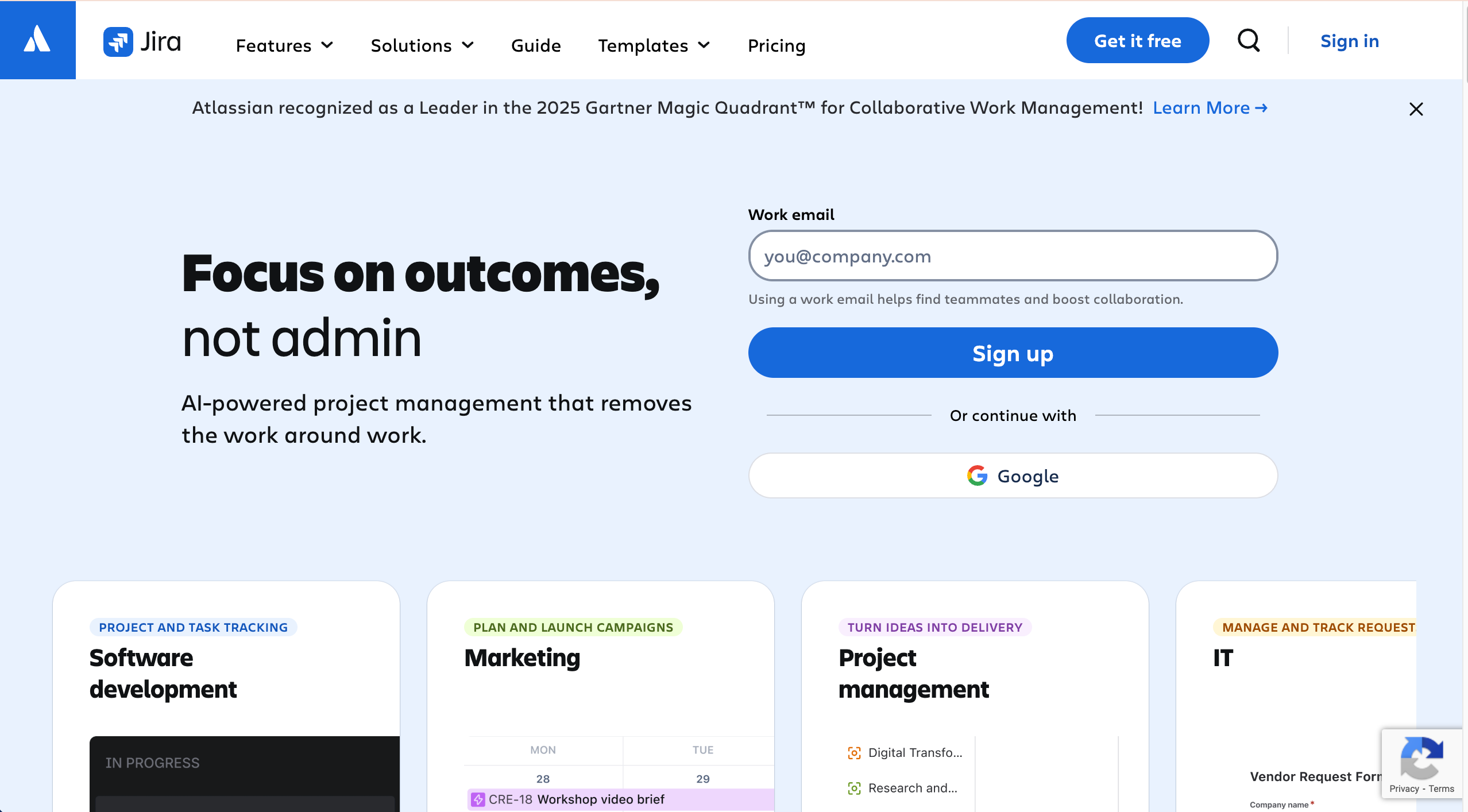
Highlights of Jira: Developer-focussed issue/bug tracking and project-management workflows; supports custom workflow management, agile boards (Kanban/Scrum), backlog and sprint planning, integration with version control and development tools, detailed reporting and dashboards.
Pricing: Jira offers a free plan for up to 10 users (with basic issue/bug tracking and project management features).
Paid tiers start at $7.91/user/month and add storage, more automation rules, user roles/permissions, and stronger support options.
Pros:
- Highly flexible with advanced workflows, agile boards, and deep integrations.
- Combines bug tracking and full project management in one platform.
Cons:
- Can be overly complex for small teams or simple website projects.
- Requires more setup and onboarding time to use effectively.
4. Zoho BugTracker
Reviews: 4.4/5.0 (G2)
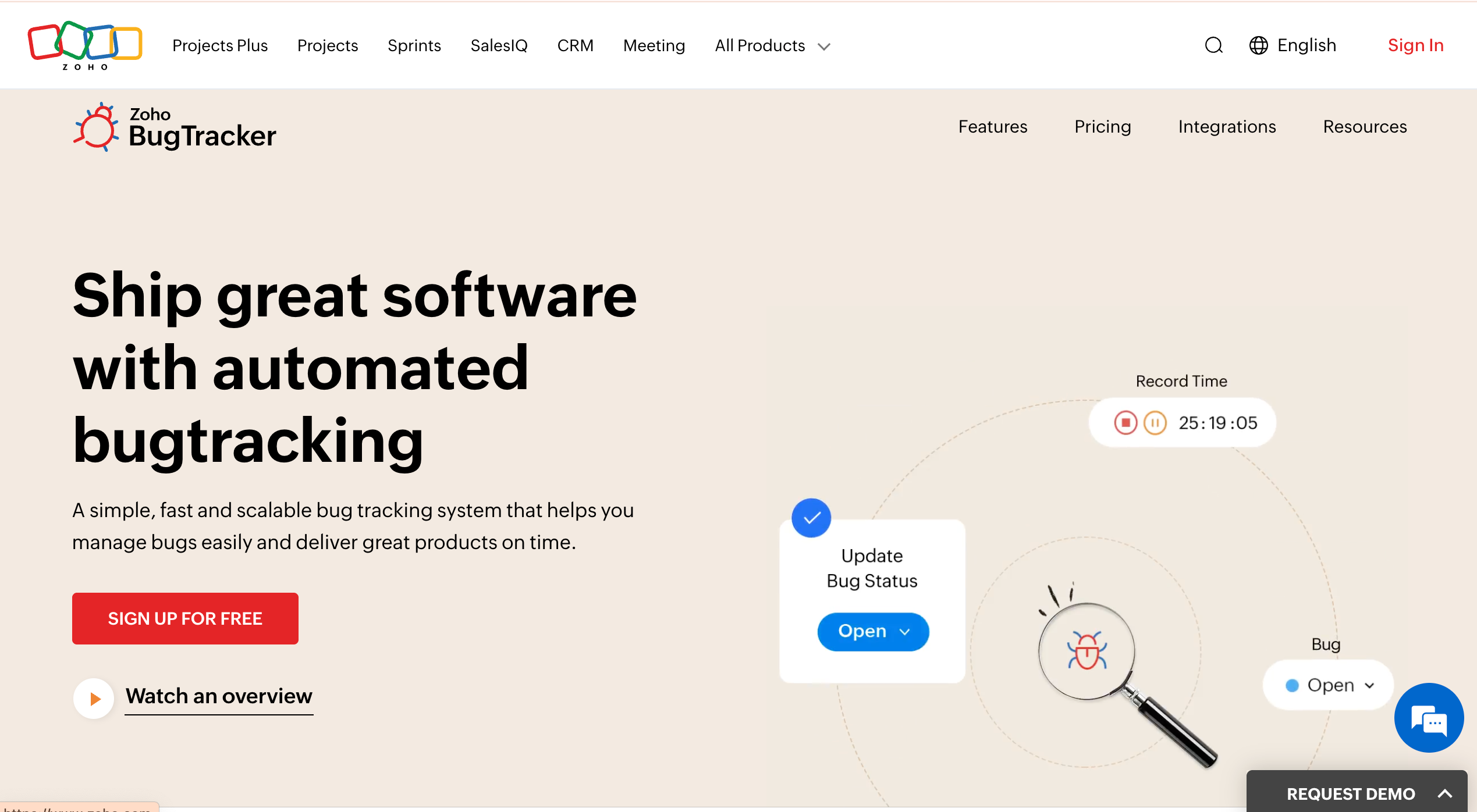
Highlights of Zoho Bug Tracker: Custom workflows, SLA and business-rule automation, issue management + collaboration + time tracking, web-based cloud issue tracker.
Pricing: Has a free-forever plan (limited to 2 projects), and a 15-day free trial. Paid plans begin around $4.50 per user/month (Standard) and higher tiers for more features.
Pros:
- Bug reporting + project/task management + time tracking in one place.
- Supports custom workflows, SLAs, and integrates with other tools/apps.
Cons:
- Free plan is limited (only 2 projects).
- Can be hard to onboard clients.
- For larger teams or serious usage, you’ll need to subscribe to a higher per user plan which can get expensive.
5. Rapidr
Reviews: 4.8/5.0 (G2)
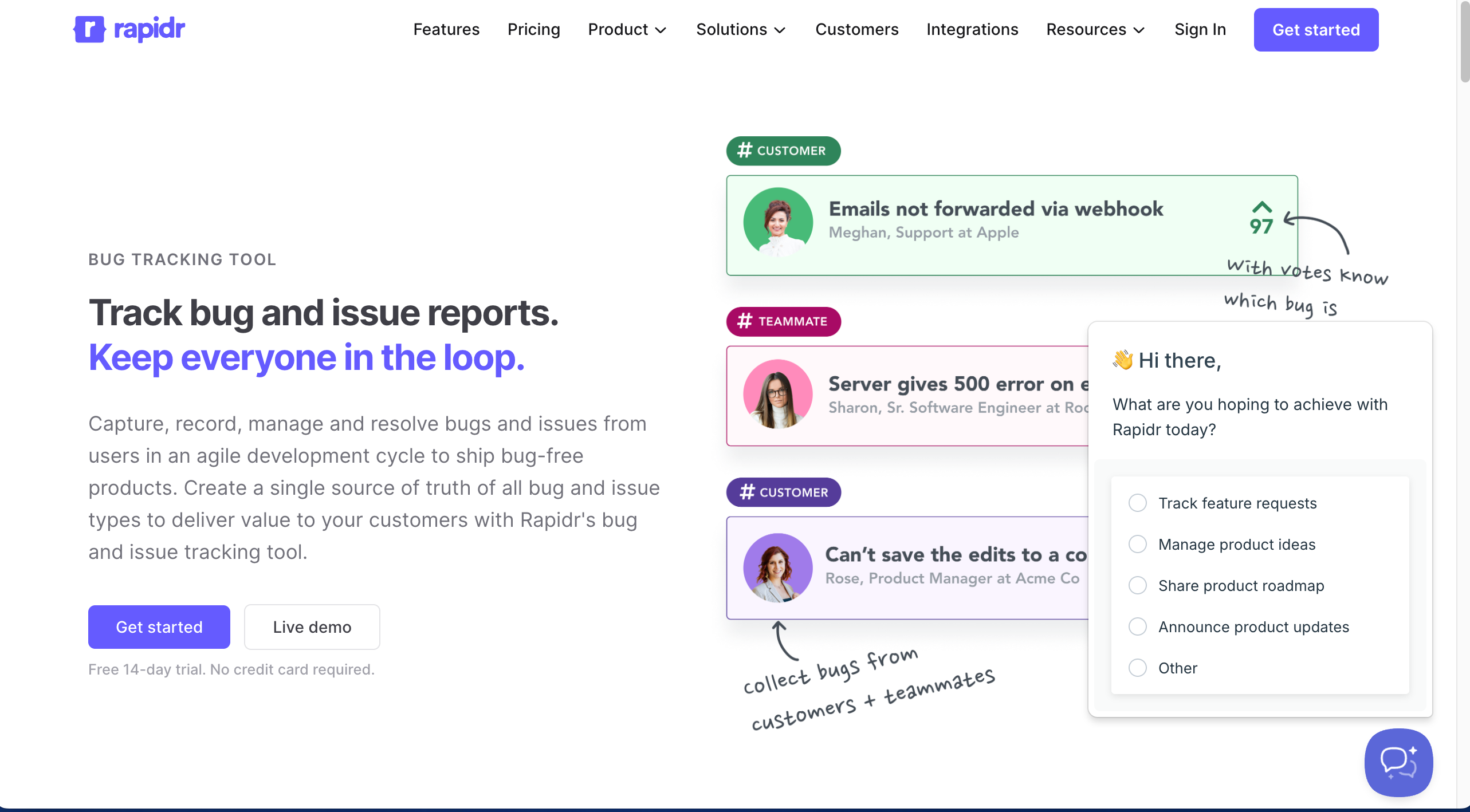
Highlights of Rapidr: Enables bug/issue reporting and tracking; supports capturing and organizing feedback, bugs, and customer or user-reported issues in a unified board.
Pricing: Rapidr pricing starts at $49/month for 5 team members. It also offers a 14-day free trial.
Pros:
- Unified interface, including feedback from non-technical users.
- Organizes bugs/issues in a consolidated board.
Cons:
- As a general issue-tracking tool, it lacks some advanced bug-tracking or development-oriented features compared to tools built specifically for code-based bug tracking.
- For larger or more complex software projects, self-hosted or more configurable tools might offer deeper customization and control than a simpler SaaS like Rapidr.
6. Mantis Bug Tracker (MantisBT)
Reviews: 4/5.0 (G2)
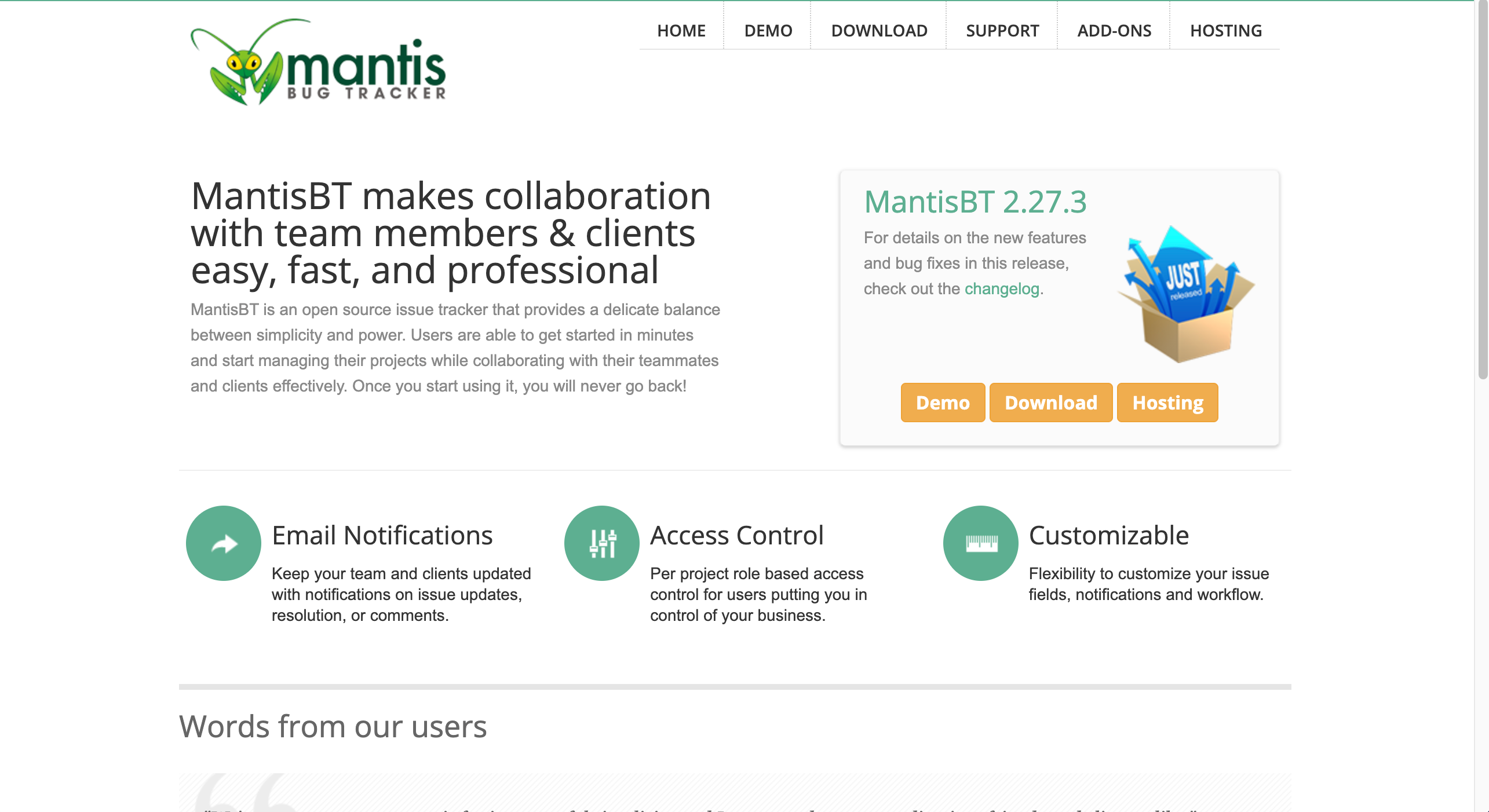
Highlights of MantisBT: Free, open-source bug/issue tracking system; simple to set up, works across platforms and databases; flexible with plugin support.
Pricing: Plans start at $35.95/month for 15 users, along with a free trial period.
Pros:
- Zero cost, flexible and extensible, works well for smaller or mid-size teams that want basic issue tracking; supports multi-OS and many languages.
Cons:
- Requires self-hosting (server + maintenance), may lack polish/interface modernity vs newer trackers, fewer advanced project-management features.
7. Redmine
Reviews: 4/5.0 (G2)
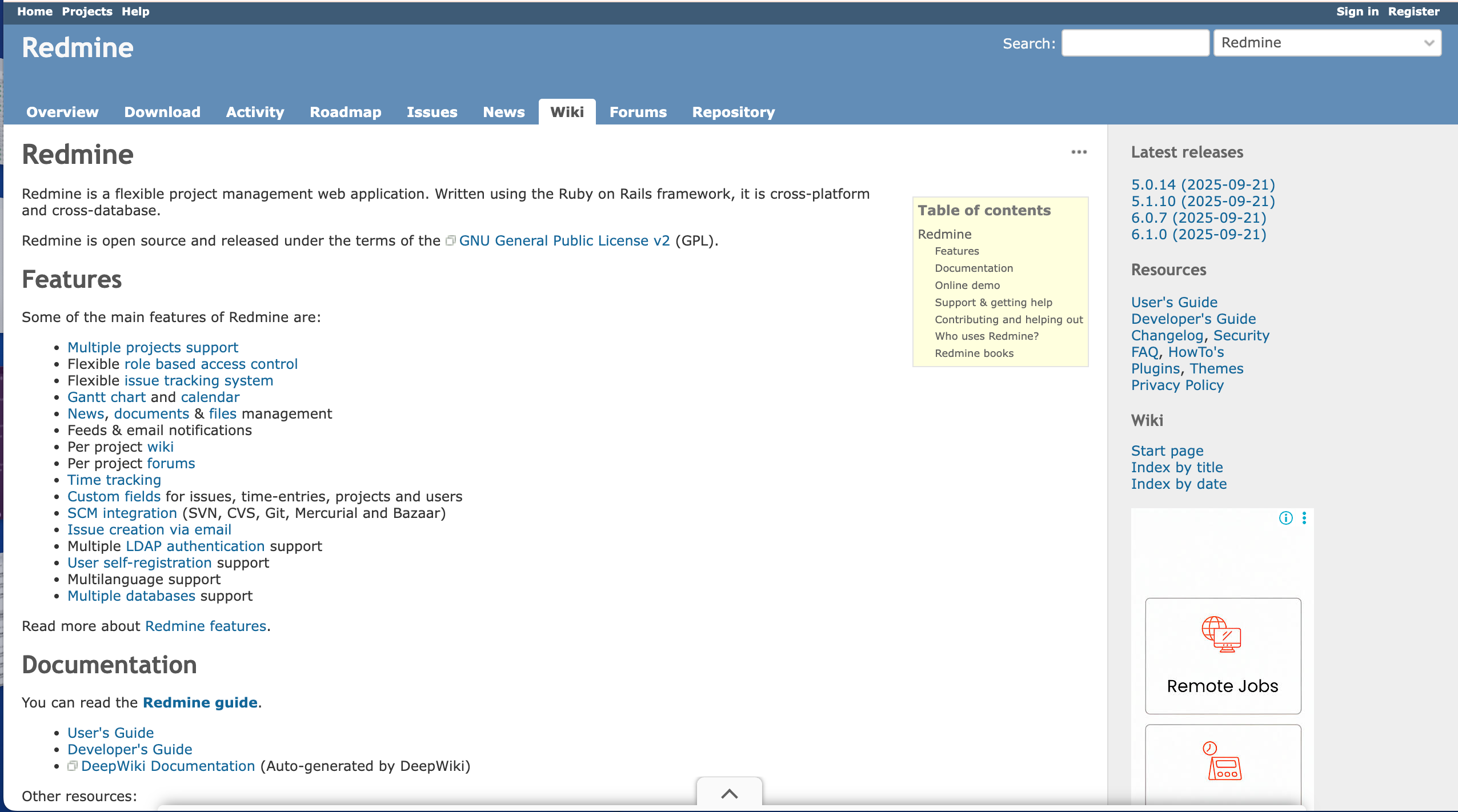
Highlights of Redmine: Free, open-source project management and issue tracking tool; supports multiple projects/sub-projects, role-based access control, time tracking, Gantt charts, version control integration.
Pricing: Free tool — open source, no license fees.
Pros:
- Combines bug/issue tracking with project management; good for organisations handling multiple projects; flexible and widely supported across platforms.
Cons:
- Setup and hosting required (self-hosted), interface and UX are more utilitarian than modern SaaS tools, some features may require plugins/maintenance.
8. Trac
Reviews: 3/5.0 (G2)
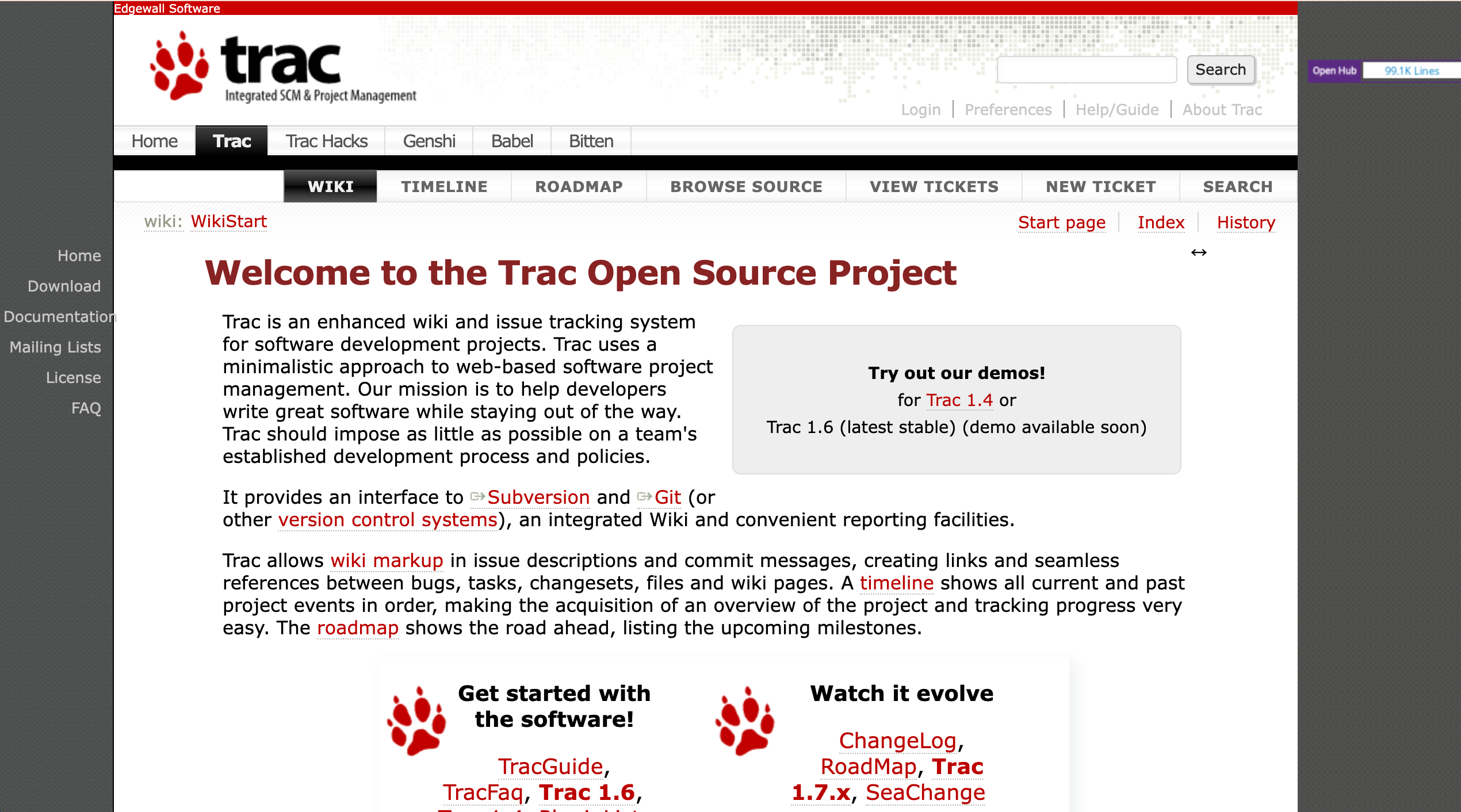
Highlights of Trac: Lightweight open-source project management and bug/issue tracking system; integrates tightly with version control systems like Git or Subversion. Good for dev-centric teams.
Pricing: Free — open source, no license cost.
Pros:
- Ideal for technical/developer-focused projects.
- Simple and efficient for version-control-linked issue tracking.
Cons:
- Very basic compared with modern bug-tracking/project-management tools.
- Llimited UX and features.
- Not ideal for non-dev stakeholders or complex project management.
9. YouTrack
Reviews: 4.3/5.0 (G2)
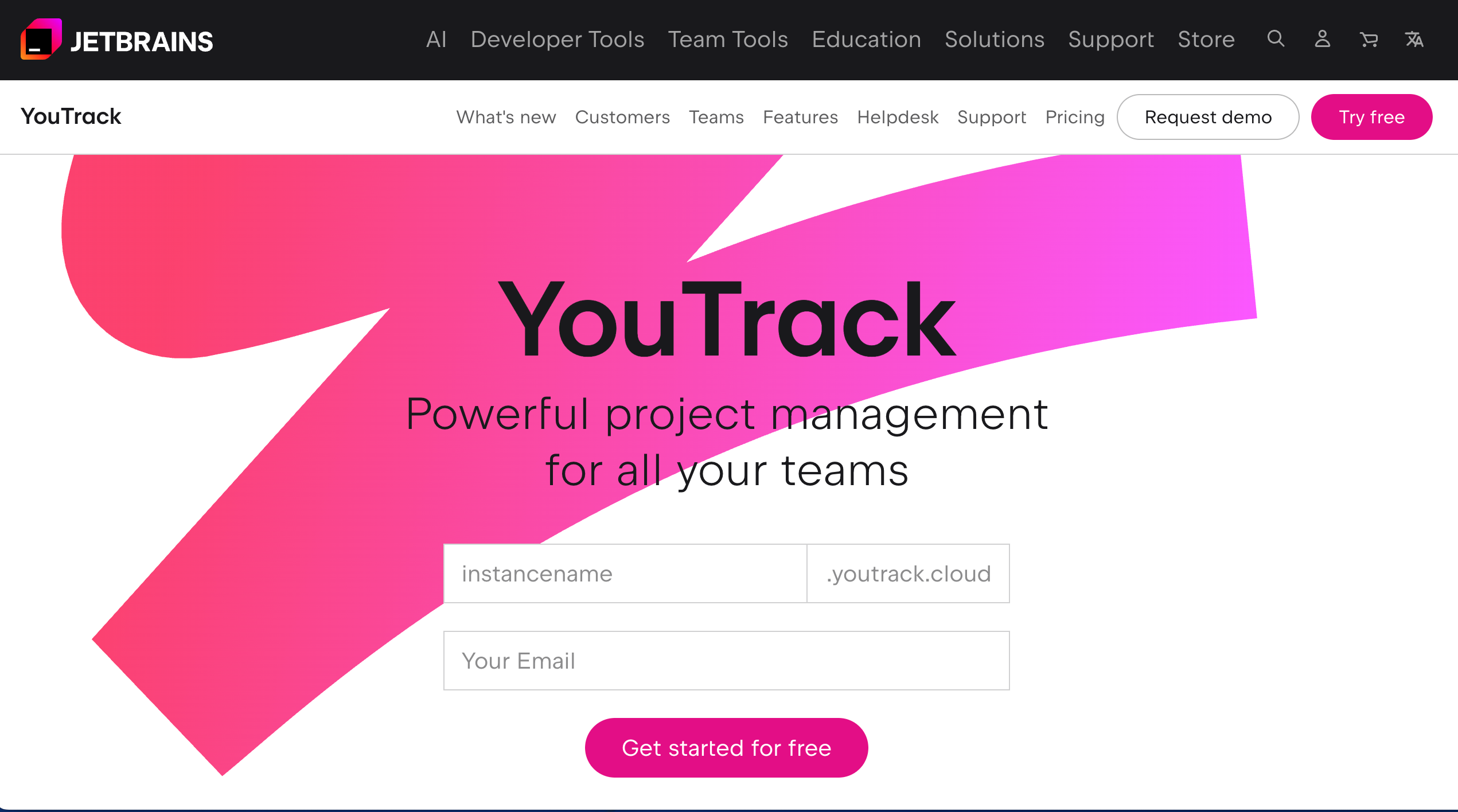
Highlights of YouTrack: Modern issue tracking and project management tool (commercial), with support for cloud or on-premises hosting, integrations with version control and other development tools, flexible workflows and issue handling.
Pricing: YouTrack is free for 1-10 users, but features are limited. Paid plans (11+ users) start at $5.40/user/month.
Pros:
- Fexible workflows, good integration with dev tools (VCS, IDEs).
- Suitable for agile teams needing issue tracking and project management.
Cons:
- As a commercial tool, you’ll need a paid license (unless eligible for free), and costs scale with team size.
- Might be more than needed for very small or simple projects.
10. GitHub Issues
Reviews: 4.7/5.0 (G2)

Highlights of GitHub Issues: Built-in issue and bug tracking inside a full code-hosting and version control platform. Integrates with repositories, pull requests, CI/CD pipelines, and project workflows.
Pricing : Free basic plan for individuals but features are limited. Paid plans start $4/user/month (Teams plan) and $21/user/month (Enterprise).
Pros:
- Seamless integration with code repos and pull requests.
- No extra cost if you already use GitHub.
- Good for open-source and small private projects.
Cons:
- Issue tracking is basic compared to dedicated trackers.
- Limited advanced workflow/customization.
- Not the strongest for non-technical user bug reporting or complex project management.
11. Linear
Reviews: 4.5/5.0 (G2)

Highlights of Linear: Fast, minimalist issue tracking and sprint-based workflow tool designed for modern software/product teams. Supports cycles (sprints), roadmaps, issues, and integrations.
Pricing: Free tier available for 2 projects (with limitations), paid plans start at $10/user/month - Business/Enterprise tiers add advanced features.
Pros:
- Clean, keyboard-first, fast UI.
- Great for agile teams.
- Integrations and sprint workflow support make it nice for teams focused on velocity and code-based work.
Cons:
- Less suited to non-technical stakeholders or clients.
- Fewer “visual feedback from website” features.
- May be overkill if you don’t need full agile workflows.
12. Userback
Reviews: 4.7/5.0 (G2)

Highlights of Userback: Visual feedback & bug-reporting tool for websites/apps, letting users (clients, customers) send annotated screenshots, screen recordings, and feedback that can integrate into issue trackers like Linear.
Pricing: Free forever plan available for 2 users and 2 projects (limited features). Paid plans start at $9/user/month.
Pros:
- Bridges gap between user-facing feedback and developer issue tracking
- Good for web-based projects.
Cons:
- Because it’s primarily a feedback-collection tool, it may lack full bug-tracking workflows or developer-centric integrations compared to code-centric trackers.
13. The Bug Genie
Reviews: 4/5.0 (G2)
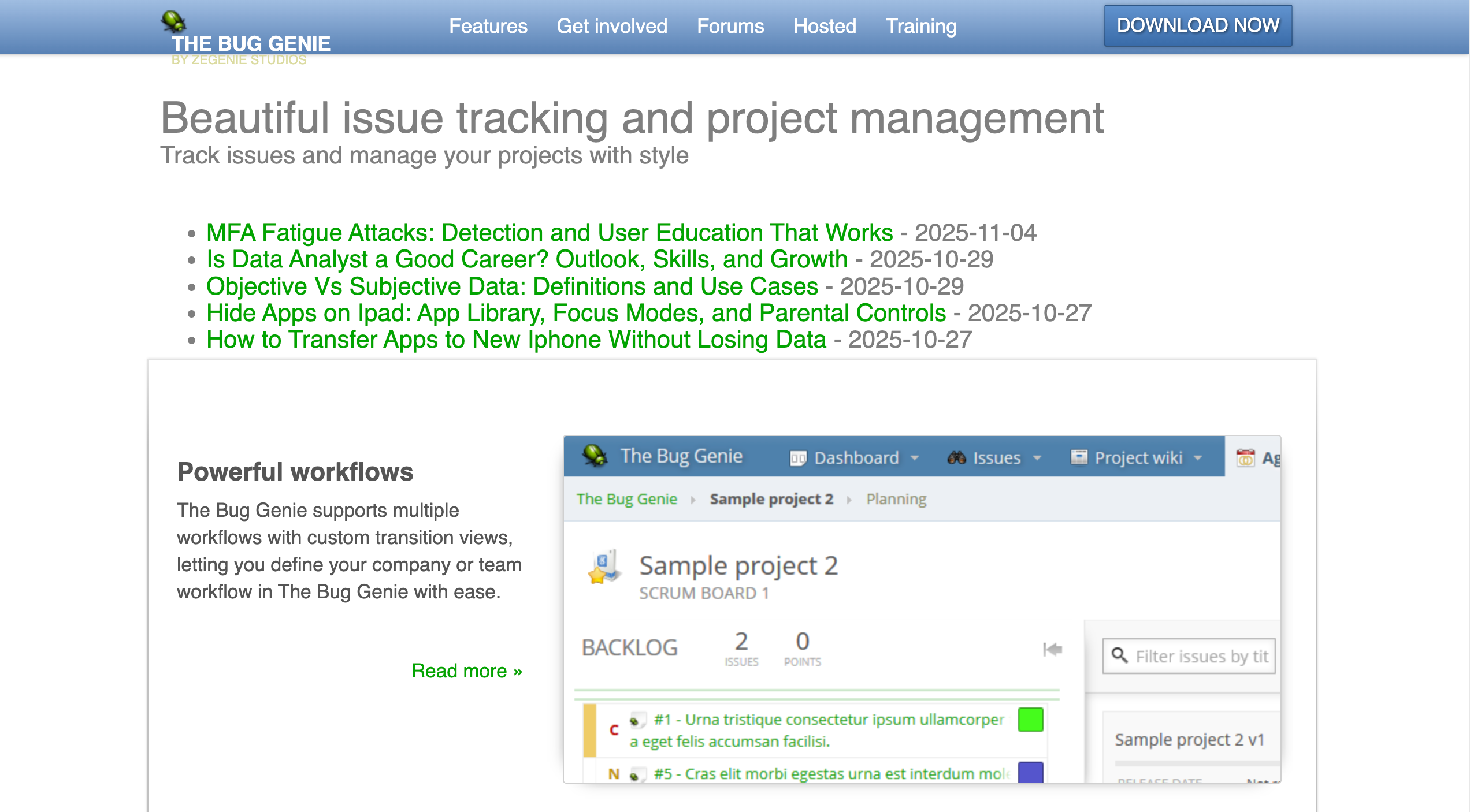
Highlights of The Bug Genie: Open-source issue tracking and project management system that supports agile workflows (Scrum/Kanban), sprint planning, time tracking, milestone & release management.
Pricing: Free — open-source.
Pros:
- No licensing cost.
- Supports agile workflows, sprints, releases, time tracking.
- Suitable for teams wanting full control and self-hosting.
Cons:
- Documentation and UI are dated.
- Lacks modern integrations.
- Adoption could require technical setup/maintenance.
14. MarkUp.io
Reviews: 4.7/5.0 (G2)

Highlights of MarkUp.io: Visual feedback and content-review tool for websites, images, PDFs, and videos. Enables contextual, pinned comments and easy client collaboration.
Pricing: Plans start at $79/month for unlimited users. 30-day free trial.
Pros:
- Supports many asset types (websites, images, PDFs, videos).
- Clear, contextual pinned comments for fast review cycles.
- Easy for clients/stakeholders.
Cons:
- Not a full project- or bug-tracking tool; requires other systems.
- Pricing increases/limited free options reduce affordability.
- Lacks deeper workflow features for complex dev teams.
15. Redpen
Reviews: Redpen has no G2 reviews

Highlights of Redpen: Visual bug-reporting, cloud based platform for capturing annotated screenshots and screen recordings. Auto-captures technical context (device, environment) to speed up debugging.
Integrates with Jira, GitHub, Azure DevOps, Slack and more.
Pricing: Free tier with limited users, only 20 bugs reported per month and limited features. Paid plans start at $9.95/user/month, limited to 50 bugs per month. A free trial is also available
Pros:
- Visual bug reporting (screenshots & recordings).
- Automatic technical context.
- Integrations with third party tools.
Cons:
- Free plan limits users and tickets.
- Costs scale with team size.
- Requires setup to connect with existing workflows.
Comparison of Best Bug Tracking Tools of 2026
What's Next: Go For Some Free Trials
There are so many bug trackers in the market today that will help you resolve issues efficiently. Remember that the finest tool doesn't always have fancy features.
The ONE for you will fit into your workflow like a glove. It's the tool that will make your dev team's life easier — one that can help them say goodbye to all-nighters and endless debugging sessions!
Of course, you don't know what you don't know. So have a go at some of these tools and take advantage of their free trials to see firsthand which perfectly matches your team.
Speaking of free trials ... try BugHerd for free today or book a 1:1 demo with one of our team members.
“I love how easy and efficient BugHerd is to use … I literally task my items I need completed, I then receive an email it's been done and that's it.” - Anonymous G2 review
FAQs
1. What exactly is a bug tracking tool, and why does my team need one?
A bug tracking tool helps you record bugs, track their progress, and keep your team members aligned while fixing bugs. It gives you real-time visibility into a bug’s status, makes it easier to assign bugs, prioritize bugs, and improves your overall software development lifecycle. It ultimately boosts team productivity and makes the whole development process less chaotic.
2. How do bug tracking tools fit into software development projects?
Bug trackers sit right in the middle of software development projects, helping teams catch errors early, organize work, and maintain high software quality. They work alongside development tools, project management tools, documentation, and version control so your workflow stays smooth from planning to release.
3. What features should I look for in a bug tracking tool?
Features to look for in a bug tracking tool include: solid bug reporting, defect tracking capabilities, customizable workflows, a clean dashboard, task management, workflow management, access control, email notifications, and good integration options with third-party tools. If you want deeper visibility, features like time tracking, gantt charts, kanban boards, or custom fields can help you stay organized.
4. Can bug tracking tools help agile teams?
Most of today’s bug tracking tools support agile teams with sprint boards, workflow automation, burndown charts, and project management views. They’re built to help you track issues, move work quickly, and keep users and stakeholders updated.
5. How do bug trackers work with project management?
Many platforms blend issue tracking with full project management, giving teams a single place to plan, test, assign work, and review progress. Some even include management tools like roadmaps, gantt charts, or reporting dashboards to monitor key metrics.
6. Can I use a bug tracker to manage test cases?
Some tools include lightweight testing features or support test cases through add-ons. If testing is a big part of your workflow, choose a tool that supports detailed QA processes, automation hooks, or deep integration with your preferred testing stack.
7. Are there good free bug tracking tools?
Yes. Tools like GitHub Issues, Bugzilla, and sometimes a tier of Jira or ClickUp provide solid features even as a free tool. Free plans usually include basic issue tracking, unlimited users, and simple boards for workflow organization.
8. What’s the difference between a bug tracker and an issue tracking tool?
A bug tracker focuses mainly on bugs, while an issue tracking tool covers bugs plus tasks, feature requests, improvements, and project workflows. Many tools today combine both, letting you handle all types of work in one place.
9. Can bug tracking tools integrate with cloud apps and other tools we already use?
Bug tracking tools can definitely integrate with cloud apps. Almost all modern platforms are a cloud-based platform with wide integration options — from Slack to GitHub, to CI/CD systems, other tools, and the rest of your dev stack.

Marina Domoney
Marina Domoney is Marketing Communications Lead at BugHerd and a senior B2B marketer with 20+ years’ experience in SaaS and website delivery workflows. She’s worked closely with agencies, creative teams, and developers across countless web projects, giving her practical expertise in design and website feedback, approvals, and client collaboration.
Try BugHerd on your site
See feedback in context
Click anywhere to leave feedback directly on your website.











But don't just take our word for it.
BugHerd is loved by 10,000+ companies,
350,000+ users across 172 countries.
4.8/5
4.7/5
4.5/5
5/5
8.7/10
Sam Duncan 📱📏 🌱
@SamWPaquet
"@bugherd where have you been all my life??
We just migrated our bug tracking over from Asana and have at least halved our software testing time🪳👏📈. "
Ashley Groenveld
Project Manager
“I use BugHerd all day every day. It has sped up our implementation tenfold.”
Sasha Shevelev
Webcoda Co-founder
"Before Bugherd, clients would try to send screenshots with scribbles we couldn't decipher or dozens of emails with issues we were often unable to recreate."
Mark B
Developer
“A no-brainer purchase for any agency or development team.”
Kate L
Director of Operations
"Vital tool for our digital marketing agency.”
Paul Tegall
Delivery Manager
"Loving BugHerd! It's making collecting feedback from non-tech users so much easier."
Daniel Billingham
Senior Product Designer
“The ideal feedback and collaboration tool that supports the needs of clients, designers, project managers, and developers.”
Chris S
CEO & Creative Director
“Our clients LOVE it”
Emily VonSydow
Web Development Director
“BugHerd probably saves us
at least 3-4hrs per week.”