

Content
- What Are Customer Feedback Management Tools?
- How to Choose the Right Customer Feedback Tool for Feedback on Websites
- What to Avoid When Choosing a Customer Feedback Tool for Website Projects
- Comparison of Top Customer Feedback Management Tools in 2026
- Which are the Best Customer Feedback Tools for Website Projects?
- What is the Best Customer Feedback Management Software for Digital Agencies & Web Dev Teams?
- Frequently Asked Questions About Customer Feedback Management Tools
Key Takeaways
- The right customer feedback management tool can make or break a website project.
- Visual, on-page feedback is essential for fast, accurate revisions.
- Strong feedback management capabilities help teams organize, assign, and prioritize tasks efficiently.
- Real-time feedback and deep integrations with project management tools streamline workflows.
- User-friendly tools improve client collaboration and increase customer satisfaction.
- Avoid tools chosen on price alone - hidden inefficiencies cost more long term.
- Not all tools are built for website feedback - some focus on proofing or surveys instead.
- For agencies and web development teams, tools like BugHerd stand out for customer feedback because they combine visual feedback with task management in one workflow.
What Are Customer Feedback Management Tools?
Traditional customer feedback management tools are web applications used by businesses to manage complaints and suggestions made by customers/users, with a view to improving customer satisfaction. This feedback may be collected via custom surveys sent via email, in app surveys, buttons on a website, etc. Examples of such tools include Zendesk, Typeform and Canny.
Agencies and development teams use different customer feedback management tools - platforms that that enable them to collect, organize, and act on client feedback relating to websites, software or even content.
Instead of chasing vague emails or deciphering screenshots buried in spreadsheets or chat threads, these tools streamline the feedback collected and organize it for easy management and actioning. An excellent example of this is BugHerd.
In this blog, we will only be covering tools that enable customers to provide feedback on websites.
How to Choose the Right Customer Feedback Tool for Feedback on Websites
Choosing the right customer feedback tool for your web projects can significantly impact your workflow, your customers' experience, and ultimately your business growth. The best customer feedback management tools don’t just help you collect comments ... they streamline feedback management, provide you with actionable insights, and improve customer satisfaction across the entire project.
When evaluating customer feedback tools for your web projects, here are the features that matter most.
1. Visual, on-page feedback capabilities
For website projects, visual context is everything. The most effective visual feedback tools allow clients and stakeholders to click directly on a webpage and leave detailed feedback tied to a specific element.
Look for a tool with:
- A simple feedback widget
- Point-and-click commenting
- Automatic screenshot capture
- The ability for users to easily submit feedback
For agencies and software teams alike, this improves clarity across all customer interactions and speeds up revisions.
2. Strong customer feedback management capabilities
Collecting feedback is only half the equation. Effective customer feedback management requires tools that help you:
- Organize feedback by page, priority, or status
- Assign tasks to team members
- Track progress in real time
- Centralize all customer comments
Robust feedback management capabilities ensure nothing slips through the cracks.
3. Automatic technical context & customer data
The best feedback software automatically captures important technical details alongside every comment, including:
- Browser and version
- Screen resolution
- Operating system
- Page URL
This enriched customer data removes guesswork for developers and helps teams analyze feedback more effectively.
4. Real-time feedback and workflow integration
The best systems provide real time feedback notifications so teams can respond appropriately and resolve issues quickly.
Equally important is integration with your existing systems, including:
- Project management platforms (eg. ClickUp & Asana)
- Customer support tools (eg. Zendesk & Intercom)
- Development tracking software (eg. Jira & Wrike)
- Other internal management tools (eg. Slack or MS Teams)
When feedback flows seamlessly into your workflow, your team can transform valuable feedback into clear tasks; without duplicating effort.
5. User-friendly experience for clients
Even the most powerful feedback management system will fail if clients find it confusing.
The right customer feedback tool should be:
- Intuitive and user friendly
- Easy for non-technical stakeholders
- Simple to leave and track feedback
- Accessible across staging and live environments
When clients feel their opinions matter and can easily provide input, you’ll see higher-quality detailed feedback, better collaboration, and smoother approvals.
What to Avoid When Choosing a Customer Feedback Management Tool for Website Projects
- Choosing on price alone: A free or cheap tool might save a few dollars upfront, but if it requires your team to chase clients for screenshots or browser versions, it costs you hours of billable time every week.
- Ignoring integrations: If the feedback tool doesn't talk to your project management software, you’re stuck manually copying and pasting data, which is a recipe for missed tasks and errors.
- Expecting customers to set up accounts & logins: Your team might be tech-savvy, but your clients might not be. If the tool is too complex for them, they’ll revert to sending vague emails, defeating the purpose entirely.
- Skipping the workflow setup: Even the best tool needs a process. Failing to define who organizes feedback that comes in, or who sets priorities, can lead to a cluttered backlog that overwhelms the development team.
- Overcomplicating the process with too many features: Some advanced feedback tools overload teams with unnecessary features like complex survey builders or dashboards no one uses.
- Ignoring scalability: A tool might work for three projects, but what about ten or even twenty? If it can’t handle multiple clients, role-based permissions, or increasing feedback volume, your feedback management system will break down as you grow.
Comparison of Top Customer Feedback Management Tools in 2026
The table below compares the best user feedback management tools based on G2 rating, best-for-use case, key features, pros and cons, pricing, and free trial availability so you can quickly narrow down your options. Use it to identify the tools that best match your workflow; whether you need faster client approvals, clearer feedback in context, or smoother collaboration across teams.
Which are the Best Customer Feedback Tools for Website Projects?
Below you’ll find more information on the top 15 customer feedback management tools for websites so you can make an informed decision on which one will suit your workflow best.
#1. BugHerd
BugHerd is best for collecting customer feedback on live websites because clients can pin comments directly to page elements, along with an automatic screenshot and technical context. It’s ideal for agencies and web teams who want fast review cycles. It is less suited for teams that only review design files and never need on-page context.
It combines point-and-click feedback, automatically captures screenshots and user technical details, and pushes feedback into a Kanban-style task management board, all in a single workflow.
Who is BugHerd designed for?
BugHerd is designed for agencies, creative teams, and web development teams managing multiple client websites. It's also designed for project managers who want a client-friendly project management system that turns client feedback straight into tasks so that they can be easily managed and actioned.
What are the key features of BugHerd?
The key features of BugHerd are:
- Visual point-and-click feedback tied to exact elements on a web page, PDF, image, Figma file, etc. Clients and stakeholders simply use the arrow icon to click directly on any element and drop a pin/comment (like sticky notes on a page).
- Capture feedback via video and leave feedback on multi-step interactions, animations, and anything else that’s difficult to describe with written words alone.
- Automatic screenshot & user tech details captured, including browser, OS, URL, screen size, resolution, etc.
- Task tracking via a built-in Kanban board to assess, assign, prioritize, and action feedback. BugHerd also keeps clients updated by allowing them access to the task board (you determine the level of access), for real-time visibility, especially on critical issues.
- BugHerd has deep two-way integrations with all project management tools such as ClickUp, monday.com, Asana, Trello, Jira and more; as well as supporting integrations with collaboration tools like Slack & Microsoft Teams, and developer tools like GitHub. BugHerd also has a fully featured API and Webhook support, enabling custom integrations with any application.
- No client login required. Clients and stakeholders are sent a link, and they can start leaving feedback right away without having to set up a login.
“Managing WordPress services — especially quick WordPress website development services — has been further simplified by the use of BugHerd. It makes it really simple to collect feedback and collaborate with our clients.” — WPism BugHerd review
What are the Pros and Cons of BugHerd?
BugHerd Pros:
- Easiest customer feedback tool for non-technical clients
- No login required for clients to leave feedback
- Excellent contextual feedback makes actioning tasks quick and easy
- Deep two-way integrations
- Works on live and staging websites
- Dramatically speeds up feedback loops
- Reduces revision misunderstandings
- Helps teams hit deadlines
BugHerd Cons:
- Not suited for early design iteration
- Mobile app not fully developed
How much does BugHerd cost?
- Standard: $50/month
- Studio: $80/month
- Premium: $150/month
- Custom pricing for larger teams
Find out more about what's included in each of the BugHerd pricing plans.
Does BugHerd offer a free trial?
BugHerd offers a free 7-day trial where you can check out all of the features. No credit card is required.
You can also book a 1:1 demo with a BugHerd product specialist, where all of your questions will be answered on the spot.
“Love the ease in which our clients can give feedback on our websites using BugHerd.”– Corinne F., G2 review
#2. MarkUp.io
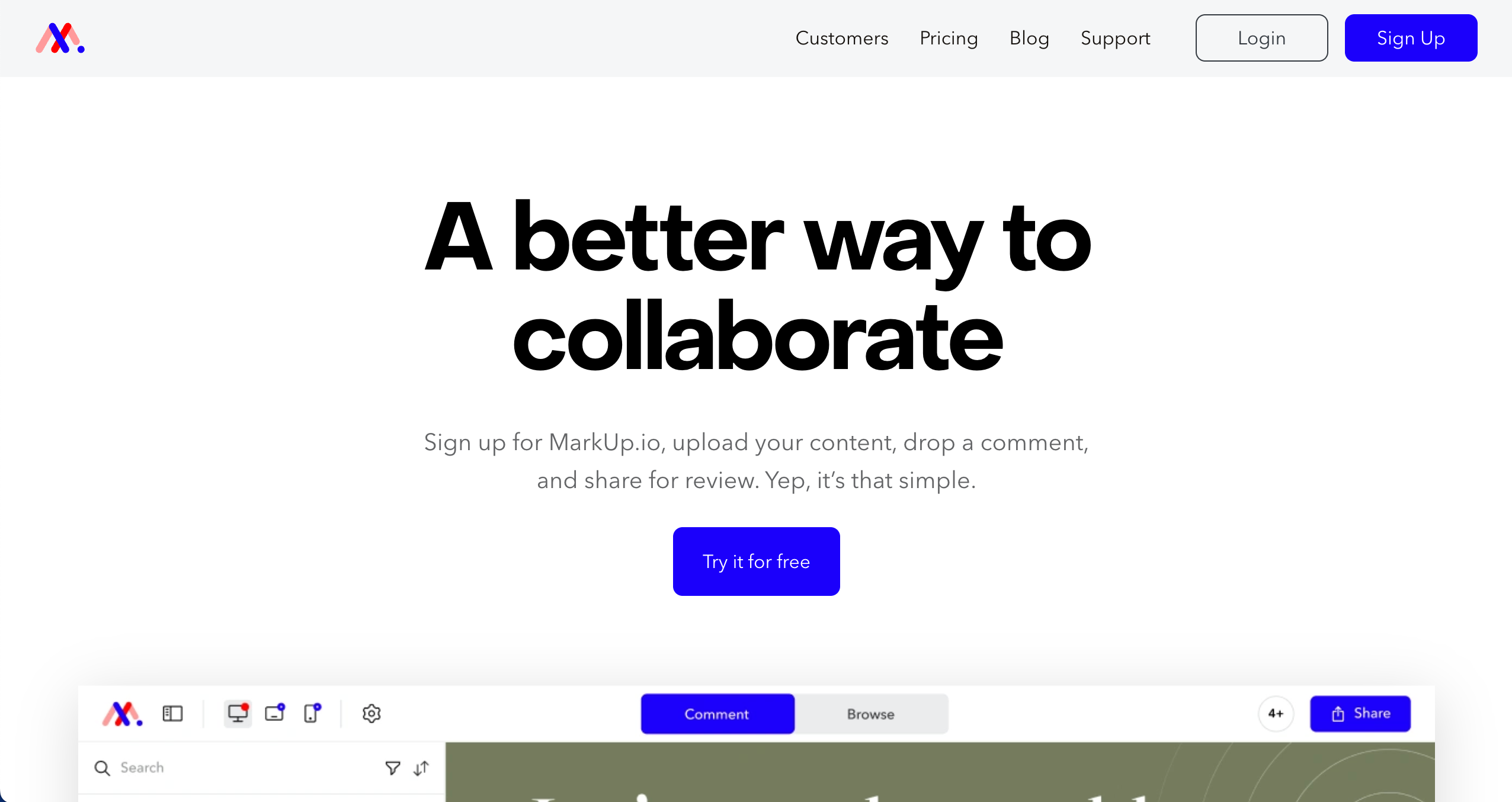
MarkUp.io is best for freelancers and small teams because it offers a simple way to annotate websites, images, and PDFs without complex setup.
Who is MarkUp.io designed for?
MarkUp.io is designed for freelancers, content creators, and smaller agencies who need a straightforward way to gather feedback on digital content.
What are the key features of MarkUp.io?
- Website, image, and PDF support
- Real-time commenting
- Shareable links
What are the Pros and Cons of MarkUp.io?
MarkUp.io Pros:
- Simple interface
- Wide file format support
- Easy browser extension
MarkUp.io Cons:
- Pricey for larger teams compared to features
- Limited project management tools
- Client accounts needed for some workflows
How much does MarkUp.io cost?
- Pro: $79/month
- Enterprise: Custom pricing
Find out more about what's included in each of the MarkUp.io pricing plans.
Does MarkUp.io offer a free trial?
Yes, MarkUp.io offers a free 30-day trial.
#3. Marker.io

Marker.io is best for developer teams using issue trackers because it deeply integrates with tools like Jira, capturing console logs and network requests alongside screenshots.
Who is Marker.io designed for?
Marker.io is designed for QA testers, developers, and project managers who live inside tools like Jira, GitHub, or GitLab and need website feedback to land directly there.
What are the key features of Marker.io?
- 2-way sync PM tools
- Console logs & network requests captured automatically
- Session replay
What are the Pros and Cons of Marker.io?
Marker.io Pros:
- Developer-focused data capture
- Excellent issue tracker sync (status updates sync back)
- Session replay helps reproduce bugs
Marker.io Cons:
- Less client-friendly than other tools
- Can get pricey for teams
- Focuses more on bugs than design feedback
How much does Marker.io cost?
- Starter: $59/month
- Team: $199/month
- Business: Custom pricing
Find out more about what's included in each of the Marker.io pricing plans.
Does Marker.io offer a free trial?
Yes, Marker.io offers a free trial.
#4. Webvizio

Webvizio is best for project managers needing clarity because it combines website feedback with a productivity dashboard, giving you a clear list of tasks across multiple projects. It is ideal for small agencies and freelancers looking for an affordable all-in-one solution.
Who is Webvizio designed for?
Webvizio is designed for project managers, QA testers, and web agencies who want to manage tasks and feedback in a single interface.
What are the key features of Webvizio?
- Task lists and productivity dashboard to see all open issues at a glance
- Video feedback for recording screen interactions
- Mobile feedback mode for testing responsiveness
What are the Pros and Cons of Webvizio?
Webvizio Pros:
- Good balance of price and features
- Includes productivity/project management tools
- Clear task assignment
Webvizio Cons:
- Interface can feel cluttered with many tasks
- Not as deep on technical integrations
- Newer player with fewer enterprise features
How much does Webvizio cost?
- Solo: $10
- Starter: $35/month
- Advanced: $95/month
Find out more about what's included in each of the Webvizio pricing plans.
Does Webvizio offer a free trial?
Yes, Webvizio offers a free trial.
#5. Usersnap

Usersnap is best for enterprises and product organizations because it combines visual feedback capture with customer sentiment surveys (CSAT, NPS).
Who is Usersnap designed for?
Usersnap is designed for enterprise product managers, customer success teams, and development organizations that need to measure customer satisfaction alongside bug reporting.
What are the key features of Usersnap?
- Visual feedback widgets
- Micro-surveys for NPS, CSAT
- Console recorder
What are the Pros and Cons of Usersnap?
Usersnap Pros:
- Context-rich feedback data
- Includes customer survey tools (NPS/CSAT)
- Enterprise-grade security and routing
Usersnap Cons:
- Can be expensive for small teams
- Reporting features can be complex
- Overkill for simple visual feedback
How much does Usersnap cost?
- Starter: $49/month
- Growth: $109/month
- Professional: $199/month
- Premium: $389/month
Find out more about what's included in each of the Usersnap pricing plans.
Does Usersnap offer a free trial?
Yes, Usersnap offers a free trial.
#6. Userback

Userback is best for advanced product teams because it offers rich in-app widgets, video feedback, and session replays to understand user behavior deeply. It’s ideal for SaaS products needing detailed user insights.
Who is Userback designed for?
Userback is designed for SaaS product teams, software companies, and customer support teams needing detailed context on user issues.
What are the key features of Userback?
- Session replay
- Video feedback
- Javascript SDK
What are the Pros and Cons of Userback?
Userback Pros:
- Great session detail capture
- Strong video feedback capabilities
- Integrates with PM/dev tools
Userback Cons:
- Steeper setup curve for non-devs
- Not as simple as other tools for quick client use
- Pricing scales per seat
How much does Userback cost?
- Free Forever: Free
- Team: $9/month
- Business: $19/month
- Business Plus: $29/month
Find out more about what's included in each of the Userback pricing plans.
Does Userback offer a free trial?
Userback does not offer a free trial as a free plan is available.
#7. Pastel
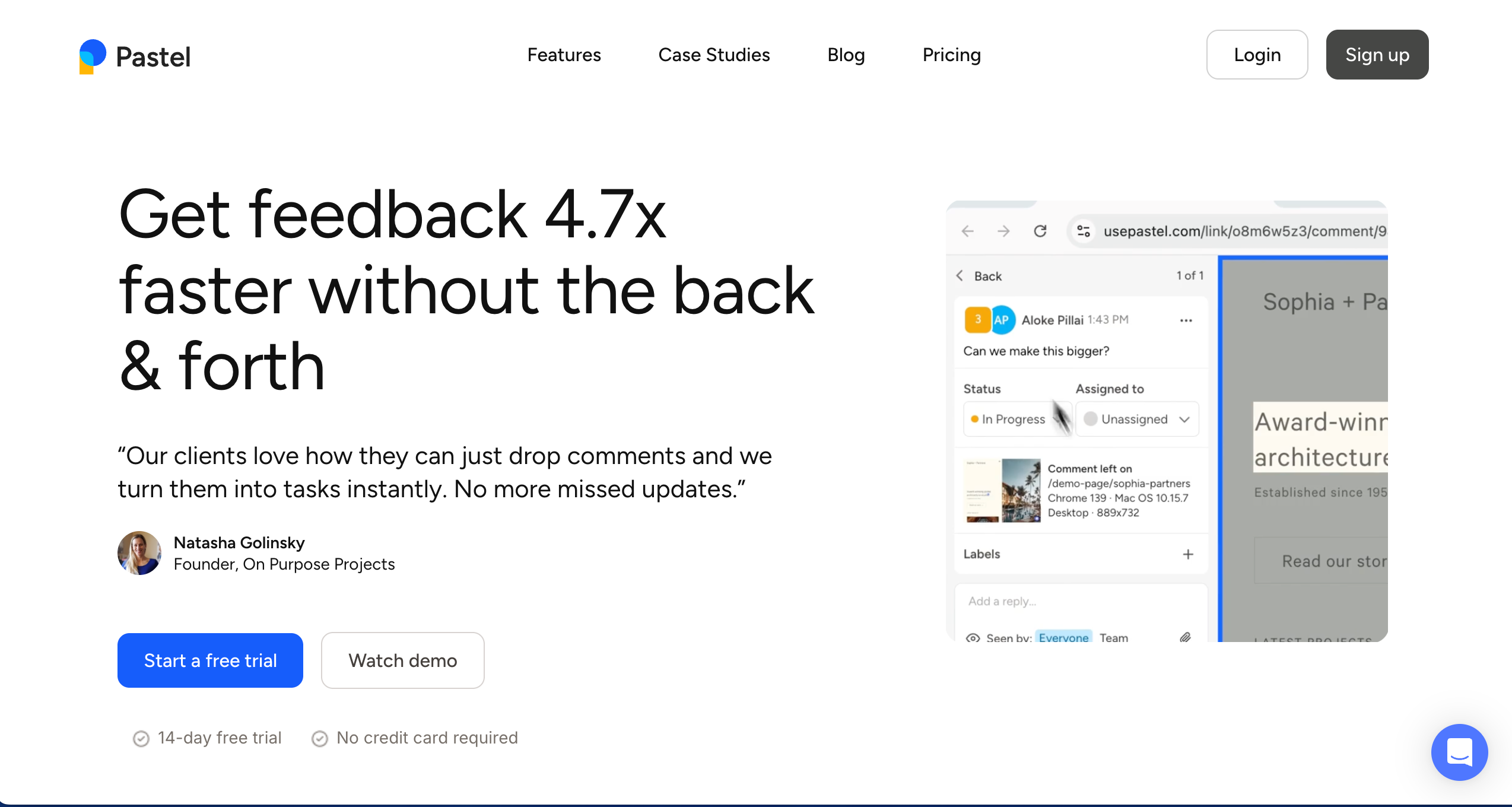
Pastel is best for agencies needing a lightweight tool because it allows you to create feedback canvases from any URL instantly.
Who is Pastel designed for?
Pastel is designed for marketing agencies and copywriters who need a fast, low-friction way to get client comments on live pages.
What are the key features of Pastel?
- Instant canvas generation from any URL
- No installation required on the client's website
- Mobile responsiveness
What are the Pros and Cons of Pastel?
Pastel Pros:
- Lightweight and fast setup
- Shareable links work instantly
- Unlimited guest reviewers
Pastel Cons:
- Limited technical capture (no console logs)
- Basic analytics
- Proxy technology can struggle with complex, dynamic sites
How much does Pastel cost?
- Free Forever: $0/month
- Pro: $35/month
- Team: $119/month
- Enterprise: $450/month
Find out more about what's included in each of the Pastel pricing plans.
Does Pastel offer a free trial?
Pastel does not offer a free trial as a free plan is available.
#8. Ruttl
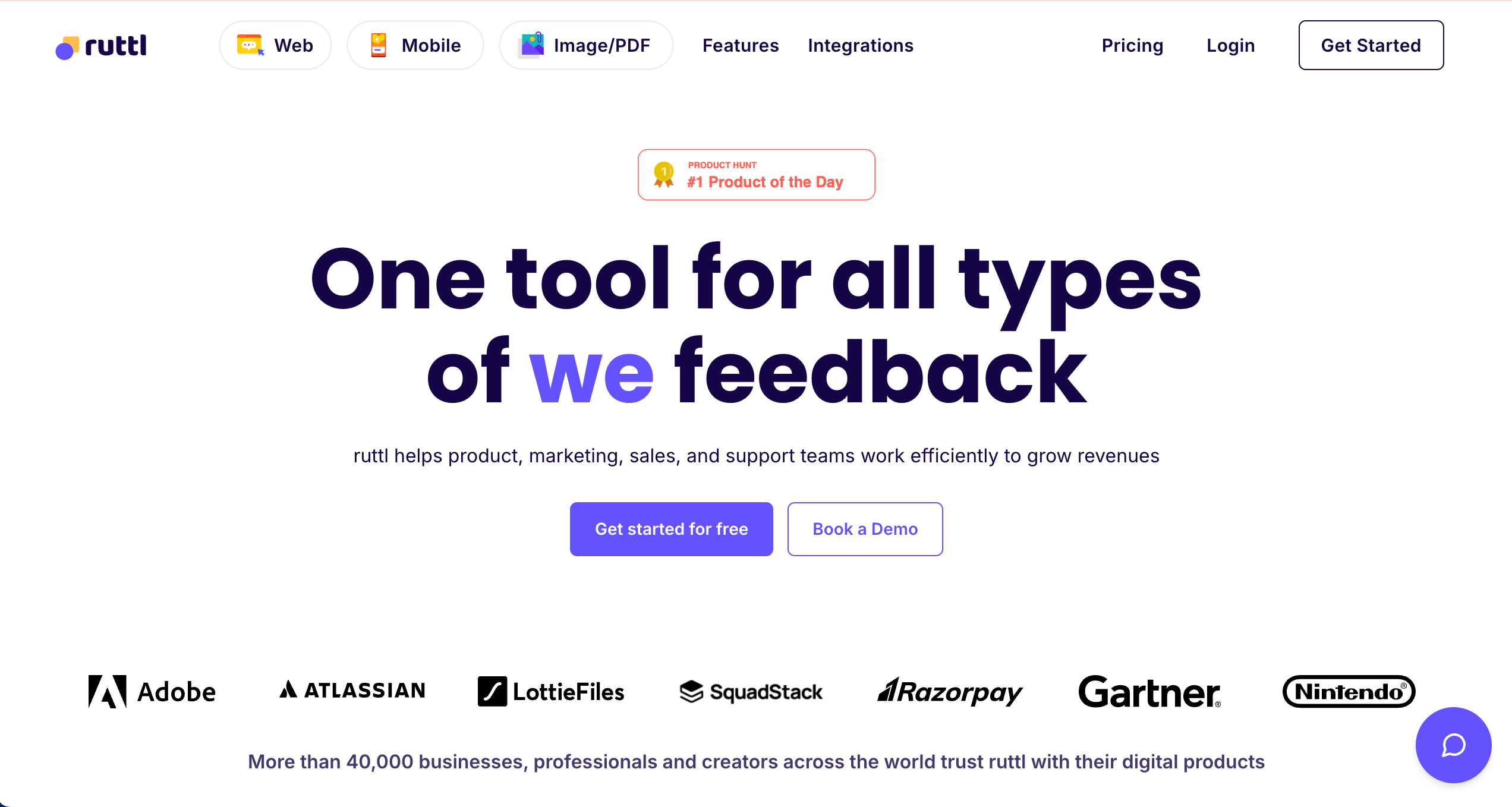
Ruttl is best for web designers needing live edits because it allows you to not just comment, but actually tweak CSS and text directly on the page.
Who is Ruttl designed for?
Ruttl is designed for web designers and agencies who want to visualize changes on a live site before committing to code.
What are the key features of Ruttl?
- Live CSS editing
- Mobile & web app feedback support
- Guest access without login
What are the Pros and Cons of Ruttl?
Ruttl Pros:
- Allows simple CSS edits for better clarity
- Guest access without login
- Visual feedback focus
Ruttl Cons:
- Not as deep as dev-centric tools
- Interface can feel basic
- Some UX rough edges reported
How much does Ruttl cost?
- Free: $0/month
- Starter: $12/month/user
- Pro: $18/month/user
- Business: $90/month/user
Find out more about what's included in each of the Ruttl pricing plans.
Does Ruttl offer a free trial?
Ruttl does not offer a free trial as a free plan is available.
#9. Atarim
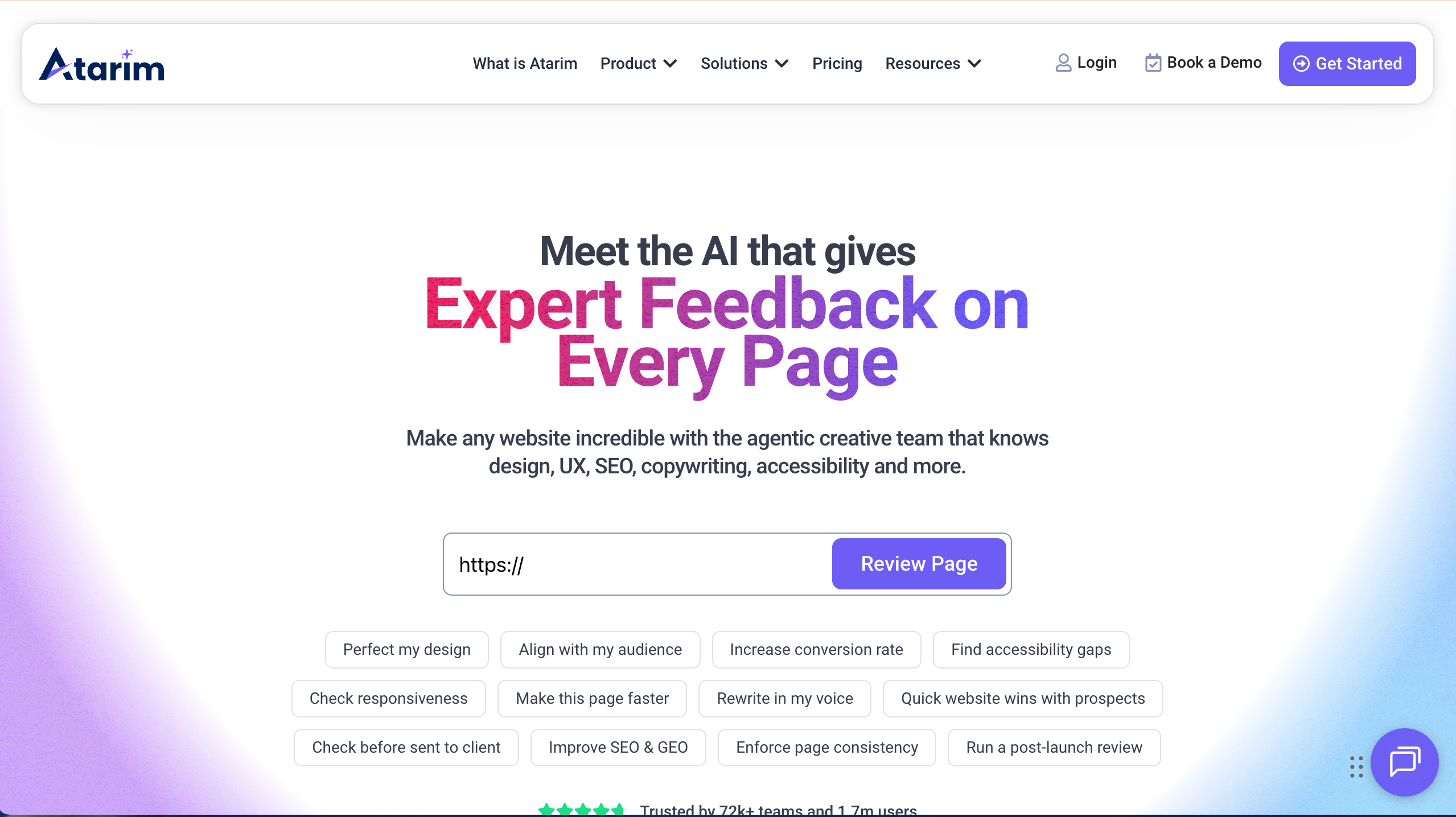
Atarim lets teams leave visual feedback directly on websites and manage tasks from right inside the feedback tool.
Who is Atarim designed for?
Atarim is designed for web designers, and teams who need to collect feedback on live sites and design work.
What are the key features of Atarim?
- Visual comments on live sites
- Task assignment and tracking
- Screenshot annotations
What are the Pros and Cons of Atarim?
Atrarim Pros:
- Easy for clients to use
- Good for site changes
- Shows feedback in context
Atarim Cons:
- UI is basic
- Not strong for complex approval flows
- Limited analytics/reporting
How much does Atarim cost?
- Free Forever Plan (very limited)
- Pro: $29/seat/month
- Business: $42/seat/month
- Enterprise: Custom pricing
Find out more about what's included in each of the Atarim pricing plans.
Does Atarim offer a free trial?
Atarim does not offer a free trial as a free plan is available.
#10. SureFeedback
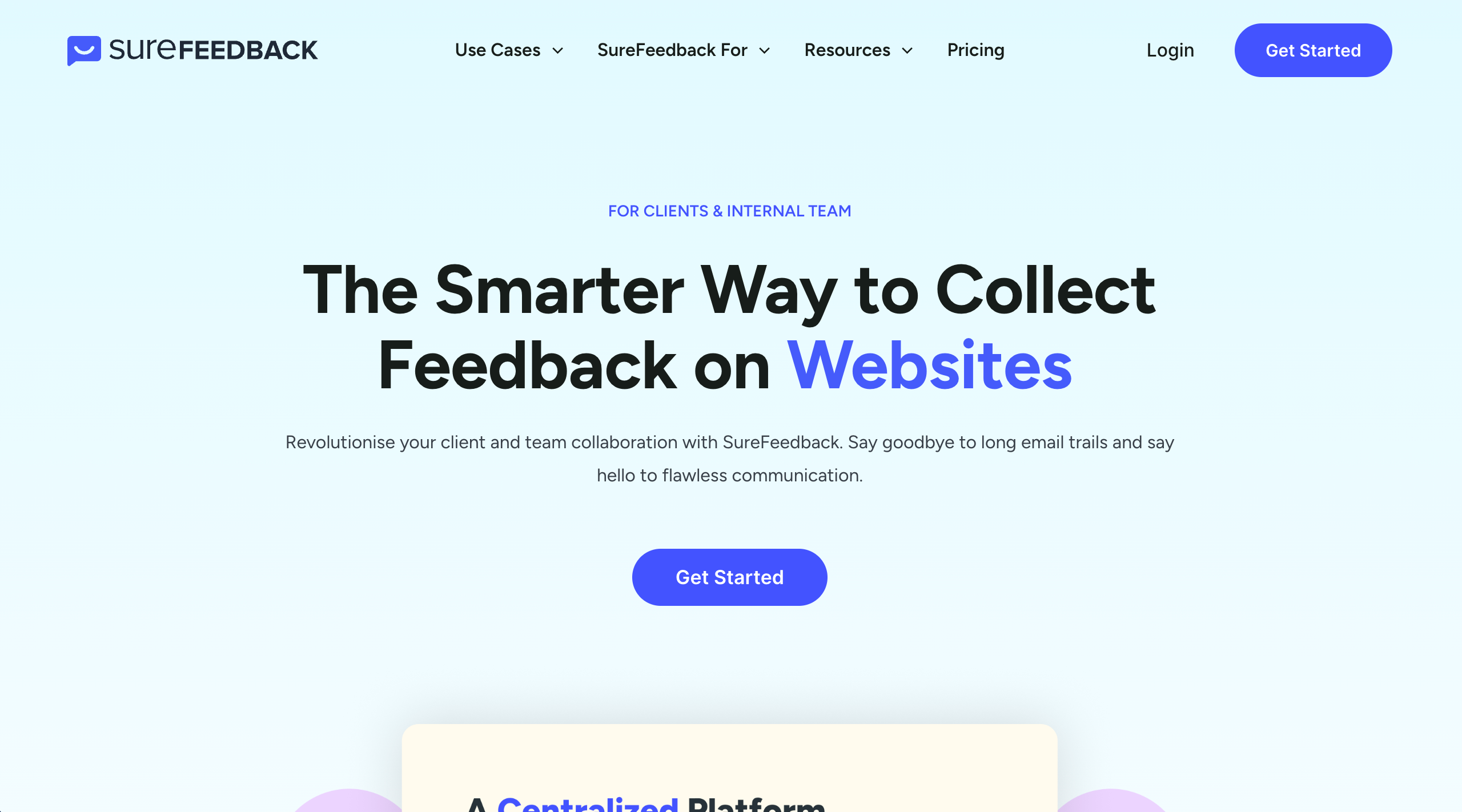
SureFeedback lets teams collect feedback by placing widgets on sites where users can comment visually.
Who is SureFeedback designed for?
SureFeedback is designed for designers, agencies, and site owners who want simple visual feedback directly from visitors.
What are the key features of SureFeedback?
- On-page feedback widgets
- Screenshot comments
- Email notifications
- Custom feedback forms
What are the Pros and Cons of SureFeedback?
SureFeedback Pros:
- Easy to set up
- Good for basic visitor feedback
- Simple interface
SureFeedback Cons:
- Looks a bit old-style
- Few advanced integrations
- Not built for deep task workflow
How much does SureFeedback cost?
- Standard: $99/year
- Basic: $139/year
- Ultimate: $169/year
- Ultimate Lifetime: $499 one time payment
Find out more about what's included in each of the SureFeedback pricing plans.
Does SureFeedback offer a free trial?
No, SureFeedback does not offer a free trial.
#11. PageProof
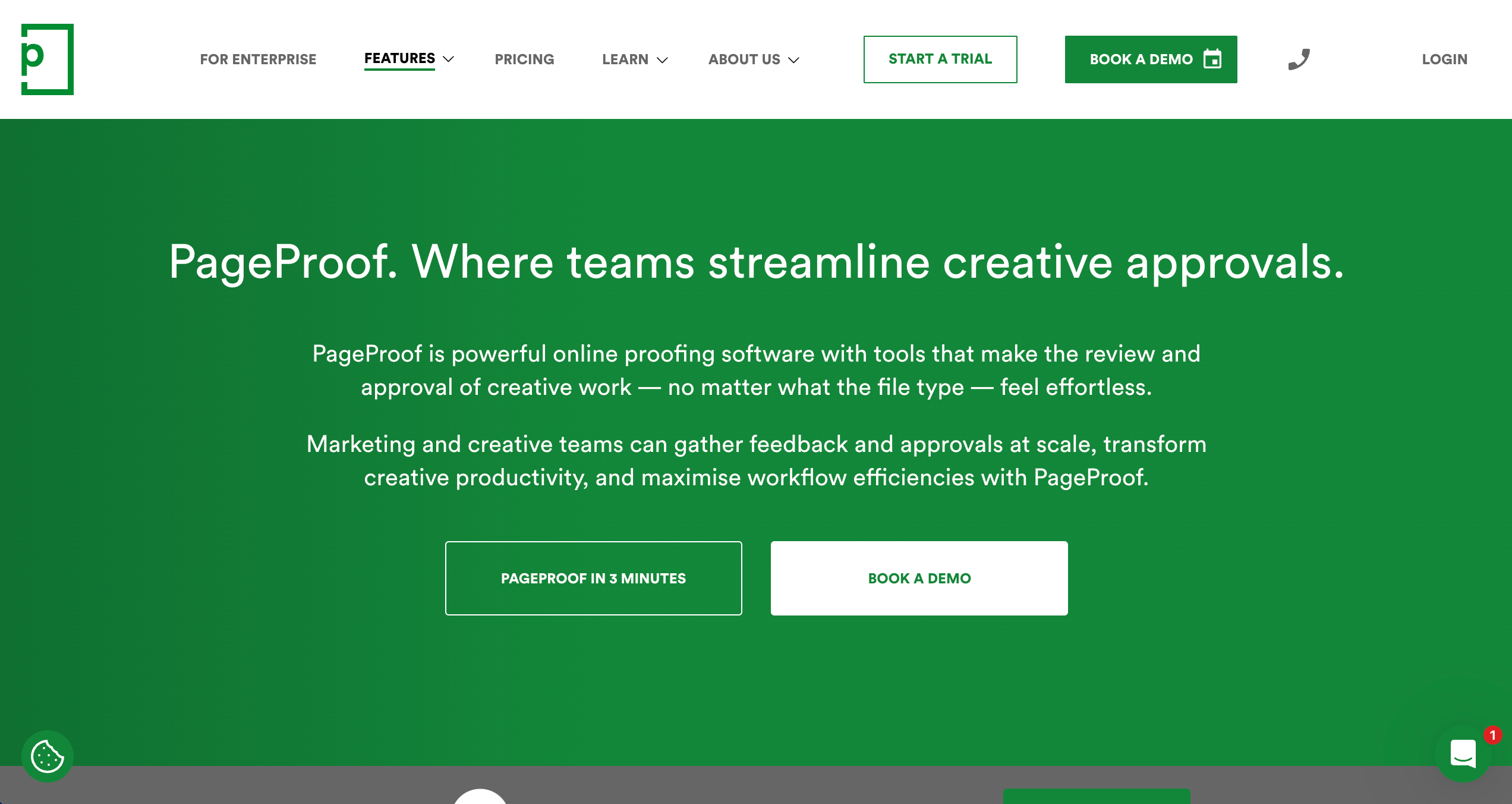
PageProof is best for creative teams needing online proofing because it offers a "smart compare" feature and unlimited reviewers for a flat price.
Who is PageProof designed for?
PageProof is designed for marketing teams and creative agencies that need to route assets for approval to many stakeholders without seat-based pricing limits.
What are the key features of PageProof?
- Smart compare
- Red pen tool for markup
- Encryption for secure data handling
What are the Pros and Cons of PageProof?
PageProof Pros:
- Strong online proofing workflow
- Unlimited reviewers included
- Integrates with Asana/Trello
PageProof Cons:
- Document-centric, not web-native
- Can require resubmissions for edits
- Pricing entry point is higher
How much does PageProof cost?
- Team: $249/month
- Team Plus: $399/month
- Enterprise: Quote upon request
Find out more about what's included in each of the PageProof pricing plans.
Does PageProof offer a free trial?
Yes, PageProof offers a free 10-day trial.
#12. ProofHub

ProofHub is best for teams needing an all-in-one hub because it combines project management with proofing tools.
Who is ProofHub designed for?
ProofHub is designed for project managers and teams who want a single platform to manage tasks, files, time tracking, and proofing.
What are the key features of ProofHub?
- Online proofing tool
- Discussion boards for team communication
- Gantt charts
What are the Pros and Cons of ProofHub?
ProofHub Pros:
- All-in-one platform
- Flat pricing (unlimited users) saves money
- Combines PM and proofing effectively
ProofHub Cons:
- Not design-feedback specific
- Limited deep developer integrations
- UI can feel dense
How much does ProofHub cost?
- Essential: $45/month
- Ultimate Control: $89/month
Find out more about what's included in each of the ProofHub pricing plans.
Does ProofHub offer a free trial?
Yes, ProofHub offers a free 14-day trial.
#13. Ziflow
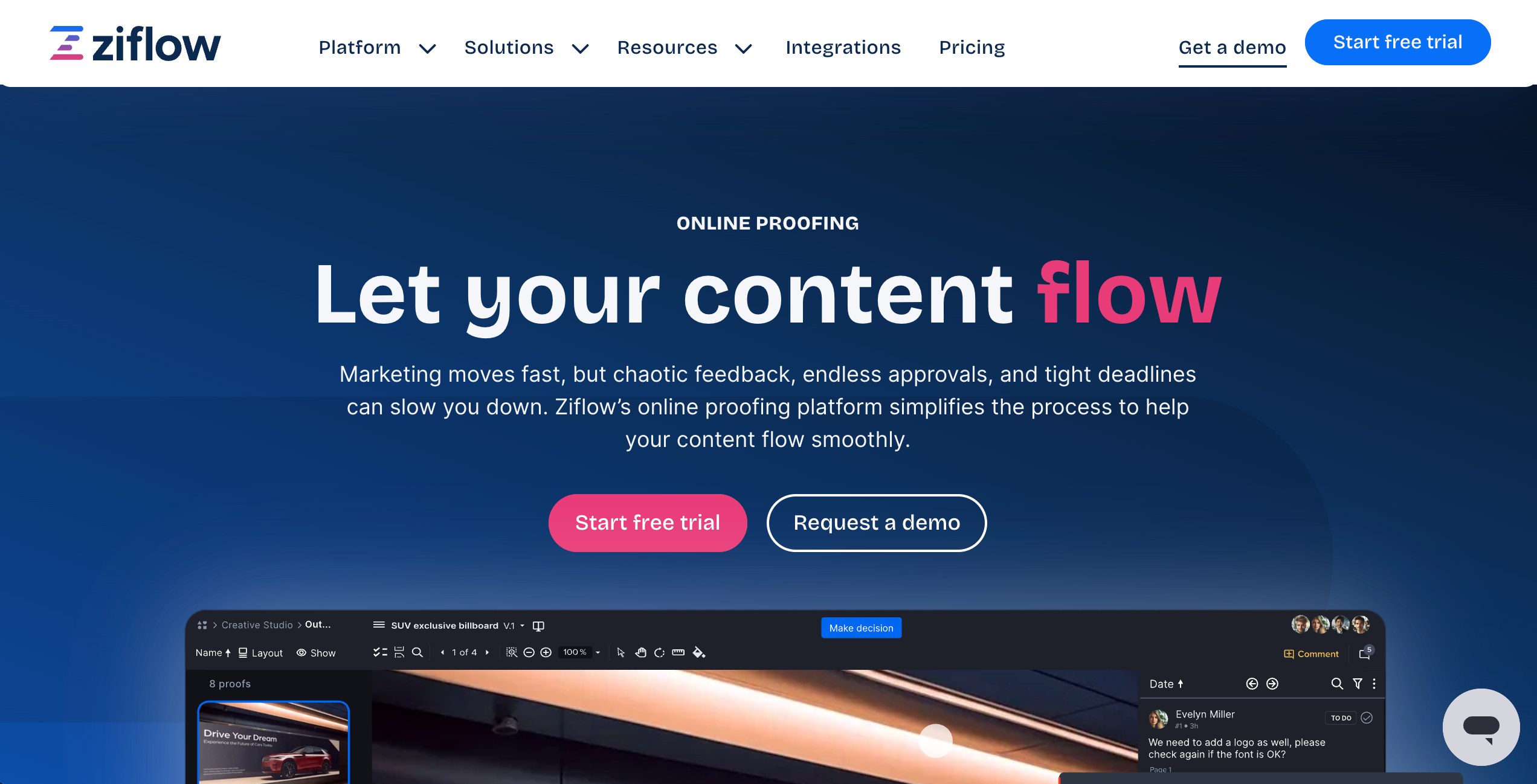
Ziflow is best for creative teams needing compliance because it offers enterprise-grade proofing with automated workflows and audit trails.
Who is Ziflow designed for?
Ziflow is designed for creative operations teams, marketing departments in regulated industries, and agencies managing high-volume asset production.
What are the key features of Ziflow?
- Automated workflow stages
- Side-by-side version comparison
- Compliance audit trails
What are the Pros and Cons of Ziflow?
Ziflow Pros:
- Enterprise-grade workflows
- Strong compliance features
- Supports many asset types
Ziflow Cons:
- Overkill for simple annotation needs
- Expensive for small teams
- Can be complex to configure
How much does Ziflow cost?
- Free Forever: $0
- Standard: $249/month
- Pro: $399/month
- Enterprise: Custom pricing
Find out more about what's included in each of the Ziflow pricing plans.
Does Ziflow offer a free trial?
Yes, Ziflow offers a free 2-week trial.
#14. Filestage
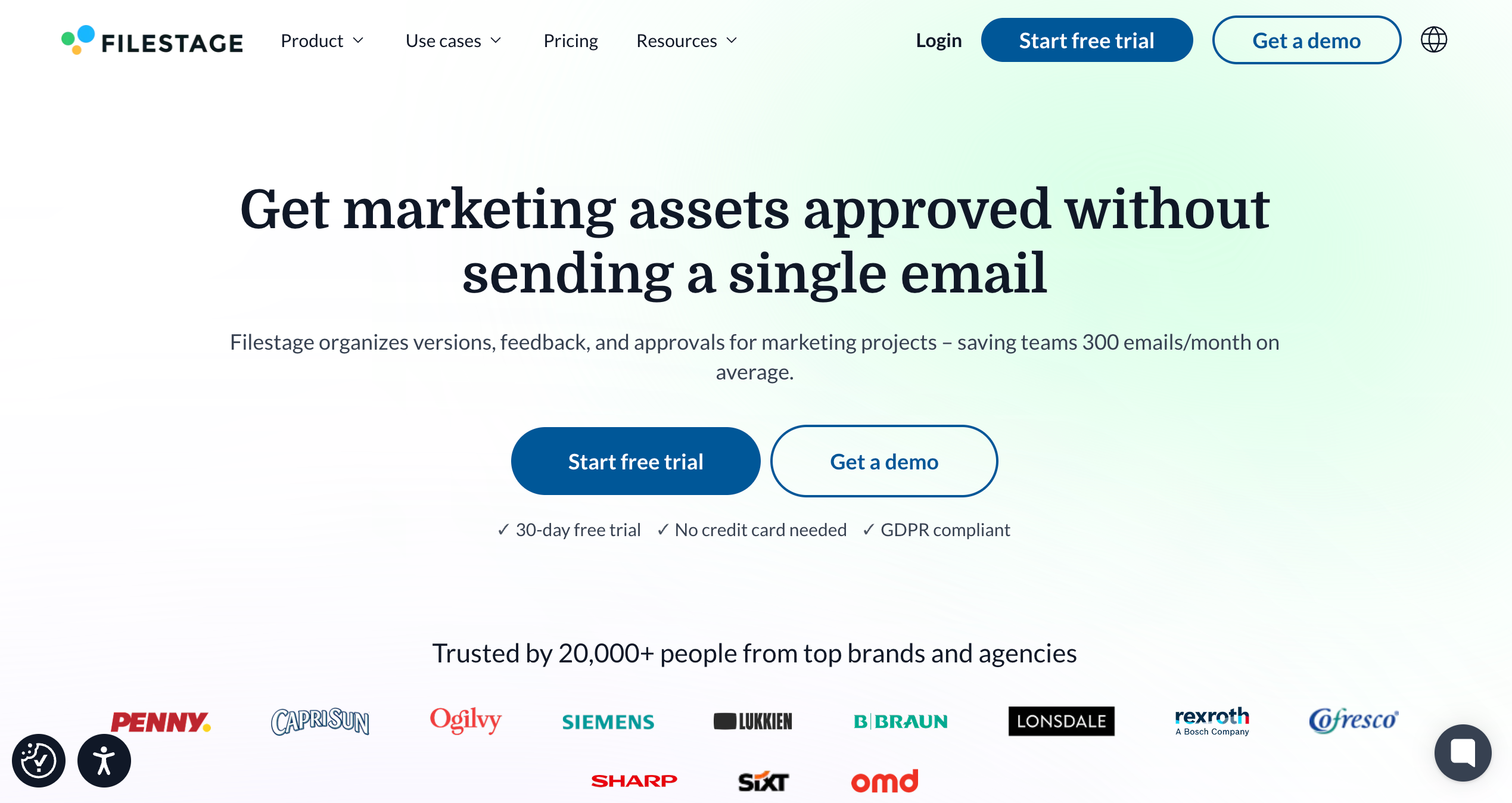
Filestage is best for structured content reviews and approvals because it centralizes feedback, versioning, and sign-off across files and stakeholders.
Who is Filestage designed for?
Filestage is designed for creative agencies managing campaign assets, video producers, brand teams, and marketing team members who require formal approvals on documents, videos, and images.
What are the key features of Filestage?
- Multi-format review
- Time-stamped video comments
- Branded client portals
What are the Pros and Cons of Filestage?
Filestage Pros:
- Works for multiple file types (Video, PDF, Images)
- Easy to use for teams & clients
- Centralizes feedback & approvals
Filestage Cons:
- Steeper onboarding for new reviewers
- Some UI parts are not intuitive
- Limits on project structure in certain plans
How much does Filestage cost?
- Free: $0/month
- Basic: $129/month
- Professional: $369/month
- Enterprise: Custom pricing
Find out more about what's included in each of the Filestage pricing plans.
Does Filestage offer a free trial?
Yes, Filestage offers a free trial.
#15. Feedbucket
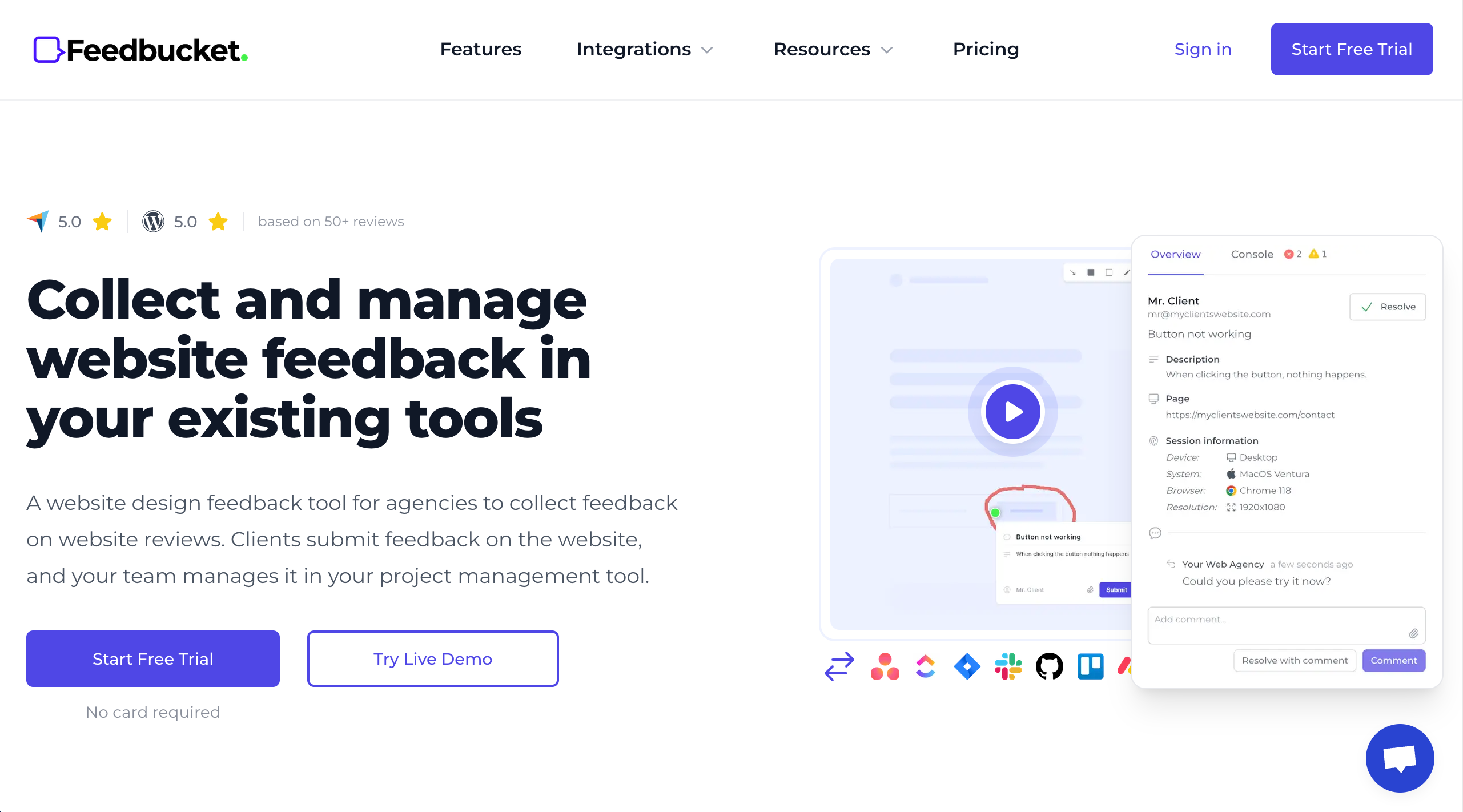
Feedbucket helps teams capture annotated screenshots and feedback, then organize it for designers and developers.
Who is Feedbucket designed for?
FeedBucket is designed for web design teams who want simple, annotated feedback that connects to their workflow.
What are the key features of Feedbucket?
- Annotated screenshots
- Video feedback capture
- Comment threads
- Integrations with workflow tools
What are the Pros and Cons of Feedbucket?
Feedbucket Pros:
- Easy feedback capture
- Works across file types
- Good for client feedback
Feedbucket Cons:
- Smaller review footprint online
- UI feels basic
- Some plans can add up in cost
How much does Feedbucket cost?
- Pro: $39/month
- Business: $89/month
- Enterprise: $259/month
Find out more about what's included in each of the Feedbucket pricing plans.
Does Feedbucket offer a free trial?
Yes, Feedbucket offers a 14-day free trial.
What is the Best Customer Feedback Management Software for Digital Agencies & Web Dev Teams?
BugHerd is the best customer feedback management software for digital agencies and web dev tems because it lets clients pin feedback directly to live websites and design assets, while automatically capturing technical context, and turning all feedback into actionable tasks on a built-in Kanban board for easy management and actioning. It's quick and simple for clients to give clear feedback and for teams to act on it so they can deliver web projects on time and to budget.
BugHerd offers a free 7-day trial where you can check out all of the features. You can also book a 1:1 demo with a BugHerd product specialist, where all of your questions will be answered on the spot.
“New members of the team ask about the process for requesting site changes. I can visually show them BugHerd in about 0.5 seconds.” – Ross Dougall, Nissan Australia, BugHerd Customer Stories
Frequently Asked Questions About Customer Feedback Management Tools
What are the best customer feedback tools for web development?
The best customer feedback tools for web development are visual feedback tools such as BugHerd, that let clients comment directly on live web pages. Strong customer feedback management tools also include feedback management capabilities like task assignment, real time feedback, and integrations with project management systems.
Can feedback tools help track the entire customer journey?
Yes. Advanced feedback tools, such as BugHerd, help track feedback across the entire customer journey, from first visit to post-purchase support interactions. This gives you deeper customer insights.
What role do survey tools play in website feedback?
Survey tools allow you to collect website feedback by requesting clients to complete interactive surveys. You can also measure Net Promoter Scores, and gather product feedback at different stages of the customer journey.
How do sentiment analysis and natural language processing help?
Some advanced feedback tools use sentiment analysis and natural language processing to analyze feedback automatically. They identify themes, customer opinions, and emotional tone to gain valuable insights from open-text responses.
Can customer feedback software integrate with customer support tools?
Yes. Good feedback software integrates with customer support tools and other management tools. This connects website feedback with customer conversations and support interactions.
How can businesses analyze feedback effectively?
Businesses can use built-in analytics tools to analyze feedback, monitor feedback trends, track user behavior, and generate comprehensive reporting. This helps you gather insights and develop actionable strategies.
What types of feedback can website feedback tools collect?
They can collect:
- Visual page comments
- In app feedback
- In app surveys
- Survey responses
- Product feedback
- Feature requests
- Customer comments across multiple channels

Marina Domoney
Marina Domoney is Marketing Communications Lead at BugHerd and a senior B2B marketer with 20+ years’ experience in SaaS and website delivery workflows. She’s worked closely with agencies, creative teams, and developers across countless web projects, giving her practical expertise in design and website feedback, approvals, and client collaboration.
Try BugHerd on your site
See feedback in context
Click anywhere to leave feedback directly on your website.








But don't just take our word for it.
BugHerd is loved by 10,000+ companies,
350,000+ users across 172 countries.
4.8/5
4.7/5
4.5/5
5/5
8.7/10
Sam Duncan 📱📏 🌱
@SamWPaquet
"@bugherd where have you been all my life??
We just migrated our bug tracking over from Asana and have at least halved our software testing time🪳👏📈. "
Ashley Groenveld
Project Manager
“I use BugHerd all day every day. It has sped up our implementation tenfold.”
Sasha Shevelev
Webcoda Co-founder
"Before Bugherd, clients would try to send screenshots with scribbles we couldn't decipher or dozens of emails with issues we were often unable to recreate."
Mark B
Developer
“A no-brainer purchase for any agency or development team.”
Kate L
Director of Operations
"Vital tool for our digital marketing agency.”
Paul Tegall
Delivery Manager
"Loving BugHerd! It's making collecting feedback from non-tech users so much easier."
Daniel Billingham
Senior Product Designer
“The ideal feedback and collaboration tool that supports the needs of clients, designers, project managers, and developers.”
Chris S
CEO & Creative Director
“Our clients LOVE it”
Emily VonSydow
Web Development Director
“BugHerd probably saves us
at least 3-4hrs per week.”