

Table of Contents
- What is Review and Approval Software?
- What Features Matter Most When Choosing Review Software for Website Projects?
- What to Avoid When Choosing Review and Approval Software for Website Projects
- Comparison of the Top Review and Approval Software Platforms for Website Projects in 2026
- What are the Top Review and Approval Software Tools for Website Projects?
- Which Review and Approval Software is Best for Agencies & Dev Teams?
- Frequently Asked Questions About Review and Approval Software
Key Takeaways
- Review and approval software keeps website projects moving forward by replacing messy emails and spreadsheets with clear, trackable feedback.
- For web projects, on-page visual feedback is the #1 feature so clients and stakeholders can click directly on a webpage and leave contextual comments.
- The best tools capture technical context automatically (URL, browser, screen size, console logs) so dev teams can fix issues quicker.
- A centralized task board prevents missed feedback and helps teams assign, prioritize, and action changes in one place.
- Client-friendly tools win - no-logins and simple workflows drive faster reviews and fewer revision loops.
- Approval workflow software varies widely - some tools excel at live website reviews (like BugHerd), while others focus on automated approval workflows and formal sign-off (like Ziflow).
- Avoid tools that don’t integrate with your stack - copy-pasting feedback slows delivery and increases errors.
- Choose the tool that matches your workflow - visual site feedback for speed, or best approval workflow software features when governance and compliance matter.
What is Review and Approval Software?
Review and approval software is a type of collaboration tool that helps teams review work, provide feedback, and formally approve content or assets before they are finalized. It centralizes the feedback process so that comments, edits, and approvals are managed in one place rather than scattered across emails, chat messages, or documents.
By structuring the feedback and approval process, it helps reduce miscommunication, prevent overlooked changes, and speed up project timelines. It's commonly used across industries where multiple stakeholders need to review and approve work, such as marketing campaigns, creative assets, product designs, documents, and digital content. Overall, the goal of this software is to simplify collaboration, improve accountability, and ensure projects keep moving forward.
When it comes to websites, review and approval software helps teams and stakeholders review, comment on, and approve website designs, content and functionality; before the website goes live. For development teams and agencies, this translates to less friction in the QA process, and a smoother path to launch day.
What Features Matter Most When Choosing Review Software for Website Projects?
When selecting a review and approval platform for feedback on websites or even content, these are the features that matter most:
1. Visual, on-page feedback capabilities
For website projects, visual context is everything. The most effective visual feedback tools allow clients and stakeholders to click directly on a webpage and leave detailed feedback tied to a specific element.
2. Strong customer feedback management capabilities
Collecting feedback is only half the equation. Effective review tools will help you:
- Organize feedback by page, priority, or status
- Assign tasks to team members
- Track progress in real time
- Centralize all customer comments
3. Automatic technical context & customer data
The best feedback software automatically captures important technical details alongside every comment, including, browser and version, OS, URL, screen resolution, etc.
4. Real-time feedback and workflow integration
The best systems provide real time feedback notifications so teams can respond appropriately and resolve issues quickly.
5. User-friendly experience for clients
Even the most powerful review tools will fail if clients find it confusing. The right customer feedback tool should be:
- Intuitive and user friendly
- Easy for non-technical stakeholders
- Simple to leave and track feedback
- Accessible across staging and live environments
What to Avoid When Choosing Review and Approval Software for Website Projects
These are the common mistakes to avoid when choosing a review and approval tool:
- Focusing only on price: A cheap tool that forces you to manually chase feedback or clarify vague comments ends up costing you more in lost productivity than a platform that automates the heavy lifting.
- Tools without a centralized task board: During the review process you'll get a lot of feedback and it's crucial that the software you choose enables you to manage the feedback efficiently.
- Ignoring workflow integration: Tools that don’t sync with your dev stack force your team into a copy-paste nightmare, increasing the risk of missed tasks and errors.
- Expecting customers to set up accounts & logins: If your clients find it hard to get started and the tool hard to use, they won’t use it and they’ll revert to sending vague emails and feedback via spreadsheets, defeating the purpose entirely.
- Relying on multiple tools for review and approval: Using several disconnected tools to manage feedback and approvals creates chaos and inefficiency.
Comparison of the Top Review and Approval Software Platforms for Website Projects in 2026
The table below compares review and approval tools based on G2 rating, best-for-use case, key features, pros and cons, pricing, and free trial availability so you can quickly narrow down your options.
What are the Top Review and Approval Software Tools for Website Projects?
The best review and approval software tool for you depends on your workflow. Below you'll find more information on the top review and approval platforms so you can make an informed decision on which one will suit your workflow best.
#1. BugHerd
BugHerd is best for website reviews and collecting actionable feedback on live websites because clients can pin comments directly to page elements, along with an automatic screenshot and technical context. It’s ideal for development teams and agencies that want faster client approvals and fewer revision cycles. It is less suited for teams that only review static design files and never need on-page context.
While BugHerd doesn't have a formal approval workflow, it speeds up the overall approval process because it's quick and easy for clients and stakeholders to review webpages. It automatically captures screenshots and user technical details, and pushes feedback into a Kanban‑style task management board so that teams can easily manage and action all feedback - all in a single workflow. By fast-tracking the review process, changes are actioned and approved quickly, and website projects are delivered on time.
Who is BugHerd designed for?
BugHerd is designed for web development agencies, QA teams, and project managers who manage multiple client websites. It's also designed for non-technical clients who need a simple way to provide feedback without learning complex software.
What are the key features of BugHerd?
The key features of BugHerd are:
- Visual point‑and‑click feedback tied to exact elements on a web page. Clients and stakeholders simply use the arrow icon to click directly on any element and drop a pin/comment (like sticky notes on a page).
- Capture feedback via video and leave feedback on multi-step interactions, animations, and complex bugs that are difficult to describe with written words alone.
- Automatic screenshot & user tech details captured, including browser, OS, URL, screen size, resolution, and even console logs for developers.
- Task tracking via a built‑in Kanban board to assess, assign, prioritize, and action feedback. BugHerd also keeps clients updated by allowing them guest access to the task board for real-time visibility.
- Deep two-way integrations with major project management tools such as Jira, Trello, Asana, monday.com, and ClickUp; as well as collaboration tools like Slack & Microsoft Teams.
- No client login required. Clients and stakeholders can just click a link and start leaving feedback right away without having to create an account or remember a password.
- Ongoing feedback collection: Visitors can review your website and leave comments even after your website project has finished. This ensures that your website is always up-to-date and accurate
What are the Pros and Cons of BugHerd?
BugHerd Pros:
- Easiest feedback tool for non-technical clients to use
- No login required for guests/clients
- Excellent contextual feedback makes fixing bugs quick and easy
- Deep two-way integrations with dev tools (Jira, Trello, GitHub, etc.)
- Works seamlessly on live and staging websites
BugHerd Cons:
- Doesn’t offer highly complex approval chains or multi-stage approval gates
- Mobile app functionality is still evolving compared to desktop
How much does BugHerd cost?
- Standard: $50/month
- Studio: $80/month
- Premium: $150/month
- Custom pricing for larger teams
Find out more about what's included in each of the BugHerd pricing plans.
Does BugHerd offer a free trial?
BugHerd offers a free 7-day trial. You can also book a 1:1 demo with a BugHerd product specialist to get your specific questions answered.
"BugHerd is invaluable to us in the build and testing stages and for client-reviews for tracking and triaging amends and bugs, and we use it on all of our websites." - Rick H., Head of Digital, G2 Review
#2. PageProof
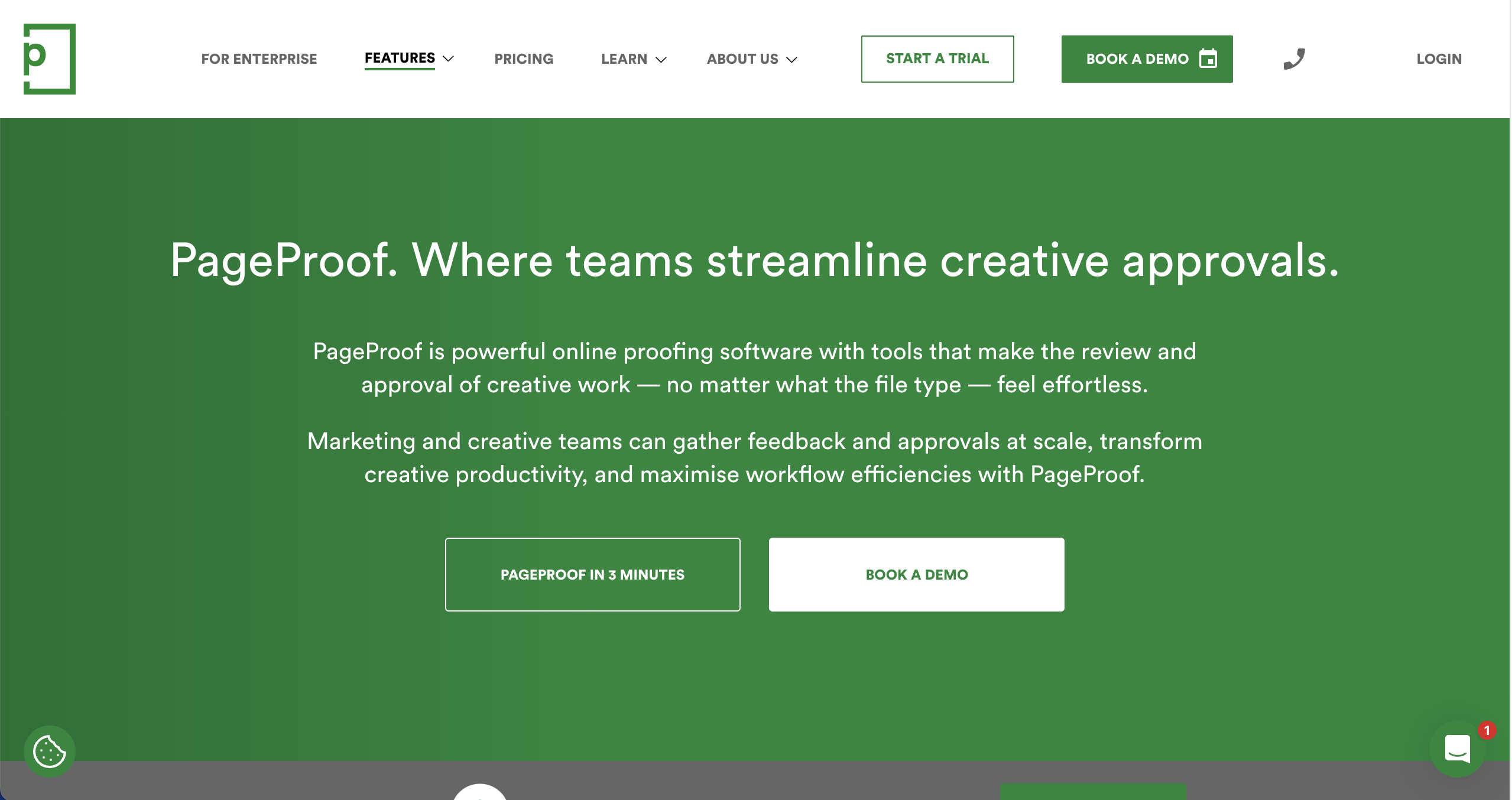
PageProof is best for creative and marketing teams needing robust online proofing because it supports over 150 file types, including HTML, video, and Adobe files. It’s ideal for teams that need to review a wide variety of assets in one place with strong version control.
Who is PageProof designed for?
PageProof is designed for marketing teams and creative agencies that need to manage approvals across diverse media formats, from brochures to banners.
What are the key features of PageProof?
- Smart compare tool to automatically highlight differences between versions of a file.
- Automated workflows.
- Enterprise-grade security.
What are the Pros and Cons of PageProof?
PageProof Pros:
- Supports a massive range of file types
- Unlimited reviewers and clients on all plans
- Strong security features for enterprise needs
PageProof Cons:
- Can be expensive for smaller teams
- Interface may feel overwhelming for simple tasks
How much does PageProof cost?
- Team: $249/month
- Team Plus: $399/month
- Enterprise: Quote upon request
Does PageProof offer a free trial?
Yes, PageProof offers a free 10-day trial.
#3. Filestage
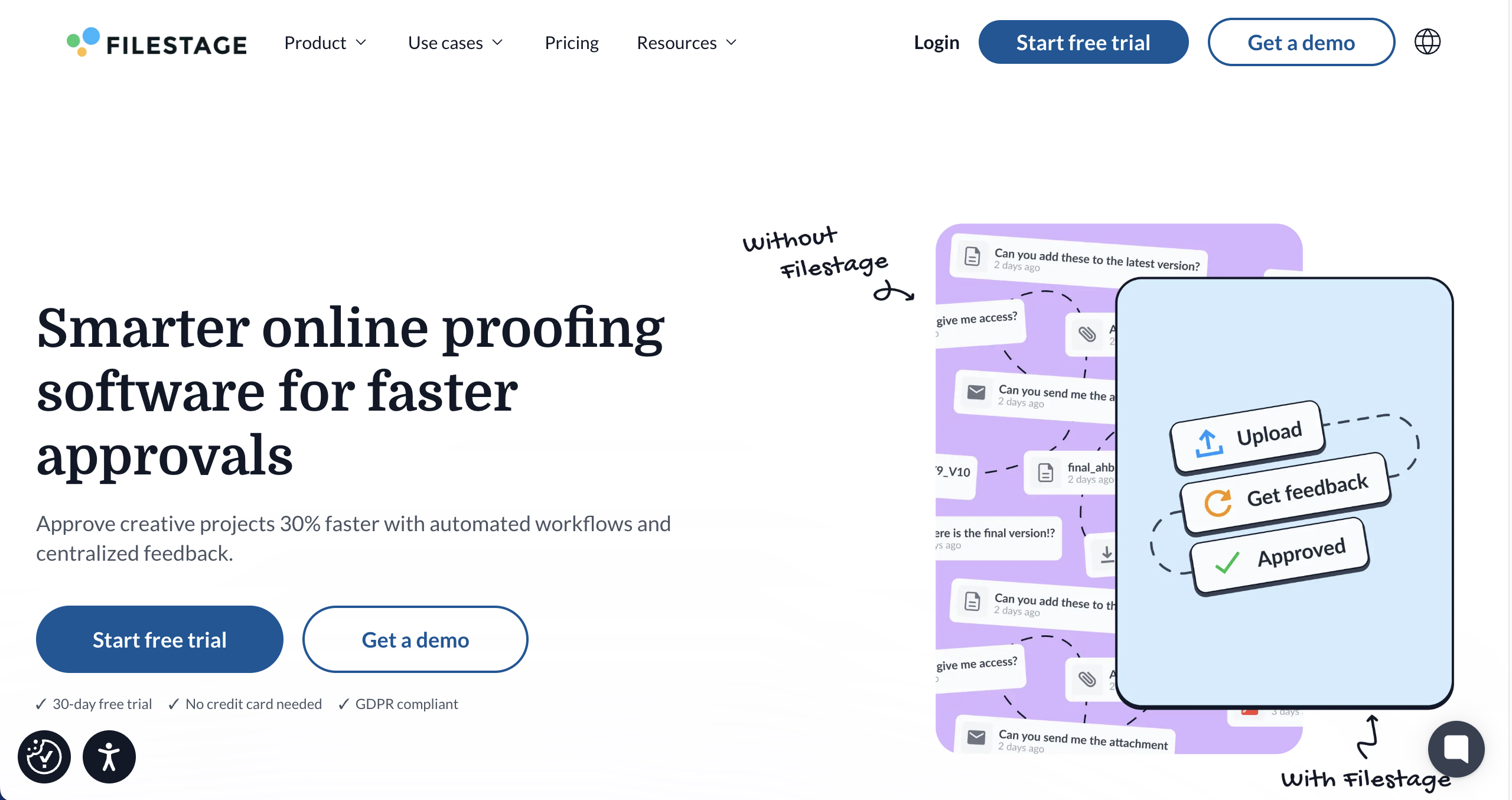
Filestage is best for structured content reviews and approvals because it centralizes feedback, versioning, and sign-off across files and stakeholders. It works well when teams need clear approval stages and audit trails for creative or marketing assets. It is less suited for tracking functional bugs on live websites.
Who is Filestage designed for?
Filestage is designed for creative agencies managing campaign assets, video producers, brand teams, and marketing team members who require formal approvals.
What are the key features of Filestage?
- Multi‑format review.
- Time‑stamped video comments.
- One-click approval stamps.
What are the Pros and Cons of Filestage?
Filestage Pros:
- Excellent for video production workflows
- Clear approval status tracking
- Simple for external reviewers
Filestage Cons:
- Higher price point for advanced features
- Limited task management compared to dedicated PM tools
How much does Filestage cost?
- Free: $0/month
- Basic: $129/month
- Professional: $369/month
- Enterprise: Custom pricing
Does Filestage offer a free trial?
Yes, Filestage offers a free trial.
#4. Ziflow
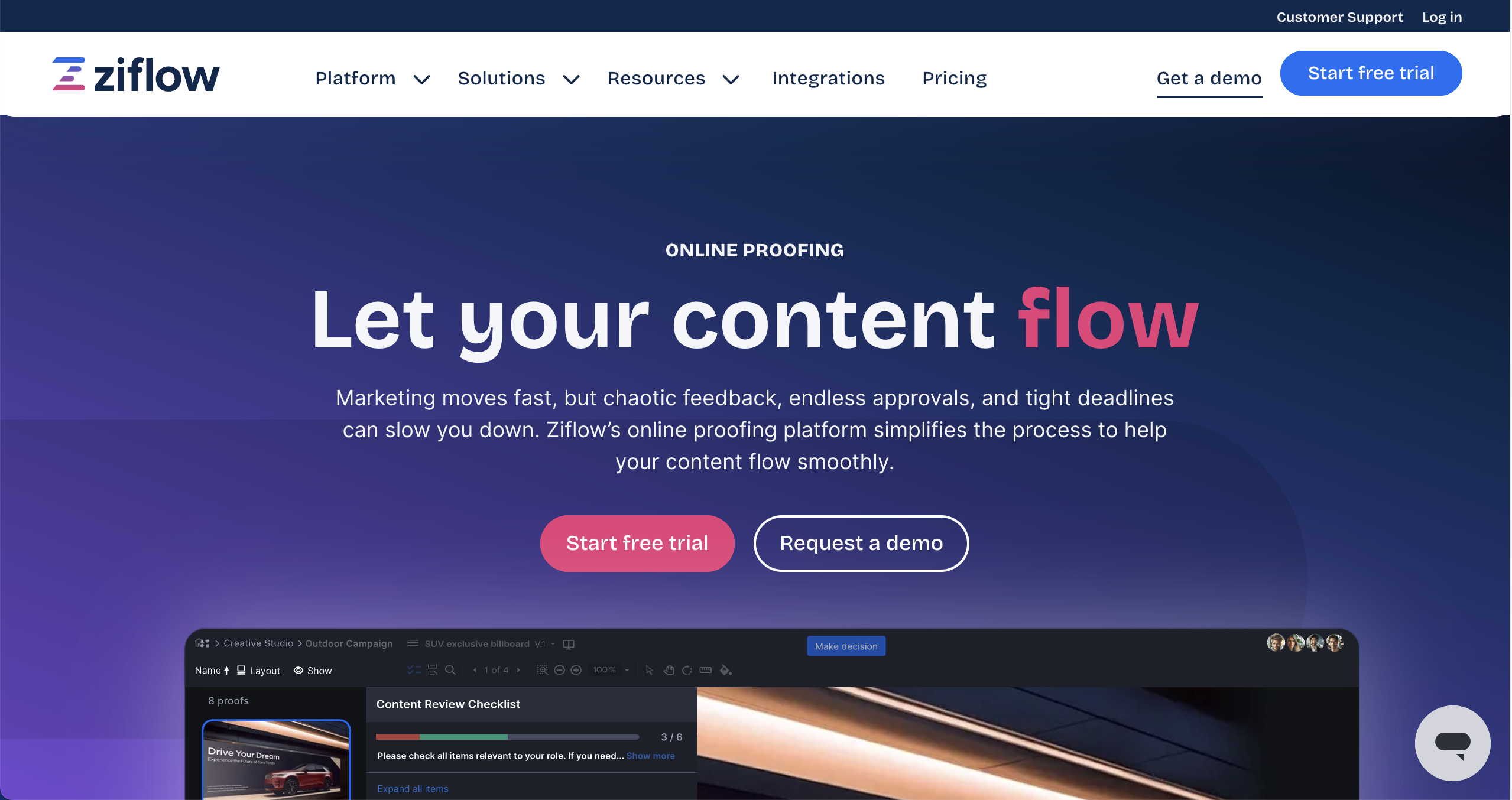
Ziflow is best for enterprise teams requiring complex approval workflows because it offers powerful automation and compliance features. It’s ideal for highly regulated industries or large agencies managing high-volume creative production. It is less suited for small teams that need simple annotations.
Who is Ziflow designed for?
Ziflow is designed for enterprise marketing teams and agencies that need strict compliance, audit trails, and automated routing for their creative assets.
What are the key features of Ziflow?
- Automated workflow builder.
- Compliance and audit trails.
- Batch review capabilities.
What are the Pros and Cons of Ziflow?
Ziflow Pros:
- Extremely powerful automation for complex routing
- Enterprise-grade security and compliance
- Supports huge range of file formats
Ziflow Cons:
- Steeper learning curve for setup
- Overkill for simple agency projects
How much does Ziflow cost?
- Free Forever: $0
- Standard: $249/month
- Pro: $399/month
- Enterprise: Custom pricing
Does Ziflow offer a free trial?
Yes, Ziflow offers a free 2-week trial.
#5. Planable
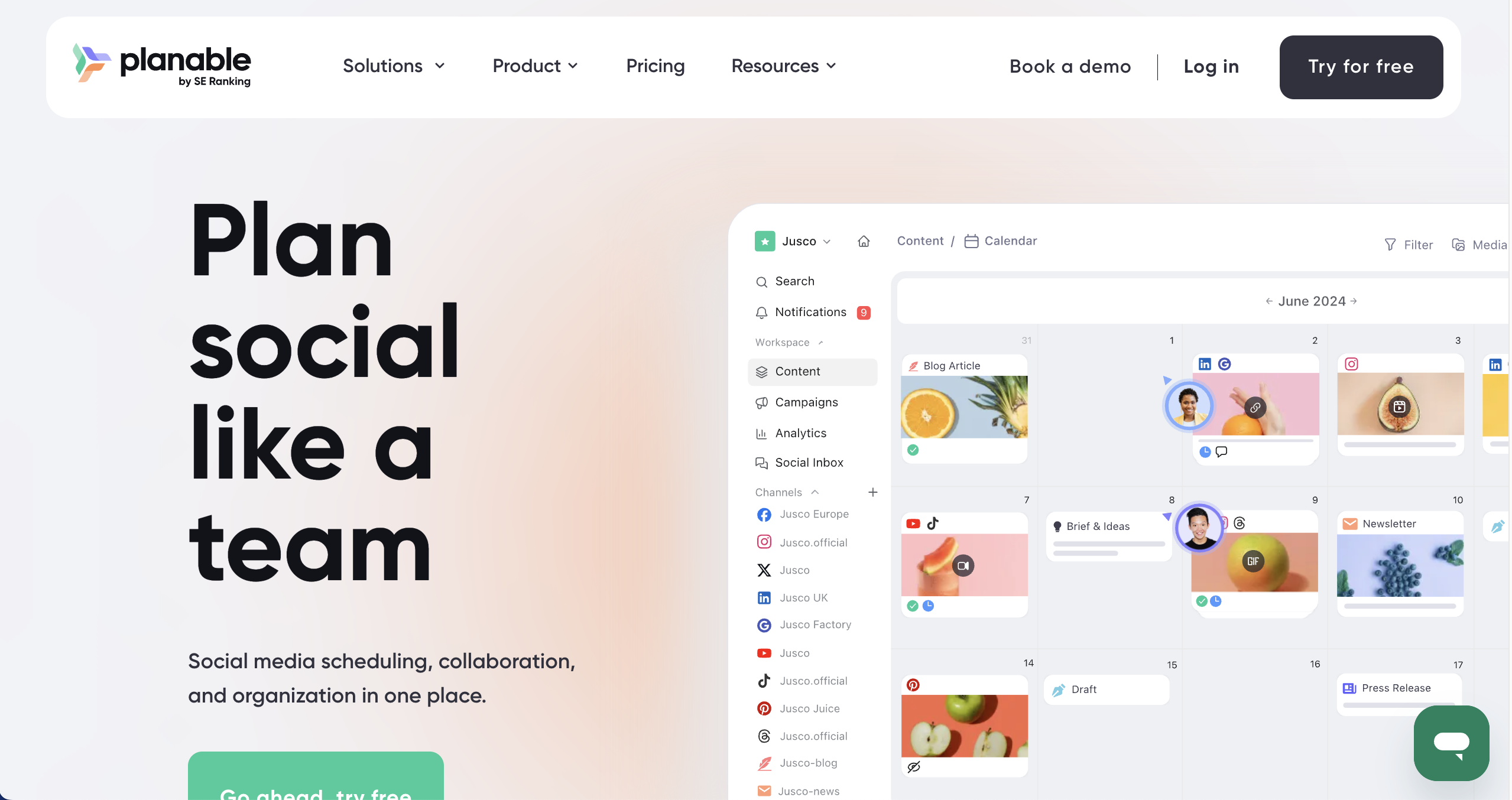
Planable is best for social media teams because it allows you to preview and approve content exactly as it will appear on platforms like Facebook, Instagram, and LinkedIn. It’s ideal for marketing agencies managing social calendars for multiple clients. It is less suited for website or long-form document review.
Who is Planable designed for?
Planable is designed for social media managers, marketing agencies, and content teams who need to collaborate on social posts before they go live.
What are the key features of Planable?
- Grid and calendar views.
- Real-time comments and edits.
- Workspaces to keep different clients or brands separate.
What are the Pros and Cons of Planable?
Planable Pros:
- Visualizes content exactly as it will appear on social
- Very intuitive for marketing teams
- Separation of workspaces for different clients
Planable Cons:
- Limited to social media content (not for web dev)
- Reporting features can be basic
How much does Planable cost?
- Free: $0
- Basic: $39/month
- Pro: $59/month
- Enterprise: Custom pricing
Does Planable offer a free trial?
Yes, Planable offers a free trial - 50 free posts.
#6. Adobe Workfront
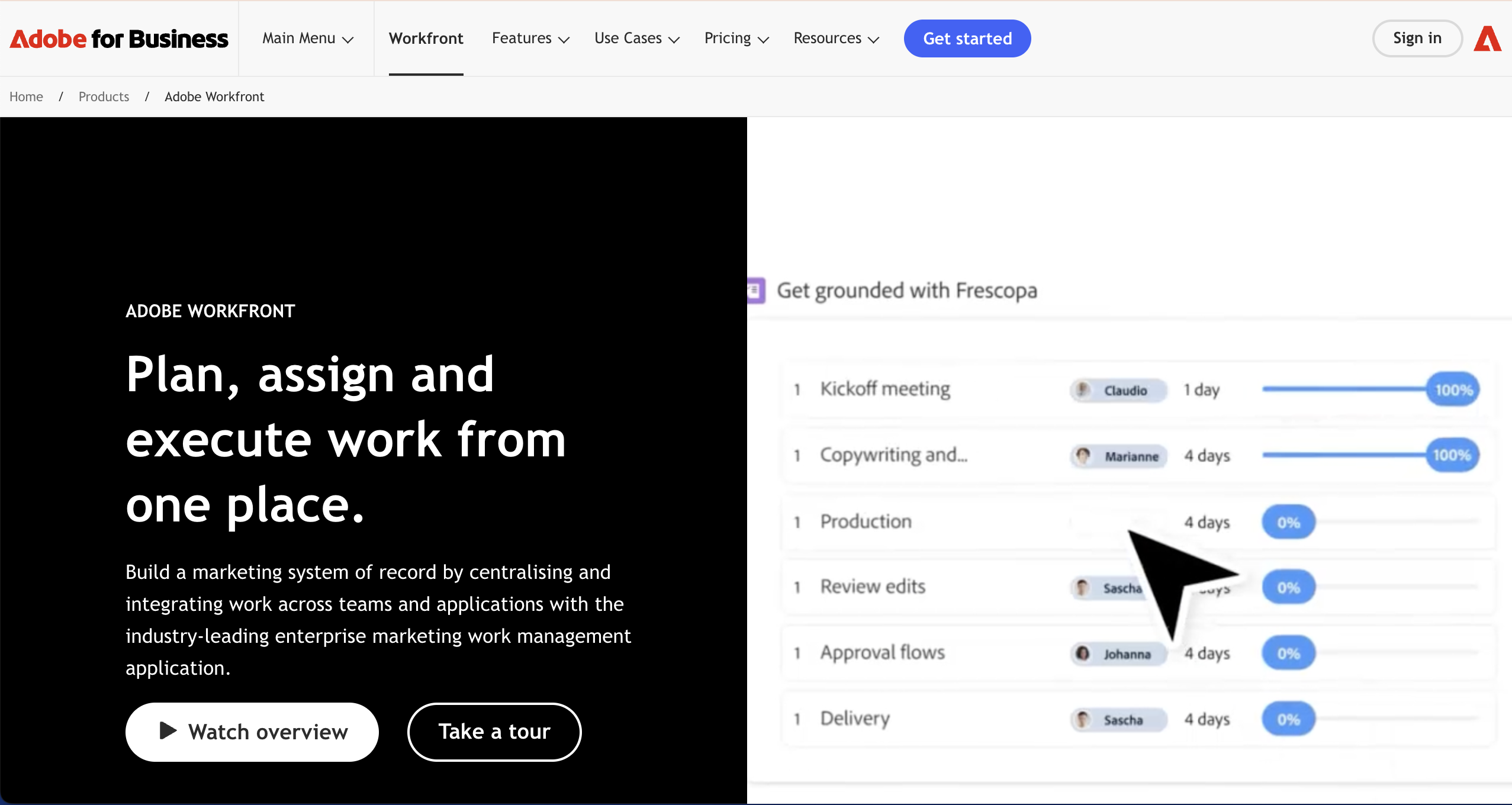
Adobe Workfront is best for large organizations needing enterprise-grade proofing because it integrates proofing directly into a comprehensive project management suite. It’s ideal for teams already deeply embedded in the Adobe ecosystem who need to manage resources and capacity alongside approvals. It is less suited for small teams due to its complexity and cost.
Who is Adobe Workfront designed for?
Workfront is designed for large enterprises and agencies that need a single system of record for all work, from initial request to final delivery.
What are the key features of Adobe Workfront?
- Full project management suite.
- Proofing tools built directly into the task management workflow.
- Enterprise features such as advanced security, compliance, flexible permissioning, and administrative controls.
What are the Pros and Cons of Adobe Workfront?
Adobe Workfront Pros:
- Seamlessly integrates with Creative Cloud
- Handles massive scale and complex portfolios
- Robust reporting and dashboards
Adobe Workfront Cons:
- Very expensive and complex to implement
- Requires significant training for team adoption
How much does Adobe Workfront cost?
- Select: Get pricing
- Prime: Get pricing
- Ultimate: Get pricing
Does Adobe Workfront offer a free trial?
No, Adobe Workfront does not offer a free trial.
#7. BugSmash

BugSmash is best for small teams wanting lightweight feedback cycles because it strips away complexity to focus purely on quick visual annotations. It’s ideal for freelancers or startups who need a no-frills tool to get feedback fast. It is less suited for large enterprises needing complex permissions and integrations.
Who is BugSmash designed for?
BugSmash is designed for agile teams, freelancers, and small agencies who want to avoid feature bloat and just get the job done.
What are the key features of BugSmash?
- Simple visual annotations.
- Instant feedback links.
- Basic task tracking.
What are the Pros and Cons of BugSmash?
BugSmash Pros:
- Quick to set up and start using
- No bloat, just essential feedback tools
- Cost-effective for small projects
BugSmash Cons:
- Lacks deep integrations found in bigger tools
- Limited feature set for complex workflows
How much does BugSmash cost?
- Free: $0
- Starter: $19/month
- Team: $59/month
- Enterprise: $299/month
Does BugSmash offer a free trial?
BugSmash does not offer a free trial as a free plan is available.
#8. Pastel
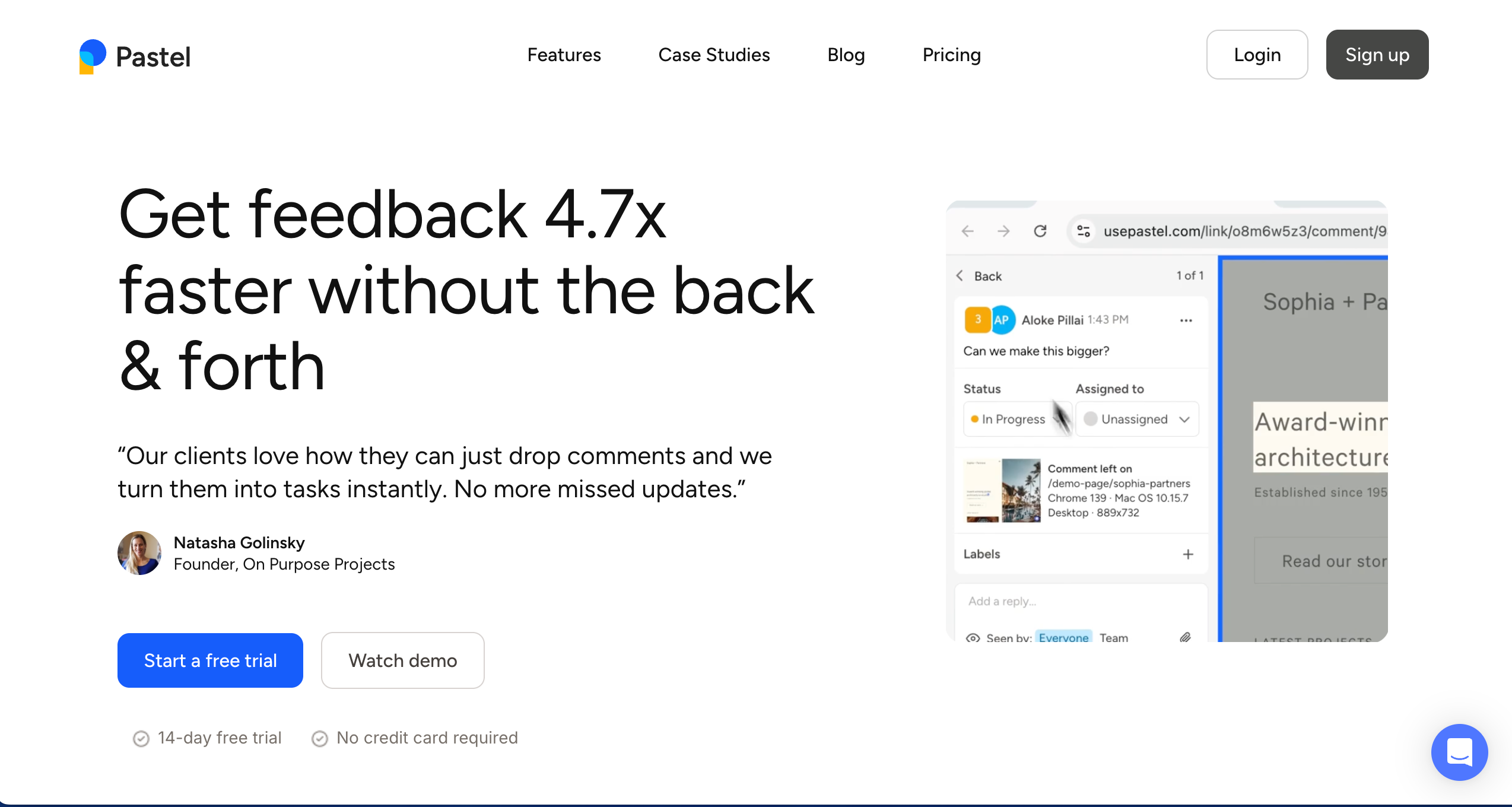
Pastel is best for agencies needing a lightweight tool because it allows you to create feedback canvases from any URL instantly.
Who is Pastel designed for?
Pastel is designed for marketing agencies and copywriters who need a fast, low-friction way to get client comments on live pages.
What are the key features of Pastel?
- Instant canvas generation from any URL
- No installation required on the client's website
- Mobile responsiveness
What are the Pros and Cons of Pastel?
Pastel Pros:
- Lightweight and fast setup
- Shareable links work instantly
- Unlimited guest reviewers
Pastel Cons:
- Limited technical capture (no console logs)
- Basic analytics
- Proxy technology can struggle with complex, dynamic sites
How much does Pastel cost?
- Free Forever: $0/month
- Pro: $35/month
- Team: $119/month
- Enterprise: $450/month
Does Pastel offer a free trial?
Pastel does not offer a free trial as a free plan is available.
#9. ProofHub
ProofHub is best for remote teams needing a versatile collaboration hub because it combines proofing tools with general project management features like chat and task lists. As a collaboration tool, ProofHub enables remote teams to communicate efficiently, organize workflows, and streamline project management in a single platform. It’s ideal for teams that want one flat price for unlimited users. It is less suited for design teams needing advanced, pixel-perfect annotation tools.
Who is ProofHub designed for?
ProofHub is designed for remote teams and businesses that want to centralize their communication, file sharing, and approvals in one place.
What are the key features of ProofHub?
- Proofing tools that allow markup on files and documents.
- Built-in chat and discussions.
- Custom roles to manage who sees what.
What are the Pros and Cons of ProofHub?
ProofHub Pros:
- All-in-one simple project management
- Easy for clients to use without training
ProofHub Cons:
- Interface can feel a bit dated
- Proofing tools are less advanced than dedicated software
How much does ProofHub cost?
- Essential: $45/month
- Ultimate Control: $89/month
Does ProofHub offer a free trial?
Yes, ProofHub offers a free 14-day trial.
#10. GoVisually

GoVisually is best for designers needing visual-first markup tools because it provides a very clean interface for annotating static assets like images and PDFs. It’s ideal for graphic designers and creative freelancers. It is less suited for web developers who need to track bugs on interactive sites.
Who is GoVisually designed for?
GoVisually is designed for creative teams, designers, and marketing departments that need a simple way to get sign-off on visual assets.
What are the key features of GoVisually?
- Annotations on images and PDFs.
- Mobile-optimized review interface for approvals.
- Simple drag-and-drop upload.
What are the Pros and Cons of GoVisually?
GoVisually Pros:
- Very clean, designer-friendly interface
- Fast upload and sharing process
- Affordable for freelancers and small studios
GoVisually Cons:
- Not suitable for live website bug tracking
- Limited workflow automation features
How much does GoVisually cost?
- Lite: $20/month
- Pro: $40/month
- Enterprise: Custom pricing
Does GoVisually offer a free trial?
Yes, GoVisually offers a free trial.
#11. MarkUp.io
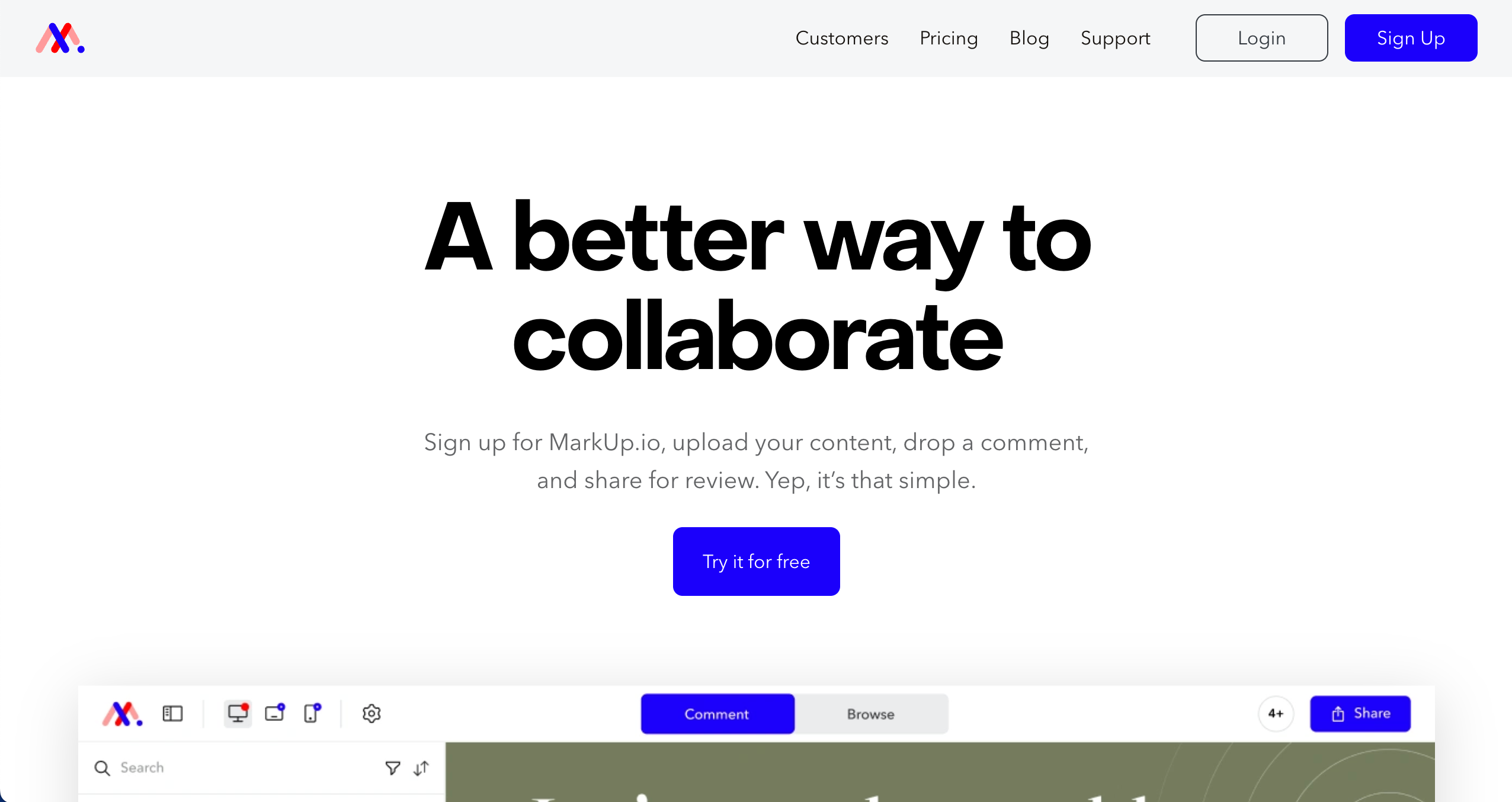
MarkUp.io is best for freelancers and small teams because it offers a simple way to annotate websites, images, and PDFs without complex setup.
Who is MarkUp.io designed for?
MarkUp.io is designed for freelancers, content creators, and smaller agencies who need a straightforward way to gather feedback on digital content.
What are the key features of MarkUp.io?
- Website, image, and PDF support
- Real-time commenting
- Shareable links
What are the Pros and Cons of MarkUp.io?
MarkUp.io Pros:
- Simple interface
- Wide file format support
- Easy browser extension
MarkUp.io Cons:
- Pricey for larger teams compared to features
- Limited project management tools
- Client accounts needed for some workflows
How much does MarkUp.io cost?
- Pro: $79/month
- Enterprise: Custom pricing
Does MarkUp.io offer a free trial?
Yes, MarkUp.io offers a free 30-day trial.
#12. Usersnap

Usersnap is best for enterprises and product organizations because it combines visual feedback capture with customer sentiment surveys (CSAT, NPS).
Who is Usersnap designed for?
Usersnap is designed for enterprise product managers, customer success teams, and development organizations that need to measure customer satisfaction alongside bug reporting.
What are the key features of Usersnap?
- Visual feedback widgets
- Micro-surveys for NPS, CSAT
- Console recorder
What are the Pros and Cons of Usersnap?
Usersnap Pros:
- Context-rich feedback data
- Includes customer survey tools (NPS/CSAT)
- Enterprise-grade security and routing
Usersnap Cons:
- Can be expensive for small teams
- Reporting features can be complex
- Overkill for simple visual feedback
How much does Usersnap cost?
- Starter: $49/month
- Growth: $109/month
- Professional: $199/month
- Premium: $389/month
Does Usersnap offer a free trial?
Yes, Usersnap offers a free trial.
#13. Marker.io

Marker.io is best for developer teams using issue trackers because it deeply integrates with tools like Jira, capturing console logs and network requests alongside screenshots.
Who is Marker.io designed for?
Marker.io is designed for QA testers, developers, and project managers who live inside tools like Jira, GitHub, or GitLab and need website feedback to land directly there.
What are the key features of Marker.io?
- 2-way sync PM tools
- Console logs & network requests captured automatically
- Session replay
What are the Pros and Cons of Marker.io?
Marker.io Pros:
- Developer-focused data capture
- Excellent issue tracker sync (status updates sync back)
- Session replay helps reproduce bugs
Marker.io Cons:
- Less client-friendly than other tools
- Can get pricey for teams
- Focuses more on bugs than design feedback
How much does Marker.io cost?
- Starter: $59/month
- Team: $199/month
- Business: Custom pricing
Does Marker.io offer a free trial?
Yes, Marker.io offers a free trial.
#14. Ruttl
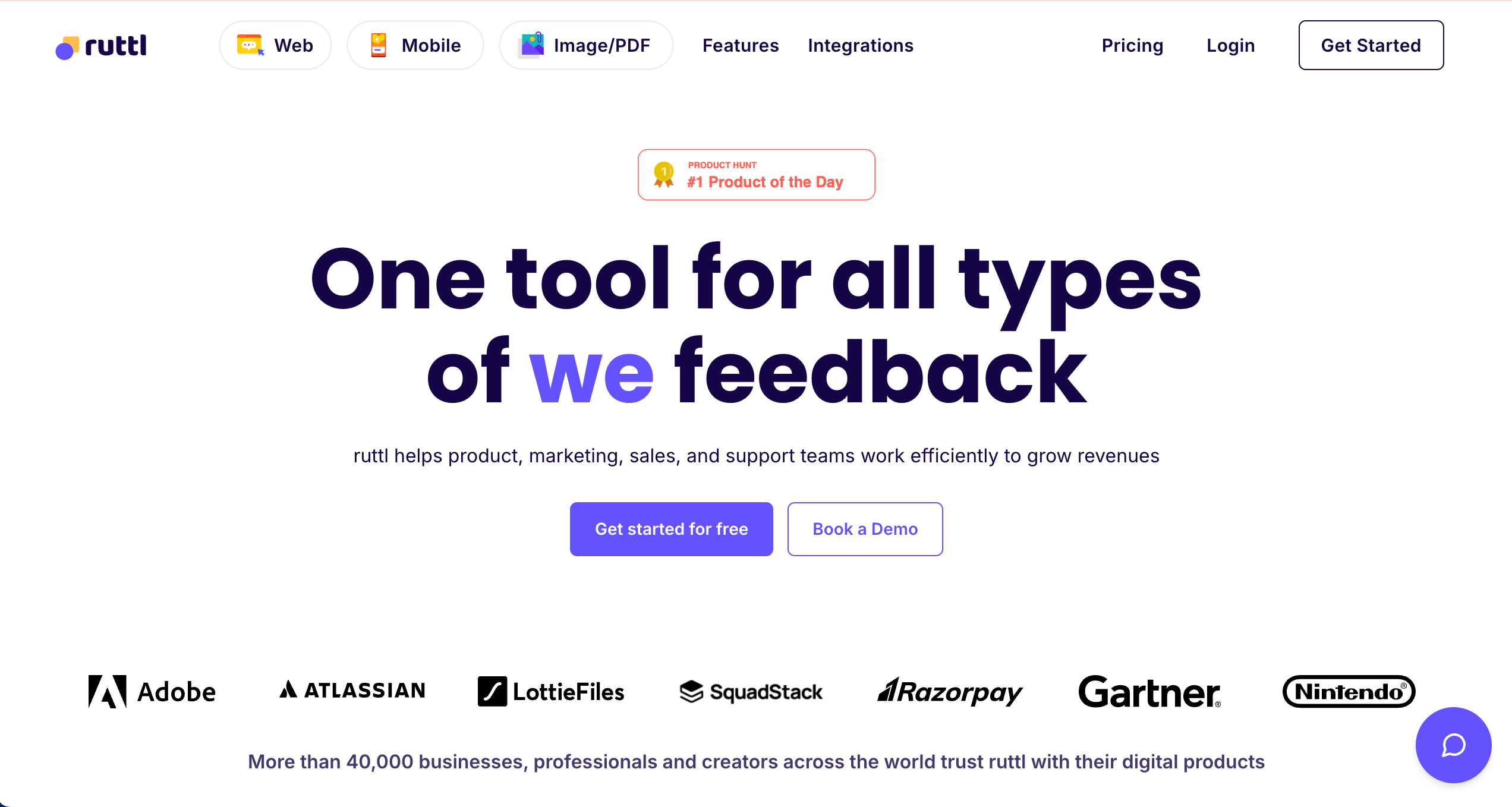
Ruttl is best for web designers needing live edits because it allows you to not just comment, but actually tweak CSS and text directly on the page.
Who is Ruttl designed for?
Ruttl is designed for web designers and agencies who want to visualize changes on a live site before committing to code.
What are the key features of Ruttl?
- Live CSS editing
- Mobile & web app feedback support
- Guest access without login
What are the Pros and Cons of Ruttl?
Ruttl Pros:
- Allows simple CSS edits for better clarity
- Guest access without login
- Visual feedback focus
Ruttl Cons:
- Not as deep as dev-centric tools
- Interface can feel basic
- Some UX rough edges reported
How much does Ruttl cost?
- Free: $0/month
- Starter: $12/month/user
- Pro: $18/month/user
- Business: $90/month/user
Does Ruttl offer a free trial?
Ruttl does not offer a free trial as a free plan is available.
#15. Userback

Userback is best for advanced product teams because it offers rich in-app widgets, video feedback, and session replays to understand user behavior deeply. It’s ideal for SaaS products needing detailed user insights.
Who is Userback designed for?
Userback is designed for SaaS product teams, software companies, and customer support teams needing detailed context on user issues.
What are the key features of Userback?
- Session replay
- Video feedback
- Javascript SDK
What are the Pros and Cons of Userback?
Userback Pros:
- Great session detail capture
- Strong video feedback capabilities
- Integrates with PM/dev tools
Userback Cons:
- Steeper setup curve for non-devs
- Not as simple as other tools for quick client use
- Pricing scales per seat
How much does Userback cost?
- Free Forever: Free
- Team: $9/month
- Business: $19/month
- Business Plus: $29/month
Does Userback offer a free trial?
Userback does not offer a free trial as a free plan is available.
Which Review and Approval Software is Best for and Agencies & Dev Teams?
The best review and approval software ultimately depends on how your team reviews websites and manages feedback.
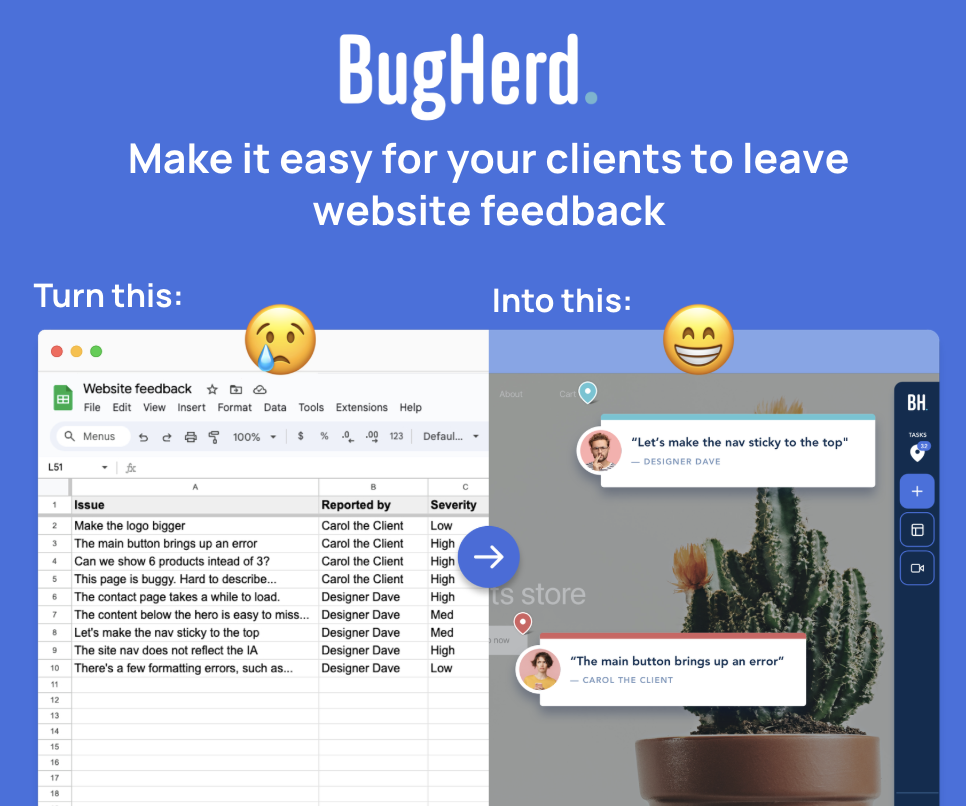
For teams focused on streamlining website feedback, BugHerd is a strong choice. It allows clients, to leave feedback directly on a webpage while automatically capturing technical details like browser, screen size, OS, etc. This makes it particularly useful for agencies managing multiple client websites and development teams that want to turn feedback into actionable tasks without disrupting their workflow.
If your team requires more formal approval workflows with structured sign-offs, tools like Ziflow can be a good fit. Ziflow provides advanced automated approval routing, audit trails, and compliance features designed for organizations that need clear governance over review stages and approvals.
In many cases, the right tool comes down to balancing simplicity and workflow structure. Agencies and dev teams that prioritize fast, visual website feedback will benefit from tools like BugHerd, while organizations with strict approval processes may prefer platforms with more advanced workflow automation. The key is choosing a solution that fits how your team collaborates and reviews website work in practice.
“BugHerd is one of the best visual website feedback tools that significantly streamlines the review and approval process.” - Geekflare review
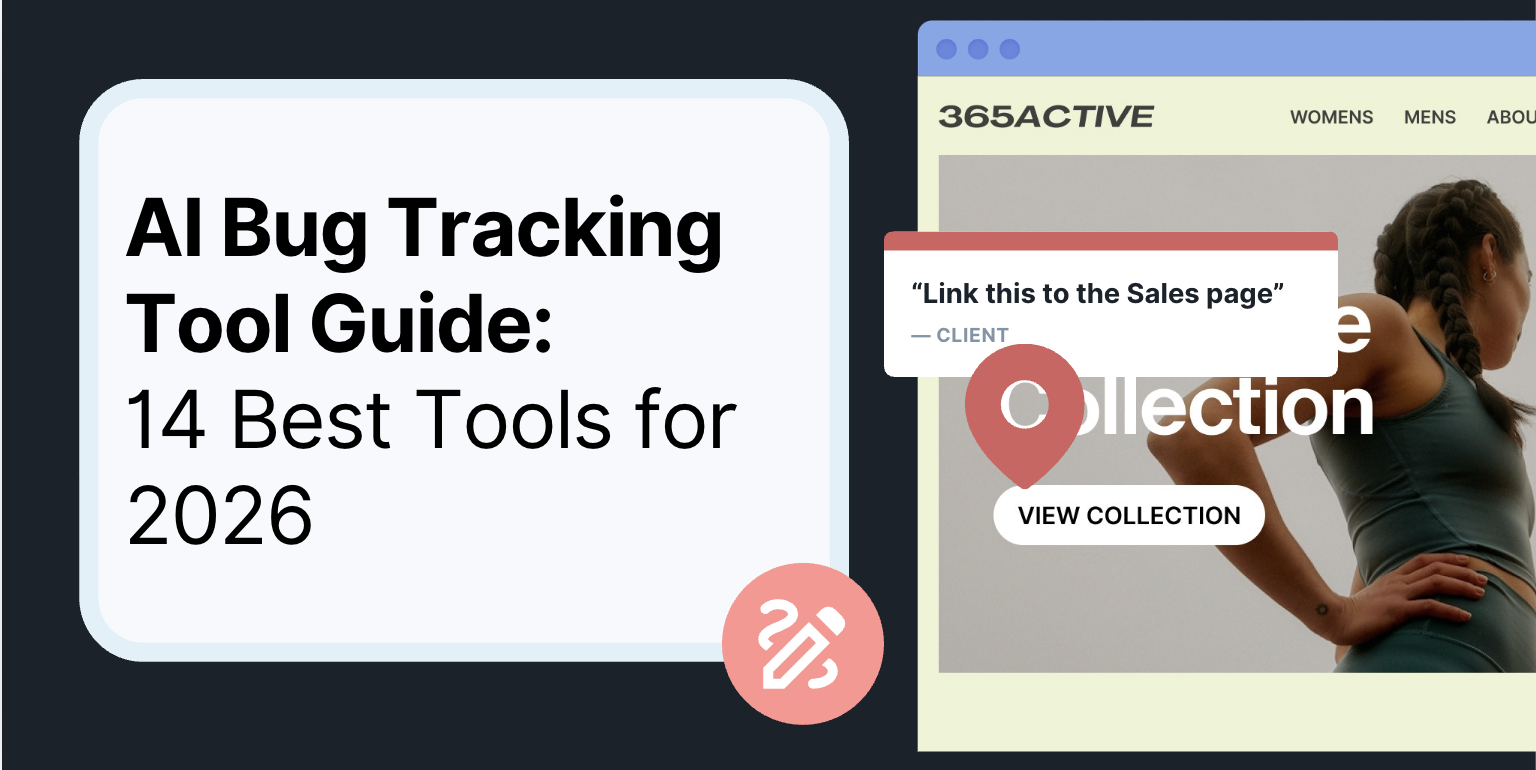
Wondering what BugHerd could save your agency? Not all review and approval tools are equal - and the difference in efficiency can add up fast. Use BugHerd's free ROI calculator to see how much time and money you could save before you decide. 👉 See your potential savings
Frequently Asked Questions About Review and Approval Software
What are approval workflow tools?
Approval workflow tools are platforms that help teams manage the approval workflow for digital assets, documents, or website content. They allow teams to track approvals, gather feedback, and move projects toward final approval without relying on scattered emails or messages.
What is approval workflow software used for?
Approval workflow software helps teams structure the document approval workflow for assets like web pages, creative files, written content, and marketing materials. It ensures internal and external reviewers stay on the same page while helping teams reduce errors and manage file versions efficiently.
How does automating approval workflows help web teams?
Automating approval workflows ensures stakeholders are notified automatically when feedback or final sign off is required. This reduces time spent chasing feedback, helps teams track pending approvals, and keeps the project moving forward faster.
What is the best approval workflow software for website reviews?
The best approval workflow software for website projects depends on your needs. Visual feedback tools like BugHerd make it easier for teams to gather feedback directly on webpages, while enterprise platforms focus on custom approval workflows, compliance tracking, and advanced workflow automation.
What features should approval workflow software include?
The best approval workflow tools typically include:
- Visual feedback and online proofing software
- Version control for file versions
- Automatic reminders for pending approvals
- Approval checklists and approval templates
- Integrations with tools like Microsoft Teams or Adobe Creative Cloud
These features help enhance collaboration and improve communication between teams.
Can approval workflow software help with brand compliance?
Yes. Many approval workflow software platforms help maintain brand compliance and brand standards by ensuring assets go through the proper approval process before publication. This is especially important for teams producing creative content and high quality content at scale.
How do approval workflow tools help agencies?
For agencies, approval workflow tools make all the difference when working with multiple stakeholders. They help teams gather feedback from internal teams and external reviewers, manage revisions, and track approvals without endless email threads.

Marina Domoney
Marina Domoney is Marketing Communications Lead at BugHerd and a senior B2B marketer with 20+ years’ experience in SaaS and website delivery workflows. She’s worked closely with agencies, creative teams, and developers across countless web projects, giving her practical expertise in design and website feedback, approvals, and client collaboration.
Try BugHerd on your site
See feedback in context
Click anywhere to leave feedback directly on your website.








But don't just take our word for it.
BugHerd is loved by 10,000+ companies,
350,000+ users across 172 countries.
4.8/5
4.7/5
4.5/5
5/5
8.7/10
Sam Duncan 📱📏 🌱
@SamWPaquet
"@bugherd where have you been all my life??
We just migrated our bug tracking over from Asana and have at least halved our software testing time🪳👏📈. "
Ashley Groenveld
Project Manager
“I use BugHerd all day every day. It has sped up our implementation tenfold.”
Sasha Shevelev
Webcoda Co-founder
"Before Bugherd, clients would try to send screenshots with scribbles we couldn't decipher or dozens of emails with issues we were often unable to recreate."
Mark B
Developer
“A no-brainer purchase for any agency or development team.”
Kate L
Director of Operations
"Vital tool for our digital marketing agency.”
Paul Tegall
Delivery Manager
"Loving BugHerd! It's making collecting feedback from non-tech users so much easier."
Daniel Billingham
Senior Product Designer
“The ideal feedback and collaboration tool that supports the needs of clients, designers, project managers, and developers.”
Chris S
CEO & Creative Director
“Our clients LOVE it”
Emily VonSydow
Web Development Director
“BugHerd probably saves us
at least 3-4hrs per week.”