

Contents
- Key Takeaways
- Quick Answer: What Are the Best AI Bug Tracking Tools in 2026?
- TL;DR: Top AI Bug Tracking Tools by Use Case
- What is an AI Bug Tracking Tool?
- Types of AI Bug Tracking: Which One Do You Need?
- AI Bug Tracking Tools Compared
- The Best AI Bug Tracking Tools, Reviewed
- BugHerd vs Top Competitors: Direct Comparisons
- Which AI Bug Tracking Tool Should You Choose?
- Start Your Free BugHerd Trial
- Frequently Asked Questions About AI Bug Tracking Tools
Key Takeaways
- Autonomous bug detection tools crawl your site and find defects before anyone reports them.
- AI-assisted triage tools take already-reported bugs and speed up sorting, tagging, and routing.
- Bug trackers with added AI apply the same assistance on top of a mature ticketing system.
- BugHerd sits in the AI-assisted tool group: built for website development teams and agencies whose bugs are reported by clients and stakeholders, not a crawler.
Quick Answer: What Are the Best AI Bug Tracking Tools in 2026?
For teams whose bugs come from crawlers scanning a live site, look at aqua-cloud, Shakebug, or BetterBugs.io. For teams working on web projects whose bugs come from people, clients, testers, or end users, BugHerd is the top pick, purpose-built for agencies turning client feedback into developer tasks without requiring clients to log in, with deep two-way integrations into Jira, Asana, Monday, and 20+ other tools in total. Budget-conscious engineering teams can look at Bugasura's free tier. Established trackers, like Jira and Linear, layer AI on top of the workflows teams already run.
TL;DR: Top AI Bug Tracking Tools by Use Case
What is an AI Bug Tracking Tool?
An AI bug tracking tool is bug tracking software that applies machine learning to part of the defect workflow. Common uses include drafting titles, suggesting tags, grouping duplicates and routing issues to an owner. Some products also attempt to automate detection, so capability varies widely between vendors under the same label. This is the distinction worth understanding before you shortlist anything: does the tool find bugs, or does it process bugs that people have already found?
Software development teams need a reliable way to track bugs, from the first reported bug on a build through to the software bugs that surface months after a batch of web apps goes live. Sorting reports by hand is time consuming and error prone once a codebase reaches thousands of lines of code, and AI can analyze thousands of bug reports simultaneously, spotting patterns a human reviewer would take days to find manually.
AI bug tracking tools take on the parts of bug triaging that eat into a development team's time. AI systems detect duplicate bug reports using natural language processing, comparing the wording and context of new reports against existing ones to flag likely matches before they clutter the board. Beyond deduplication, these tools apply severity levels and route reports to whichever developer owns the fix, so the team can resolve bugs faster and protect software quality.
Types of AI Bug Tracking: Which One Do You Need?
Where a bug comes from decides what kind of tool you need. A tool built to crawl an app on its own answers a different question than one built to process a client's comment on a homepage image, and neither sorts feature requests from genuine bugs, a distinction worth settling before deciding.
Autonomous bug detection:
Software that crawls or exercises an application on its own and raises defects without a person reporting them. It sits in the test automation category rather than the feedback category, answering a different question: finding unknown faults instead of processing faults people have already reported. Best for testing teams wanting continuous, unattended scanning as part of quality assurance. Reviewed here: aqua-cloud, Shakebug, BetterBugs.io.
AI-assisted triage on human-reported bugs:
A person or client finds the issue; the AI helps title it, tag it, spot duplicates, and route it. Best for agencies whose bug stream comes from client feedback, QA testers, or support tickets. Reviewed here: BugHerd, Marker.io, Usersnap, Userback, Bugasura, Webvizio, Atarim.
Bug trackers with AI layered on:
Established, general-purpose issue trackers with assistant-style features added to a workflow most teams already know. See our roundup of the best bug tracking tools for the unmodified category. Reviewed here: Jira, Linear, GitHub Issues, Azure DevOps.
BugHerd sits in the second category. It doesn't crawl anything on its own; it's where a person's feedback becomes a task the AI then helps you organize. If you already use an an AI website QA testing tool to find bugs automatically, BugHerd is the layer that turns whatever it flags into something a developer can act on.
AI Bug Tracking Tools Compared
AI features in bug tracking tend to fall into a few camps: capturing richer reports automatically, sorting and deduplicating issues once they come in, or suggesting fixes and next steps. Most tools lean hard into one of these rather than covering all three, so the useful question is which part of your workflow needs the help.
The table below lines up the tools we've looked at side by side, covering what each one's AI actually does, who it's built for, and what it costs. Use it to shortlist two or three options worth trialing with your team.
Prices and G2 ratings are pulled from each vendor's own page or public G2 listing. For a broader rundown of tracker types outside this AI-focused list, see Wikipedia's comparison of issue-tracking systems; for the fundamentals, see our guide to bug reporting and QA.
Top AI Bug Tracking Tools for Autonomous Bug Detection
Top AI Bug Tracking Tools for AI-assisted Triage on Human-Reported Bugs
Bug Trackers with AI Added
The Best AI Bug Tracking Tools, Reviewed
Below you'll find detailed information on the top AI bug tracking tools in 2026 so you can choose the one that suits your team best.
Autonomous bug detection
#1. aqua cloud
aqua cloud is best for QA teams in regulated industries that need audit-ready traceability from requirements through to test cases and defects, because its AI copilot drafts test coverage directly from requirements and flags duplicate or priority issues alongside built-in defect tracking. It is less suited to agencies or web teams that just need client comments turned into assignable developer tasks, since the platform's depth is built around formal test management rather than lightweight visual feedback.
Who is aqua cloud designed for?
aqua cloud is designed for QA teams in regulated industries that need audit-ready documentation tying requirements to test cases and defects.
What are the key features of aqua cloud?
- AI copilot that drafts test coverage directly from requirements
- Duplicate and priority suggestions on incoming issues
- Built-in defect tracking alongside test management
- Free guest licenses for external reviewers
What are the pros and cons of aqua cloud?
aqua cloud pros:
- Deep requirements-to-test traceability
- AI copilot reduces manual test-writing effort
- Free guest licenses lower the cost of bringing in external reviewers
aqua cloud cons:
- Heavier than teams need if they just want client comments turned into tasks
- Assumes a formal test-management process most agencies don't run
How much does aqua cloud cost?
- From $22/month
- Per-user pricing around $89/user/month is also cited.
Does aqua cloud offer a free trial?
Yes, aqua cloud offers a 7 day free trial available after completing a 30-minute discovery call.
#2. Shakebug
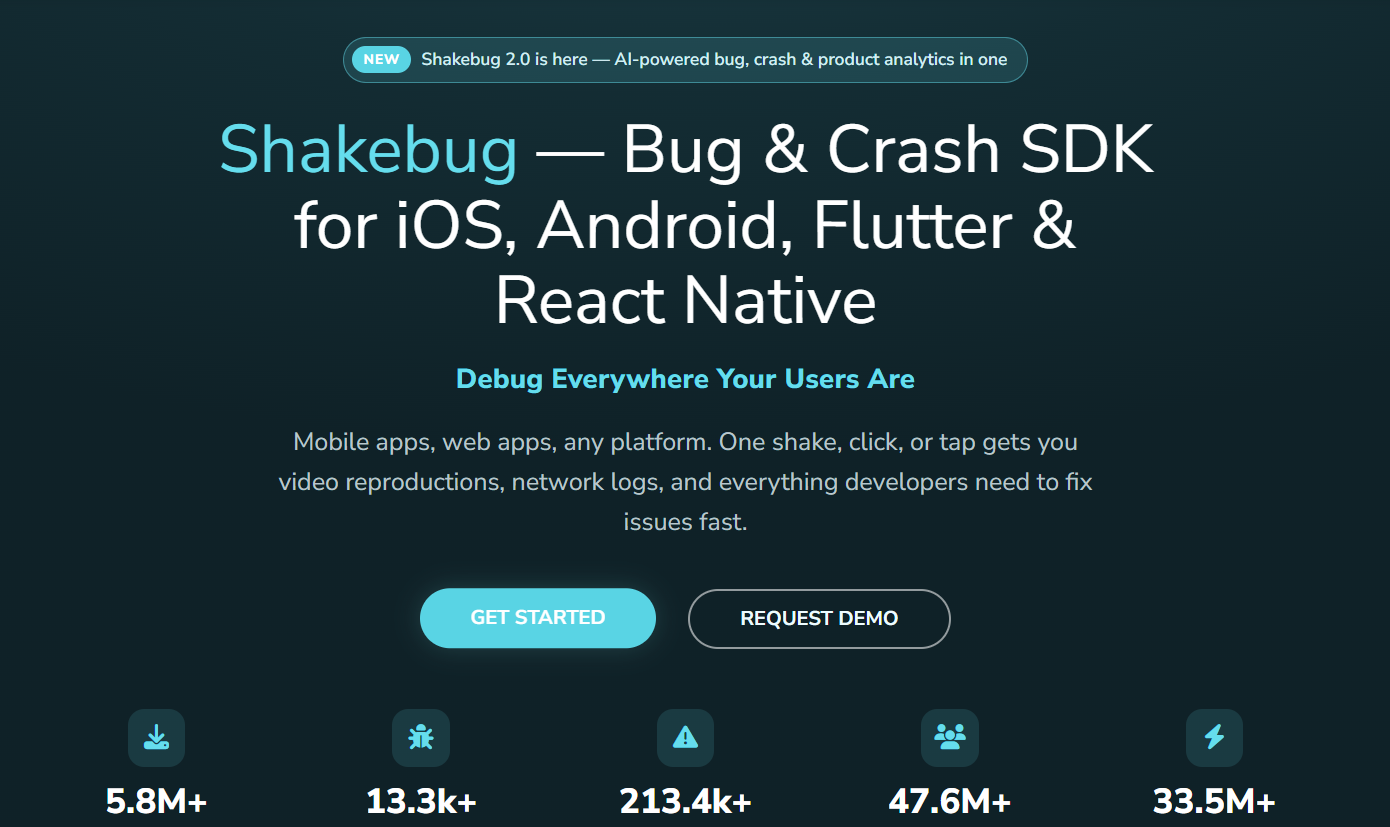
Shakebug is best for mobile-first teams that want manual bug reports and automated error grouping working together, because its shake-to-report capture pairs with automated clustering of repeated errors and session tracking, all on flat pricing regardless of team size. It is less suited to teams whose priority is website bug reporting, since its coverage there is secondary to its mobile-first design.
Who is Shakebug designed for?
Shakebug is designed for mobile-first teams that want human-submitted reports and automated error grouping working together in one tool.
What are the key features of Shakebug?
- Shake-to-report manual bug capture
- Automated clustering of repeated errors
- Session tracking alongside each report
- Flat pricing regardless of team size
What are the pros and cons of Shakebug?
Shakebug pros:
- Flat pricing that doesn't scale with team size
- Free plan available
Shakebug cons:
- Built primarily for mobile apps
- Website bug coverage is secondary to its mobile focus
How much does Shakebug cost?
- Free plan available
- Paid plans from $75/month
Does Shakebug offer a free trial?
No, Shakebug offers a free plan rather than a time-limited trial.
3. BetterBugs.io
BetterBugs.io is best for QA and dev teams that want a faster first read on a bug before a human dives in, because its browser extension captures screen recordings and screenshots and hands them to a chat-style AI assistant that suggests root cause and repro steps. Intelligent root cause analysis connects error logs to code changes to identify bug origins, giving the team a starting theory before anyone manually digs through the stack.
Who is BetterBugs.io designed for?
BetterBugs.io is designed for QA and dev teams that want an AI-generated first read on a bug before a person investigates further.
What are the key features of BetterBugs.io?
- Session rewind alongside screen recordings and screenshots
- Chat-style AI assistant suggesting root cause and repro steps; AI helps convert natural-language bug reports into reproducible test cases, turning a casual description into concrete steps a developer can follow
- MCP server for connecting to AI coding tools
- No-account recording links for non-technical reporters
What are the pros and cons of BetterBugs.io?
BetterBugs.io pros:
- Free plan available
- No-account recording links suit non-technical reporters
BetterBugs.io cons:
- Paid-tier pricing is reported inconsistently across sources
How much does BetterBug.io cost?
- Free plan available
- Paid tier reported from around $12/month.
Does BetterBugs.io offer a free trial?
Yes, BetterBugs.io offers a free plan.
AI-Assisted Triage on Human-Reported Bugs
4. BugHerd
BugHerd is best for agencies and internal web teams looking to turn client feedback on live websites into assignable developer tasks. It is less suited to teams looking for an AI testing tool. It doesn't compete with autonomous bug-detection agents; it's built for teams whose bugs are reported by people, not found by a crawler.
Who is BugHerd designed for?
BugHerd is designed for agencies and internal web teams that need a way to turn client feedback on live websites into clear, assignable tasks for developers, without requiring clients to create an account or explain technical detail themselves (see the full BugHerd bug tracking tool use case).
What are the key features of BugHerd?
- One-click, point-and-click pin feedback on live web elements
- Automatic capture of browser data and screenshots with every comment
- A built-in Kanban board for tracking tasks through to resolution
- 21 integrations, including Jira, Asana, Linear, ClickUp, Monday.com, and Trello, so tasks sync into the project management tool your dev team already uses
- Four major AI features:
- BugHerd MCP: connects BugHerd to AI coding agents like Claude Code and Cursor
- Auto-title generation: natural language processing allows casual bug descriptions to be structured into formal tickets, drafting a clear task title straight from the reporter's comment
- Auto-tagging: labels tasks by type or area automatically
- Similar Task Detection: uses natural language processing to flag likely duplicate tasks before they clutter the board
What are the pros and cons of BugHerd?
BugHerd pros:
- No login required for clients to leave feedback
- Automatic technical context, including screen resolution and browser agent, ends the back-and-forth over what device someone used
- AI features included in-plan rather than charged separately
- Two-way sync across 21 integrations, broader than most competitors on this list
BugHerd cons:
- Human oversight still decides severity and root cause
- Pair with a dedicated AI QA tool if you need bugs found without a human reporter
How much does BugHerd cost?
BugHerd prices start from $42/month, paid annually.
Does BugHerd offer a free trial?
Yes, BugHerd offers a 7-day free trial.
"Before BugHerd, clients would try to send screenshots with scribbles we couldn't decipher or dozens of emails with issues we were often unable to recreate."
— Sasha Shevelev, Co-founder, Webcoda Read the full case study
5. Marker.io
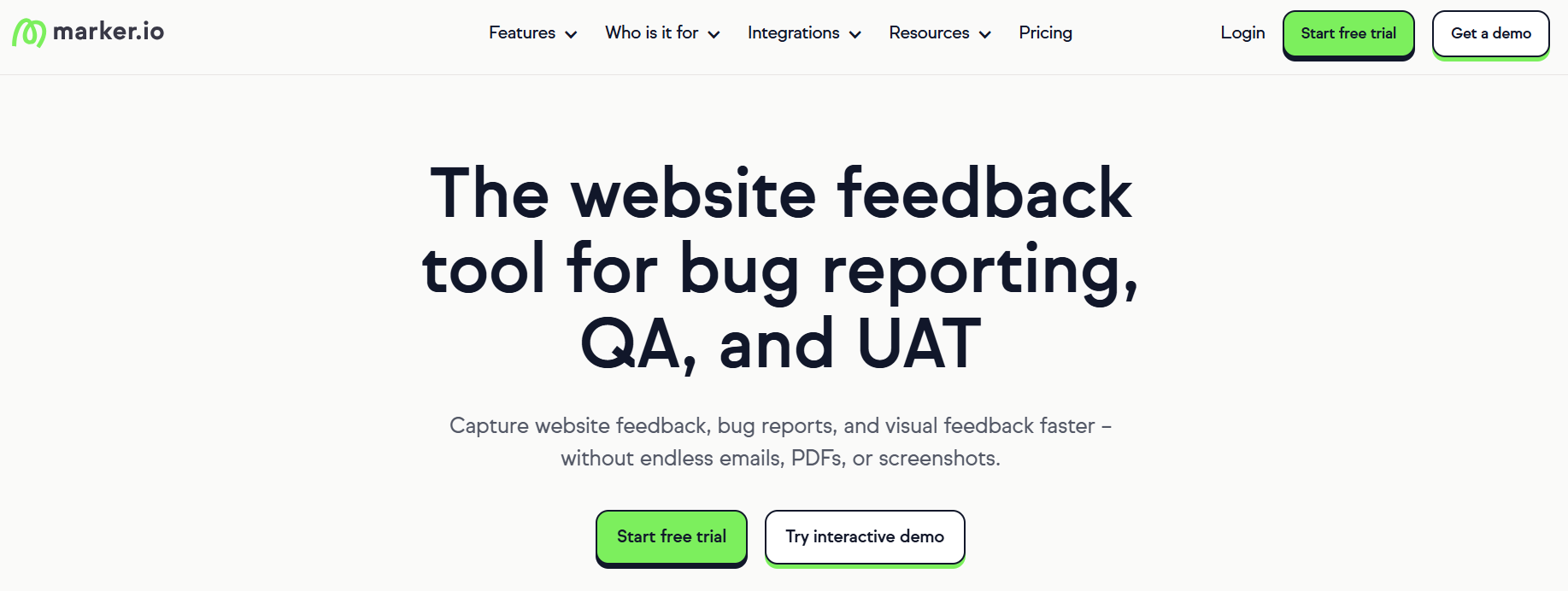
Marker.io is best for development, QA and WebOps teams that want bug reports sent directly into an existing issue tracker, because it captures screenshots, console logs, network requests and session information alongside each report. It is less suited to agencies that want a complete, client-facing review and task-management environment inside the feedback platform itself.
Who is Marker.io designed for?
Marker.io is designed for developers, QA testers, WebOps teams, product teams and agencies that manage work in tools such as Jira, GitHub, Trello, or Asana.
What are the key features of Marker.io?
- Screenshot and screen-recording capture with annotations
- Automatic console log and network request capture
- Session replay showing activity before an issue was submitted
- Free-beta AI features: title generation, description rewriting, and translation
What are the pros and cons of Marker.io?
Marker.io pros:
- Captures detailed technical context for developers
- Sends reports directly into existing development workflows
- AI features included free during beta
Marker.io cons:
- Starter plan caps team members at 3
- Jira integration requires stepping up to the $149/month Team plan
- Less built-in task management depth than an all-in-one feedback platform
How much does Marker.io cost?
- Starter: $39/month
- Team: $149/month
- Business: $499/month
Does Marker.io offer a free trial?
Yes, Marker.io has a 15-day free trial available.
6. Usersnap
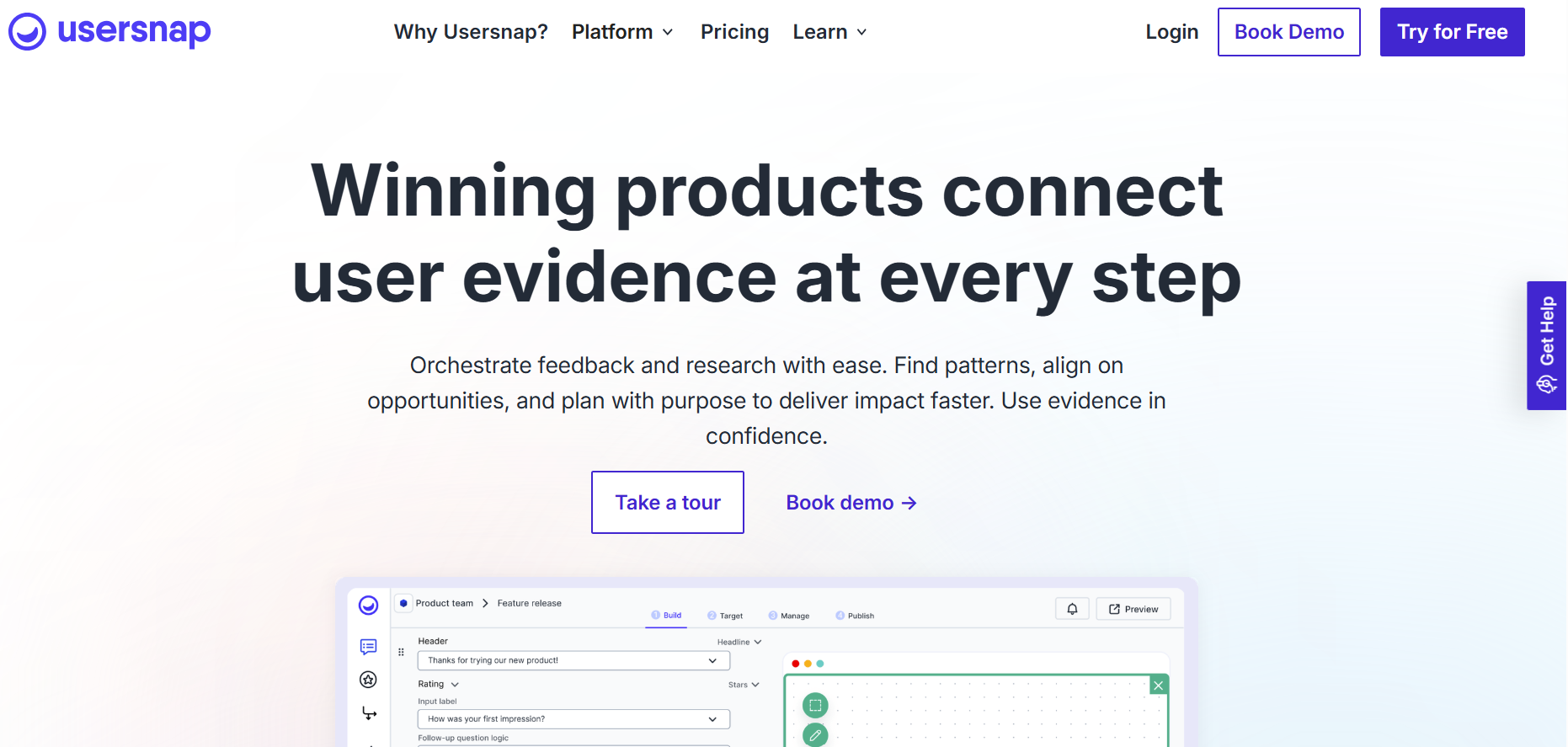
Usersnap is best for product teams collecting a broad mix of bug reports and general feedback in one place, because it pairs screen capture widgets with AI categorization labels, sentiment detection (beta) and reply-drafting assistance. It is less suited to teams specifically wanting AI-driven bug triage, since its AI is built around sentiment and categorization rather than sorting or prioritizing defects.
Who is Usersnap designed for?
Usersnap is designed for product teams that want to collect both bug reports and general product feedback through the same tool, integrating with platforms like Jira, Zendesk, and Slack.
What are the key features of Usersnap?
- Screen capture widgets for in-context feedback
- AI categorization labels
- Sentiment detection (beta)
- Reply-drafting assistance
What are the pros and cons of Usersnap?
Usersnap pros:
- Generous free entry tier
- Strong AI sentiment tooling for reading feedback tone
Usersnap cons:
- AI is built for sentiment and categorization, not bug triage
- Not purpose-built for teams prioritizing defect sorting
How much does Usersnap cost?
- Free tier available
- Paid tier from $45/month
Does Usersnap offer a free trial?
No, Usersnap offers a free tier rather than a confirmed time-limited trial.
7. Userback
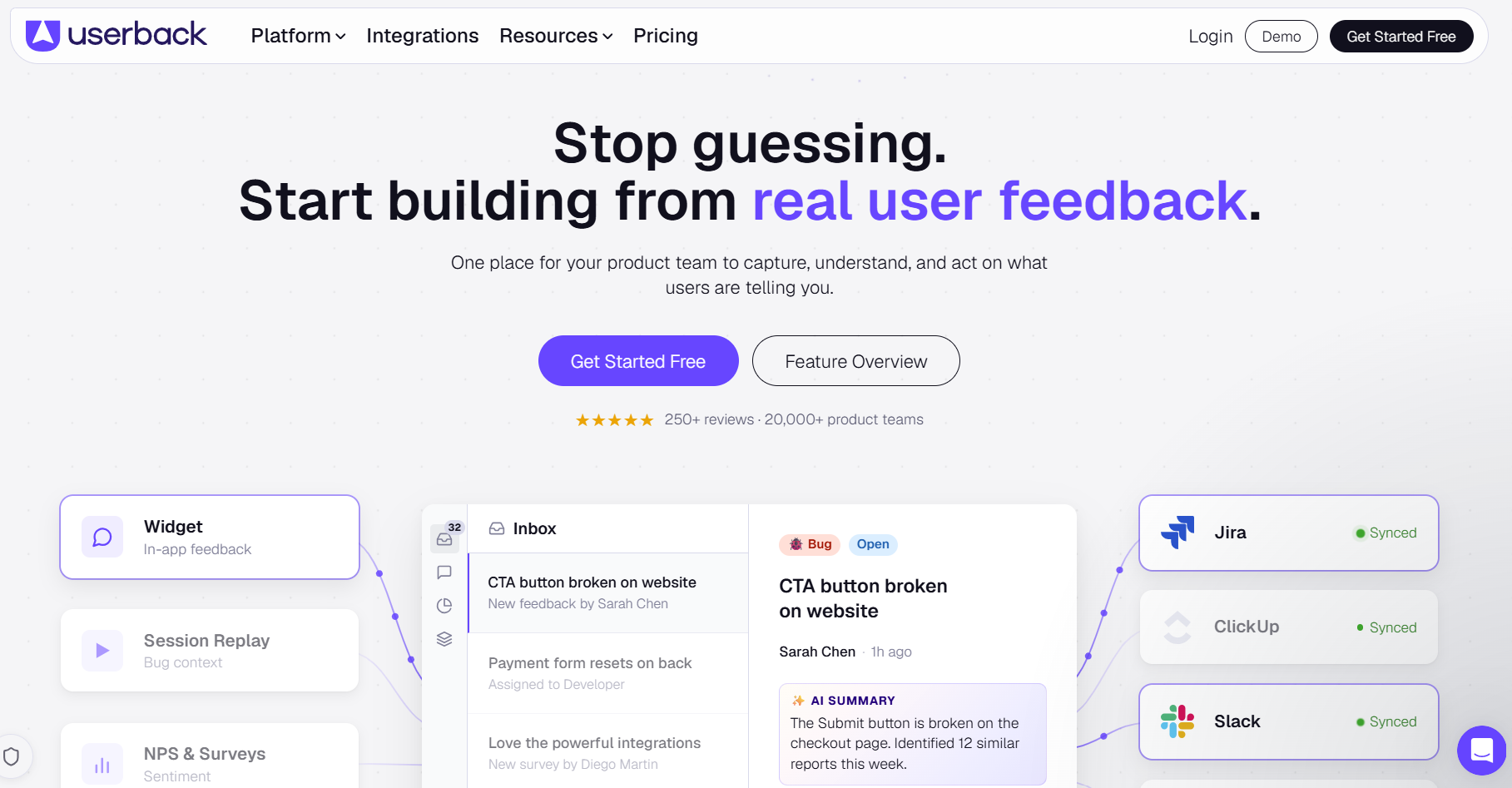
Userback is best for small to mid-size teams that want to start free and scale up gradually, because it pairs feedback widgets, screen annotation and session replay with true two-way sync into Jira, Linear and ClickUp, all backed by a permanently free entry tier. It is less suited to teams needing full project coverage or historical visibility from day one, since the free tier caps out at 2 projects and 7-day feedback visibility.
Who is Userback designed for?
Userback is designed for small to mid-size teams that want to begin on a free plan and expand into paid tiers as their needs grow, syncing with Jira, Linear, and ClickUp.
What are the key features of Userback?
- Feedback widgets for in-page capture
- Screen annotation
- Session replay
- AI-assisted reply suggestions
What are the pros and cons of Userback?
Userback pros:
- True two-way sync with Jira, Linear, and ClickUp
- Free forever plan
Userback cons:
- Free tier caps at 2 projects
- Free tier limits feedback visibility to 7 days
How much does Userback cost?
- Free plan available
- Paid plans from $29/month
Does Userback offer a free trial?
No, Userback offers a free-forever plan rather than a separate time-limited trial.
8. Bugasura
Bugasura is best for QA and fast-moving engineering teams that want AI assistance without paying for it, because it bundles AI-drafted issue text, related-issue mapping and MCP support for Claude and Cursor into a core tracking tier that's free forever for up to 5 members. It is less suited to smaller agencies without structured test cycles, since its advanced sprint-intelligence features assume a level of formal test planning most of them don't run.
Who is Bugasura designed for?
Bugasura is designed for QA and fast-moving engineering teams that want AI-assisted bug tracking without a paid entry point, integrating with Jira, Asana, and Slack.
What are the key features of Bugasura?
- AI-drafted issue text and requirements
- Related-issue mapping
- MCP support for Claude and Cursor
- Sprint-intelligence features for structured test cycles
What are the pros and cons of Bugasura?
Bugasura pros:
- Core tracking free forever for up to 5 members
- Broad AI feature set included at no cost
Bugasura cons:
- Advanced sprint-intelligence features assume structured test cycles most small agencies don't run
How much does Bugasura cost?
- Free for up to 5 members
- Extra seats from $5/user/month
- Custom pricing available.
Does Bugasura offer a free trial?
No, Bugasura offers a free-forever plan rather than a separate time-limited trial.
9. Webvizio
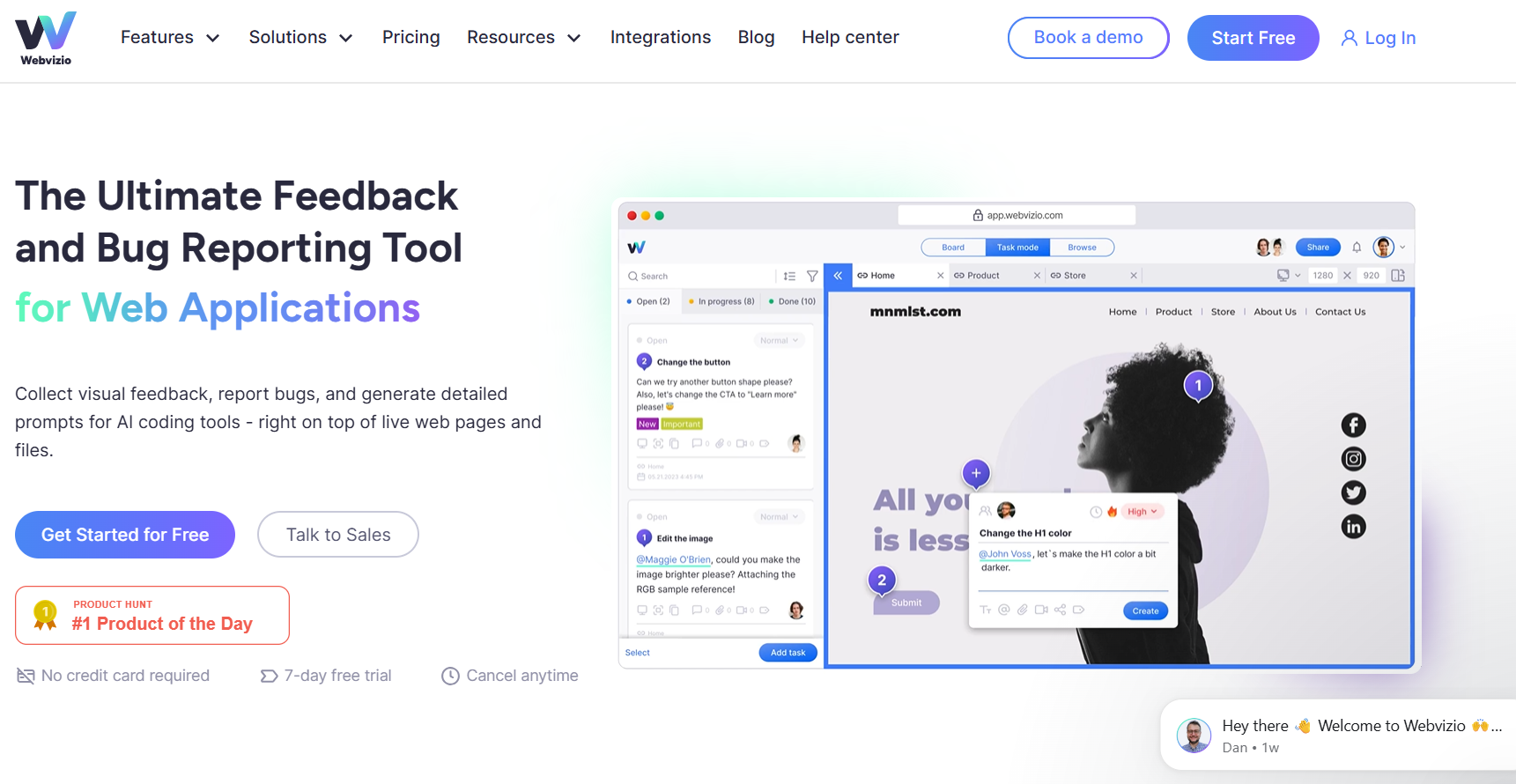
Webvizio is best for developers and QA teams already using AI coding agents like Cursor, because it turns bug reports into one-click AI prompts for those tools via its MCP server, alongside AI-generated task titles and console and network log capture. It is less suited to teams needing to bring clients or guests into the review process from the start, since that access only unlocks on the Starter plan and above.
Who is Webvizio designed for?
Webvizio is designed for developers and QA teams already working with AI coding agents such as Cursor, using a browser extension to capture and route bug reports.
What are the key features of Webvizio?
- One-click AI prompts for coding tools via MCP server
- AI-generated task titles
- Console log and network log capture
- Browser extension for direct-from-page reporting
What are the pros and cons of Webvizio?
Webvizio pros:
- 7-day free trial with full Advanced-plan access
- Low per-seat pricing
Webvizio cons:
- Guest and client access require the Starter plan and above
How much does Webvizio cost?
- Solo: $8/month
- Starter: $28/month
- Advanced: $76/month ($45.60/month billed annually)
- Enterprise: custom pricing
Does Webvizio offer a free trial?
Yes, Webvizio offers a 7-day free trial with full access to the Advanced plan.
10. Atarim
Atarim is best for WordPress agencies wanting automated design and content review layered on top of client feedback, because it pairs no-login guest feedback with six built-in AI agents covering design, copy, SEO, UX, clarity and QA, plus agency white labeling for client-facing work. It is less suited to teams outside the WordPress ecosystem or those wary of newer AI tooling, since the platform is built mainly for WordPress and some reviewers report reliability issues with the newer AI features.
Who is Atarim designed for?
Atarim is designed for WordPress agencies that want automated design and content review layered on top of client feedback, integrating with Jira, ClickUp, and Slack.
What are the key features of Atarim?
- No-login guest feedback
- Six built-in AI agents covering design, copy, SEO, UX, clarity and QA
- Agency whitelabeling for client-facing work
What are the pros and cons of Atarim?
Atarim pros:
- Generous free plan
- AI feature set built specifically for agency review cycles
Atarim cons:
- Built mainly for WordPress
- Some reviewers report reliability issues with the newer AI features
How much does Atarim cost?
- Free: 1 site, 200 AI credits
- Pro: from $25/seat/month, billed yearly, capped at 5 seats
Does Atarim offer a free trial?
No, Atarim offers a free plan (1 site, 200 AI credits) rather than a separate time-limited trial.
Bug Trackers with AI Added
11. Jira
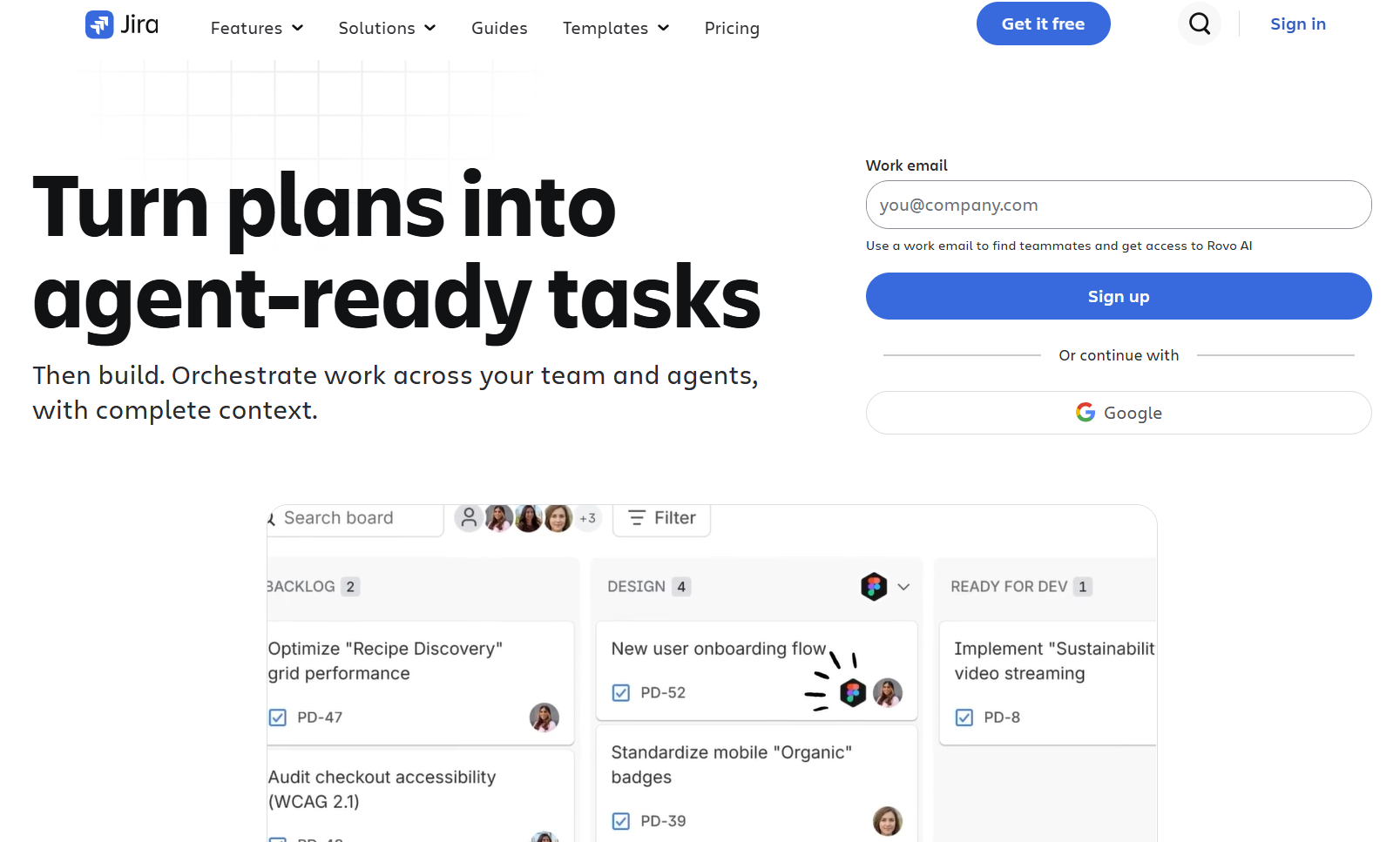
Jira is best for larger organizations already standardized on Atlassian and tracking user stories and bugs side by side. It offers mature workflows and permissions, a strong cross-team audit trail, and AI-assisted content generation, summarization and search through Atlassian Intelligence on higher-tier plans. It is less suited to smaller teams on the Free or Standard tiers, since Atlassian Intelligence is gated behind Premium and unavailable below it.
Who is Jira designed for?
Jira is designed for larger organizations already standardized on Atlassian, integrating with Confluence, Bitbucket, Slack, and over 3,000 apps through the Atlassian Marketplace.
What are the key features of Jira?
- AI-assisted content generation, summarization, and search (Premium and above)
- Custom fields
- Cross-project automation
What are the pros and cons of Jira?
Jira pros:
- Mature workflow and permissions structure
- Strong audit trail for cross-team communication
Jira cons:
- AI is gated behind Premium
How much does Jira cost?
- Free: up to 10 users
- Standard: $7.91/user/month
- Premium: $14.54/user/month
- Enterprise: custom pricing
Does Jira offer a free trial?
Jira's free tier covers up to 10 users on an ongoing basis; a time-limited trial for paid tiers isn't confirmed.
12. Linear
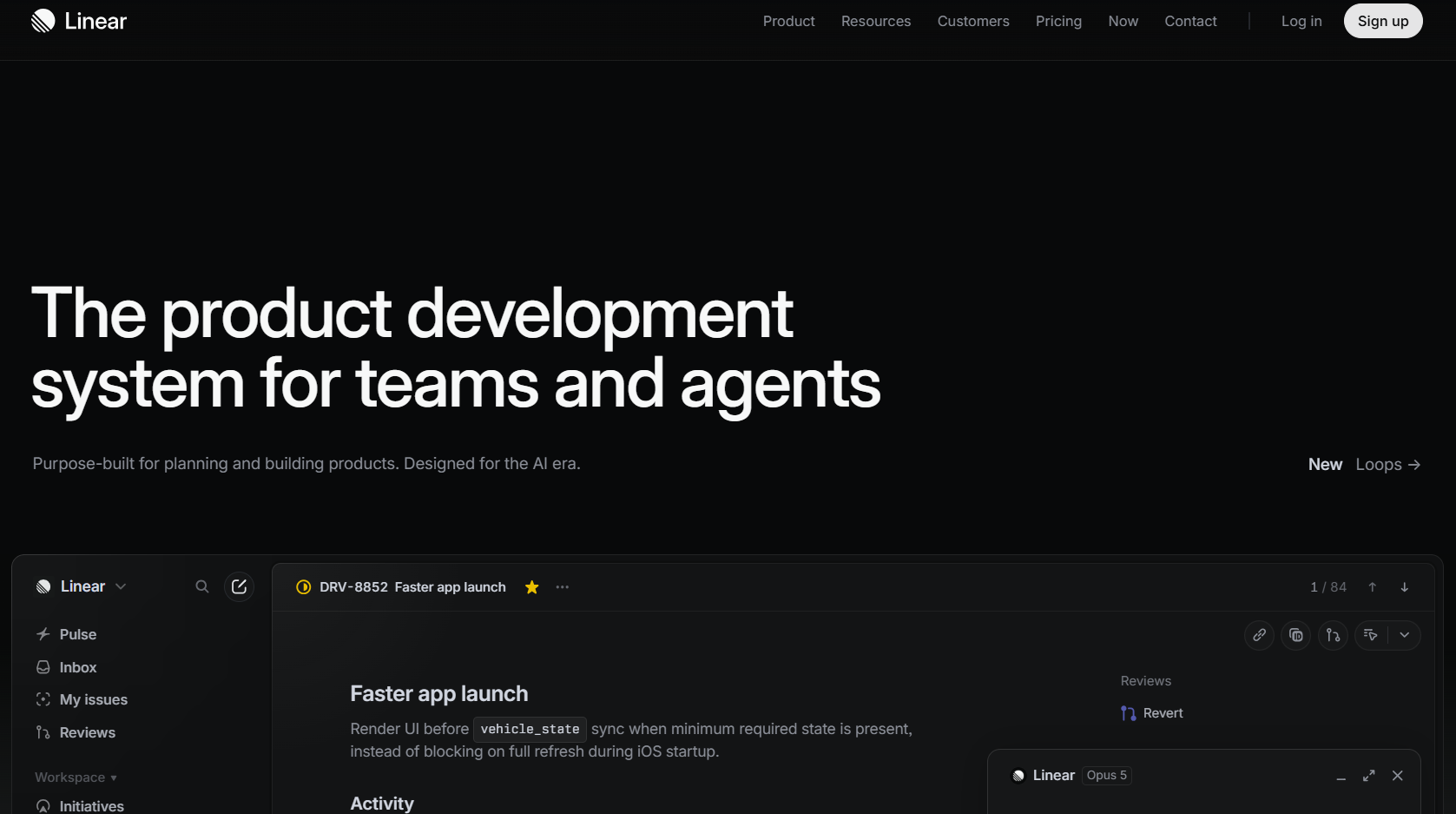
Linear is best for fast-moving product and engineering teams that want AI-assisted triage inside a fast, keyboard-driven tracker, because its Product Intelligence AI automates issue triage and backlog prioritization on top of Linear's existing cycle-planning workflow. It is less suited to teams needing deep enterprise reporting or heavy process controls, since Linear favors speed and simplicity over configurability.
Who is Linear designed for?
Linear is designed for software and product teams that want a fast, minimal interface for tracking issues and bugs, integrating with GitHub, Slack, and Figma.
What are the key features of Linear?
- Product Intelligence AI that automates triage and backlog prioritization
- Automated cycle planning
- Keyboard-driven interface for rapid ticket management
- Native GitHub, Slack, and Figma integration
What are the pros and cons of Linear?
Linear pros:
- Fast, responsive interface that suits high-velocity engineering teams
- AI-assisted triage reduces manual backlog grooming
- Strong native integration with GitHub-based workflows
Linear cons:
- Limited deep reporting or business-tracking features compared to enterprise trackers
- No visual, pin-to-page feedback capture, reporters need a Linear account to log an issue
How much does Linear cost?
Basic: $10 per/user/month
Business: $16/user/month
Enterprise: custom
Does Linear offer a free trial?
Linear offers a free plan, rather than a free trial.
13. GitHub Issues
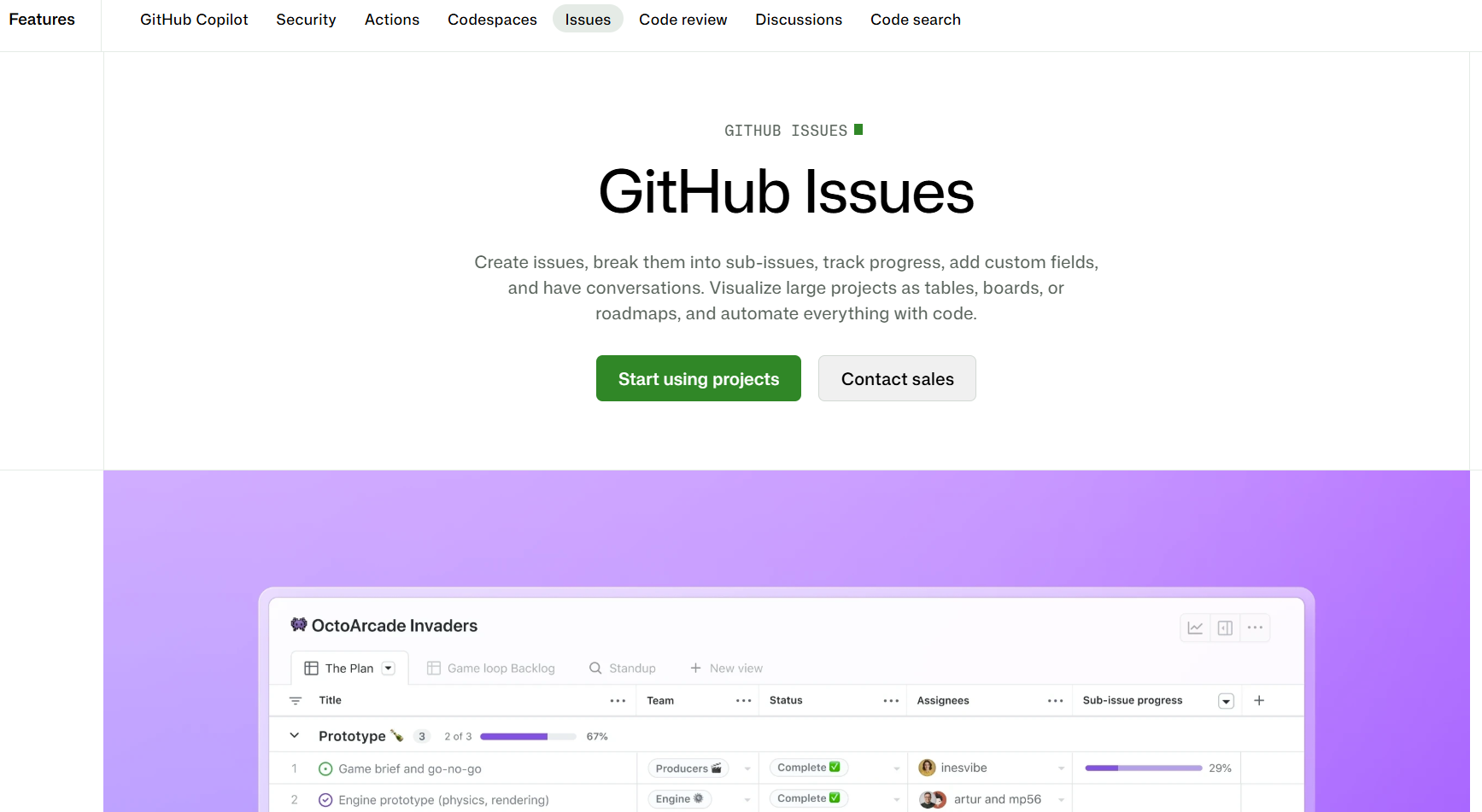
GitHub Issues is best for developer-native teams whose work already lives in the repository, because it keeps bug tracking directly alongside code, pull requests, and CI/CD activity, with AI-assisted triage and fix suggestions available through GitHub Copilot. It is less suited to teams needing a client-facing feedback layer, since it has no visual, pin-to-page capture for non-technical reporters.
Who is GitHub Issues designed for?
GitHub Issues is designed for developer-native teams that want bug tracking to live next to their code, integrating natively with GitHub Actions, pull requests, and the wider GitHub ecosystem.
What are the key features of GitHub Issues?
- Issue tracking tied directly to code, commits, and pull requests
- AI-assisted triage and fix suggestions via GitHub Copilot
- Native CI/CD integration through GitHub Actions
- Simple project views for lightweight planning
What are the pros and cons of GitHub Issues?
GitHub Issues pros:
- Keeps bug tracking in the same place developers already work
- Free for public repositories and included with GitHub plans
- Broad native integration across the GitHub ecosystem
GitHub Issues cons:
- AI triage and fix suggestions require a Copilot subscription
- Not built for non-technical or client-facing feedback collection
- No visual, pin-to-page feedback capture, bugs have to be described in text
How much does GitHub Issues cost?
Free for public repositories and included with standard GitHub plans. AI features via Copilot are priced separately; monthly.
Does GitHub Issues offer a free trial?
GitHub Issues itself is free with a GitHub account.
14. Azure DevOps
Azure DevOps is best for Microsoft-centered organizations that want bug and work-item tracking built into a broader DevOps pipeline, because its Boards module connects issue tracking to code hosting, pipelines, and testing, with built-in Microsoft AI automating risk and workflow detection. It is less suited to smaller teams outside the Microsoft ecosystem, since its depth and configuration overhead suit enterprise environments more than lightweight teams.
Who is Azure DevOps designed for?
Azure DevOps is designed for enterprise and Microsoft-centered organizations that need work tracking connected to version control, build pipelines, and release management, integrating with Azure Repos, Azure Pipelines, and Azure Test Plans.
What are the key features of Azure DevOps?
- Boards and backlogs for cross-team issue tracking
- Branch linking and deployment status tied to bug resolution
- Built-in Microsoft AI for automated risk and workflow detection
- Custom query and dashboard tools for reporting
What are the pros and cons of Azure DevOps?
Azure DevOps pros:
- Deep integration with Microsoft's development and release tooling
- Global permissions and project templates suit large organizations
- AI-assisted risk detection built into the workflow
Azure DevOps cons:
- Configuration overhead may be more than smaller teams need
- Steep learning curve for teams outside a Microsoft/enterprise environment
How much does Azure DevOps cost?
Price depends on services and products added.
Does Azure DevOps offer a free trial?
Azure DevOps offers a free tier rather than a free trial.
BugHerd vs Top Competitors: Direct Comparisons
Every comparison below leans on the same BugHerd AI features: MCP, auto-title generation, auto-tagging, and similar task detection.
Which AI Bug Tracking Tool Should You Choose?
The right tool depends on where your bugs come from, not just what "AI bug tracking" claims to mean. Match your pick to one of the three categories below.
Autonomous Bug Detection
If you need bugs found without anyone filing a report, tools like aqua-cloud, Shakebug, or BetterBugs.io do that job. None of them address what happens once a bug is found, so pair one with a triage or tracking tool downstream.
Bug Trackers with AI Added
If your team runs a mature ticketing workflow and just wants AI layered on top, Jira's Atlassian Intelligence, Linear's Product Intelligence AI, or GitHub Copilot inside GitHub Issues keep you inside a system you already know. The AI here often sits behind higher-tier plans or a separate subscription.
AI-Assisted Triage on Human-Reported Bugs
If your bugs come from people, clients, testers, or stakeholders reviewing a live website, this is the category you want. The pick depends on scale and budget: Bugasura suits teams watching every dollar, and Atarim suits WordPress-specific agency work.
For agencies whose bug stream is client feedback rather than internal QA or autonomous scanning, BugHerd fits best. It combines a no-login pin-to-page workflow with AI that acts on what a person has already reported, turning vague client comments into tasks your developers can actually work from.
If your bug source is closer to stakeholder sign-off than bug reporting, our guide to UAT testing software platforms covers that adjacent category.
Start Your Free BugHerd Trial
Try BugHerd free for 7 days, no credit card required. Pin feedback directly to any website, with screenshots and technical metadata captured on every report. Connects with Jira, Asana, GitHub, and Trello. Trusted by 10,000+ companies and 350,000+ users across 172 countries.
Start your free trial · Book a demo
Frequently Asked Questions About AI Bug Tracking Tools
What is the difference between AI bug tracking and automated bug detection?
AI bug tracking covers both finding and processing faults. Automated (or autonomous) bug detection is an AI system that crawls or exercises an application on its own and raises defects without a person reporting them, which is different from AI-assisted triage, which processes faults people have already reported.
Which AI bug tracking tools work for website projects?
BugHerd, Marker.io, Usersnap, Userback, Webvizio, and Atarim are all built around capturing feedback directly on a live website. BugHerd is an alternative to autonomous bug detection software specifically for teams whose faults are reported by people rather than found by a crawler.
Can BugHerd integrate with Jira, Asana, Monday, and Trello?
Yes. BugHerd has two-way sync with Jira, Asana, Linear, ClickUp, Monday.com, Trello, GitHub, Slack, MS Teams, and more, with 21 integrations available in total, so updates made in either tool stay in sync without manual re-entry.
How much does BugHerd cost?
Standard starts at $42 per month, billed annually, for 5 members. Studio is $80/month ($67 annually) for 10, and Premium is $150/month ($125 annually) for 25. Custom pricing is available for larger teams.
Does BugHerd have a free trial?
Yes, BugHerd offers a free 7-day trial with no credit card required.
Is BugHerd better for agencies than other AI bug tracking tools?
For agencies whose bugs come from client feedback on live websites, BugHerd's no-login pin-to-page workflow and AI features (MCP, auto-title generation, auto-tagging, similar task detection) are built for that exact workflow. Teams with a different bug source may suit a tool from a different category above.

Marina Domoney
Marina Domoney is Marketing Communications Lead at BugHerd and a senior B2B marketer with 20+ years’ experience in SaaS and website delivery workflows. She’s worked closely with agencies, creative teams, and developers across countless web projects, giving her practical expertise in design and website feedback, approvals, and client collaboration.
Try BugHerd on your site
See feedback in context
Click anywhere to leave feedback directly on your website.







But don't just take our word for it.
BugHerd is loved by 10,000+ companies,
350,000+ users across 172 countries.
4.8/5
4.7/5
4.5/5
5/5
8.7/10
Sam Duncan 📱📏 🌱
@SamWPaquet
"@bugherd where have you been all my life??
We just migrated our bug tracking over from Asana and have at least halved our software testing time🪳👏📈. "
Ashley Groenveld
Project Manager
“I use BugHerd all day every day. It has sped up our implementation tenfold.”
Sasha Shevelev
Webcoda Co-founder
"Before Bugherd, clients would try to send screenshots with scribbles we couldn't decipher or dozens of emails with issues we were often unable to recreate."
Mark B
Developer
“A no-brainer purchase for any agency or development team.”
Kate L
Director of Operations
"Vital tool for our digital marketing agency.”
Paul Tegall
Delivery Manager
"Loving BugHerd! It's making collecting feedback from non-tech users so much easier."
Daniel Billingham
Senior Product Designer
“The ideal feedback and collaboration tool that supports the needs of clients, designers, project managers, and developers.”
Chris S
CEO & Creative Director
“Our clients LOVE it”
Emily VonSydow
Web Development Director
“BugHerd probably saves us
at least 3-4hrs per week.”