

Content:
- What Are Design Feedback Tools?
- What Features Matter Most When Choosing a Design Feedback Tool?
- How Do the Top Design Feedback Tools in 2026 Compare? (comparison table)
- Which Design Feedback Tool is Best for your Workflow? (full tool list)
- Which Design Feedback Tool is Best for Agencies and Web Teams?
- Frequently Asked Questions About Design Feedback Tools
Key Takeaways
- Design feedback tools replace scattered emails and chats by centralizing how teams collect, review, and manage feedback.
- The most effective tools enable visual, contextual feedback directly on live websites, web pages, and design files.
- A built-in task board facilitates easy management of feedback and speeds up delivery.
- Strong integrations with project management and collaboration tools keep feedback actionable and easy to track.
- Client-friendly tools that require no logins lead to faster approvals and clearer communication.
- For agencies and web teams, BugHerd is the best design feedback tool because it combines in-page visual feedback, automatic capture of screenshots and user technical details, as well as built-in task management, all in a single workflow.
What Are Design Feedback Tools?
Design feedback tools are platforms that let teams collect feedback on websites, designs, and digital assets with in‑context visual annotations, and then manage and action that feedback via a centralized task board for streamlining collaboration.
These tools act as comprehensive feedback solutions that replace scattered email threads or spreadsheets. For agencies, web design, and web dev teams, this means clearer client communication, quicker approval processes, seamless integration, shorter delivery cycles, and higher quality releases.
What Features Matter Most When Choosing a Design Feedback Tool?
When choosing a design feedback tool, these are the features that matter most:
Annotations directly on a page, in‑context visual pins, automatic screenshots with technical metadata, built-in task management, client‑friendly access, and native project management / developer integrations.
And these are the common mistakes to avoid:
- Choosing on price alone: A $20/month tool that adds 5 hours of admin weekly costs far more than a $99/month platform that automates metadata and tasking for internal and external stakeholders.
- Ignoring integrations: Lack of native PM/dev integrations leads to error‑prone manual copy‑paste and delayed delivery.
- Not testing with real clients: Internal tests hide client‑side confusion; a quick client pilot surfaces adoption friction.
- Overlooking mobile feedback: Significant client review happens on phones; ensure responsive capture and review flows.
- Skipping onboarding: Even intuitive tools benefit from a short internal playbook to standardize labels, priorities, and SLAs.
How do the Top Design Feedback Tools in 2026 Compare?
The table below compares design feedback tools based on G2 rating, best-for use case, key features, pros and cons, pricing, and free trial availability so you can quickly narrow down your options. Use it to identify the tools that best match your workflow; whether you need faster client approvals, clearer feedback in context, or smoother collaboration across teams.
How to Choose the Right Design Feedback Tool
Not every tool fits every workflow. Use these questions to narrow down your options:
Live site or design file? If you need feedback on a working website or staging environment, choose a tool built for on-page annotation (like BugHerd). If your team reviews mostly Figma files or static assets, a design-native tool handles that better.
How technical are your clients? Prioritize tools that require no login and work via a simple shared link. Friction at the client end slows down every approval cycle.
What do you need to integrate with? If your team lives in Jira, Asana, or Slack, confirm the tool has native two-way integrations (not just Zapier workarounds) before committing.
Do you need task management built in? Some tools only annotate; others convert feedback directly into assignable tasks. If you're managing multiple clients or revision rounds, built-in tasking saves significant admin time.
Are you a solo freelancer or a team? Lightweight tools suit one-off reviews; agencies handling multiple projects need structured workflows, version tracking, and multi-user access that scales.
Which design feedback tool is best for your workflow?
The best design feedback tool for you depends on your workflow. Tools like BugHerd are best for visual feedback on live websites, while tools like Figma and Miro suit design-file collaboration and approvals. But they all have one thing in common - the best tools capture feedback easily and streamline the feedback management process.
Below you'll find more information on the top 15 design feedback tools so you can make an informed decision on which one will suit your workflow best. For tips on how to structure the feedback process itself, see our guide to Website Design Feedback: Key Strategies and Best Practices.
#1. BugHerd
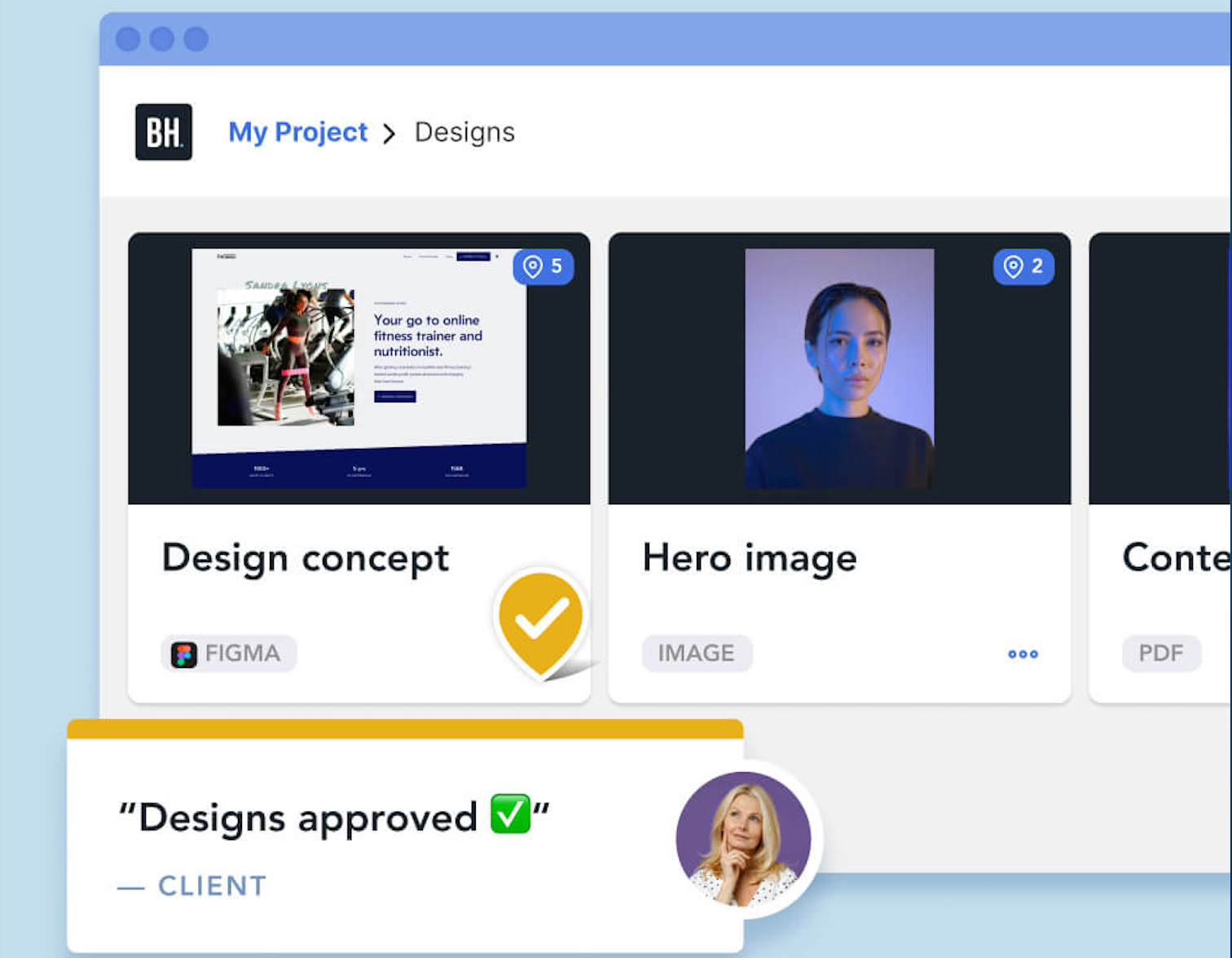
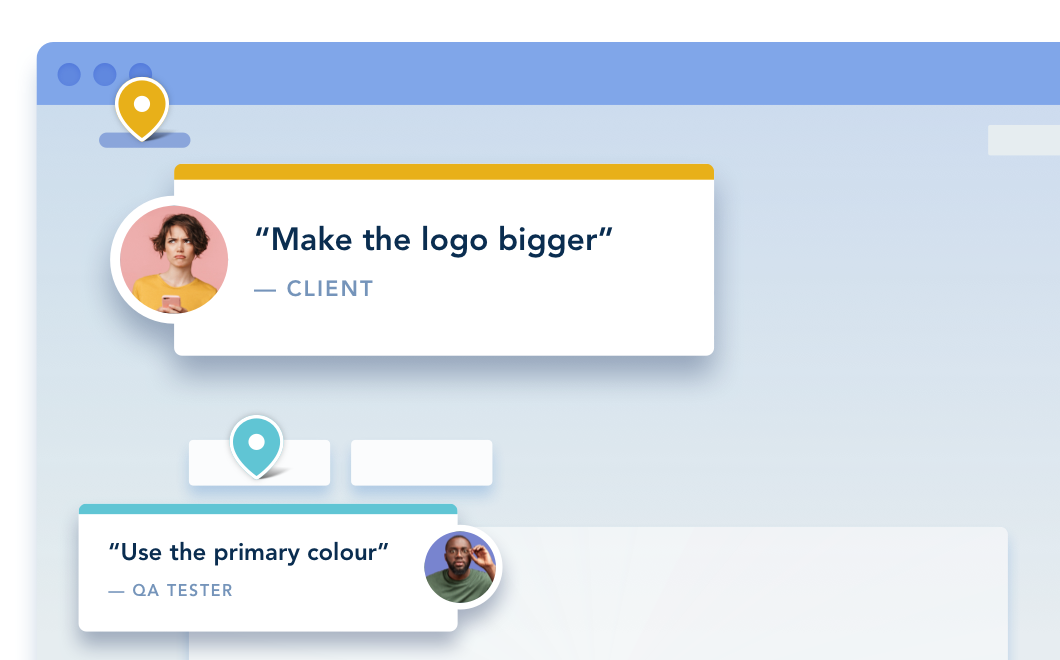
BugHerd is best for collecting design feedback on live websites because clients can pin comments directly to page elements along with an automatic screenshot and technical context. It’s ideal for agencies and web teams who want faster approvals and fewer revision cycles. It is less suited for teams who only review design files and never need on-page context.
It combines point‑click feedback, automatically captures screenshots and user technical details, and pushes feedback into a Kanban‑style task management board - all in a single workflow.
This is what makes it stand out from other tools. Pins sit directly on live websites, staging sites, or design documents, removing ambiguity and saving designers and developers hours. Deep two-way integrations keep agency workflows in sync so teams don't have to toggle between different platforms.
The BugHerd design feedback tool helps agencies and web development teams deliver polished websites on time and with less back‑and‑forth. Its low‑friction client experience combined with the automatic screenshot and technical capture, makes user interactions quick and simple, shortens review cycles, and reduces rework.
Who is BugHerd designed for?
BugHerd is designed for agencies, creative teams, and web development teams managing multiple client websites. It's also designed for project managers who want a client‑friendly project management system that turns client feedback straight into tasks so that they can be easily managed and actioned.
What are the key features of BugHerd?
The key features of BugHerd are:
- Visual point‑and‑click feedback tied to exact elements on a web page, PDF, image, Figma file, etc. Clients and stakeholders simply use the arrow icon to click directly on any element and drop a pin/comment (like sticky notes on a page).
- Capture feedback via video and leave feedback on multi-step interactions, animations, and anything else that’s difficult-to-describe with written words alone.
- Automatic screenshot & user tech details captured including browser, OS, URL, screen size, resolution, etc.
- Task tracking via a built‑in Kanban board to assess, assign, prioritize, and action feedback. BugHerd also keeps clients updated by allowing them access to the task board (you determine the level of access), for real time visibility, especially on critical issues.
- BugHerd has deep two-way integrations with all project management tools such as ClickUp, monday.com, Asana, Trello, Jira and more; as well as supporting integrations with collaboration tools like Slack & Microsoft Teams, and developer tools like GitHub. BugHerd also has a fully featured API and Webhook support enabling custom integrations with any application.
- No client login required. Clients and stakeholders are sent a link and they can start leaving feedback right away without having to set up a login.
What are the Pros and Cons of BugHerd?
BugHerd Pros:
- Easiest design feedback tool for clients to use
- No login required for clients
- Excellent contextual feedback makes actioning tasks quick and easy
- Deep two-way integrations
- Works on live and staging websites
- Feedback is organized by page
- All-in-one feedback workflow (from capturing to managing feedback)
- Dramatically speeds up feedback loops
- Reduces revision misunderstandings
- Helps teams hit deadlines
BugHerd Cons:
- Not ideal for deep prototype reviews
- Not suited for early design iteration
- Mobile app not fully developed
How much does BugHerd cost?
- Standard: $42/month (5 members - unlimited projects - unlimited guests)
- Studio: $67/month (10 members - unlimited projects - unlimited guests)
- Premium: $125/month (25 members - unlimited projects - unlimited guests)
- Custom: Custom pricing available for large teams
Find out more about what's included in each of the BugHerd pricing plans.
Does BugHerd offer a free trial?
BugHerd offers a free 7-day trial where you can check out all of the features. No credit card is required.
You can also book a 1:1 demo with a BugHerd product specialist where all of your questions will be answered on the spot.
“Love the ease in which our clients can give feedback on our websites and request revisions.” - Corinne F, Agency Owner, G2 review
#2. Filestage
Filestage is best for structured content reviews and approvals because it centralises feedback, versioning, and sign-off across files and stakeholders. It works well when teams need clear approval stages and audit trails for creative or marketing assets.
Who is Filestage designed for?
Filestage is designed for creative agencies managing campaign assets, video producers, brand teams, and marketing team members who require formal approvals.
What are the key features of Filestage?
- Multi‑format review across video, images, PDFs, and documents.
- Time‑stamped video comments for feedback on motion and edits.
- Branded client portals for professional approvals at scale.
What are the Pros and Cons of Filestage?
Filestage Pros:
- Works for multiple file types
- Easy to use for teams & clients
- Centralizes feedback & approvals
Filestage Cons:
- Steeper onboarding for new reviewers
- Some UI parts not intuitive
- Limits on project structure in certain plans
How much does Filestage cost?
- Free Forever Plan (very limited)
- Starter: $249/month
- Business: $399/month
- Enterprise: Custom pricing
Find out more about what's included in each of the Filestage pricing plans.
Does Filestage offer a free trial?
Filestage offers a free forever plan for individuals, and a 14-day free trial of the Business plan.
#3. Figma
Figma is best for real-time design collaboration because teams can comment, iterate, and version designs inside a shared file. It’s ideal for design-first workflows but less suited for collecting feedback on live websites.
Who is Figma designed for?
Figma is designed for designers, product teams, and stakeholders who need fast, collaborative feedback during the design process.
What are the key features of Figma?
- Real-time collaboration
- Comments on designs
- Interactive prototypes
- Version history
What are the Pros and Cons of Figma?
Figma Pros:
- Feedback stays in context
- Great for collaboration
- No files to manage
Figma Cons:
- Not ideal for live websites
- Can overwhelm non-designers
- Limited approval workflows
How much does Figma cost?
- Starter: $0
- Professional: Plans range from $5 to $20/month
- Organization: Plans range from $5 to $55/month
- Enterprise: Plans range from $5 to $90/month
Find out more about what's included in each of the Figma pricing plans.
Does Figma offer a free trial?
Figma doesn't offer a free trial as a free plan is available.
#4. Zeplin

Zeplin is best for design-to-developer handoff because it translates design specs into developer-ready assets and guidelines. It’s most useful after designs are approved, not during early feedback or client review stages.
Who is Zeplin designed for?
Zeplin is designed for designers and developers who need clear specs and structured feedback during handoff.
What are the key features of Zeplin?
- Commenting on screens
- Design specs and measurements
- Versioned designs
- Asset management
What are the Pros and Cons of Zeplin?
Zeplin Pros:
- Clear handoff feedback
- Great for dev alignment
- Keeps designs organized
Zeplin Cons:
- Limited visual annotations
- Not ideal for clients
- Weak for early design feedback
How much does Zeplin cost?
- Free Forever Plan (very limited)
- Basic: $15/project/month
- Advance: $15/member/month
- Enterprise: Custom pricing
Find out more about what's included in each of the Zeplin pricing plans.
Does Zeplin offer a free trial?
Zeplin doesn't offer a free trial as a free plan is available.
#5. Markup.io
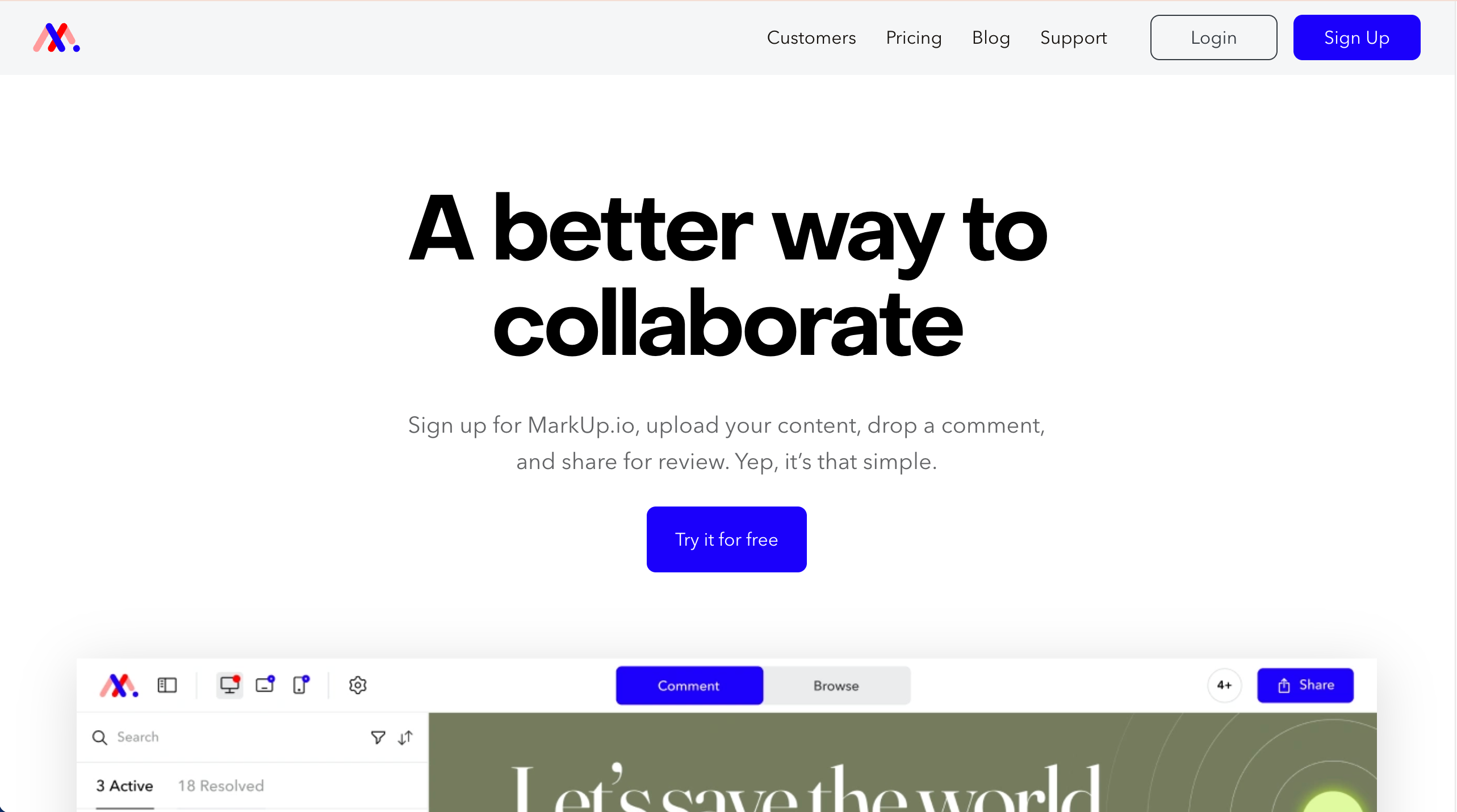
MarkUp.io is best for collecting visual feedback on websites and images through simple annotation and sharing links. It suits teams that need a very lightweight, browser-based feedback without complex workflows.
Who is MarkUp.io designed for?
MarkUp.io is designed for freelancers and small teams who want simple, visual feedback. For agency‑scale work or dev workflows, tools like BugHerd fit better.
What are the key features of MarkUp.io?
- Basic annotations: draw, highlight, and text comments on static and web captures.
- Lightweight notifications to keep threads moving.
- Mobile‑responsive reviewing for quick checks on any device.
What are the Pros and Cons of MarkUp.io?
Pros:
- Relatively easy to use
- Works across file types
- Fast client feedback
Cons:
- Limited project management
- Pricing is expensive compared to similar tools
- Not built for large teams
How much does MarkUp.io cost?
- Pro: $79/month
- Custom pricing: Get in touch with the MarkUp.io team
Find out more about what's included in each of the MarkUp.io pricing plans.
Does MarkUp.io offer a free trial?
Yes, MarkUp.io offers a 30-day free trial.
#6. Marker.io
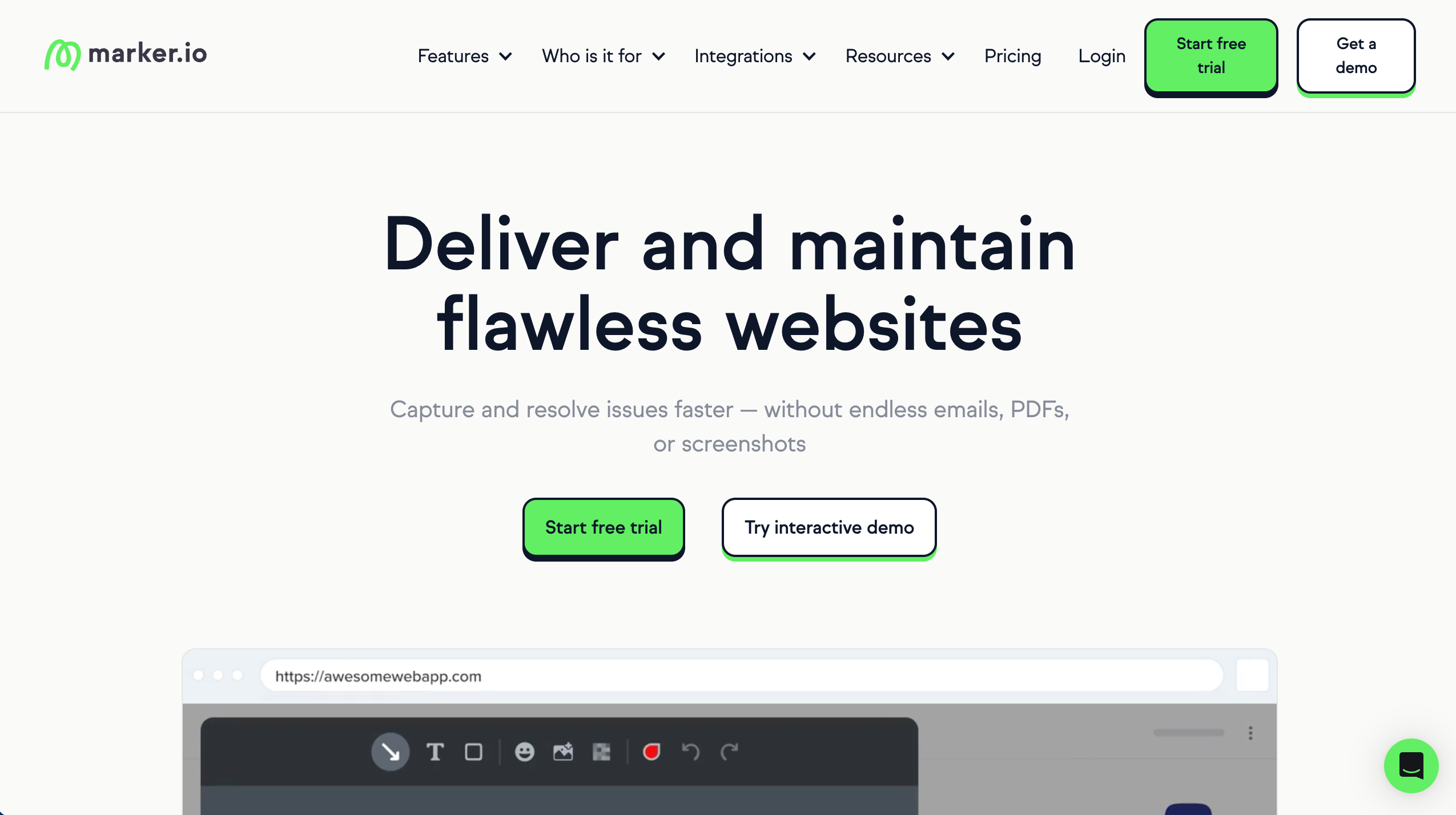
Marker.io is best for capturing website bugs and visual feedback and sending them directly into development tools. It’s designed for teams that want client-reported issues to become structured tickets quickly.
Who is Marker.io designed for?
Marker.io is designed for dev teams and agencies that work inside issue trackers.
What are the key features of Marker.io?
- One‑click capture with console logs, environment data, and repro context for devs.
- Custom fields and routing rules to fit existing issue templates.
- Browser overlays for visual annotation on live sites or apps.
What are the Pros and Cons of Marker.io?
Marker.io Pros:
- Strong dev workflow fit
- Reduces back-and-forth
- Feedback includes context
Marker.io Cons:
- Less client-friendly
- Not design-first
- Can get expensive
How much does Marker.io cost?
- Starter: $59/month
- Team: $199/month
- Business: Custom pricing paid yearly
Find out more about what's included in each of the Marker.io pricing plans.
Does Marker.io offer a free trial?
Yes, Marker.io offers a 15-day free trial.
#7. Usersnap
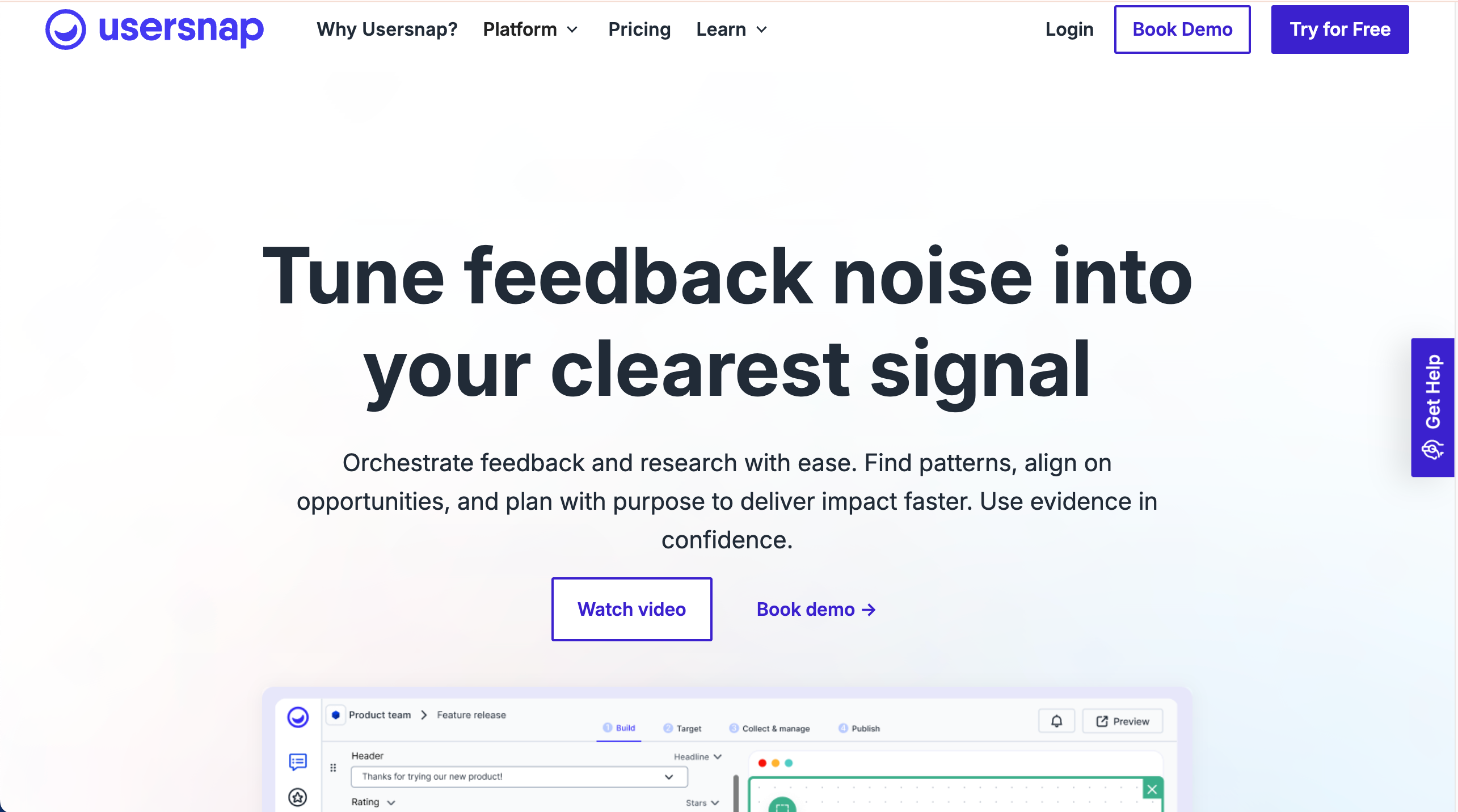
Usersnap is best for user feedback and bug reporting because it captures screenshots, metadata, and user context automatically. It works well for product teams gathering feedback from live environments.
Who is Usersnap designed for?
Usersnap is designed for enterprises and product orgs needing a feedback process across CX, product, and QA with reporting and governance.
What are the key features of Usersnap?
- Feedback across bugs, feature requests, and surveys with dashboards.
- Screenshot and video capture.
- Broad integrations across product and support stacks.
What are the Pros and Cons of Usersnap?
Usersnap Pros:
- Strong context capture
- Good for large teams
- Reliable feedback collection
Usersnap Cons:
- Can be expensive
- Less intuitive UI
- Overkill for small teams
How much does Usersnap cost?
- Starter: $53/month
- Growth: $121/month
- Professional: $216/month
- Premium: $432/month
Find out more about what's included in each of the Usersnap pricing plans.
Does Usersnap offer a free trial?
Yes, Usersnap offers a free trial.
#8. Userback
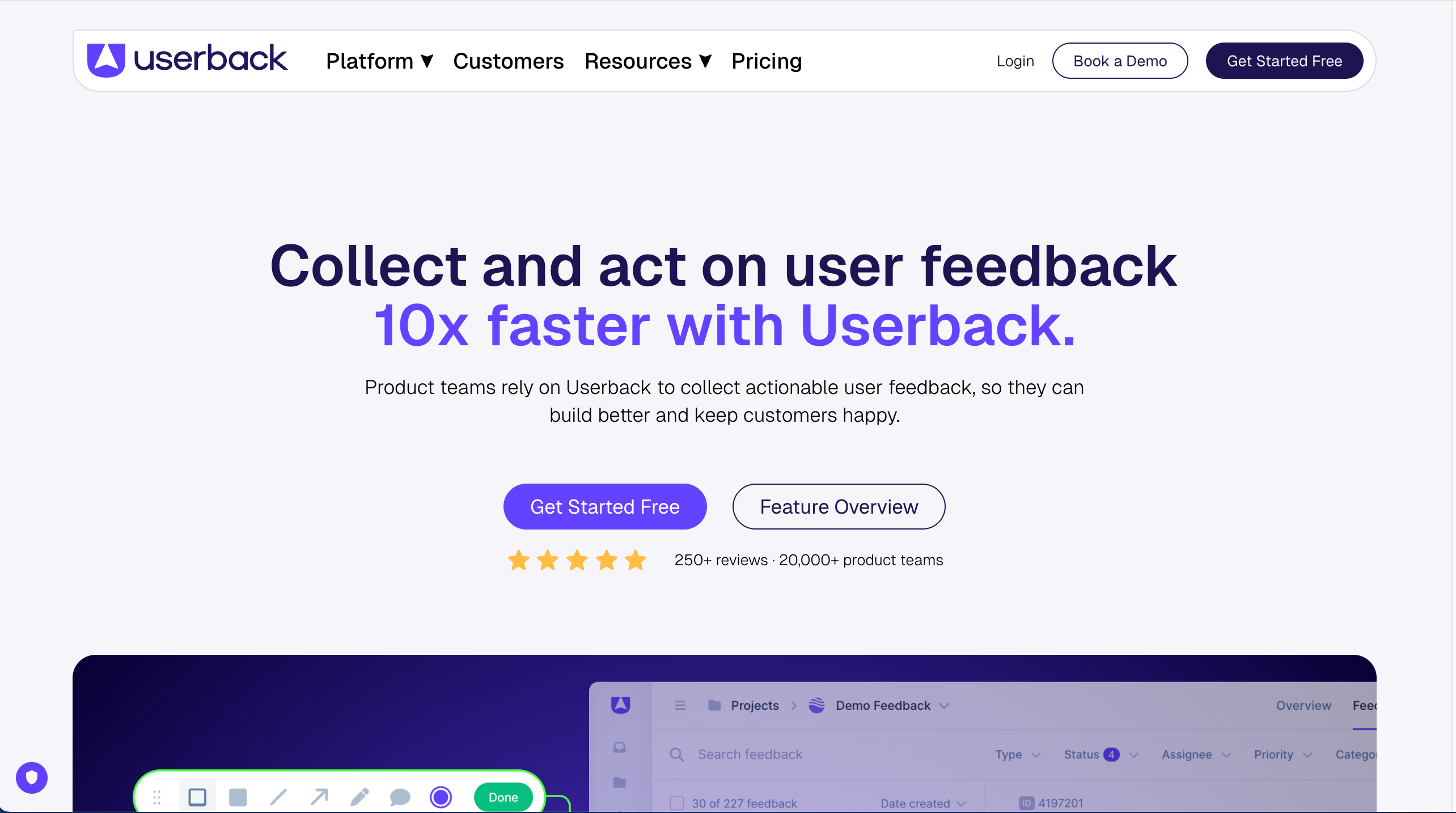
Userback is best for collecting in-app user feedback across websites and applications. It’s useful when teams want a mix of visual feedback, surveys, and feature requests in one tool.
Who is Userback designed for?
Product teams and QA who need structured feedback in‑app, with a balance of visual capture and developer context.
What are the key features of Userback?
- Visual bug reporting, video feedback, and console capture for web apps.
- Ready‑made integrations.
- Widget customization and segmenting for in‑app feedback.
What are the Pros and Cons of Userback?
Userback Pros:
- Rich feedback detail
- Multiple feedback types
- Flexible integrations
Userback Cons:
- Setup is not simple
- The platform can feel complex
How much does Userback cost?
- Free Forever Plan (very limited)
- Team: $9/seat/month
- Business: $19/seat/month
- Business Plus $29/seat/month
- Feature Portal add-on: $39/month
Find out more about what's included in each of the Userback pricing plans.
Does Userback offer a free trial?
Userback doesn't offer a free trial as a free plan is available.
#9. Pastel
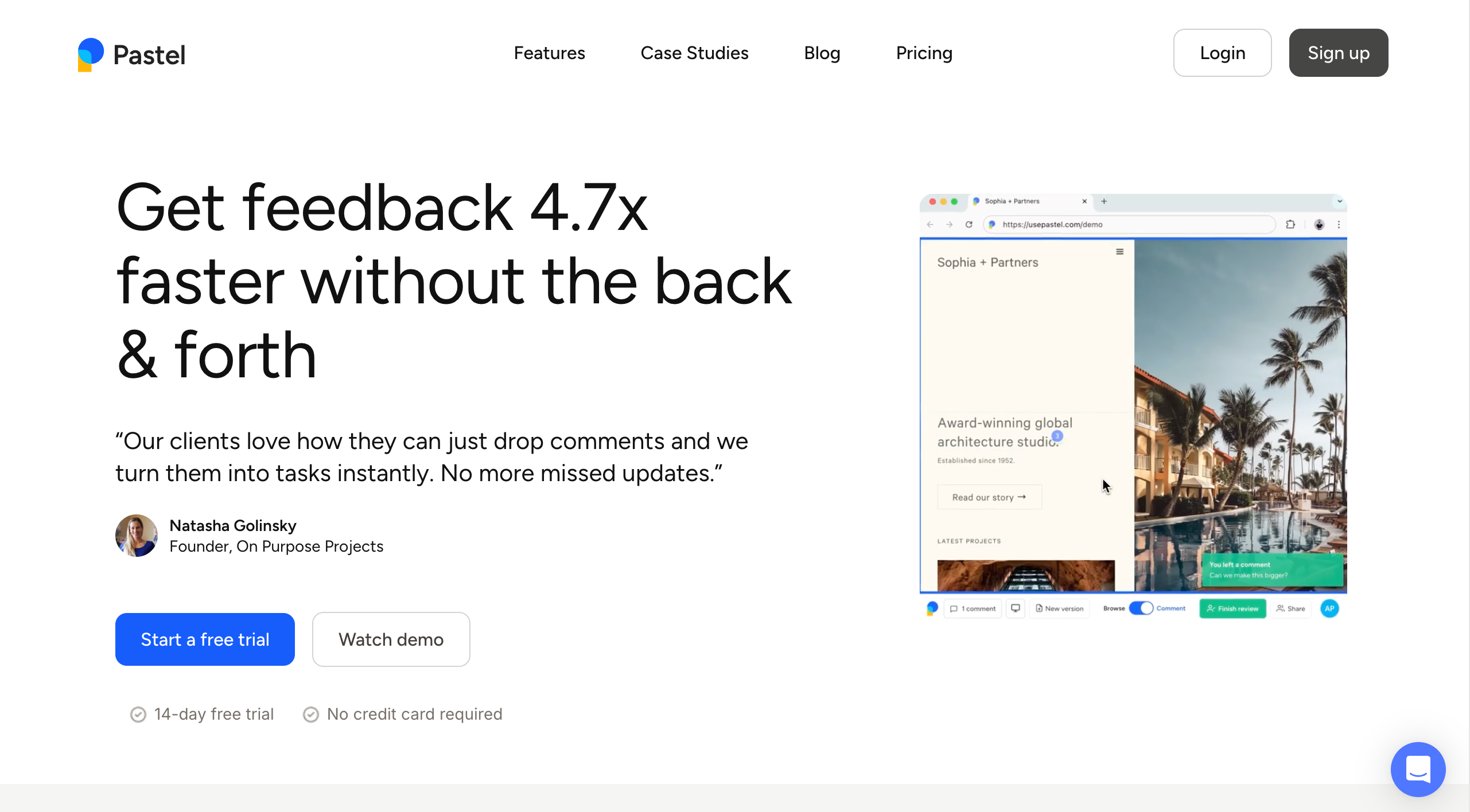
Pastel is best for visual feedback on live websites because comments can be pinned directly to page elements. It’s a good fit for designers sharing staging sites with clients.
Who is Pastel designed for?
Pastel is built for solo freelancers and individual designers who need quick, no-install link sharing for simple one-off reviews. It lacks the task management, technical metadata capture, and integration depth that agencies need when managing multiple clients and revision cycles.
What are the key features of Pastel?
- Simple one-off reviews
- Sticky-note style feedback
- Shareable review links
What are the Pros and Cons of Pastel?
Pastel Pros:
- Very client-friendly
- Quick to set up
- Lightweight tool
Pastel Cons:
- Limited technical context and task management
- Limited integrations
- Too basic for teams larger than 1-2
How much does Pastel cost?
- Free Forever Plan (very limited)
- Pro: $35/month
- Team: $119/month
- Enterprise: $450/month
Find out more about what's included in each of the Pastel pricing plans.
Does Pastel offer a free trial?
Yes, Pastel offers a free 14-day trial and a free plan.
#10. Ruttl
Ruttl is best for reviewing web designs, PDFs, and videos with visual comments and comparison tools. It’s suited to creative review workflows that involve multiple asset types and stakeholders.
Who is Ruttl designed for?
Ruttl is designed for designers and agencies reviewing live websites.
What are the key features of Ruttl?
- Live website annotations
- Mobile and desktop views
- Visual change suggestions
- Guest comments
What are the Pros and Cons of Ruttl?
Pros:
- Live website context
- Easy for clients
- Fast feedback loops
Cons:
- Fewer integrations
- UI can feel basic
- Less mature workflows
How much does Ruttl cost?
- Free plan: $0 (limited)
- Starter: $12/user/month
- Pro: $18/user/month
- Business: $90/user/month
Find out more about what's included in each of the Ruttl pricing plans.
Does Ruttl offer a free trial?
Ruttl doesn't offer a free trial as a free plan is available.
#11. Ziflow
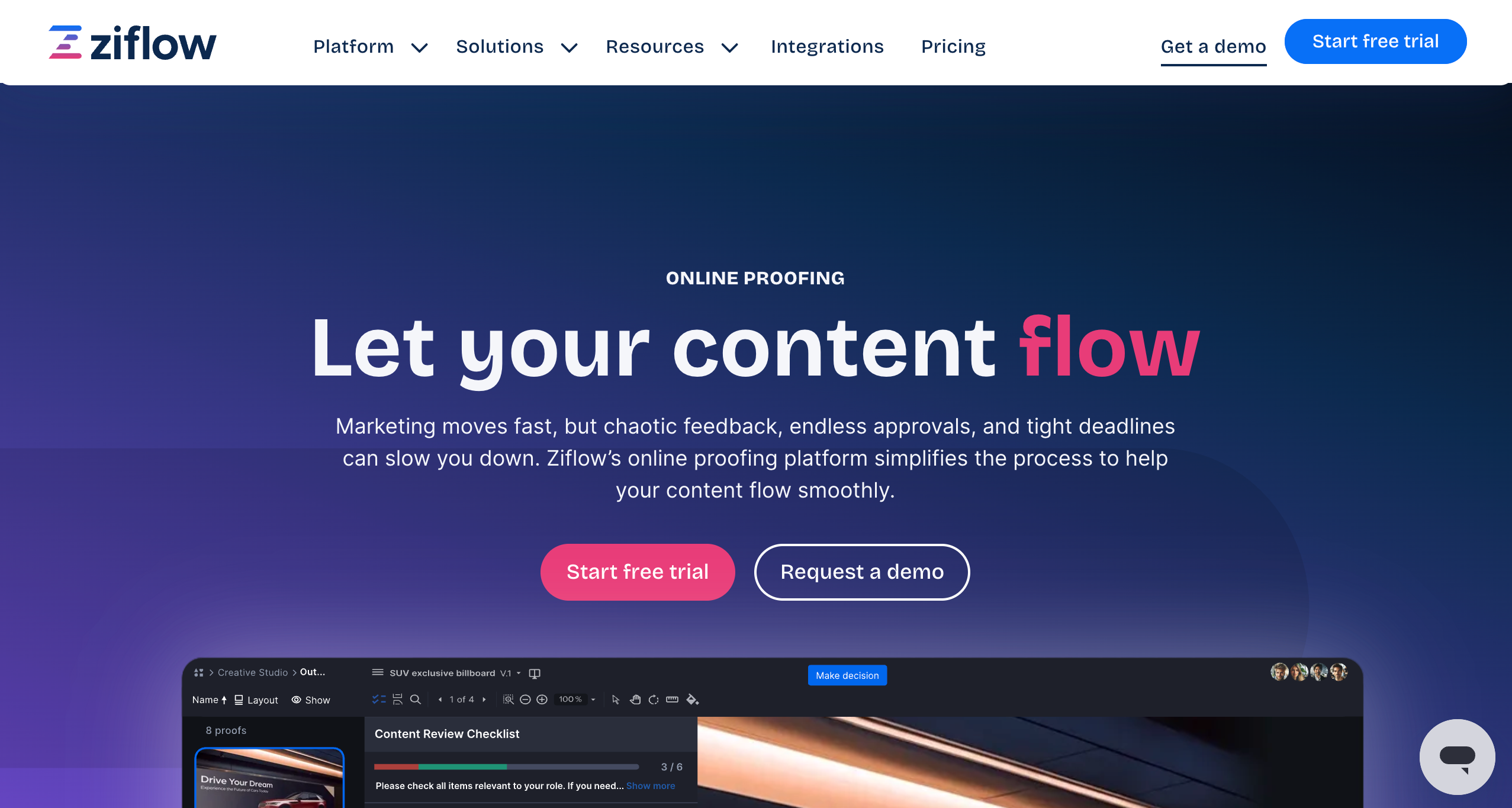
Ziflow is best for enterprise-grade creative approvals because it supports complex review workflows, permissions, and compliance needs. It’s commonly used by large teams managing regulated or high-volume content reviews.
Who is Ziflow designed for?
Ziflow is designed for enterprise teams with complex review workflows.
What are the key features of Ziflow?
- Versioned proofing
- Multi-stage approvals
- Audit trails
- Workflow automation
What are the Pros and Cons of Ziflow?
Ziflow Pros:
- Strong approval control
- Enterprise-ready
- Handles large volumes
Ziflow Cons:
- Expensive for small teams
- Steep learning curve
- Not design-first
How much does Ziflow cost?
- Free Forever Plan (very limited)
- Standard: $249/month
- Pro: $399/month
- Enterprise: Custom pricing
Find out more about what's included in each of the Ziflow pricing plans.
Does Ziflow offer a free trial?
Yes, Ziflow offers a free 14-day trial, as well as a free plan.
#12. Adobe Acrobat
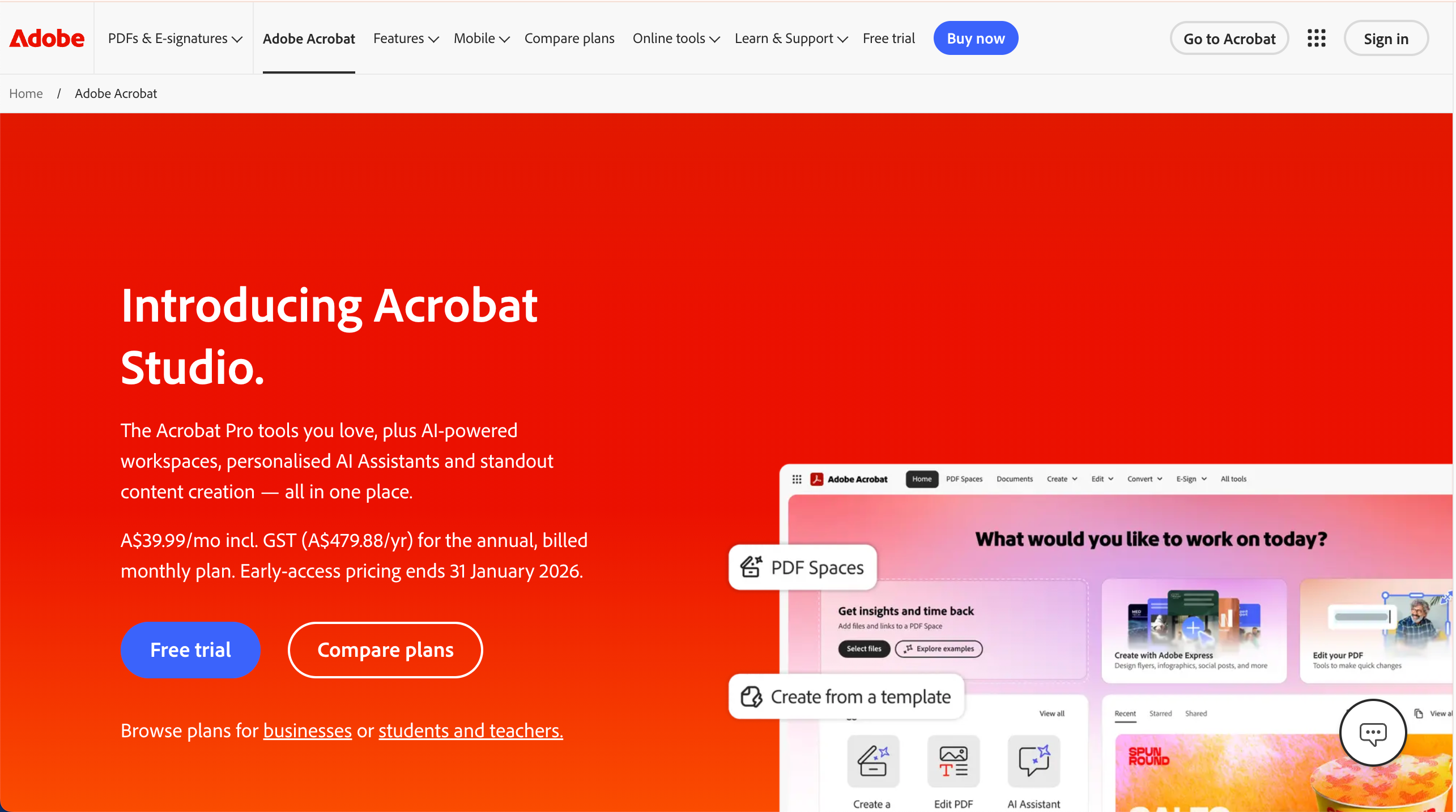
Adobe Acrobat is best for commenting and reviewing PDF documents with built-in annotation tools. It’s effective for document-centric workflows but limited for live website or design collaboration.
Who is Adobe Acrobat designed for?
Adobe Acrobat is designed for teams reviewing PDFs and final design proofs.
What are the key features of Adobe Acrobat?
- PDF annotations
- Comment threads
- Document sharing
- Version tracking
What are the Pros and Cons of Adobe Acrobat?
Pros:
- Industry standard
- Precise markup tools
- Familiar to clients
Cons:
- Not web-based feedback
- Limited collaboration
- Expensive for feedback only
How much does Adobe Acrobat cost?
- Individuals: Plans range from $12.99 - $24.99/month
- Business: Plans range from $14.99 to $27.74 /month per license
- Students & Teachers: Plans range from $19.99 to $24.99 /month
Find out more about what's included in each of the Adobe Acrobat pricing plans.
Does Adobe Acrobat offer a free trial?
Yes, Adobe Acrobat offers a free trial on its Acrobat Pro and Acrobat Studio plans.
#13. PageProof
PageProof is best for brand-controlled reviews and approvals where compliance and sign-off matter. It’s designed for marketing teams that need structured approval workflows and audit history.
Who is PageProof designed for?
PageProof is designed for creative and marketing teams managing approvals.
What are the key features of PageProof?
- Online proofing
- Approval workflows
- Version comparisons
- Unlimited reviewers
What are the Pros and Cons of PageProof?
Pros:
- Strong approval workflows
- Good for large teams
- Centralised feedback
Cons:
- Less flexible for early design
- Not live-site focused
- Can feel rigid
How much does PageProof cost?
- Team: $249/month
- Team Plus: $399/month
- Enterprise: Quote upon request
Find out more about what's included in each of the PageProof pricing plans.
Does PageProof offer a free trial?
Yes, PageProof offers a 10-day free trial.
#14. Miro
Miro is best for early-stage ideation and collaborative workshops because teams can brainstorm and map ideas visually. It’s less suitable for precise design feedback or formal approval workflows.
Who is Miro designed for?
Miro is designed for teams collaborating on ideas, flows, and concepts.
What are the key features of Miro?
- Infinite canvas
- Comments and reactions
- Templates and boards
- Real-time collaboration
What are the Pros and Cons of Miro?
Pros:
- Great for ideation
- Highly visual
- Flexible use cases
Cons:
- Not purpose-built for design feedback
- Can get cluttered
- Requires setup
How much does Miro cost?
- Free: $0 (limited)
- Starter: $8/member/month
- Business: $16/member/month
- Enterprise: On request
Find out more about what's included in each of the Miro pricing plans.
Does Miro offer a free trial?
Miro offers a free trial on its Business and Enterprise plans only.
#15. ProofHub

ProofHub is best for managing projects with built-in proofing and collaboration features. It works well when teams want task management and feedback in a single workspace.
Who is ProofHub designed for?
ProofHub is designed for teams that want feedback and task tracking together.
What are the key features of ProofHub?
- File markup tools
- Task boards
- Discussions
- Approval tools
What are the Pros and Cons of ProofHub?
Pros:
- All-in-one platform
- Flat pricing
- Feedback tied to tasks
Cons:
- Not design-feedback specific
- Limited deep integrations
How much does ProofHub cost?
- Essential: $50/month
- Ultimate Control: $99/month
Find out more about what's included in each of the ProofHub pricing plans.
Does ProofHub offer a free trial?
Yes, ProofHub offers a free 14-day trial.
Which Design Feedback Tool is Best for Agencies and WebTeams?
BugHerd is best for agencies and web teams because it lets clients pin feedback directly to live websites and design assets while automatically capturing technical context, and turning all feedback into actionable tasks on a built-in Kanban board.
Choosing the right design feedback tool is about removing friction between people and workflows. For website-focused teams and agencies, BugHerd is the strongest option. It's easy for clients to give clear feedback and for teams to act on it so they can deliver web projects on time and to budget.
BugHerd offers a free 7-day trial where you can check out all of the features. No credit card is required.
You can also book a 1:1 demo with a BugHerd product specialist where all of your questions will be answered on the spot.
“Absolutely necessary! The streamlined communication between my team members, designers and clients has proven to be extremely useful. I always have BugHerd open in at least a few tabs (for different projects). I can't really imagine not using it.” - Brandon M, Software Engineer
Frequently Asked Questions About Design Feedback Tools
What is the best design feedback tool for agencies?
For agencies working on live websites, BugHerd is the leading design feedback tool because clients can pin comments directly to any page element without needing an account, and each comment automatically captures a screenshot and technical context. This removes ambiguity and reduces revision cycles. For design file review, tools like Figma or GoVisually are better suited.
Which design feedback tool should I choose?
If you want the fastest, clearest way to collect and manage feedback, the design feedback tool you should choose is BugHerd. It makes getting design feedback from client ridiculously easy. Your clients just point, click and comment on a web page, PDF, image, Figma file, etc. BugHerd grabs a screenshot, captures technical details, and creates a task for your team to manage. Goodbye endless emails and messy spreadsheets. BugHerd is trusted by 10,000+ companies, with 350,000+ users across 172 countries, making it a proven choice for agencies and web teams managing feedback at scale
How do design feedback tools improve client communication?
Design feedback tools improve client communication by eliminating ambiguity. They tie each comment to the exact element along with a screenshot and technical details, cutting back-and-forth clarification and reducing revision rounds significantly. Clients see clear communication and organized progress, while teams work from a single source of truth.
How do I collect design feedback on a live website from a non-technical client?
To collect design feedback on a live website from a non-technical client, install BugHerd via a small JavaScript snippet or browser extension, then share the staging or live URL with your client. They simply click any element on the page to leave a comment - no login or account setup required. BugHerd captures a screenshot and browser details automatically with each pin.
What design feedback tool is easiest for non-technical clients to use?
The design feedback tool that is easiest for non-technical clients to use is BugHerd because it is straightforward and easy to use. Clients love tools that simplify providing feedback, and make it easy to review design layouts without friction.
Can clients give design feedback without creating an account?
Yes, visual feedback tools like BugHerd use a no-login guest link. Clients click a URL and can start pinning comments immediately.
What’s the difference between design feedback tools and project management software?
The difference between design feedback tools and project management software is that design feedback tools capture and contextualize feedback, whereas PM enable teams to manage a project but do not collect design feedback in context.
What's the difference between a design feedback tool and an online proofing tool?
Design feedback tools (like BugHerd) are built for design feedback on live websites. They capture browser context and integrate with development workflows. Online proofing tools (like Ziflow or PageProof) are built for reviewing static assets like PDFs, video, and print files before publication.
What design feedback tool connects directly to developer task management?
BugHerd integrates two-way with Jira, Asana, ClickUp, Trello, Linear, and other tools, so design feedback pinned on the page automatically becomes a trackable developer task without any copy-paste.
Can design feedback tools integrate with WordPress?
Yes, design feedback tools can integrate with WordPress. BugHerd can be installed via a simple snippet or plugin on WordPress and most CMSs, enabling on‑page feedback on staging or production with minimal setup friction.
What features matter most when choosing a design feedback tool?
When choosing a design feedback tool, these are the features that matter most: Annotations directly on a page, in‑context visual pins, automatic screenshots with technical metadata, built-in task management, client‑friendly access, and native PM/dev integrations.
What are the best design feedback tools for agencies?
Here are some of the best design feedback tools for agencies:
BugHerd (great for visual design feedback tied to real context)
BugHerd lets reviewers click on live designs or staging sites to leave visual annotations, automatically capturing screenshots and technical metadata, then turning every comment into actionable tasks that integrate with agency workflows.
Userback (flexible multi-format feedback)
Userback supports annotations on web pages, design files, and visual assets, and integrates with popular project and task tools.
Marker.io (strong for structured review workflows)
Marker.io allows teams and clients to annotate designs and web pages directly and sends contextual feedback into tools like Jira and Trello, keeping design feedback organized within existing workflow systems.
Are design feedback tools safe to use with client work and sensitive files?
Professional platforms offer encryption, role‑based access, and compliance options; higher tiers add SSO, SOC 2 documentation, and IP controls for sensitive projects, validate against your security checklist. BugHerd is designed to protect your data from threats by applying security principles at every layer, while maintaining high performance. It actively monitors ongoing security, performance and availability 24/7/365.
How do design feedback tools improve the overall feedback process?
Design feedback tools improve the feedback process by centralising comments, enabling contextual feedback on designs, and helping teams collect feedback without switching between communication tools.
How do design feedback tools support creative teams working on creative projects?
Design feedback tools support creative teams by streamlining collaboration, simplifying reviewing designs, and keeping feedback tied to specific elements throughout the design process.
What design feedback tool works on both live websites and design files?
BugHerd supports feedback on live websites, staging sites, PDFs, images, and Figma files; making it the most versatile option for agencies handling full website build-and-review cycles.
What role does version control play in design feedback tools?
Version control helps teams track changes, avoid feedback on outdated designs, and maintain a clear version history during the review process.
How do I collect client feedback on websites?
To collect client feedback on websites, use a dedicated website feedback tool that lets clients click directly on the page to leave comments in context rather than relying on screenshots, emails, or spreadsheets. The easiest and most effective way to do this is with BugHerd.
Clients simply point and click on any element of a live or staging site, add visual feedback, and BugHerd automatically captures screenshots and technical details (like browser, URL, and screen size) and turns every comment into a task your team can act on. This removes confusion, keeps feedback organized, and helps you deliver changes faster.
Which tool is best for live website feedback vs design file feedback?
For live website feedback, BugHerd is the best choice because it lets reviewers pin comments directly to elements on a live or staging site and automatically captures technical context like browser, screen size, and URL. For design file feedback, BugHerd also works well with visual annotations on files. There are many design feedback tools that are also good for design file feedback but tools like Figma are a strong alternative when teams need real-time commenting and versioning inside design files rather than on-page website context.
Are design feedback tools useful for marketing teams and user testing?
Yes, marketing teams use design feedback tools to gather feedback on campaigns, landing pages, and social posts, while also supporting lightweight user testing workflows.

Marina Domoney
Marina Domoney is Marketing Communications Lead at BugHerd and a senior B2B marketer with 20+ years’ experience in SaaS and website delivery workflows. She’s worked closely with agencies, creative teams, and developers across countless web projects, giving her practical expertise in design and website feedback, approvals, and client collaboration.
Try BugHerd on your site
See feedback in context
Click anywhere to leave feedback directly on your website.






But don't just take our word for it.
BugHerd is loved by 10,000+ companies,
350,000+ users across 172 countries.
4.8/5
4.7/5
4.5/5
5/5
8.7/10
Sam Duncan 📱📏 🌱
@SamWPaquet
"@bugherd where have you been all my life??
We just migrated our bug tracking over from Asana and have at least halved our software testing time🪳👏📈. "
Ashley Groenveld
Project Manager
“I use BugHerd all day every day. It has sped up our implementation tenfold.”
Sasha Shevelev
Webcoda Co-founder
"Before Bugherd, clients would try to send screenshots with scribbles we couldn't decipher or dozens of emails with issues we were often unable to recreate."
Mark B
Developer
“A no-brainer purchase for any agency or development team.”
Kate L
Director of Operations
"Vital tool for our digital marketing agency.”
Paul Tegall
Delivery Manager
"Loving BugHerd! It's making collecting feedback from non-tech users so much easier."
Daniel Billingham
Senior Product Designer
“The ideal feedback and collaboration tool that supports the needs of clients, designers, project managers, and developers.”
Chris S
CEO & Creative Director
“Our clients LOVE it”
Emily VonSydow
Web Development Director
“BugHerd probably saves us
at least 3-4hrs per week.”