

.png)
Contents:
- Key Takeaways
- What are Markup Tools?
- Types of Markup Tools
- Best Markup Tools Comparison Table (2026)
- What are the Best Markup Tools in 2026?
- Free Markup Tools: Are They Worth It?
- Common Mistakes When Choosing a Markup Tool
- Markup Tool Evaluation Checklist
- What are the Best Markup Tools for Agencies & Web Development Teams?
- Frequently Asked Questions
Key Takeaways
- Markup tools make feedback faster and clearer by letting reviewers comment directly on websites, PDFs, images, and design files instead of relying on email or screenshots.
- Different markup tools serve different purposes. Some are built for website QA, others for creative reviews, PDF collaboration, or design approvals.
- For website projects, look for automatic technical capture such as screenshots, browser, device, operating system, and URL information to help developers reproduce issues quickly.
- The best markup tool depends on your workflow. Agencies, design teams, product teams, and legal or document reviewers all have different collaboration needs.
- Free markup tools can work for simple reviews, but paid platforms typically include workflow automation, task management, integrations, and collaboration features that save significant time.
- Choosing the right markup tool can reduce revision rounds, improve communication, and speed up project delivery by keeping feedback organized and actionable.
What are Markup Tools?
Markup or drawing tools are software platforms or browser-based solutions that allow you to visually annotate and comment on digital content such as websites, PDF files, images, design files, Figma files, etc. These software platforms streamline feedback, clarify bug reports, and simplify workflows for agencies, dev teams, and clients, turning a messy feedback process into clarity.
Website-specific markup platforms enable direct, in-context annotations right on live web pages, automatically capturing technical data to simplify developer fixes. Design and PDF tools focus on enhancing creative workflows, ensuring compliance, and facilitating document reviews.
If you're looking for a markup tool built specifically for website reviews, BugHerd's Markup Tool makes it easy for clients and stakeholders to point, click and leave feedback directly on a live website. Every comment automatically includes a screenshot, page URL, browser, operating system and other technical details, helping developers reproduce and resolve issues faster.
Want to improve your website review process? Check out our Website Markup Workflows: A Guide to Faster Website Reviews, where we walk through the review process used by leading agencies - from collecting feedback on staging sites to managing approvals and reducing revision rounds.
Types of Markup Tools
Website
Best for real-time website feedback, bug reporting, and client communication.
- With platforms like BugHerd you can annotate directly in the browser. They capture browser details, device information, and turn every reported issue an into assigned tasks for designers and developers to action.
Best for documents, legal workflows, and regulated environments.
- Adobe Acrobat and Foxit lead this category with support for commenting, highlights, signatures, and collaboration. Essential legal, finance, or documentation-heavy industries.
Image & Design Files
Best for creative teams, designers, and a solid collaboration process.
- MarkUp.io, Figma, and Ziflow integrate with design platforms, supporting layered markups, artboard management, and audit cycles.
Video
Best for multimedia and agencies working on video content.
- Frame.io and Filestage are comment tools that enable frame-by-frame commenting, time-coded input, and collaborative video feedback.
Free vs Paid
Best for individual users, students, or small projects.
- AnnotateWeb and Diigo offer free web page annotation with basic functionality. Free tiers often lack key features such as integrations, team management, and workflow automation. Agencies see strong ROI when using a paid tool that eliminates manual steps, organizes input, and reduces revision cycles.
Markup Tools Comparison Table (2026)
Note: Atarim & Annotate Web do not have a G2 rating
What are the Best Markup Tools in 2026?
#1. BugHerd
Who is BugHerd designed for?
BugHerd is designed for digital agencies, web development teams, designers, QA testers and marketing teams that need a faster way to collect, manage and resolve website feedback. It's purpose-built for reviewing live websites and other digital assets, making it ideal for client reviews, website QA, User Acceptance Testing (UAT) and ongoing website maintenance.
What are the key features of BugHerd?
Point-and-click website feedback
Web developers, web designers, clients, testers, etc, can use the arrow icon to click directly on any element of a live or staging website, and drop a pin/comment (like sticky notes on a page). You can also attach/upload files to provide more information. More on website markups
Document, image, design & PDF markups
BugHerd also supports input on software prototypes, PDF documents, images, and design files. How to check designs, images and docs using BugHerd
Video feedback
BugHerd lets you expand how you provide input on web pages and report bugs, by enabling you to create a recorded video along with audio. It’s the easy way to leave feedback on multi-step interactions, animations, and anything else that’s difficult-to-describe with written words alone. Capturing feedback via video with BugHerd
Automatic metadata capture
When an issue is reported, BugHerd automatically captures relevant technical details: browser type/version, operating system, screen resolution, element selector, URL, etc. This gives developers the context they need without having to ask follow-up questions. How BugHerd captures metadata
Built-in Kanban-style task board
Each note is automatically converted into tasks on a board view where you can easily assign, prioritize, and action each task, and receive notifications via messages. This makes QA cycles more visible and manageable. Easy task tracking with BugHerd
BugHerd MCP
Your AI agent and BugHerd can now talk to each other, helping you to triage and resolve your website feedback queue by actually making changes directly in your codebase, CMS or design tool. Learn more about BugHerd's AI workflow
BugHerd two-way integrations
BugHerd has deep two-way integrations with platforms that you already use (e.g., Jira, Trello, Asana, etc). This ensures input flows into existing workflows rather than requiring duplication. See all BugHerd integrations
Guest/client friendly feedback
Non-technical clients or stakeholders don’t need to set up a log in or intall anything. They can provide feedback easily via a share link. More on no client login
Public feedback widget
BugHerd includes a public widget that you can enable so that website visitors can add comments or bug reports directly on the site. This supports ongoing QA/monitoring post-launch. Capturing feedback from all website visitors
What are the Pros and Cons of BugHerd?
BugHerd Pros
- Purpose-built for website feedback, QA and UAT workflows
- Automatically captures the technical information developers need to reproduce issues
- Extremely easy for clients and stakeholders to use
- Built-in task management eliminates the need for spreadsheets and long email chains
- Extensive integrations with project management and developer tools
BugHerd Cons
- Designed primarily for website projects rather than general creative proofing
- Some advanced collaboration, branding and premium integrations are only available on higher-tier plans
- Teams looking exclusively for PDF or video review workflows may prefer a specialist tool
How much does BugHerd cost?
BugHerd plans start at $42/month for up to 5 members, including unlimited projects and unlimited guests.
Does BugHerd offer a free trial?
Yes. BugHerd offers a 7-day free trial (no credit card required), with access to its core features, allowing teams to evaluate the platform before purchasing. No credit card is required to get started.
“BugHerd helps you get rid of the cumbersome process of bug reporting … Its visual and collaborative design outshines traditional bug trackers.” - Almas Web Consulting
#2. Usersnap
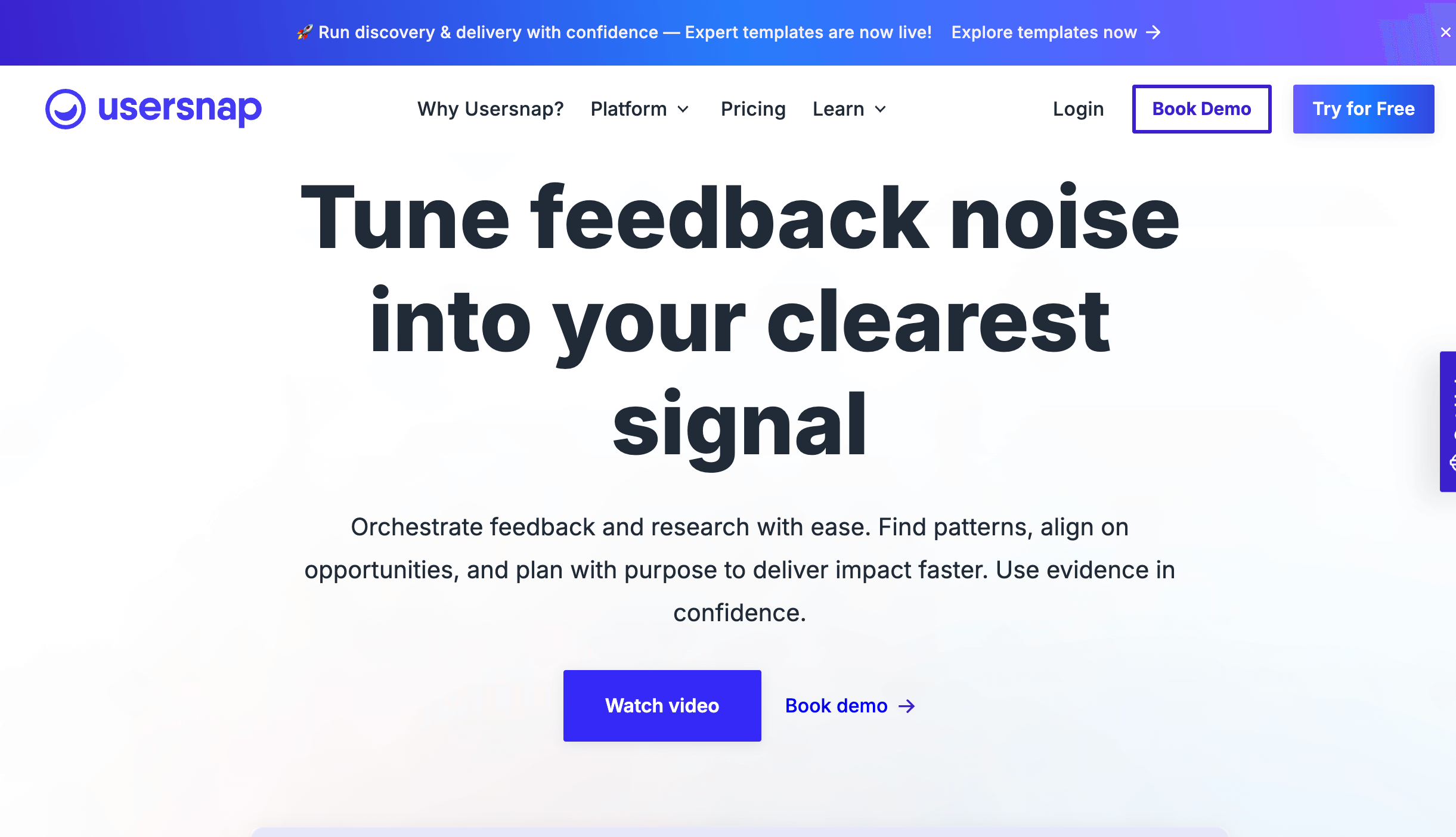
Who is Usersnap designed for?
Usersnap is designed for SaaS companies, product teams and customer experience teams that collect user feedback, bug reports and feature requests throughout the product lifecycle. It's particularly useful for organisations running continuous product development.
What are the key features of Usersnap?
- Visual bug reporting
- Screenshot annotation
- User feedback widgets
- Customer satisfaction surveys
- Integrations with Jira, Slack, Asana and Zendesk
What are the Pros and Cons of Usersnap?
Usersnap Pros
- Strong product feedback capabilities
- Combines bug reporting with customer insights
- Easy to embed into web applications
Usersnap Cons
- Better suited to software products than agency website reviews
- Workflow management is less comprehensive than some competitors
- Pricing can increase for larger teams
How much does Usersnap cost?
Usersnap plans start at $52/month, with Business and Enterprise plans available.
Does Usersnap offer a free trial?
Yes. Usersnap offers a 15-day free trial.
#3. Marker.io

Who is Marker.io designed for?
Marker.io is designed QA teams and professionals that want to send website bug reports directly into issue-tracking platforms such as Jira, Linear, Azure DevOps and GitHub. It's ideal for teams that already manage development work in dedicated project management tools.
What are the key features of Marker.io?
- Website bug reporting widget
- Automatic screenshot capture
- Browser, operating system and device capture
- One-click issue creation in Jira, Linear, GitHub and more
- Session and console logs
- Customisable feedback forms
What are the Pros and Cons of Marker.io?
Marker.io Pros
- Integrations with developer tools
- Automatically captures technical debugging information
- Streamlines issue creation for development teams
Marker.io Cons
- Requires external project management software
- Less suited to full client review and approval workflows
- Doesn't provide a dedicated visual task board
How much does Marker.io cost?
Marker.io plans start at $59/month, with higher-tier plans available for larger teams and additional integrations.
Does Marker.io offer a free trial?
Yes. Marker.io offers a 15-day free trial.
#4. Adobe Acrobat
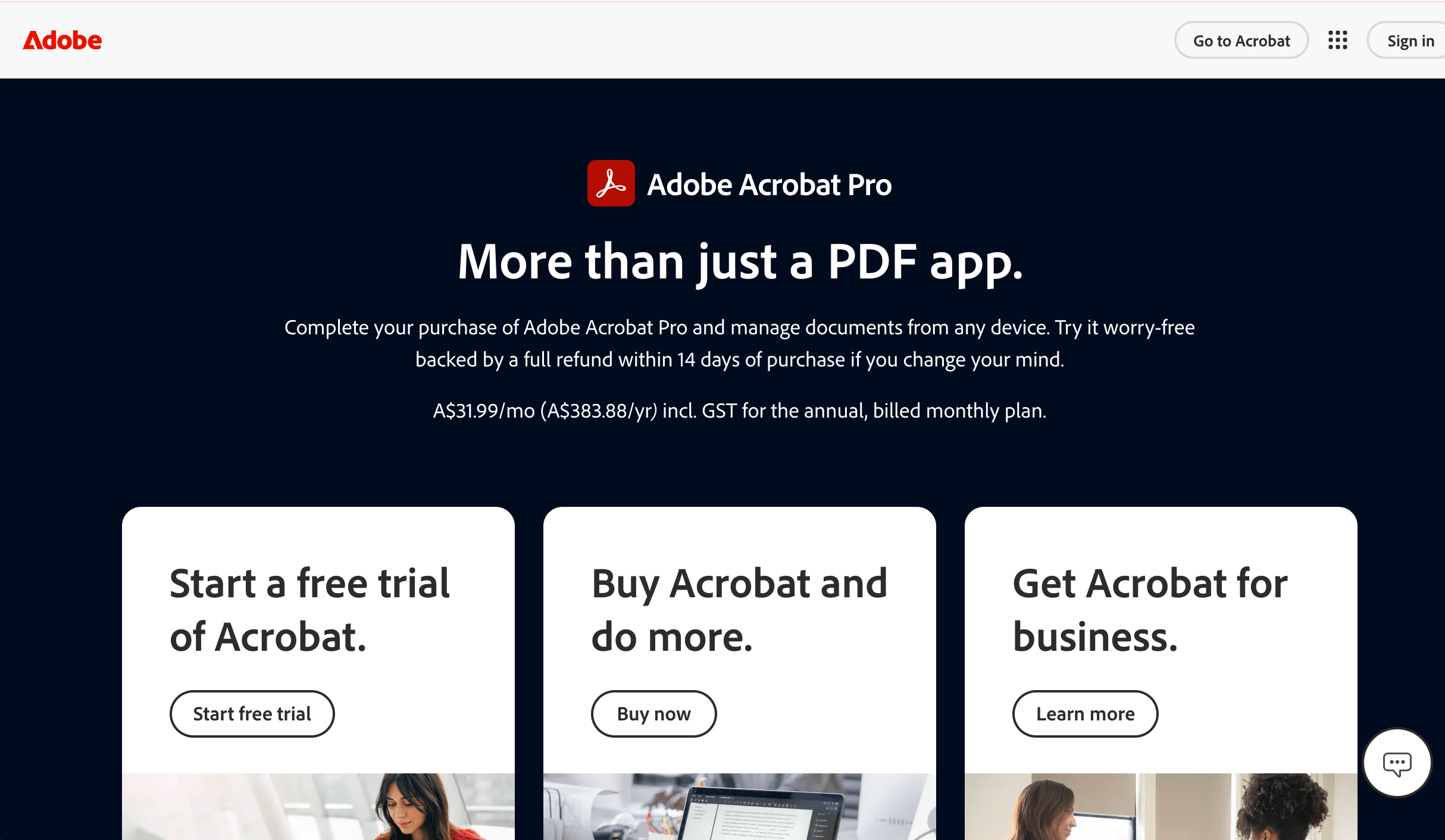
Who is Adobe Acrobat designed for?
Adobe Acrobat is designed for professionals and organisations that need to review, edit, annotate and approve PDF documents. It's widely used by legal teams, finance departments, government organizations and businesses that rely on document collaboration, electronic signatures and secure PDF workflows.
What are the key features of Adobe Acrobat?
- PDF annotation and commenting tools
- Highlighting, drawing and text markups
- Electronic signatures and form filling
- PDF editing and document conversion
- Password protection and security controls
- Cloud-based document sharing and collaboration
- Version tracking and approval workflows
What are the Pros and Cons of Adobe Acrobat?
Adobe Acrobat Pros
- Industry-leading PDF editing and annotation tools
- Excellent security and compliance features
- Powerful collaboration and eSignature capabilities
- Available across desktop, web and mobile devices
Adobe Acrobat Cons
- Designed specifically for PDFs rather than websites
- Subscription pricing can be expensive for occasional users
- More complex than lightweight markup tools
How much does Adobe Acrobat cost?
Adobe Acrobat Standard starts at US$14.99/month, while Acrobat Pro starts at US$19.99/month for individuals. Business and enterprise plans are also available.
Does Adobe Acrobat offer a free trial?
Yes. Adobe offers a 7-day free trial of Acrobat Pro.
#5. MarkUp.io

Who is MarkUp.io designed for?
MarkUp.io is designed for designers, marketers, creative teams and freelancers who need a collect visual feedback on websites, PDFs, images and other digital assets. It's best suited to teams looking for lightweight collaboration rather than full QA or project management workflows.
What are the key features of MarkUp.io?
- Visual comments on live websites
- Annotations for PDFs, images and videos
- Support for 30+ file types
- Shareable review links
- Team collaboration and threaded comments
- Basic notification system
What are the Pros and Cons of MarkUp.io?
MarkUp.io Pros
- Supports multiple file formats
- Clean and intuitive interface
- No software installation required
MarkUp.io Cons
- Limited workflow automation compared with dedicated QA tools
- Fewer project management features
- Higher pricing than some alternatives
- Doesn't automatically capture the same level of technical information as website QA tools
How much does MarkUp.io cost?
MarkUp.io's Pro plan starts at $79/month and includes unlimited reviewers and unlimited markups.
Does MarkUp.io offer a free trial?
Yes. MarkUp.io offers a 30-day free trial.
#6. Pastel
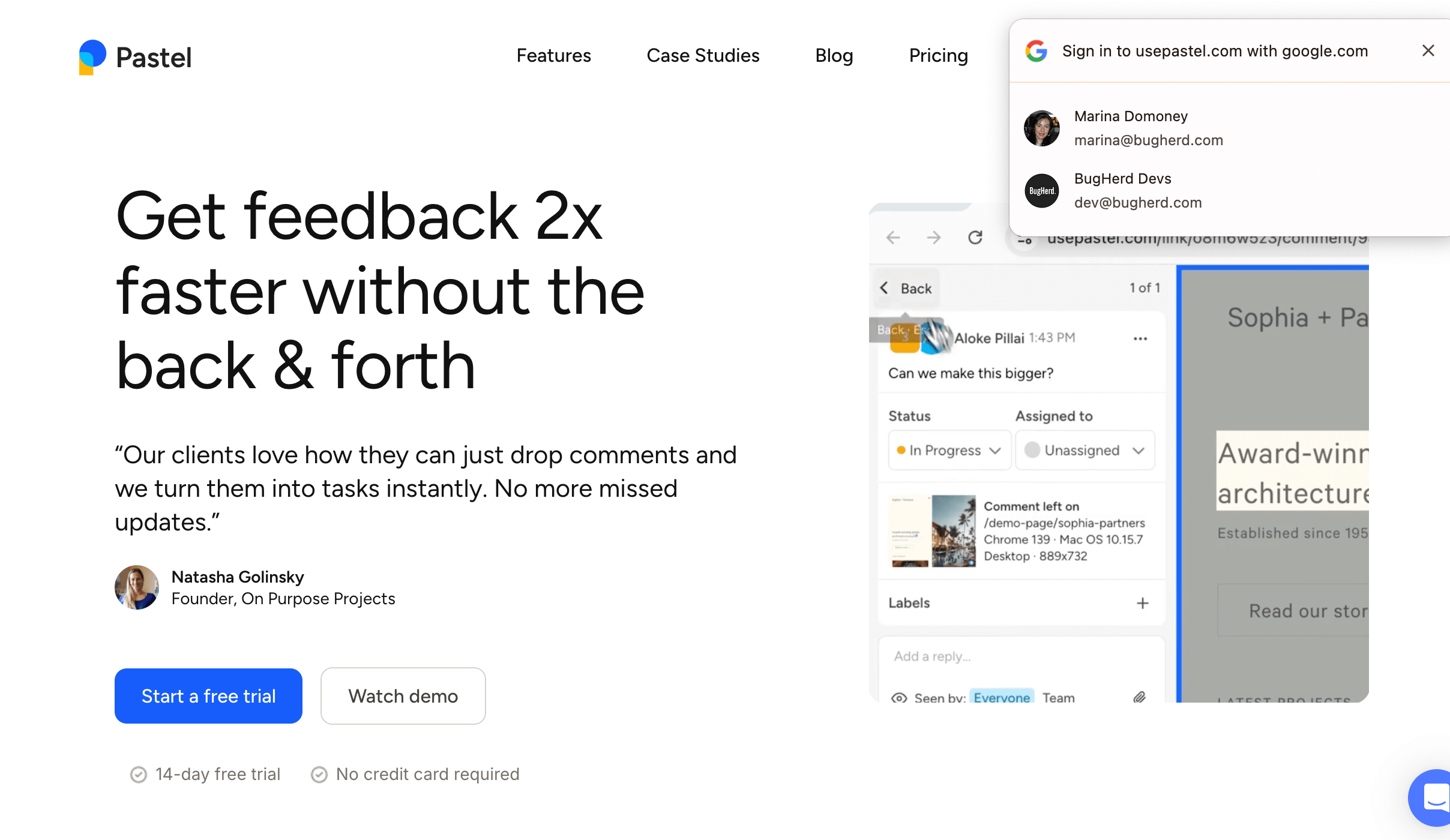
Who is Pastel designed for?
Pastel is designed for freelancers and small teams who need a simple way to collect visual feedback and client approvals on live websites. It works well for straightforward website review projects without requiring a complex setup.
What are the key features of Pastel?
- Point-and-click website commenting
- Visual annotations on live websites
- Client-friendly review experience
- Version history
- Website review dashboard
What are the Pros and Cons of Pastel?
Pastel Pros
- Fast setup
- Clean interface for website reviews
- Affordable entry-level pricing
Pastel Cons
- Primarily focused on website reviews
- Limited project management capabilities
- Free plan has significant restrictions
- Fewer integrations than some competitors
How much does Pastel cost?
Pastel's paid plans start at $35/month for two users, with higher-tier plans available for larger teams.
Does Pastel offer a free trial?
Yes. Pastel offers a 14-day free trial, as well as a limited free plan.
#7. Filestage

Who is Filestage designed for?
Filestage is designed for marketing and creative teams, and enterprise organizations managing structured review and approval workflows across videos, PDFs, documents, images and other creative assets.
What are the key features of Filestage?
- Review and approval workflows
- Annotations on videos, PDFs, images and documents
- Version comparison
- Approval stages and status tracking
- Workflow automation
- Integrations with popular business tools
What are the Pros and Cons of Filestage?
Filestage Pros
- Excellent multi-stage approval workflows
- Supports a wide range of file types
- Strong collaboration features
- Well suited to larger creative teams
Filestage Cons
- More expensive than many markup tools
- Less focused on live website QA
- Can be more complex for smaller teams
How much does Filestage cost?
Filestage offers a Free plan for small teams. Paid plans start at $249/month.
Does Filestage offer a free trial?
Yes. Filestage offers a 14-day free trial.
#8. Figma

Who is Figma designed for?
Figma is designed for UI/UX designers, product teams and design agencies that collaborate on interface design, wireframes, prototypes and design systems. It's ideal for teams creating digital products together in real time.
What are the key features of Figma?
- Real-time collaborative design
- Interactive prototyping
- Design comments and annotations
- Shared design libraries
- FigJam online whiteboards
- Extensive plugin ecosystem
What are the Pros and Cons of Figma?
Figma Pros
- Excellent real-time collaboration
- Powerful prototyping capabilities
- Huge integration and plugin ecosystem
Figma Cons
- Built for design rather than website QA
- Learning curve for non-designers
- Some advanced features require paid plans
How much does Figma cost?
Figma offers a free Starter plan. Paid plans begin at $12–16 per user/month, depending on the plan selected.
Does Figma offer a free trial?
Figma offers a generous free plan, allowing individuals and small teams to use many core features before upgrading.
#9. Ziflow
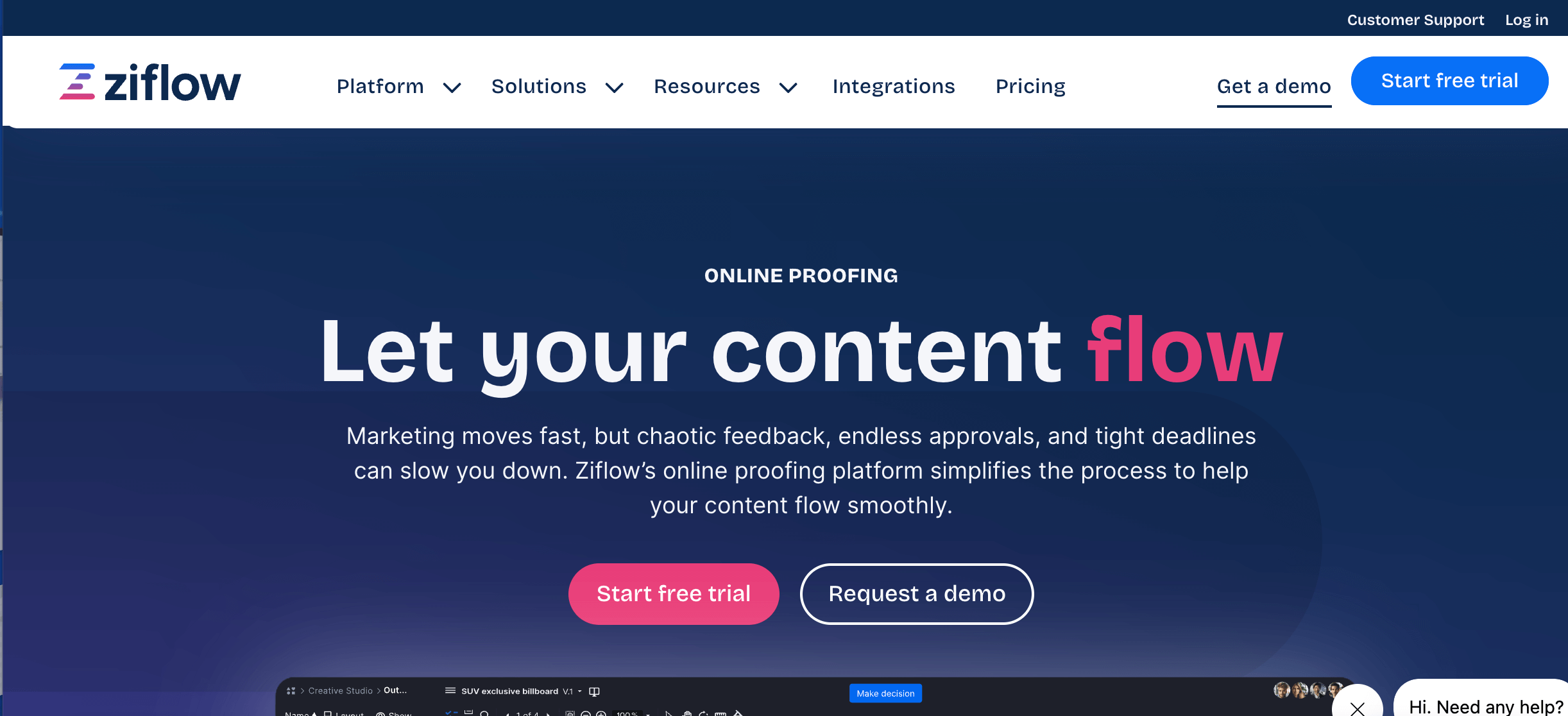
Who is Ziflow designed for?
Ziflow is designed for enterprise marketing, creative and compliance teams that manage complex content review and approval workflows. It's particularly well suited to organisations that require multiple approval stages, audit trails and governance over creative assets.
What are the key features of Ziflow?
- Multi-stage review and approval workflows
- Annotations for images, videos, PDFs and creative assets
- Automated approval routing
- Audit trails and compliance reporting
- Role-based permissions
- Integrations with Adobe Creative Cloud, Monday.com, Asana and more
What are the Pros and Cons of Ziflow?
Ziflow Pros
- Excellent workflow automation for large teams
- Strong governance and compliance features
- Supports a wide range of creative file types
- Powerful version control and approval tracking
Ziflow Cons
- Better suited to creative proofing than website QA
- Can be complex for smaller teams
- Custom pricing for enterprise features
How much does Ziflow cost?
Ziflow offers a Free plan for individuals. Paid plans start at $249/month for business teams, with enterprise pricing available on request.
Does Ziflow offer a free trial?
Yes. Ziflow offers a free plan, and paid plans can be evaluated through a free trial or product demo.
#10. Markup Hero
Who is Markup Hero designed for?
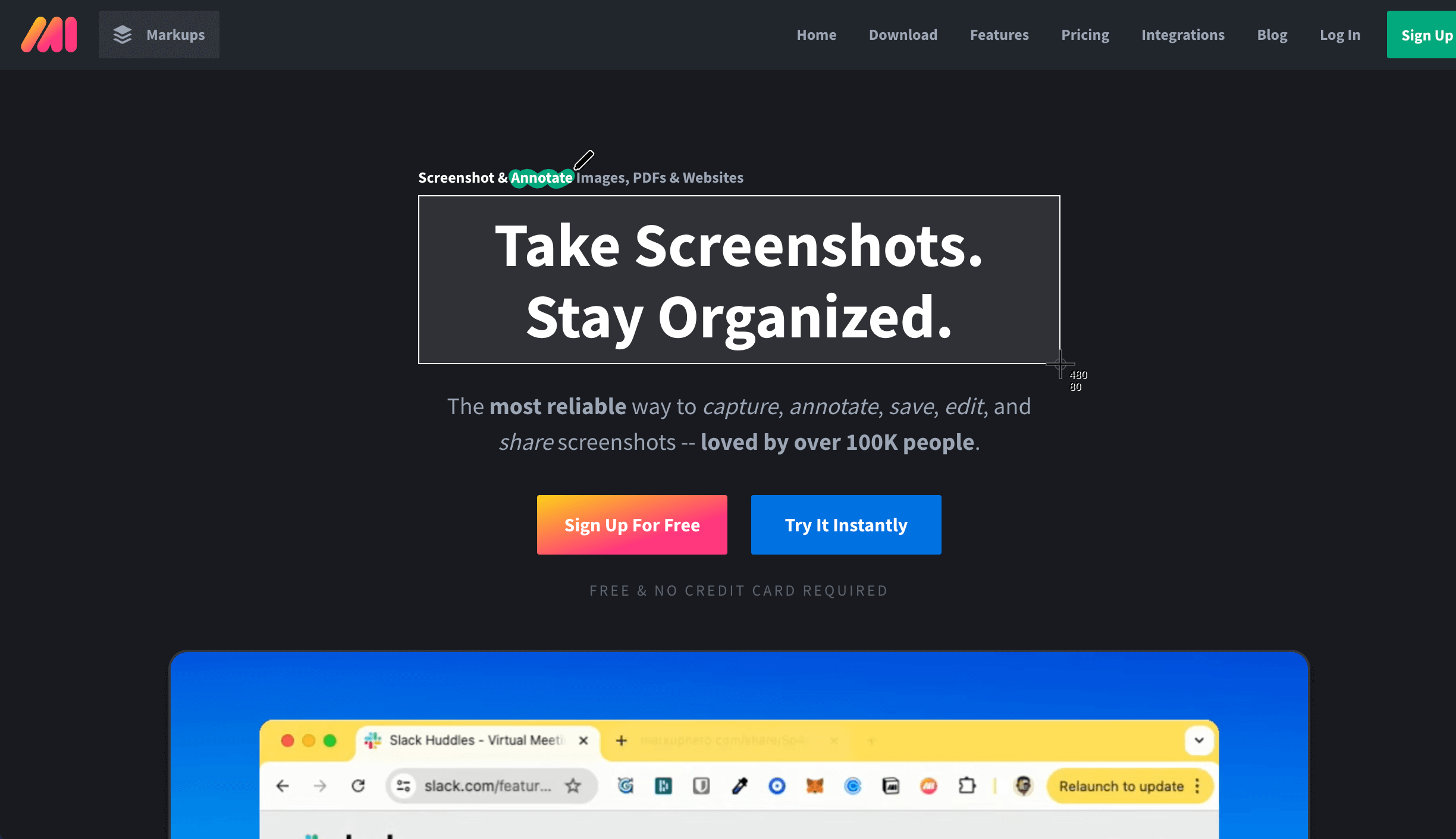
Markup Hero is designed for professionals who need to quickly capture, annotate and share screenshots, webpages and PDFs. It's popular with customer support teams, educators, marketers and anyone who regularly shares visual feedback without needing a full project management workflow.
What are the key features of Markup Hero?
- Screenshot capture and annotation
- Webpage and PDF markup
- Blur, highlight and drawing tools
- Shareable links
- Searchable annotation history
What are the Pros and Cons of Markup Hero?
Markup Hero Pros
- Extremely fast and easy to use
- Great for sharing annotated screenshots
- Works across multiple file types
Markup Hero Cons
- Not designed for website QA workflows
- Limited task management capabilities
- No built-in client approval process
- Fewer integrations than agency-focused tools
How much does Markup Hero cost?
Markup Hero paid plans starts at $5/user/month.
Does Markup Hero offer a free trial?
Yes. Markup Hero offers a free plan, allowing users to try the platform before upgrading.
#11. AnnotateWeb
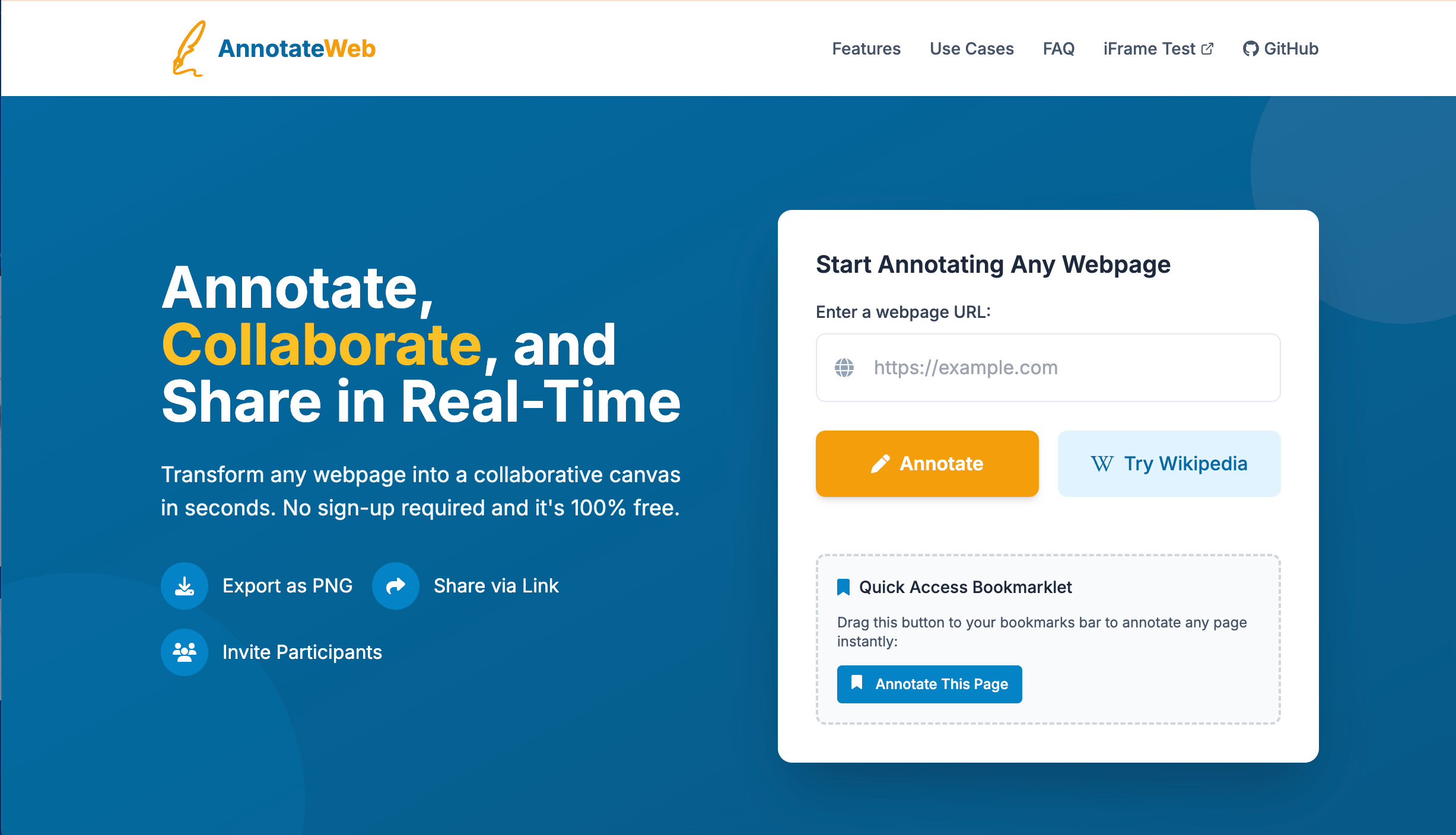
Highlights: Annotation tool for live web pages. Simple website markup where no registration is required. Limited features.
AnnotateWeb is free to use but note that it is a basic markup solution and does not include features that other markup platforms have.
Who is AnnotateWeb designed for?
AnnotateWeb is designed for individuals and teams who need a simple way to annotate webpages directly in their browser. It's well suited to researchers, educators and teams that want lightweight web annotation without a comprehensive review workflow.
What are the key features of AnnotateWeb?
- Sticky notes and highlights
- Link sharing
- Collaborative comments
- No software installation required
- Lightweight interface
What are the Pros and Cons of AnnotateWeb?
AnnotateWeb Pros
- Simple and easy to learn
- Fast browser-based annotation
- Useful for research and collaboration
- Free to use
AnnotateWeb Cons
- Limited workflow features
- No project management integrations
- Doesn't automatically capture technical website information
- Not built for agency QA processes
How much does AnnotateWeb cost?
AnnotateWeb is free to use.
Does AnnotateWeb offer a free trial?
No trial is required because AnnotateWeb is available as a free tool.
#12. Frame.io

Who is Frame.io designed for?
Frame.io is designed for video production teams, agencies and creative professionals who collaborate on video editing, review and approvals. It's widely used by filmmakers, marketers and content creators working on video projects.
What are the key features of Frame.io?
- Frame-accurate video comments
- Video review and approvals
- Version comparison
- Time-stamped annotations
- Adobe Premiere Pro integration
What are the Pros and Cons of Frame.io?
Frame.io Pros
- Industry-leading video review platform
- Excellent Adobe Creative Cloud integration
- Precise frame-by-frame feedback
- Secure collaboration features
Frame.io Cons
- Focused exclusively on video workflows
- Not suitable for website QA
- Advanced features require higher-tier plans
How much does Frame.io cost?
Frame.io paid plans start at $15 per member/month.
Does Frame.io offer a free trial?
Frame.io offers a free plan, allowing users to explore its core review features before upgrading.
#13. Atarim
Who is Atarim designed for?
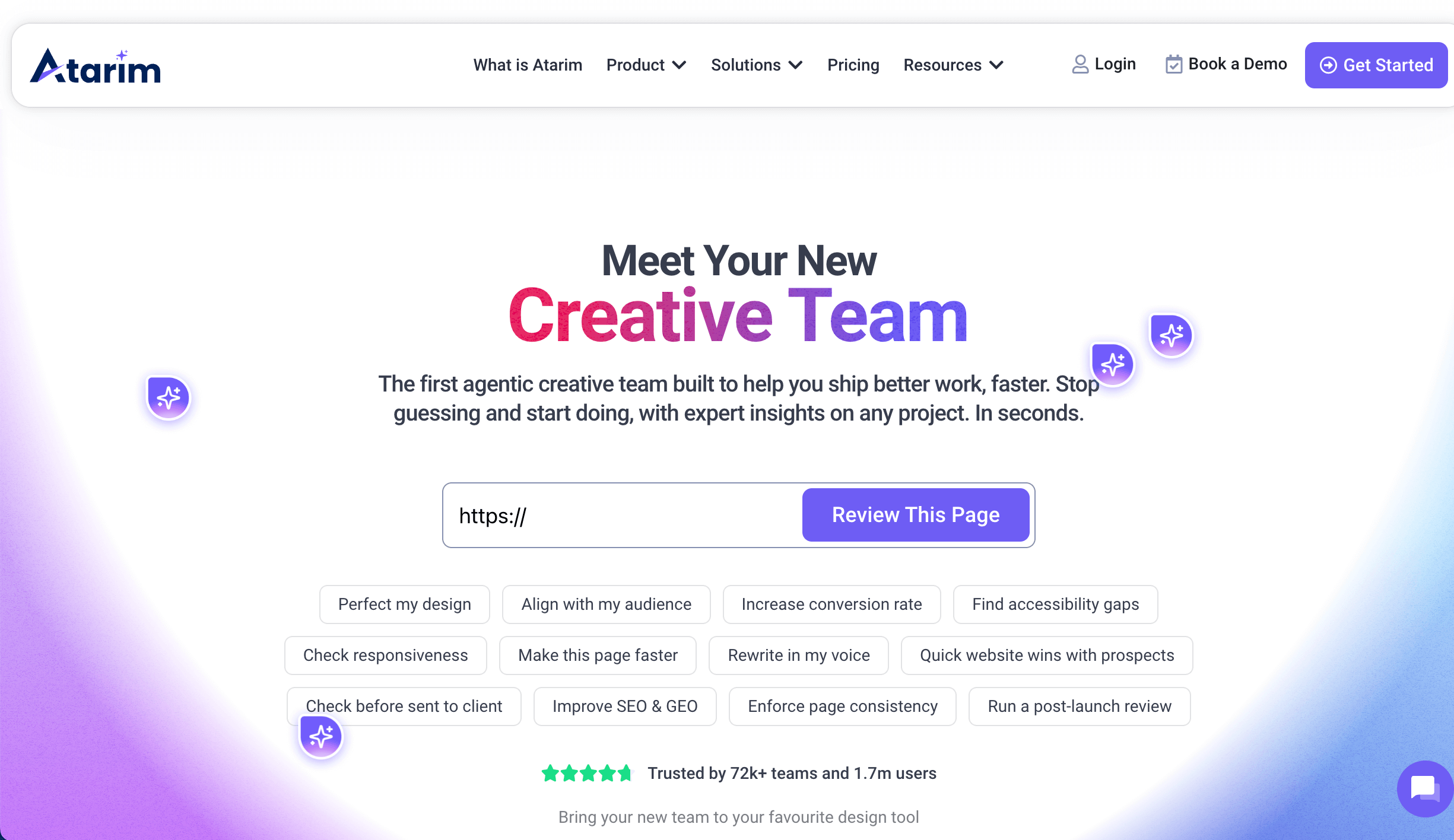
Atarim is designed for web design agencies, WordPress professionals and in-house web teams that manage website projects and client feedback. It combines website commenting with project management features to help teams organise revisions and approvals in one place.
What are the key features of Atarim?
- Visual website commenting
- Built-in task management
- Client collaboration portal
- WordPress integration
What are the Pros and Cons of Atarim?
Atarim Pros
- Combines feedback and project management
- Strong WordPress support
- Good visibility across multiple website projects
Atarim Cons
- Only used for WordPress
- Some advanced workflow features require higher-tier plans
- Smaller integration ecosystem than some competitors
How much does Atarim cost?
Atarim paid plans start at $209/month, with agency and enterprise plans available.
Does Atarim offer a free trial?
Yes. Atarim offers both a free plan (limited) and a free trial of its premium features.
#14. Foxit PDF Editor
Who is Foxit PDF Editor designed for?
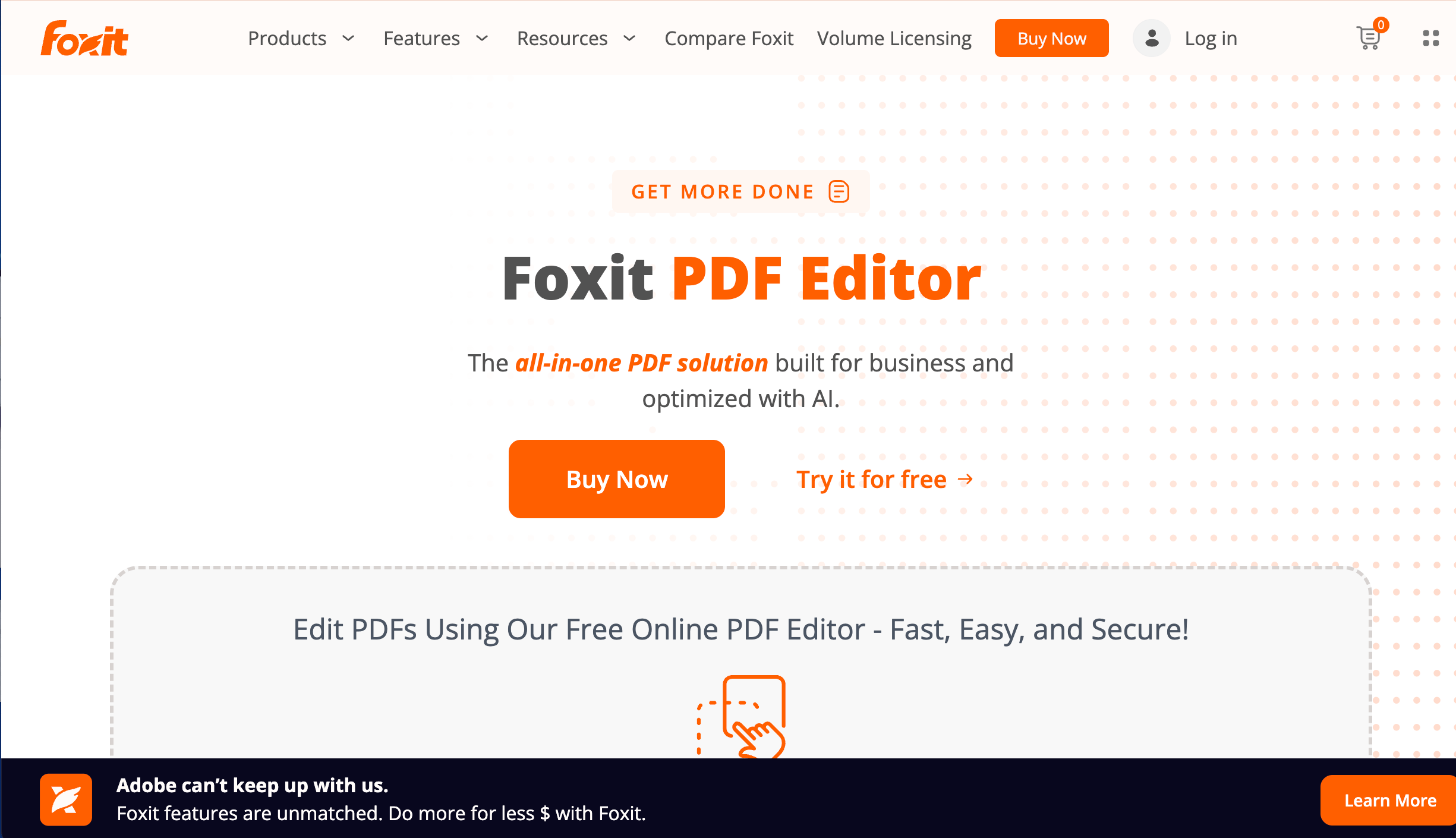
Foxit PDF Editor is designed for businesses, legal teams, educators and professionals who need to create, edit, annotate and securely collaborate on PDF documents. It's a popular alternative to Adobe Acrobat for organisations looking for comprehensive PDF editing and document review features at a competitive price point.
What are the key features of Foxit PDF Editor?
- PDF editing and document creation
- Text, highlight and drawing annotations
- Comments and collaboration tools
- Electronic signatures and form filling
- OCR (Optical Character Recognition) for scanned documents
- PDF conversion to and from Microsoft Office formats
What are the Pros and Cons of Foxit PDF Editor?
Foxit Pros
- Comprehensive PDF editing and annotation features
- More affordable than many competing PDF editors
- Supports collaboration across desktop, web and mobile devices
- OCR makes scanned documents searchable and editable
Foxit Cons
- Designed specifically for PDF workflows rather than website feedback
- Collaboration features are less visual than dedicated online proofing tools
- Not suitable for website QA or live webpage markup
How much does Foxit PDF Editor cost?
Foxit PDF Editor plans start at $12/month for the PDF Editor subscription.
Does Foxit PDF Editor offer a free trial?
Yes. Foxit offers a 14-day free trial, allowing users to explore the full PDF editing and collaboration features before purchasing.
#15. Diigo
Who is Diigo designed for?
Diigo is designed for researchers, educators, students and knowledge workers who need to save, organize and annotate web pages. It's best suited to personal research and collaborative knowledge sharing rather than website QA or client review workflows.
What are the key features of Diigo?
- Webpage highlighting
- Sticky notes and annotations
- Bookmark management
- Cloud-based research library
- Shared groups and collaboration
- Full-text search
What are the Pros and Cons of Diigo?
Diigo Pros
- Excellent for online research and knowledge management
- Powerful bookmarking and organisation features
- Easy to annotate webpages
- Affordable pricing
Diigo Cons
- Not designed for website QA or client feedback
- No built-in approval workflows
- Limited project management integrations
- Doesn't automatically capture technical website information
How much does Diigo cost?
Diigo plans start at $10/user/month.
Does Diigo offer a free trial?
Diigo offers a free plan, allowing users to use its core annotation features without a trial.
Free Markup Tools - Are They Worth It?
Free software platforms like AnnotateWeb and Diigo are suitable for small projects and individual use, but lack the advanced features, such as task management, integrations, and automatic bug tracking, that agencies and development teams need. Pastel offers a restricted free tier, which is a good starting point, but it limits collaboration. As projects become more complex, paid solutions become essential for quality assurance and rapid turnaround.
Free tiers often:
- Cap team size
- Limit the number of markups per month
- Can't be used on images, PDFs, etc.
- Block integrations with project management software
- Lack of reporting, notifications, and audit trails
Common Mistakes When Choosing a Markup Tool
Choosing a markup tool isn't just about finding the cheapest option or the one with the longest feature list. The right choice depends on your workflow, the people leaving feedback, and how your team manages projects. Here are some common mistakes to avoid:
- Choosing a tool designed for the wrong type of work. Some markup tools specialise in websites, while others focus on PDFs, images or design files. Make sure the tool matches your primary review workflow.
- Ignoring developer workflows. If your developers use Jira, GitHub, Asana or ClickUp, choose a tool that integrates with your existing workflow instead of creating duplicate work.
- Overlooking technical context. A screenshot alone often isn't enough. Automatic capture of browser, operating system, URL and screen size can dramatically reduce the time needed to reproduce issues.
- Making client reviews difficult. If clients need to create accounts or learn a complicated interface, you'll often receive less feedback and experience longer approval cycles.
- Only comparing price. A cheaper tool can become more expensive if your team spends hours chasing missing information or manually transferring feedback between systems.
Markup Tool Evaluation Checklist
Before choosing a markup tool, ask these questions:
- Does it support the type of content you review (websites, PDFs, images or design files)?
- Can reviewers leave feedback directly on the content?
- Does it automatically capture screenshots and technical details?
- Can clients leave feedback without creating an account?
- Does it include task tracking or integrate with your project management software?
- Does it support collaboration between designers, developers and clients?
- Is feedback easy to organise, prioritise and resolve?
- Does it integrate with tools such as Jira, Asana, Trello, ClickUp or GitHub?
- Does it offer a free trial so your team can test it before committing?
- Will it scale as your team and projects grow?
What are the Best Markup Tools for Agencies & Web Development Teams?
For agencies and web development teams, the best markup tools do more than let people leave comments. They make feedback actionable by capturing technical details automatically, assigning tasks, integrating with project management software, and keeping everyone aligned throughout the review process.
If your primary workflow involves reviewing live websites, BugHerd is purpose-built for agency QA and client feedback. Reviewers can click directly on a webpage to leave feedback, while BugHerd automatically captures the screenshot, page URL, browser, OS, screen resolution and other technical details developers need to reproduce and fix issues. BugHerd's MCP also enables AI tools such as Claude and Curso to resolve your website feedback queue by actually making changes directly in your codebase, CMS or design tool. Combined with integrations for Jira, Asana, Trello, ClickUp and GitHub, BugHerd fits seamlessly into existing agency workflows.
Other tools in this guide are better suited to different use cases. Filestage and Ziflow excel at creative proofing and approval workflows, while Adobe Acrobat remains a strong choice for reviewing PDF documents. The right tool ultimately depends on the type of content your team reviews most often.
Ready to streamline website feedback and QA? Try BugHerd with a 7-day free trial, or book a personalized demo to see how your agency can reduce revision rounds and deliver websites faster.
BugHerd vs Popular Markup Tools
Many teams searching for a markup tool compare BugHerd with other popular platforms. The right choice depends on the type of work you're reviewing and the stage of your project.
BugHerd vs Usersnap
Summary: BugHerd is better suited to website QA and client review workflows, while Usersnap is stronger for ongoing product feedback and user research.
BugHerd vs MarkUp.io
Summary: MarkUp.io is a lightweight visual annotation tool, while BugHerd is a complete website feedback and QA platform.
BugHerd vs Figma
Summary: Figma is a design tool with commenting features, whereas BugHerd is designed for reviewing and approving finished websites. Many agencies use Figma during design and BugHerd during QA and client review.
Frequently Asked Questions
What is the difference between markup tools for websites vs PDFs?
Website tools annotate live web pages and capture technical data; PDF tools focus on document annotation, collaboration, and compliance. They can also be used on images.
Do markup tools automatically capture screenshots and technical information?
Not all markup tools capture screenshots and technical information automatically. Some only allow comments or annotations, while others automatically capture screenshots, page URLs, browser versions, operating systems, screen resolutions and other technical information. This extra context helps developers reproduce issues much faster. BugHerd captures all of the technical information required for a web team to action feedback quickly and efficiently.
Which markup tool is best for agencies and web development teams?
BugHerd is the best markup tool for creative and digital agencies that develop websites. It makes it very easy for clients to provide input. BugHerd automatically captures a screenshot along with technical data, and turns every comment into a task to be assigned, prioritized and actioned. The platform is also used for input on PDFs, images, Figma files, etc. You can even attach/upload Word docs for extra information. It can be accessed via the Chrome Extension or start a free trial.
“Managing our WordPress services… has been further simplified by the use of BugHerd tools. It makes it really simple to collect feedback and collaborate with our clients." - WPism
Which markup tool is best for reviewing live websites?
If you're reviewing live websites, BugHerd is purpose-built for the job. Reviewers can click directly on a webpage to leave feedback, while BugHerd automatically captures screenshots, browser, operating system, screen resolution and page URL. This gives developers everything they need to reproduce and resolve issues without asking follow-up questions.
What's the difference between a markup tool and a website QA tool?
A markup tool lets reviewers leave comments and annotations on digital content. A website QA tool goes further by turning those comments into actionable tasks, automatically capturing technical details, assigning work, tracking progress, and integrating with project management tools such as Jira, Asana, Trello and ClickUp.
Are there free markup tools that work well?
AnnotateWeb and Diigo serve basic needs well. Paid upgrades are recommended for web agencies that will require full features.
How do markup tools integrate with project management?
Most top tools offer direct integration with Jira, Trello, Asana, ClickUp, and Slack for seamless workflow.
Can non-technical users use markup tools easily?
Markup platforms such as BugHerd are perfect for non-technical people and all other users, because they are built for simplicity, offering a simply point-click-pin function, with no logins required. Annotating screenshots is a breeze and you can provide input via a number of ways (eg. attach/upload files).
What's the difference between BugHerd and Usersnap?
BugHerd is website-focused and it's very easy to provide input by simply pinning a message, and drawing attention to areas that require changes. The Usersnap is not as user friendly, especially for non-technical people. Read more about the differences here.
Which markup tools integrate with Figma?
BugHerd, Markup.io, Filestage, and Ziflow all integrate with Figma.
Can clients leave feedback without creating an account?
Many modern markup tools allow guest reviewers to leave feedback without signing up or installing software. This makes it much easier for clients and stakeholders to participate in website reviews and typically results in faster approvals and fewer revision rounds.
With BugHerd, clients are not required to log in or create an account. They are sent a link and they can start leaving feedback immediately.
What markup tool automatically captures browser metadata with each annotation?
Not all markup tools automatically capture technical information with each piece of feedback. Website-focused tools like BugHerd automatically attach the page URL, browser, operating system, screen resolution, screenshot and other technical metadata to every annotation. This gives developers the context they need to reproduce and resolve issues faster without asking follow-up questions.
Which markup tool integrates directly with Jira and Asana?
Several markup tools integrate with project management platforms such as Jira and Asana, including BugHerd, Marker.io, Usersnap and Userback. BugHerd also integrates with Trello, ClickUp, GitHub, Monday.com and Slack, allowing website feedback to sync directly into existing development and project management workflows.
What is the best markup tool for agencies managing multiple client projects?
For agencies managing multiple client websites, the best markup tool is one that combines visual website feedback with task management and project integrations. BugHerd is purpose-built for agency workflows, enabling clients to leave feedback directly on live websites while automatically capturing technical information and organising comments into actionable tasks. This helps agencies reduce revision rounds, improve collaboration and deliver projects more efficiently.
How do I collect markup feedback from non-technical clients without training them?
The easiest way is to use a visual markup tool that lets clients click directly on a webpage to leave comments. Tools like BugHerd require little or no training because reviewers simply point, click and type their feedback. There's no need to create screenshots, write long emails or explain where an issue occurred, making the review process much simpler for non-technical stakeholders.
What markup tool lets clients annotate live websites without installing software?
Several website markup tools allow browser-based feedback, but BugHerd is specifically designed for live website reviews. Clients can annotate webpages directly from their browser without installing software, and every comment automatically includes a screenshot, page URL and browser information. This creates a smoother review experience for clients while providing developers with the technical details needed to fix issues quickly.
Ready to Transform How you Collect Feedback?
Ditch confusing email chains and switch to effortless, visual markup. Try BugHerd today - sign up for your free trial or book a 1:1 demo with our experts, and see how quickly client chaos turns into clarity.

Marina Domoney
Marina Domoney is Marketing Communications Lead at BugHerd and a senior B2B marketer with 20+ years’ experience in SaaS and website delivery workflows. She’s worked closely with agencies, creative teams, and developers across countless web projects, giving her practical expertise in design and website feedback, approvals, and client collaboration.
Try BugHerd on your site
See feedback in context
Click anywhere to leave feedback directly on your website.







But don't just take our word for it.
BugHerd is loved by 10,000+ companies,
350,000+ users across 172 countries.
4.8/5
4.7/5
4.5/5
5/5
8.7/10
Sam Duncan 📱📏 🌱
@SamWPaquet
"@bugherd where have you been all my life??
We just migrated our bug tracking over from Asana and have at least halved our software testing time🪳👏📈. "
Ashley Groenveld
Project Manager
“I use BugHerd all day every day. It has sped up our implementation tenfold.”
Sasha Shevelev
Webcoda Co-founder
"Before Bugherd, clients would try to send screenshots with scribbles we couldn't decipher or dozens of emails with issues we were often unable to recreate."
Mark B
Developer
“A no-brainer purchase for any agency or development team.”
Kate L
Director of Operations
"Vital tool for our digital marketing agency.”
Paul Tegall
Delivery Manager
"Loving BugHerd! It's making collecting feedback from non-tech users so much easier."
Daniel Billingham
Senior Product Designer
“The ideal feedback and collaboration tool that supports the needs of clients, designers, project managers, and developers.”
Chris S
CEO & Creative Director
“Our clients LOVE it”
Emily VonSydow
Web Development Director
“BugHerd probably saves us
at least 3-4hrs per week.”