

Contents
- What is User Acceptance Testing?
- What is User Acceptance Testing (UAT) Software?
- Common UAT Software Mistakes to Avoid
- How Do the Top UAT Testing Tools in 2026 Compare? (comparison table)
- Which are the Top UAT Testing Tools in 2026?
- Which UAT Software Tool is Best for Agencies and WebTeams?
- Frequently Asked Questions About UAT Testing Software Choosing UAT Software by Team Type
Key Takeaways
- UAT is where launches succeed or fail — it’s the final sign-off step to confirm your website or software meets real user expectations before going live.
- Most UAT phases get messy fast with vague emails, unclear screenshots, endless back-and-forth, and bugs slipping into production (costing weeks and blowing budgets by 20–30%).
- UAT testing software fixes the chaos by giving teams one place to capture feedback, run test scenarios, track bugs, and manage approvals.
- The best tools make it easy for non-technical stakeholders to report issues clearly with screenshots, browser/device details, URLs, and page-level context.
- Not all UAT tools do the same job — some are best for website feedback, others focus on QA test case management, automation, UX research, or analytics.
- Picking the right tool depends on your team type (agency, dev team, product team, enterprise, QA) and your existing tech stack.
- Strong integrations matter — the best UAT tools connect with project management systems like Jira, ClickUp, Asana, Trello, monday.com and more.
- Avoid common UAT mistakes like choosing enterprise tools for small teams, forcing technical workflows on clients, or skipping training and mobile testing.
- Best pick for website UAT: BugHerd is the top choice for agencies and web teams because feedback is pinned directly to the website, packed with context, and instantly turned into trackable tasks.
What is User Acceptance Testing?
User Acceptance Testing (UAT) is the final testing phase in a website or software development lifecycle, where end users (or beta testers) check whether the site/software meets business requirements and user expectations before it goes live. During the user acceptance testing process, teams run real world scenarios using test scenarios, UAT test cases, and test data in a dedicated test environment to confirm the product meets agreed acceptance criteria and supports real business objectives. UAT can be done through automated and manual testing using a user acceptance testing tool or UAT testing software, and it often includes collecting user feedback to catch issues early, improve user satisfaction, and ensure the website or software is ready for release (including operational acceptance testing, Regulatory Acceptance Testing (RAT), and production acceptance testing when needed).
What is User Acceptance Testing (UAT) Software?
User acceptance testing software enables web and software development teams to perform user acceptance testing by collecting feedback, tracking bugs, and managing test cases during pre-launch . A user acceptance testing tool helps manage the entire UAT process, including the creation of a test plan, UAT test plan, test scenarios, test scripts, and UAT test cases. Some UAT platforms enable non-technical stakeholders to leave visual feedback and report issues directly on websites or apps via point-and-click interfaces, automatically capturing screenshots, browser details, and URLs to eliminate guesswork. Others collect feedback via surveys or forms.
Common UAT Software Mistakes to Avoid
- Choosing enterprise tools for small agencies
- Ignoring client UX, forcing technical interfaces that scare non-devs
- Over-complicating with too many features; start simple.
- Not integrating with the existing stack, creating silos.
- Skipping mobile/responsive testing in web UAT.
- Forgetting to train internal teams on workflow changes.
- Relying solely on free tiers beyond 2-3 projects
Top 21 UAT Testing Software Platforms in 2026 - Comparison Table
Which are the Top UAT Testing Tools in 2026?
The best UAT testing tool for you depends on what you’re trying to test and who needs to give feedback. Tools like BugHerd are best for website UAT because they let clients click directly on the page to leave visual, in-context feedback (with screenshots, URLs, and browser details automatically captured), while tools like TestRail and PractiTest are better for structured test case management and QA workflows. Other platforms like UserTesting support end-user testing with real people, and tools like Hotjar, FullStory, and ContentSquare help you validate acceptance decisions using real user behavior data. But they all have one thing in common - the best UAT testing software makes it easy to capture feedback, track issues clearly, and keep launches moving smoothly.
#1. BugHerd
BugHerd is the best UAT testing software for agencies and web development teams.
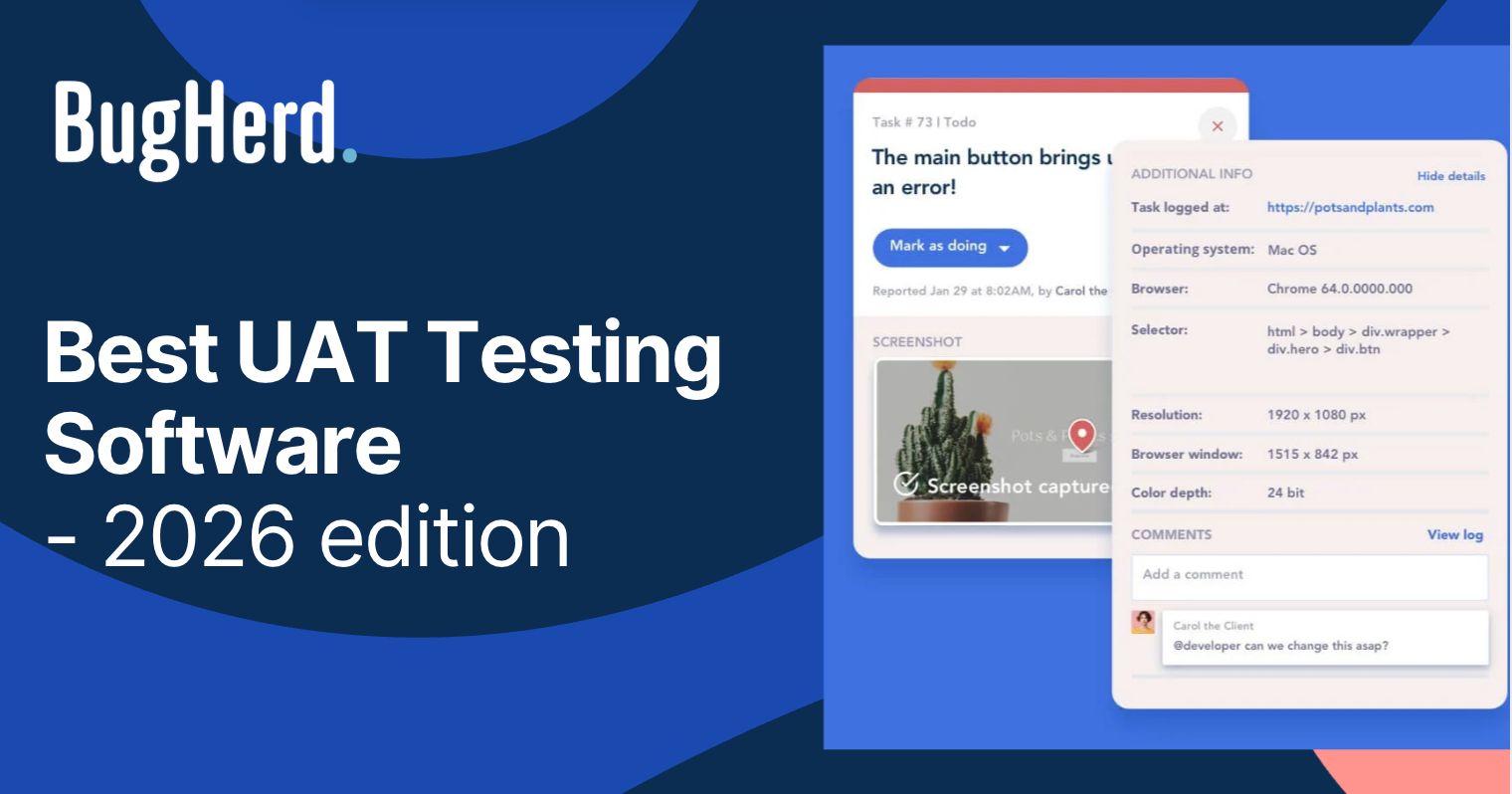
BugHerd is best for website user acceptance testing because it lets stakeholders leave visual, in-context feedback directly on live or staging pages while automatically capturing screenshots, URLs, and browser details. BugHerd also turns every comment into a trackable task on a Kanban board, and has deep two-way integrations with leading project management tools such as Jira, Asana, Trello, GitHub, and many more. It works well for agencies and web teams who want faster sign-off and fewer back-and-forth emails.
Who is BugHerd designed for?
BugHerd is designed for agencies, creative teams, and web development teams managing multiple client websites. It's also designed for project managers who want a client‑friendly project management system that turns client feedback straight into tasks so that they can be easily managed and actioned.
What are the key features of BugHerd?
The key features of BugHerd are:
- In-Context Website Feedback: Clients and stakeholders can leave feedback directly on a staging or live website by pointing, clicking, and commenting.
- Automatic Screenshot and User Details: Every comment comes with a screenshot, browser data, OS, URL, and screen resolution, providing essential context for developers and designers.
- Task Board: Feedback is automatically converted into tasks on a visual Kanban board, making it easy to track progress and prioritize issues.
- No-Login for Clients: Clients can leave feedback without creating a login or an account, simplifying the review process.
- Deep Two-way Integrations with all project management tools such as ClickUp, monday.com, Asana, Trello, Jira and more; as well as supporting integrations with collaboration tools like Slack & Microsoft Teams, and developer tools like GitHub. BugHerd also has a fully featured API and Webhook support enabling custom integrations with any application.
- Guest Portal: Clients can view previously reported issues and track progress without needing access to your project management system.
- Video Feedback: Stakeholders can record video comments to explain issues or provide feedback.
- Ongoing feedback collection: Visitors to your website can leave comments even after your website project has finished. This ensures that your website is always up-to-date and accurate.
What are the Pros and Cons of BugHerd?
BugHerd Pros:
- Easiest UAT testing platform for clients to use
- No login required for clients
- Excellent contextual feedback makes actioning tasks quick and easy
- Deep two-way integrations
- Works on live and staging websites
- Feedback is organized by page
- All-in-one feedback workflow (from capturing to managing feedback)
- Dramatically speeds up feedback loops
- Reduces revision misunderstandings
- Helps teams hit deadlines
BugHerd Cons:
- Not ideal for deep prototype reviews
- Less suited for early UX exploration
- Mobile app not fully developed
How much does BugHerd cost?
- Standard: $42/month (5 members - unlimited projects - unlimited guests)
- Studio: $67/month (10 members - unlimited projects - unlimited guests)
- Premium: $125/month (25 members - unlimited projects - unlimited guests)
- Custom: Custom pricing available for large teams
Find out more about what's included in each of the BugHerd pricing plans.
Does BugHerd offer a free trial?
BugHerd offers a free 7-day trial where you can check out all of the features. No credit card is required.
You can also book a 1:1 demo with a BugHerd product specialist where all of your questions will be answered on the spot.
“Before BugHerd, clients would try to send screenshots with scribbles we couldn't decipher or dozens of emails with issues we were often unable to recreate.”
— Sasha Shevelev, Webcoda Co-founder
“The ability to quickly capture a screenshot of the issue, add annotations to the image and then send it to your developer along with any comments you wish to make is fantastic.“ - David P, Capterra Review
#2 Marker.io
Marker.io is best for developer-friendly bug reporting because it captures annotated screenshots, console logs, and technical data and sends issues straight into tools like Jira and GitHub. It works well for product and engineering teams who want feedback to land directly in their existing issue tracker.
Who is Marker.io designed for?
Marker.io is designed for dev teams and agencies that work inside issue trackers.
What are the key features of Marker.io?
- Users can capture bugs with annotated screenshots.
- Customizable feedback forms
- Guest Portal
- Console Log Recording
What are the Pros and Cons of Marker.io?
Marker.io Pros:
- Saves hours on bug reproduction
- Developer-centric data capture
- Simple client interface
Marker.io Cons:
- Less client-friendly
- Less emphasis on task management
- Higher pricing for teams
How much does Marker.io cost?
- Starter: $59/month
- Team: $199/month
- Business: Custom pricing paid yearly
Find out more about what's included in each of the Marker.io pricing plans.
Does Marker.io offer a free trial?
Yes, Marker.io offers a 15-day free trial.
#3 TestRail
TestRail is best for structured QA test management because it helps teams create test cases, run test plans, and track results in a repeatable workflow. It works well for QA teams who need clear reporting and traceability across testing cycles.
Who is TestRail designed for?
TestRail is designed for QA teams, test managers, and developers who need structured test case management and tracking.
What are the key features of TestRail?
- Test case creation & organization
- Test runs & plans
- Dashboards & reports
- Integrations with Jira, CI/CD tools
What are the Pros and Cons of TestRail?
TestRail Pros:
- Structured test data
- Flexible workflows
- Strong reporting
TestRail Cons:
- Not a usability feedback tool
- Steep learning for beginners
- UI is dated
How much does TestRail cost?
- Professional: $40/seat/month
- Enterprise: Contact Sales team
Find out more about what's included in each of the TestRail pricing plans.
Does TestRail offer a free trial?
Yes, TestRail offers a 30-day free trial.
#4 UserTesting
UserTesting is best for real user research and usability validation because it provides video-based feedback from real participants completing tasks and sharing their thoughts. It works well for product and UX teams who need qualitative insights to improve flows before launch.
Who is UserTesting designed for?
The tool is designed for UX researchers, designers, product teams, and marketers who want authentic user feedback.
What are the key features of UserTesting?
- Remote usability testing (moderated + unmoderated)
- Video feedback & analytics dashboard
- Large participant panel
- Templates for common studies
What are the Pros and Cons of UserTesting?
UserTesting Pros:
- Real user insights
- Quick turnaround
- Rich qualitative feedback
UserTesting Cons:
- Can be expensive
- Overkill for small projects
How much does UserTesting cost?
- Advanced: Contact Sales for pricing
- Ultimate: Contact Sales for pricing
- Ultimate+: Contact Sales for pricing
Find out more about what's included in each of the UserTesting pricing plans.
Does UserTesting offer a free trial?
No, UserTesting does not offer a free trial.
#5 PractiTest
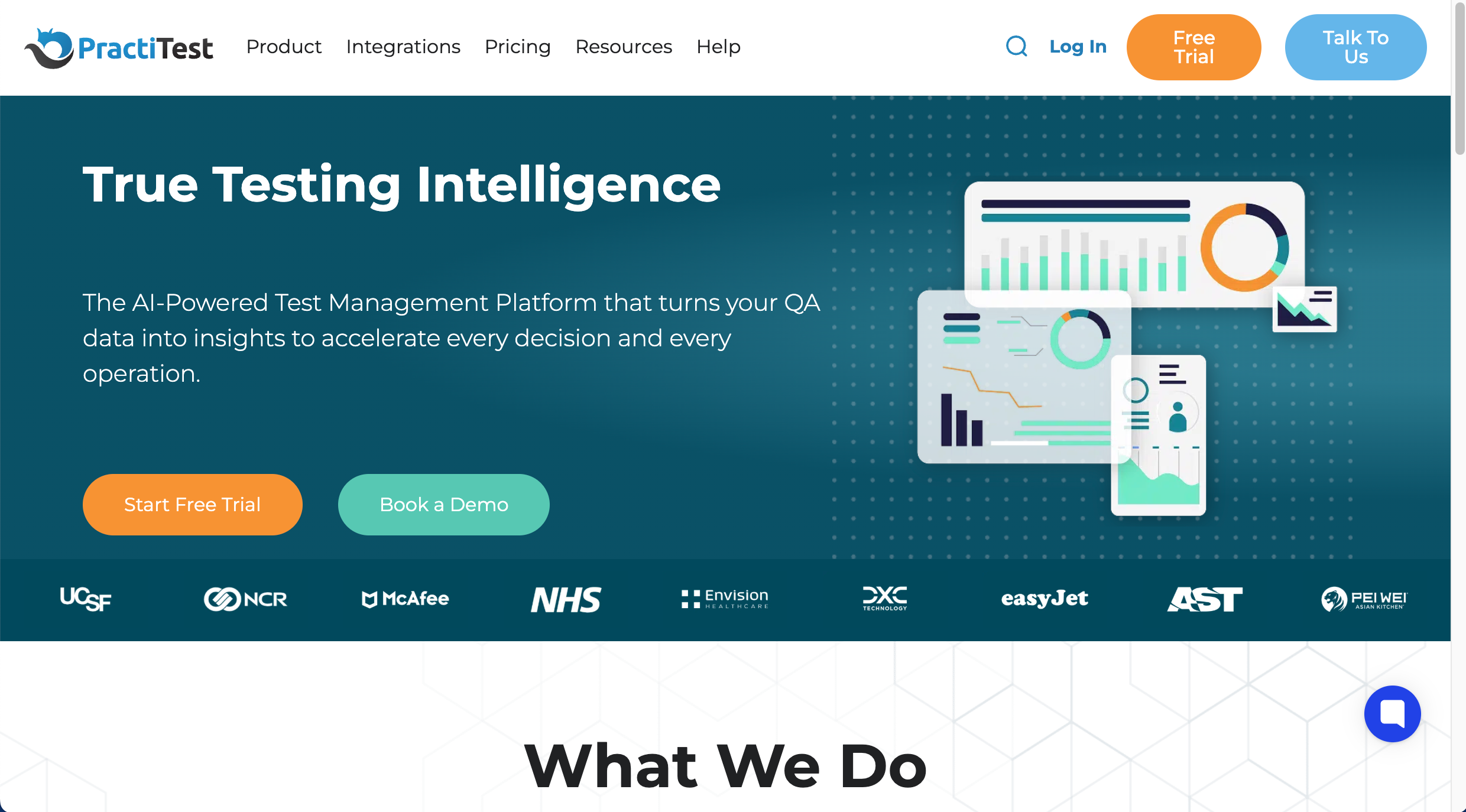
PractiTest is best for enterprise-grade test case management because it centralises test execution, requirements traceability, and reporting across complex projects. It works well for QA teams who need strong oversight, dashboards, and structured testing documentation.
Who is PractiTest designed for?
PractiTest is designed for QA teams and test managers who need structured testing workflows and reporting.
What are the key features of PractiTest?
- Test case management
- Test runs & execution tracking
- Requirements traceability
- Dashboards & reporting
- Jira integrations
What are the Pros and Cons of PractiTest?
PractiTest Pros:
- Easy to use
- Strong test case organization/traceability
- Solid Jira integrations
- Helpful support
PractiTest Cons:
- Filtering/navigation can feel clunky
- Slow loading at times
- Learning curve for new users
How much does PractiTest cost?
- Team Plan: $54/user.month
- Corporate Plan: Request a quote
Find out more about what's included in each of the PractiTest pricing plans.
Does PractiTest offer a free trial?
Yes, PractiTest offers a free 14-day trial.
#6 Usersnap - For Enterprise Feature Feedback
Usersnap is best for capturing feedback at scale because it collects visual bug reports, screen recordings, and form-based feedback across websites and apps. It works well for larger organisations that need custom feedback workflows and governance across teams.
Who is Usersnap designed for?
Usersnap is designed for enterprises and product development organizations needing a feedback process across CX, product, and QA with reporting and governance.
What are the key features of Usersnap?
- Screen recording and annotations
- Custom feedback forms
- Analytics on feedback trends
- Multi-project support
What are the Pros and Cons of Usersnap?
Usersnap Pros:
- Strong context capture
- Enterprise scalability
- Good customization
Usersnap Cons:
- Can be expensive
- No built-in Kanban
- Overkill for small teams
How much does Usersnap cost?
- Starter: $53/month
- Growth: $121/month
- Professional: $216/month
- Premium: $432/month
Find out more about what's included in each of the Usersnap pricing plans.
Does Usersnap offer a free trial?
Yes, Usersnap offers a free trial.
#7. Hotjar
Hotjar is best for understanding user behaviour on live websites because it combines heatmaps, session recordings, and feedback polls to highlight friction points. It works well for teams who want quick behavioural insights after release, not formal UAT sign-off.
Who is Hotjar designed for?
Hotjar is designed for UX teams, product managers, and website owners who want to see real user behavior and feedback.
What are the key features of Hotjar?
- Heatmaps & click maps
- Session recordings
- On-site feedback polls
- Conversion Funnels
What are the Pros and Cons of Hotjar?
Hotjar Pros:
- Easy setup
- Shows real user behavior
- Good for surveys and heatmaps
Hotjar Cons:
- No moderated or unmoderated user testing
- Session replays lack context
- Surveys are basic
How much does Hotjar cost?
- Free Forever Plan (limited)
- Growth: $40/month
- Pro: Contact Hotjar
- Enterprise: Contact Hotjar
Find out more about what's included in each of the Hotjar pricing plans.
Does Hotjar offer a free trial?
No, Hotjar does not offer a free trial as a free plan is available.
#8. Markup.io
MarkUp.io is best for lightweight visual reviews because it lets teams comment and annotate across websites, images, PDFs, and other creative files. It works well for freelancers and small teams who want simple feedback without complex test management.
Who is MarkUp.io designed for?
MarkUp.io is designed for freelancers and small teams who want simple, visual feedback. For agency‑scale work or dev workflows, tools like BugHerd fit better.
What are the key features of MarkUp.io?
- Basic annotations: draw, highlight, and text comments on static and web captures.
- Lightweight notifications to keep threads moving.
- Mobile‑responsive reviewing for quick checks on any device.
What are the Pros and Cons of MarkUp.io?
Pros:
- Relatively easy to use
- Works across file types
- Fast client feedback
Cons:
- Limited project management
- Pricing is expensive compared to similar tools
- Not built for large teams
How much does MarkUp.io cost?
- Pro: $79/month
- Custom pricing: Get in touch with the MarkUp.io team
Find out more about what's included in each of the MarkUp.io pricing plans.
Does MarkUp.io offer a free trial?
Yes, MarkUp.io offers a 30-day free trial.
#9. Amplitude
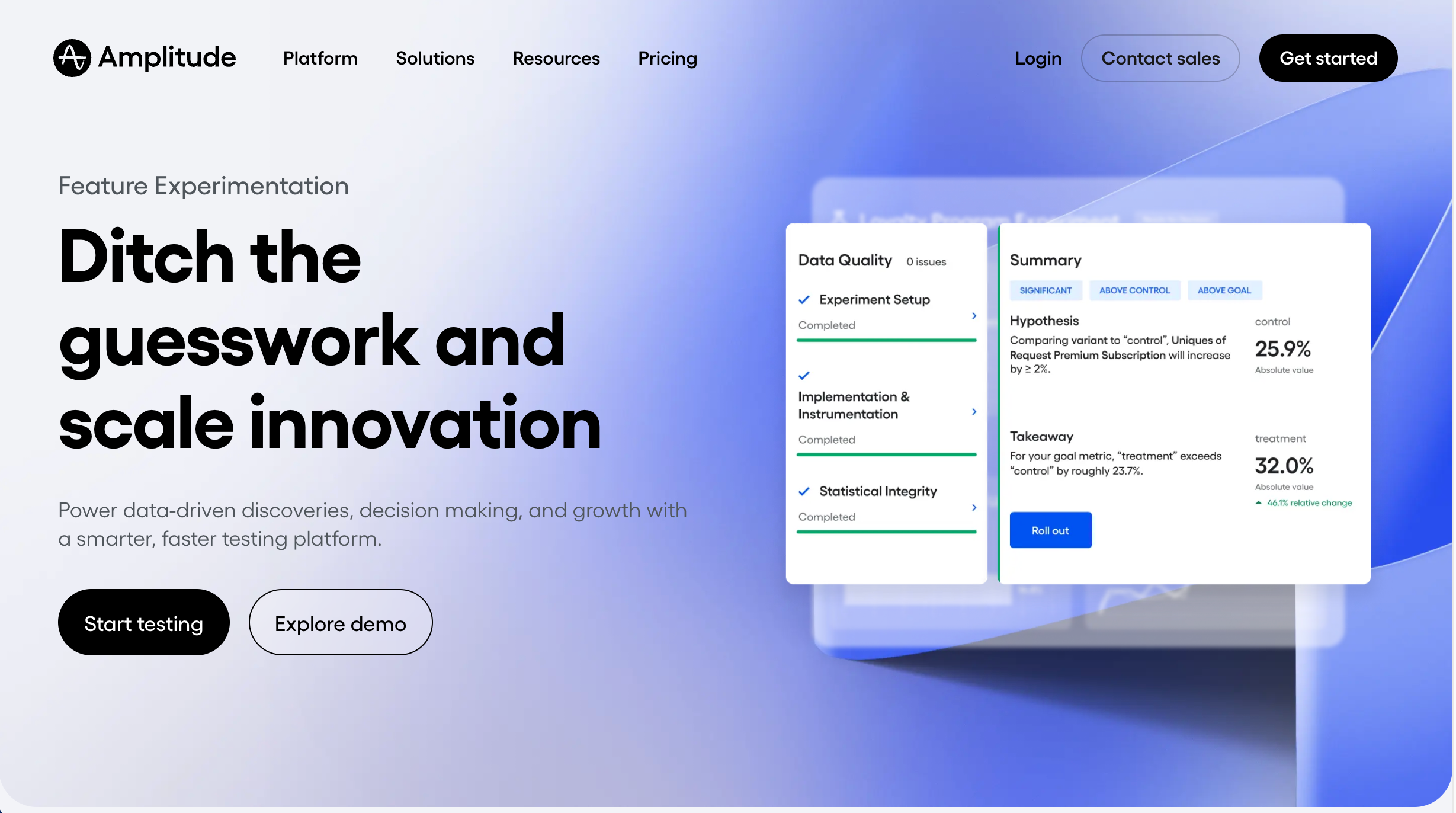
Amplitude is best for measuring product adoption and funnel performance because it tracks user events, retention, and conversion behaviour across digital products. It works well for product teams who want data-driven validation after changes go live.
Who is Amplitude designed for?
Amplitude is designed for product teams, designers, and analysts who want to understand user behaviour and measure product performance using data.
What are the key features of Amplitude?
- Event tracking for user actions
- Funnels and conversion analysis
- Cohorts and retention reporting
- Custom dashboards and charts
- Behavioral segmentation
What are the Pros and Cons of Amplitude?
Amplitude Pros:
- Validates real user behaviour after release
- Strong data for measuring adoption and success metrics
- Scales well for large products and teams
- Useful alongside QA and UAT sign-off
Amplitude Cons:
- No qualitative feedback or annotations
- Requires engineering setup and analytics knowledge
- Reactive rather than proactive for UAT
How much does Amplitude cost?
- Starter: $0 (limited)
- Plus: $61/month
- Growth: Contact Sales
- Enterprise: Contact Sales
Find out more about what's included in each of the Amplitude pricing plans.
Does Amplitude offer a free trial?
A free plan is available.
#10. ContentSquare
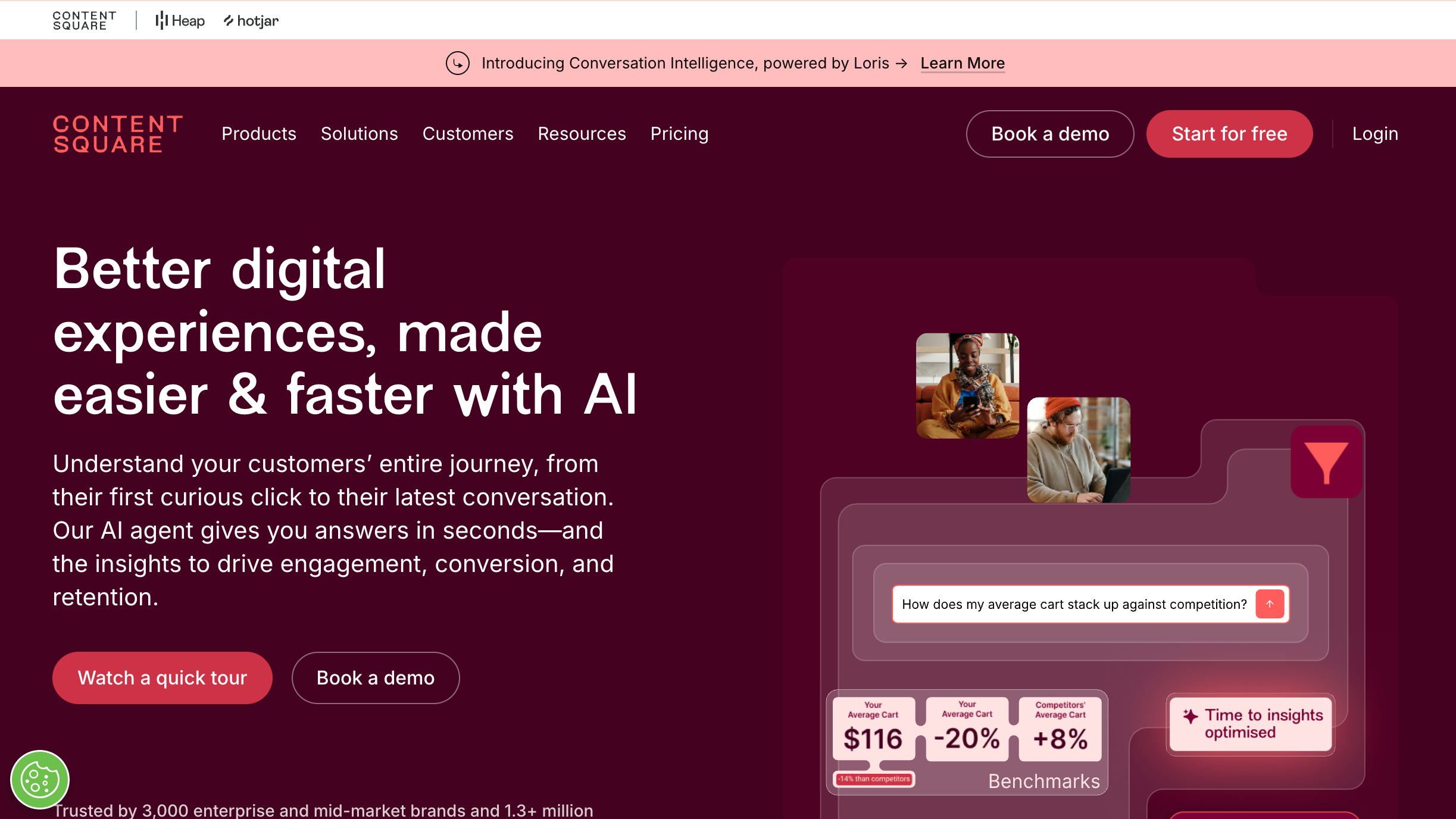
ContentSquare is best for enterprise digital experience analytics because it visualises customer journeys, session behaviour, and conversion friction using advanced insights and reporting. It works well for larger teams optimising complex websites where small UX changes impact revenue.
Who is ContentSquare designed for?
ContentSquare is designed for UX, product, and design teams at mid-to-enterprise companies.
What are the key features of ContentSquare?
- Behavioural analytic
- Session replay
- AI insights
- Conversion optimization
What are the Pros and Cons of ContentSquare?
ContentSquare Pros:
- Deep behavioral insight
- Great for CX optimization
- Powerful dashboards
ContentSquare Cons:
- Can be pricey
- Complex implementation
- Steep learning curve for team
How much does ContentSquare cost?
- Starter: $0
- Growth: $49/month
- Pro: Contact Sales
- Enterprise: Contact Sales
Find out more about what's included in each of the ContentSquare pricing plans.
Does ContentSquare offer a free trial?
A free plan is available.
#11. Userback
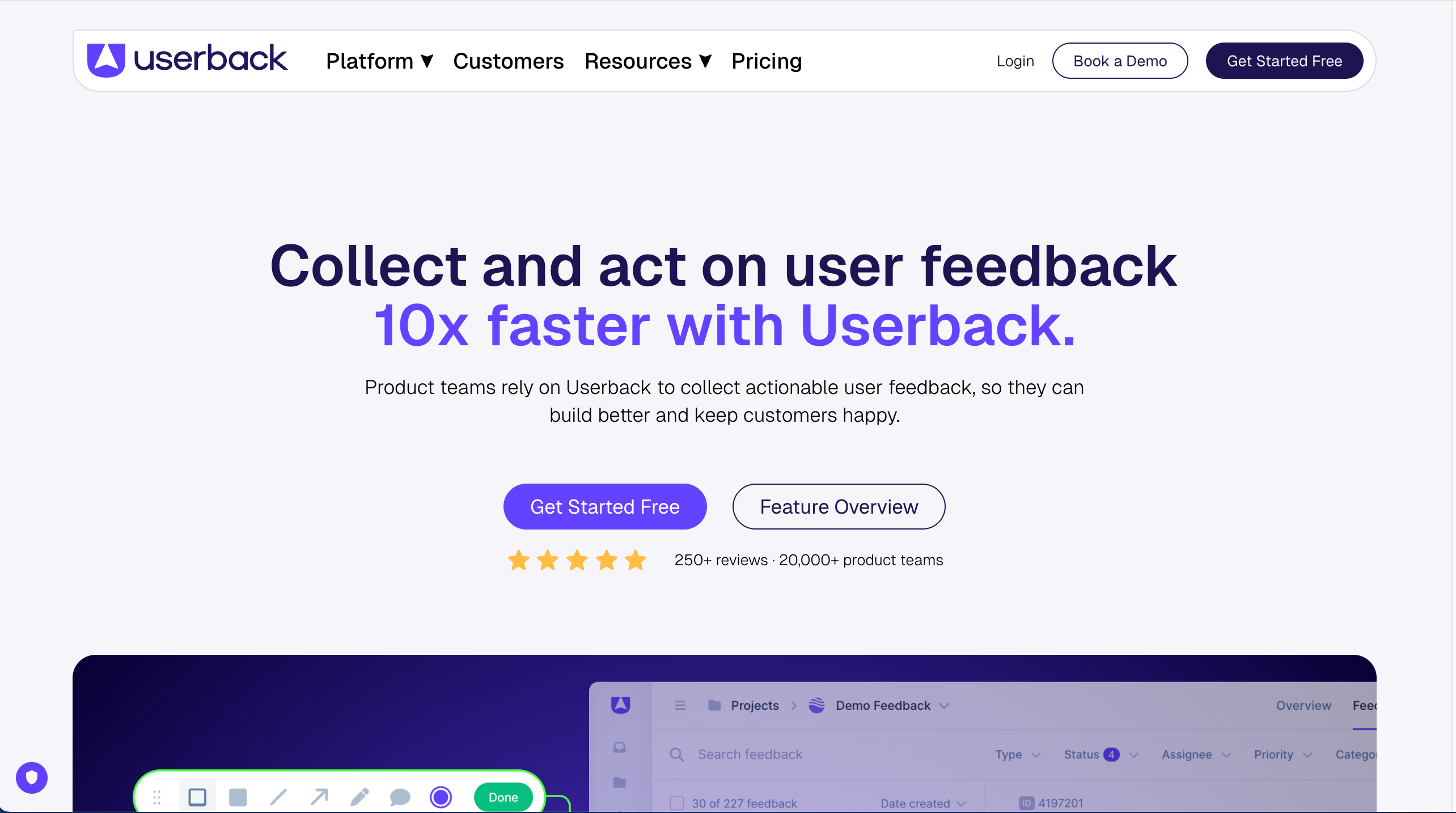
Userback is best for collecting in-app product feedback because it supports visual bug reporting, screen recording, and structured feedback widgets with developer context. It works well for SaaS and product teams who want feedback captured inside the product experience.
Who is Userback designed for?
Product teams and QA who need structured feedback in‑app, with a balance of visual capture and developer context.
What are the key features of Userback?
- Visual bug reporting, video feedback, and console capture for web apps.
- Ready‑made integrations.
- Widget customization and segmenting for in‑app feedback.
What are the Pros and Cons of Userback?
Userback Pros:
- Rich feedback detail
- Multiple feedback types
- Flexible integrations
Userback Cons:
- Setup is not simple
- The platform can feel complex
How much does Userback cost?
- Free Forever Plan (very limited)
- Team: $9/seat/month
- Business: $19/seat/month
- Business Plus $29/seat/month
- Feature Portal add-on: $39/month
Find out more about what's included in each of the Userback pricing plans.
Does Userback offer a free trial?
A free plan is available.
#12. CrazyEgg
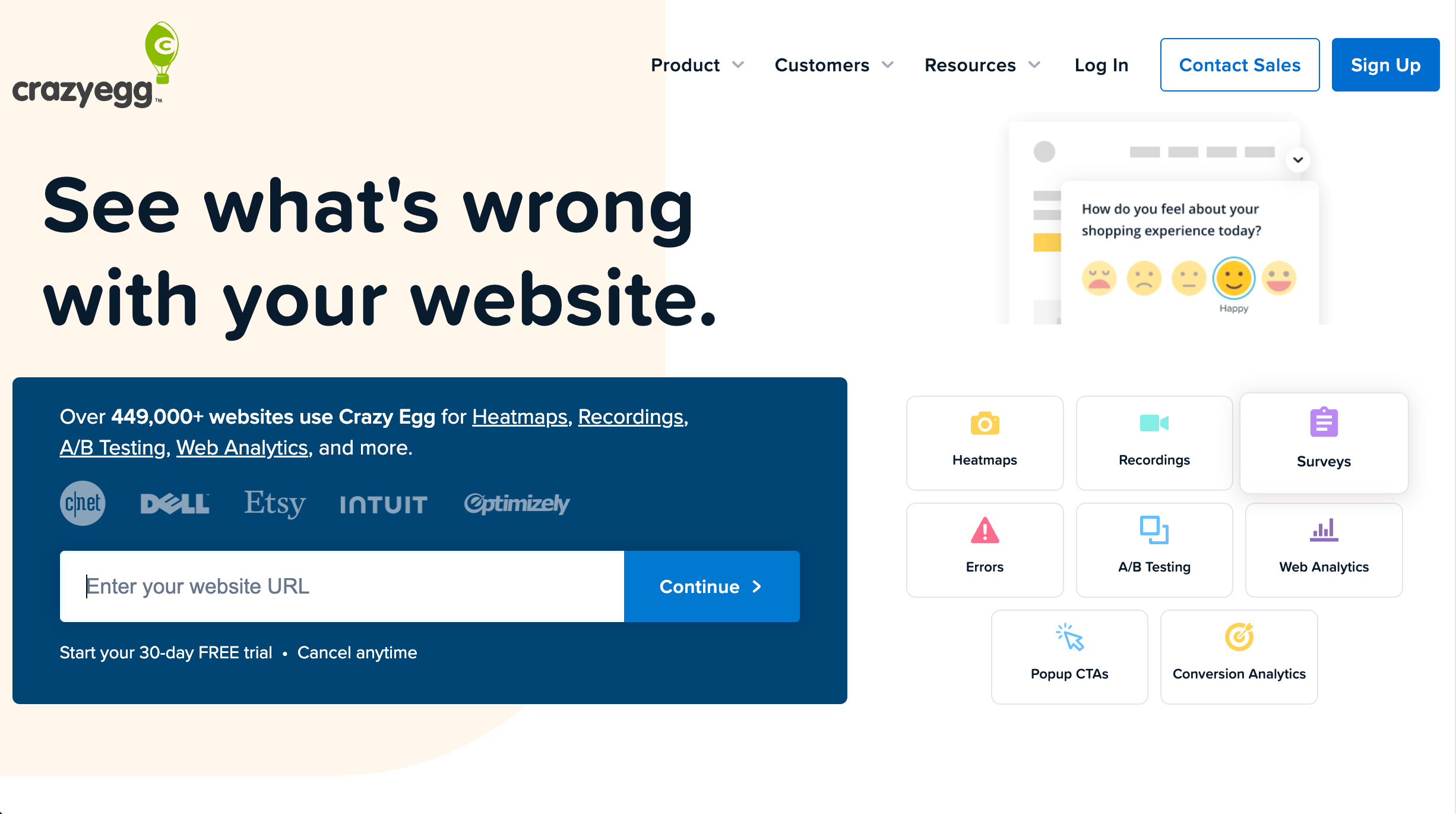
Crazy Egg is best for quick website UX optimisation because it uses heatmaps, scrollmaps, and recordings to show how users interact with key pages. It works well for marketing and web teams who need fast insights to improve page performance.
Who is Crazy Egg designed for?
Crazy Egg is designed for designers, marketers, and UX teams looking for quick visual user behavior feedback.
What are the key features of Crazy Egg?
- Heatmaps & scrollmaps
- Session recordings
- A/B testing tools
What are the Pros and Cons of Crazy Egg?
Crazy Egg Pros:
- Easy to use
- Visual analytics for web engagement
- No coding required
Crazy Egg Cons:
- Limited advanced analytics
- Interface occasionally cluttered
- Potential page load impact
How much does Crazy Egg cost?
- Starter: $39/month
- Plus: $99/month
- Pro: $249/month
- Enterprise: $599/month
Find out more about what's included in each of the Crazy Egg pricing plans.
Does Crazy Egg offer a free trial?
Yes, Crazy Egg offers a 30-day free trial.
#13. Fullstory
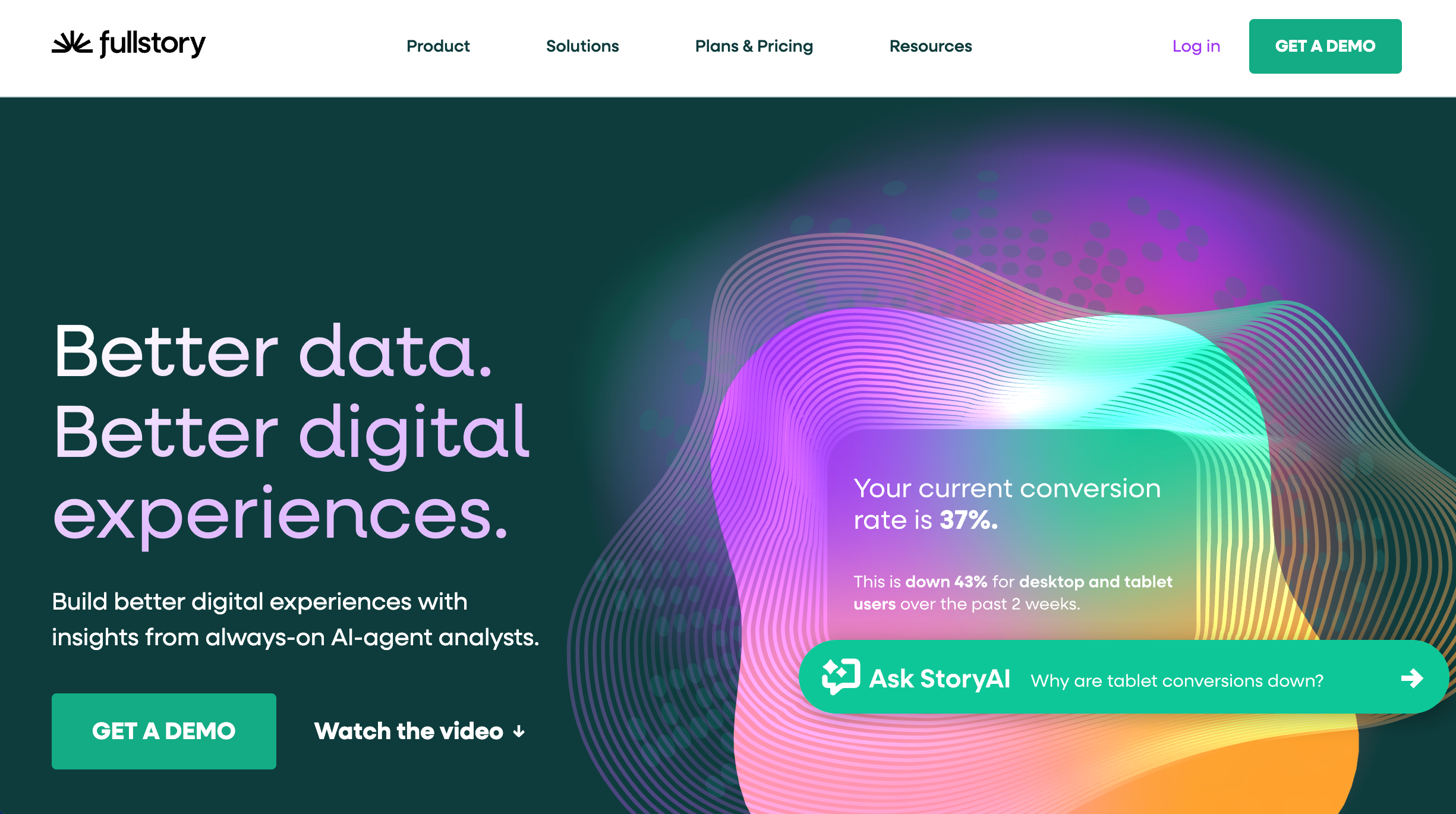
FullStory is best for diagnosing UX issues with session replay because it captures detailed user interactions and helps teams spot friction in real journeys. It works well for product and engineering teams who need high-context evidence to reproduce problems.
Who is Fullstory designed for?
Fullstory is designed for product designers, UX researchers, and product teams focused on behavior analytics.
What are the key features of Fullstory?
- Session replay
- Heatmaps
- User journeys
- Behavioral analytic
- Segments
- Dashboards
What are the Pros and Cons of Fullstory?
Fullstory Pros:
- Rich session detail for UX insight
- Powerful cross-platform behavior analytics
- Strong integrations
Fullstory Cons:
- Can be expensive
- Steep learning curve for advanced analytics
- Pricing custom for large teams
How much does Fullstory cost?
- Analytics: Contact Fullstory for pricing
- Workforce: Contact Fullstory for pricing
- Anywhere: Contact Fullstory for pricing
Find out more about what's included in each of the Fullstory plans.
Does Fullstory offer a free trial?
No, Fullstory does not offer a free trial.
#14. Sentry
Sentry is best for error and performance monitoring because it detects crashes, logs stack traces, and surfaces issues impacting real users in production. It works well for development teams who need fast debugging and reliability improvements.
Who is Sentry designed for?
Sentry is designed for developers and engineers working on product quality and performance.
What are the key features of Sentry?
- Real-time error tracking
- Distributed tracing
- Performance monitoring
- Stack traces
- Alerts & integrations
What are the Pros and Cons of Sentry?
Sentry Pros:
- Excellent error visibility and context
- Quick setup
- Good integrations
Sentry Cons:
- Pricing can be complex with event-based billing
- Some setup complexity if not developer-centric
How much does Sentry cost?
- Developer: $0
- Team: $29/month
- Business: $89/month
- Enterprise: Custom pricing
Find out more about what's included in each of the Sentry plans.
Does Sentry offer a free trial?
Yes, Sentry offers a free trial.
#15. TestComplete
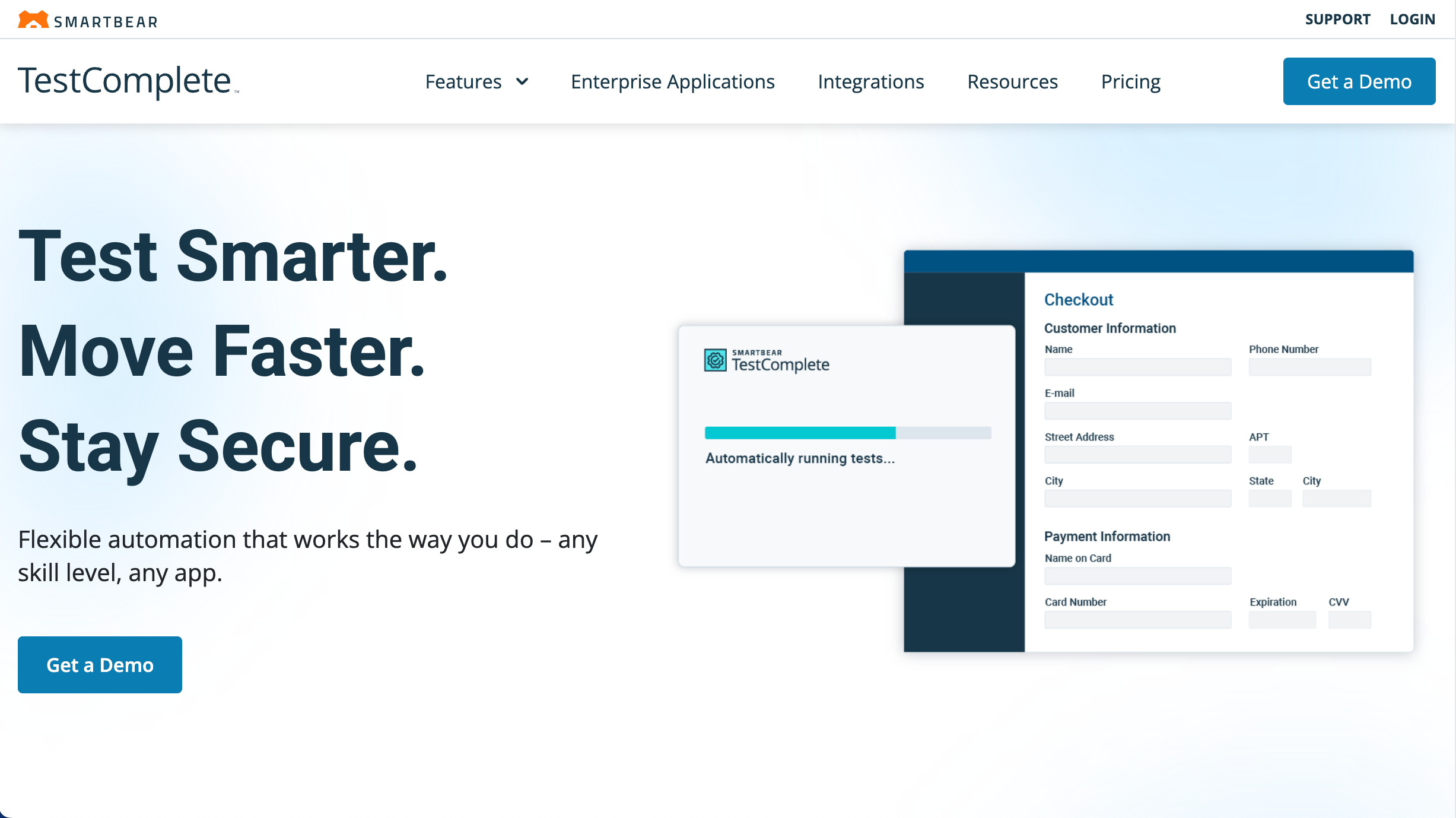
Part of the SmartBear suite of products, TestComplete is best for automated UI and regression testing because it helps teams build repeatable test scripts to validate user flows across web, desktop, and mobile apps. It works well for QA teams who want automated coverage for frequent releases.
Who is TestComplete designed for?
TestComplete is designed for QA engineers and teams automating tests of UI/UX flows.
What are the key features of TestComplete?
- Scripted & codeless automation
- Keyword tests
- Record/playbac
- CI/CD integration
What are the Pros and Cons of TestComplete?
TestComplete Pros:
- Saves time on repetitive tests
- Powerful for regression & GUI testing
- Good IDE support
TestComplete Cons:
- Steeper learning for non-technical users
- Expensive for smaller teams
- Windows OS is required
How much does TestComplete cost?
- TestComplete Base $2,168 (single user)
- TestComplete Pro: $4,799 (single user)
- TestComplete Advanced: Custom pricing
Find out more about what's included in each of the TestComplete pricing plans.
Does TestComplete offer a free trial?
Yes, TestComplete offers a 14-day free trial.
#16. Qualaroo
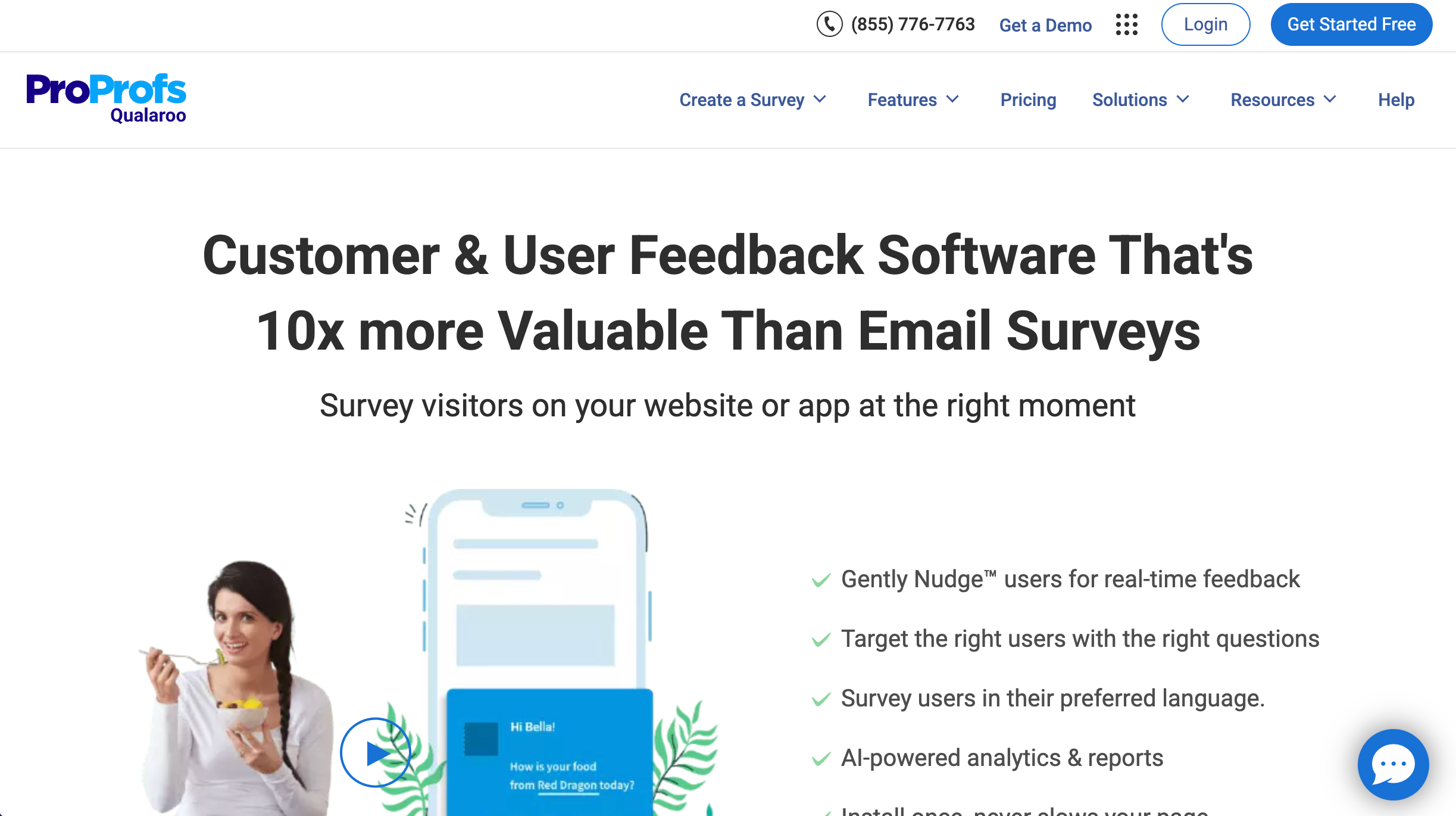
Qualaroo is best for targeted user feedback collection because it triggers surveys based on behaviour and audience rules to capture in-the-moment insights. It works well for product and UX teams who want quick answers to specific experience questions.
Who is Qualaroo designed for?
Qualaroo is designed for product managers, UX designers, and insights teams.
What are the key features of Qualaroo?
- On-site surveys
- Advanced targeting/segmentation
- CRM/analytics integrations
What are the Pros and Cons of Qualaroo?
Qualaroo Pros:
- Easy to collect contextual feedback
- Good targeting logic
Qualaroo Cons:
- Survey templates could be deeper
- Some users report support inconsistencies
How much does Qualaroo cost?
- Free forever plan (up to 50 responses only)
- Essentials: $69.99
- Enterprise: $149.99
Find out more about what's included in each of the Qualaroo pricing plans.
Does Qualaroo offer a free trial?
Yes, TestComplete offers a free trial.
#17. Useberry
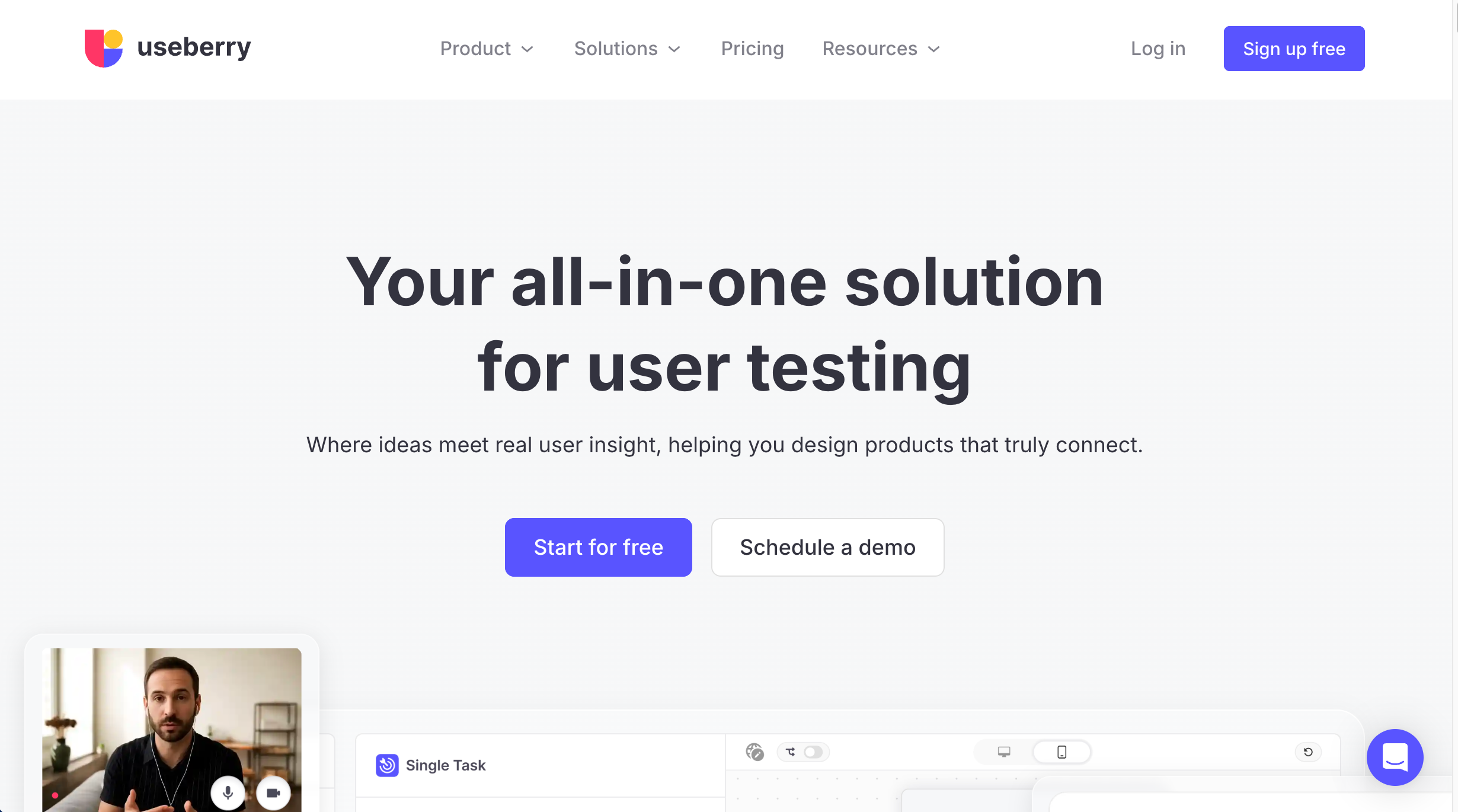
Useberry is best for prototype and usability testing because it supports tasks, surveys, and analytics across designs, helping teams validate UX early. It works well for designers testing concepts in tools like Figma before development starts.
Who is Useberry designed for?
Useberry is designed for UX teams and designers testing early-stage prototypes.
What are the key features of Useberry?
- Prototype & live site testing
- Card sorting and tree testing
- Surveys
- Heatmaps
- Recordings & analytics
- Design tool integrations (eg. Figma, Sketch)
- Highlights & session tagging
What are the Pros and Cons of Useberry?
Useberry Pros:
- Easy setup & integration
- Good mix of qualitative & quantitative tests
Useberry Cons:
- Some limited features reported
- Complexity for advanced research workflows
How much does Useberry cost?
- Free forever plan (1 seat only)
- Growth: $79/month
- Enterprise: Custom pricing
Find out more about what's included in each of the Useberry pricing plans.
Does Useberry offer a free trial?
A free forever plan is available.
#18. Maze
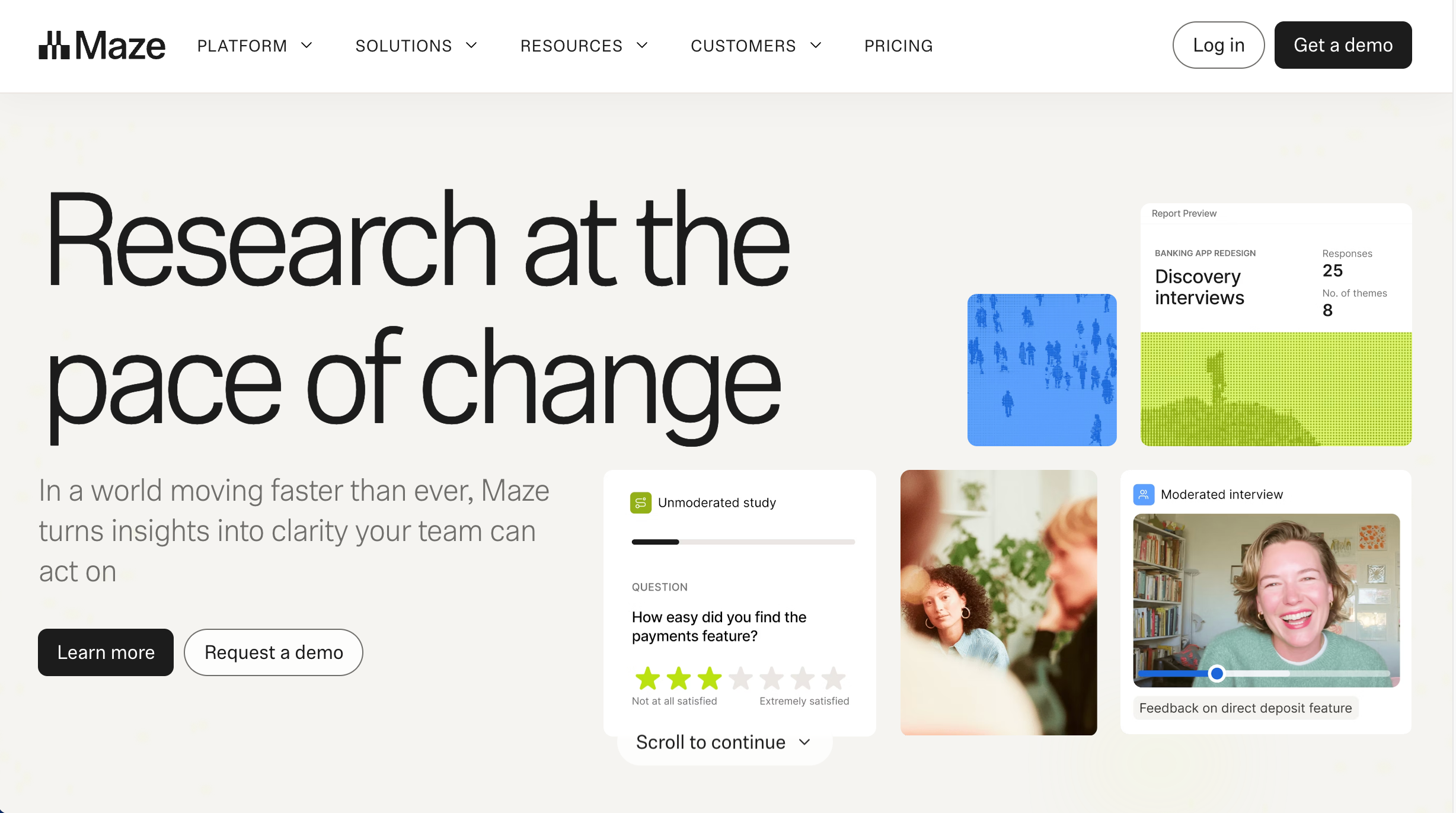
Maze is best for rapid usability testing because it turns prototypes into structured tests with clear metrics, surveys, and reports. It works well for product and UX teams who want fast validation and decision-making before development.
Who is Maze designed for?
Maze is designed for product designers and UX teams who want rapid unmoderated usability data.
What are the key features of Maze?
- Prototype testing
- Live website testing
- Surveys
- Card sorting
- Tree testing
- Analytics & reporting
- Participant targeting and screening
What are the Pros and Cons of Maze?
Maze Pros:
- Intuitive UI
- Strong Figma integration
- Varied testing types
Maze Cons:
- Steeper learning for advanced features
- Occasional stability issues
How much does Maze cost?
- Free forever plan (limited)
- Starter: $99/month
- Enterprise: Custom pricing
Find out more about what's included in each of the Maze pricing plans.
Does Maze offer a free trial?
A free forever plan is available.
#19. TestGrid

TestGrid is best for automated testing across browsers and devices because it supports scriptless test creation, real device testing, and CI/CD integrations. It works well for QA teams who need scalable test execution without heavy manual effort.
Who is TestGrid designed for?
TestGrid is designed for QA and automation engineers.
What are the key features of TestGrid?
- AI-powered scriptless test creation
- Real device cloud
- Cross-browser/mobile
- Functional/API testing
- CI/CD integrations
What are the Pros and Cons of TestGrid?
TestGrid Pros:
- Cost-effective automated testing
- Easy setup
- Rich test options
TestGrid Cons:
- Limited UI polish
- Documentation gaps
- Scaling limitations
How much does TestGrid cost?
- Fremium plan: $0 (limited - only )
- Manual Testing: $25/month
- Private Dedicated: $30/month
- End to End Automation: $99/month
- Enterprise: Custom pricing
Find out more about what's included in each of the TestGrid pricing plans.
Does TestGrid offer a free trial?
Yes, TestGrid offers a free trial, as well as a free plan.
#20. Zephyr
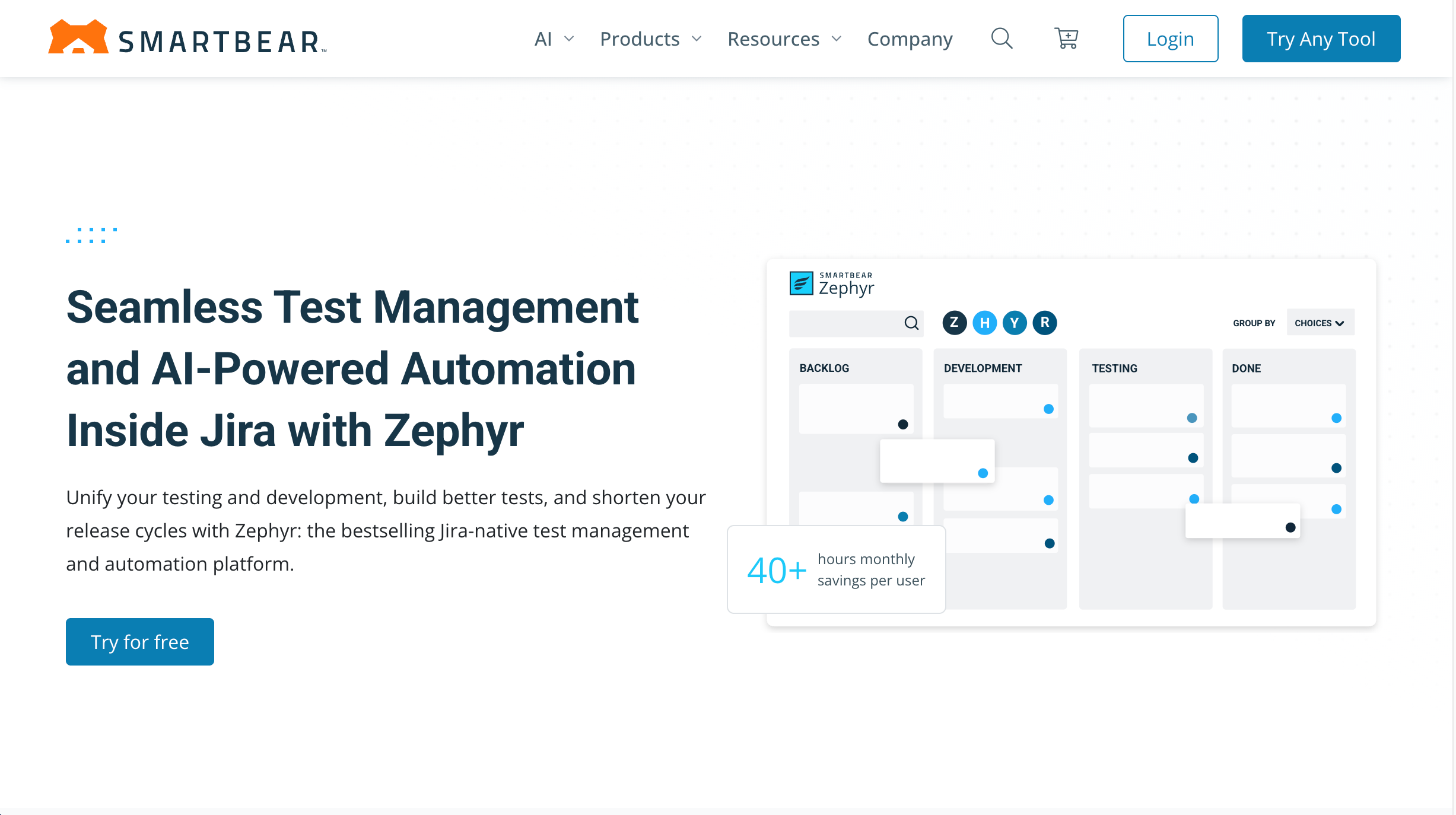
Part of the SmartBear suite of products, Zephyr is best for Jira-based test management because it helps teams create, run, and report on test cases directly inside Jira workflows. It works well for QA teams who want test execution tightly connected to development tickets and releases.
Who is Zephyr designed for?
The tool is designed for QA teams using Jira.
What are the key features of Zephyr?
- Test case creation/management
- Execution tracking
- Reporting
- Reporting in Jira context
- Dashboards
- Analytics
What are the Pros and Cons of Zephyr?
Zephyr Pros:
- Native Jira integration
- Solid core test management
Zephyr Cons:
- Performance/slow UI complaints
- Pricing model charges per Jira user
- Limited standalone features
- UI can feel dated
How much does Zephyr cost?
- Zephyr Essential: Contact Sales for pricing
- Zephyr Standard: Contact Sales for pricing
- Zephyr Advanced: Contact Sales for pricing
Find out more about what's included in each of the Zephyr pricing plans.
Does Zephyr offer a free trial?
Yes, Zephyr offers a free trial.
#21. TestLodge
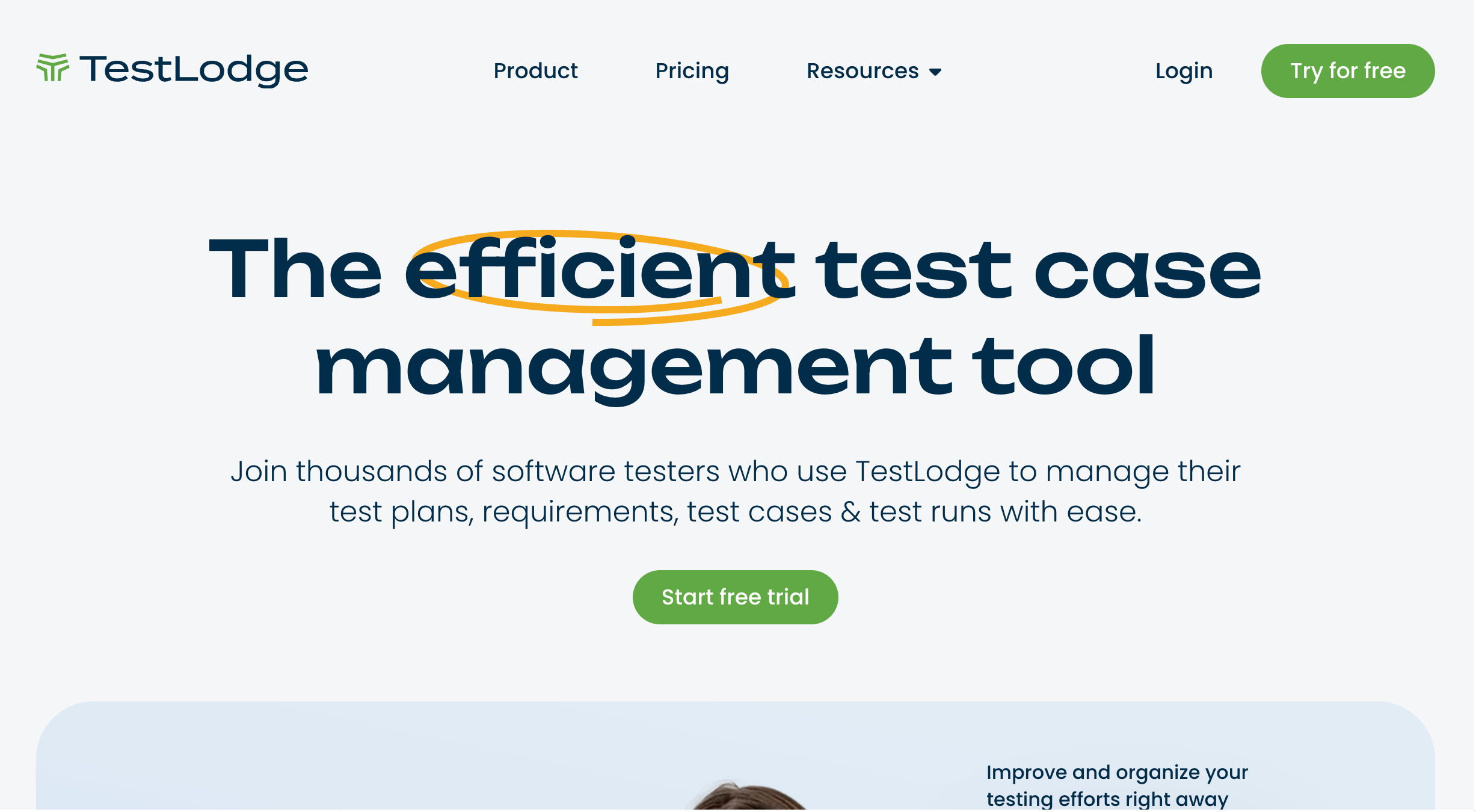
TestLodge is best for lightweight UAT and QA test management because it helps teams create test cases, run test plans, and track test results in a simple, organised workflow. It works well for small-to-mid teams who want clear testing structure without heavyweight enterprise complexity
Who is TestLodge designed for?
TestLodge is designed for QA teams, software testers, and project teams who need a straightforward way to manage test plans, test cases, and test runs.
What are the key features of TestLodge?
- Test plan management
- Requirements tracking
- Test case creation & organization
- Test runs & execution tracking
- Issue tracker integrations (e.g. Jira, Trello)
What are the Pros and Cons of TestLodge?
TestLodge Pros:
- Easy to use and quick to set up
- Good structure for managing tests and results
- Works nicely with issue trackers via integrations
TestLodge Cons:
- Not a visual feedback tool for websites (more test-case focused)
- May feel too simple for complex enterprise testing needs
How much does TestLodge cost?
- Personal: $34/month
- Basic: $69/month
- Plus: $135/month
- Premium: $279/month
Find out more about what's included in each of the TestLodge pricing plans.
Does TestLodge offer a free trial?
Yes, TestLodge offers a 30-day free trial.
Which UAT Software Tool is Best for Agencies and WebTeams?
User acceptance testing is the moment you move past 'it works on paper' and confirm your website or software actually works for real users in real-world scenarios. The right UAT testing software makes that process faster, clearer, and way less painful by helping teams run structured test cases, capture feedback, and sign off with confidence before launch.
If your UAT involves reviewing websites, BugHerd is the standout choice. It’s the best UAT tool for websites because feedback is pinned directly to the page, with full context and zero back-and-forth, and best of all, it's easy for clients to use. Start a free trial or book a demo today and make your next website UAT cycle smoother from day one.
“I've never worked with more convenient software .... BugHerd actually saves time, which is often-promised and never a reality. While it's convenient for production, the key feature that is most beneficial is allowing non-technical users (think account leaders, PMs, but particularly clients) to simply point and click to identify an issue.“ - Lole T, Capterra Review
Frequently Asked Questions About UAT Testing Software
When does the user acceptance testing process happen in the software development lifecycle?
The user acceptance testing process happens near the end of the software development lifecycle, once the development team has a working build, so end users can validate it against business requirements and acceptance criteria before it goes live in the production environment.
Who should run end-user testing during the UAT process?
During the UAT process, end-user testing should be run by end users, beta testers, or business stakeholders (eg. clients) who represent actual users and realistic user scenarios.
What’s the difference between UAT testing and beta testing?
The difference between UAT testing and beta testing is that UAT testing confirms acceptance criteria in a test environment, while beta testing collects user feedback from beta testers in real world conditions.
What are test scenarios in user acceptance testing?
Test scenarios in user acceptance testing are realistic user scenarios that reflect real world scenarios and business processes users need to complete.
What are UAT test cases and why are they important?
UAT test cases are detailed test cases that guide users through expected actions, and they’re important because they reduce human error and make acceptance testing consistent.
How do you create a UAT test plan?
To create a UAT test plan, you define test scenarios, test data, acceptance criteria, who will execute tests, and how test results will be approved.
Why is user feedback important in the UAT testing process?
User feedback is important in the UAT testing process because it confirms the website or software meets user expectations and improves user satisfaction before launch.
What is automated user acceptance testing?
Automated user acceptance testing is acceptance testing that uses test scripts to execute tests repeatedly and support regression testing with less manual effort.
Should UAT include automated and manual testing?
UAT should include automated and manual testing because automation supports continuous testing and regression testing, while manual testing captures real user interactions.
What is operational acceptance testing (OAT)?
Operational acceptance testing (OAT) is acceptance testing that checks operational readiness testing requirements like monitoring, permissions, and support readiness.
What is production acceptance testing?
Production acceptance testing is the testing process that validates the software system in a production environment (or production-like setup) to confirm real world conditions won’t break it.
What is operational readiness testing?
Operational readiness testing is the process of confirming the business and technical teams can support the software system after release with stable operations.
What is contract acceptance testing?
Contract acceptance testing is acceptance testing that confirms the software meets user expectations and acceptance criteria defined in a contract or agreement.
How do you capture real user interactions during UAT testing?
To capture real user interactions during UAT testing, you log actions and feedback in a user acceptance testing tool and document results as users execute tests.
How can UAT testing software reduce human error?
UAT testing software can reduce human error by using clear test management workflows, detailed test cases, consistent test data, and structured test results tracking.
What’s the difference between UAT and usability testing?
The difference between UAT and usability testing is that UAT validates business requirements and acceptance criteria, while usability testing focuses on assessing usability and gathering qualitative feedback.
How do you know when acceptance testing is complete?
Acceptance testing is complete when all test scenarios and test cases are executed, test results meet acceptance criteria, and stakeholders approve the release.
Why is comprehensive testing important before launch?
Comprehensive testing is important before launch because it reduces risk by validating realistic user scenarios and readiness through operational acceptance testing and production acceptance testing.

Marina Domoney
Marina Domoney is Marketing Communications Lead at BugHerd and a senior B2B marketer with 20+ years’ experience in SaaS and website delivery workflows. She’s worked closely with agencies, creative teams, and developers across countless web projects, giving her practical expertise in design and website feedback, approvals, and client collaboration.
Try BugHerd on your site
See feedback in context
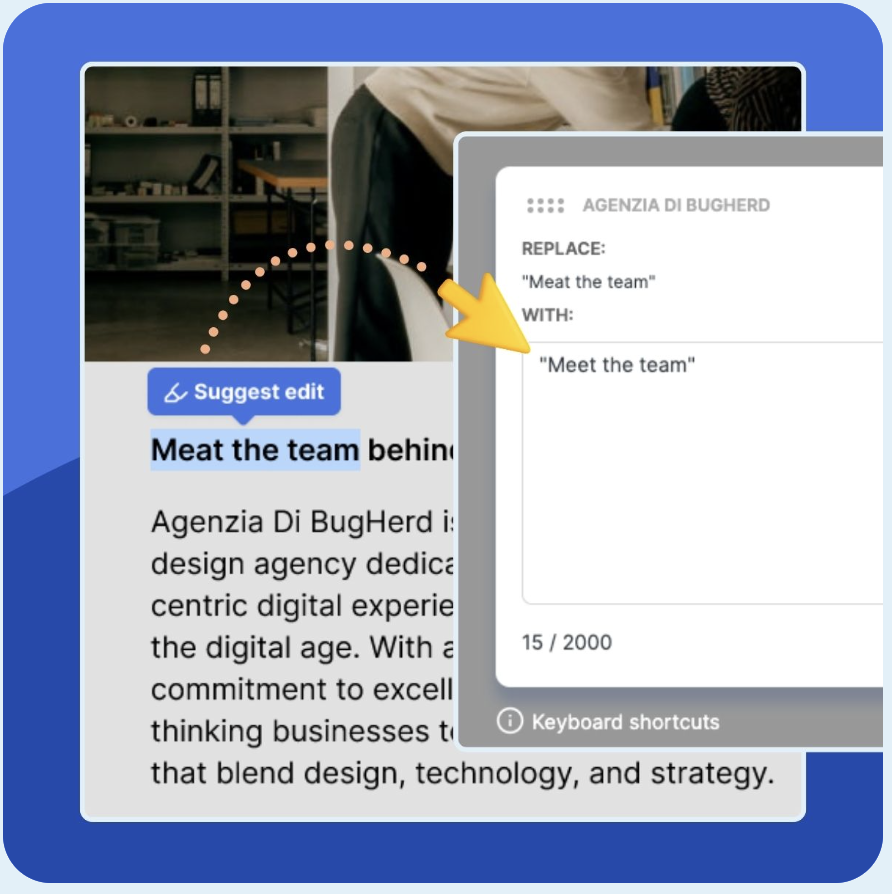
Click anywhere to leave feedback directly on your website.










But don't just take our word for it.
BugHerd is loved by 10,000+ companies,
350,000+ users across 172 countries.
4.8/5
4.7/5
4.5/5
5/5
8.7/10
Sam Duncan 📱📏 🌱
@SamWPaquet
"@bugherd where have you been all my life??
We just migrated our bug tracking over from Asana and have at least halved our software testing time🪳👏📈. "
Ashley Groenveld
Project Manager
“I use BugHerd all day every day. It has sped up our implementation tenfold.”
Sasha Shevelev
Webcoda Co-founder
"Before Bugherd, clients would try to send screenshots with scribbles we couldn't decipher or dozens of emails with issues we were often unable to recreate."
Mark B
Developer
“A no-brainer purchase for any agency or development team.”
Kate L
Director of Operations
"Vital tool for our digital marketing agency.”
Paul Tegall
Delivery Manager
"Loving BugHerd! It's making collecting feedback from non-tech users so much easier."
Daniel Billingham
Senior Product Designer
“The ideal feedback and collaboration tool that supports the needs of clients, designers, project managers, and developers.”
Chris S
CEO & Creative Director
“Our clients LOVE it”
Emily VonSydow
Web Development Director
“BugHerd probably saves us
at least 3-4hrs per week.”