

Contents:
What is a Website Review Tool?
How do Website Review Tools Work?
Who Uses Website Review Tools?
How to Evaluate a Website Feedback Tool?
Top 17 Website Review Tools in 2026 - Comparison Table
Which are the Best Website Review Tools in 2026?
Common Mistakes to Avoid When Choosing a Website Review Tool
What are the Best Website Review Tools for Agencies in 2026?
Frequently Asked Questions about Website Review Tools
Key Takeaways
- Website review tools let teams collect clear, contextual feedback directly on live or staging websites.
- Visual, in-page comments make collecting customer feedback easy, reduce confusion and speed up approvals.
- The best review tools are those that can turn feedback into actionable tasks automatically.
- Client-friendly review tools improve collaboration and customer satisfaction.
- In 2026, BugHerd is the best website review tool for agencies and web teams, combining visual feedback, automatic context capture, and built-in task management in one workflow.
What is a Website Review Tool?
A website review tool is software that lets people provide feedback about a website or web page by pinning feedback directly on a website instead of describing issues in emails or messages. Other types of website review tools collect user feedback via tailored surveys or by monitoring how users interact with a web page.
These tools are commonly used by web designers, developers, and clients to review websites before and/or after launch. They make website feedback clearer, reduce back-and-forth, and help teams fix website issues faster without confusion.
How do Website Review Tools Work?
The best website feedback tools work by allowing users to leave feedback directly on a staging or live website. Instead of sending emails or spreadsheets, reviewers can point, click, and comment on specific elements of the site.
The tool automatically captures a screenshot, along with technical details like browser, device, and screen resolution, providing context for developers and designers. This in-context approach ensures feedback is precise and tied to the exact location, reducing misunderstandings and follow-up questions.
Who Uses Website Review Tools?
- Agencies: Agencies use website feedback tools to manage client feedback, ensure projects stay on track, and deliver high-quality websites/web apps.
- Web Development teams: Web developers, designers, QA testers, and Project Managers rely on these tools to quickly identify and fix reported issues and bugs, ensuring that staging or live websites are functional and user-friendly.
- Marketing Teams: Marketing teams use website review tools to collect feedback on content, design, and user experience, helping them optimize websites for better performance and improved Google Analytics.
How to Evaluate a Website Feedback Tool
- Client Features: Ease of use for non-technical clients and stakeholders, including no-login commenting, feedback button, and guest portals.
- Visual Feedback: The ability to leave in-context, annotated comments on a website.
- Workflow Efficiency: Features that streamline the review process, such as Kanban boards, task tracking, and customization options.
- Technical Documentation: Automatic capture of technical details like browser, device, and screen resolution.
- Project Management Integration: Seamless integration with popular tools like Jira, Trello, and Asana.
- Pricing: Transparent, affordable pricing with options for different team sizes and free plans.
- Security: Compliance with industry standards like GDPR and SOC 2.
How do the Top Website Review Tools in 2026 Compare?
- In-context feedback on website designs
- Feedback on PDFs/images/Figma
- Auto-capture technical data
- Built-in Kanban task board
- Feedback via video also available
- Native 2-way deep integrations with PM & dev tools
- Very easy for clients
- Best tool for agencies
- No login required for clients
- Captures context (screenshots/device details)
- Built-in task board
- Extensive integrations
- Not ideal for deep prototype reviews
- Mobile app not fully developed
Studio: $67/month (10 members)
Premium: $125/month (25 members)
Custom pricing for larger teams
Unlimited client users & projects on all plans
- Website, image & PDF feedback
- Real-time commenting
- Shareable feedback links
- Supports 30+ file types
- Pricey
- Limited project tools
- Client accounts needed (some workflows)
- Easy browser extension
Custom pricing: Get in touch
- Visual feedback capture (screenshots)
- Targeted micro-surveys
- Feedback organization dashboard
- Context-rich feedback data
- Integrates with dev tools
- AI-assisted insights available
- Can be expensive
- Limited reporting features
- Not ideal for small teams
Growth: $121/month
Professional: $216/month
Premium: $432/month
- Console logs
- Environment capture
- Deep Jira/GitHub/GitLab flows
- Page feedback capture
- Integrates with dev tools
- Session replay & logs
- Less client-friendly than other tools
- Can get pricey for teams
Team: $199/month
Business: Custom pricing paid yearly
- Design annotations
- Mobile & web app feedback
- PDF & image feedback
- Kanban board
- Simple visual feedback
- Real-time comments & edits
- Guest no login
- Not as deep as dev-centric tools
- Interface can feel basic
- Some UX rough edges reported
Starter: $12/user/month
Pro: $18/user/month
Business: $90/user/month
- Visual screen annotations
- Video feedback capture
- Session replay insights
- Rich in-app widgets
- Session detail capture
- Integrates with PM/dev tools
- Steeper setup
- Not as simple as other tools
Team: $9/seat/month
Business: $19/seat/month
Business Plus: $29/seat/month
Feature Portal add-on: $39/month
- Online proofing & markup
- Task management
- Time tracking
- File sharing
- All-in-one platform
- Unlimited users
- Proofing + PM combos
- Not design-feedback specific
- Limited deep integrations
Ultimate Control: $99/month
- On-page visual feedback
- Real-time comments
- Unlimited guest reviewers
- Lightweight
- Fast
- Shareable links
- Limited technical capture
- Limited analytics
Pro: $35/month
Team: $119/month
Enterprise: $450/month
- Website hotspot comments
- Client task assignments
- Real-time collaboration
- Tight WordPress integration
- Good for WP agencies
- Narrow use case outside WP environments
Pro: $29/seat/month
Business: $42/seat/month
Enterprise: Custom pricing
- Online proofing hub
- Version comparison
- Workflow automation
- Works for multiple file types
- Easy to use
- Centralises feedback
- Steeper onboarding for new reviewers
- Some UI parts not intuitive
- Limits on project structure in certain plans
Basic: $129/month
Professional: $369/month
Enterprise: Custom pricing
- Visual annotations on live pages
- Auto logs
- AI prompts
- Clear context feedback
- Dev-ready
- Integrations
- Browser extension only
- Limited features compared to other tools
Starter: $35/month
Advanced: $95/month
- On-site visual comments
- Task assignment
- Integrate
- Simple visual feedback
- Central dashboard
- Limited modern integrations
- No built-in task board
- No monthly payment option
Basic: $139/year
Ultimate: $169/year
Ultimate Lifetime: $499 one time
- Annotated screenshots
- Video feedback
- PM sync
- Easy client use
- Integrates with PM tools
- Limited public reviews & ratings
- Smaller feature set than tools
- Not ideal for complex approval workflows
Business: $89/month
Enterprise: $259/month
- Enterprise proofing
- Automated reviews
- Multi-asset support
- Structured review workflows
- Versioning
- Multi-asset support
- Structured review workflows
- Versioning
- Overkill for simple annotation needs
Standard: $249/month
Pro: $399/month
Enterprise: Custom pricing
- On-screen markups
- Version comparisons
- On-frame markups of video
- Centralized creative feedback
- Easy versioning
- Limited technical feedback context
- Fewer workflow automations
- Lacks deep PM tool integrations
Pro: $12/user/month
Advanced: $20/user/month
Enterprise: Custom pricing
- Real-time surveys
- Feedback forms
- Actionable AI insights
- Strong analytics
- Targeted surveys
- Steep learning curve
- Enterprise focus
- Requires repetition for workflows
Enterprise: Custom pricing
- Advanced surveys
- Analytics
- Deep research capabilities
- Deep research capabilities
- Very expensive
- Complex setup
- Heatmaps & click maps
- Session recordings
- Surveys & feedback polls
- Easy setup
- Shows real user interactions
- Good qualitative insights
- Limited real-time feedback
- Requires traffic volume for value
- Not built for live website markup
Growth: $40/month
Pro: Contact Hotjar
Enterprise: Contact Hotjar
“The best thing about BugHerd is the Image capture review with all annotations. This helps my team to easily navigate to that particular page, saving plenty time. 2nd is integration with different tools which helps us to manage the notifications and data collection for reporting. I do appreciate the customer support that i have received over the years which is fantastic and quick. I even had opportunity to connect with the CEO as well.”
- Abdullah U., Operations Manager, E-Learning
Which are the Best Website Review Tools in 2026?
#1. BugHerd
BugHerd is the best website review tool for agencies and web development teams.
BugHerd is the go-to website review tool for agencies and web development teams that want to make it easy for clients to leave clear, in-context feedback. It lets clients simply point, click, and comment directly on a live or staging site, no logins or accounts required, while BugHerd automatically grabs a screenshot, saves all the technical details (like browser, device, and screen size), and turns every comment into a trackable task on a Kanban board - all in a single workflow.
Who is BugHerd designed for?
BugHerd is designed for agencies, creative teams, and web development teams managing multiple client websites. It's also designed for project managers who want a client‑friendly project management system that turns client feedback straight into tasks so that they can be easily managed and actioned.
What are the key features of BugHerd?
The key features of BugHerd are:
- In-Context Website Feedback: Clients and stakeholders can leave feedback directly on a staging or live website by pointing, clicking, and commenting.
- Automatic Screenshot and User Details: Every comment comes with a screenshot, browser data, OS, URL, and screen resolution, providing essential context for developers and designers.
- Task Board: Feedback is automatically converted into tasks on a visual Kanban board, making it easy to track progress and prioritize issues.
- No-Login for Clients: Clients can leave feedback without creating a login or an account, simplifying the review process.
- Deep Two-way Integrations with all project management tools such as ClickUp, monday.com, Asana, Trello, Jira and more; as well as supporting integrations with collaboration tools like Slack & Microsoft Teams, and developer tools like GitHub. BugHerd also has a fully featured API and Webhook support enabling custom integrations with any application.
- Guest Portal: Clients can view previously reported issues and track progress without needing access to your project management system.
- Video Feedback: Users can record video comments to explain issues or provide feedback.
- Ongoing feedback collection: Visitors to your website can leave comments even after your website project has finished. This ensures that your website is always up-to-date and accurate.
What are the Pros and Cons of BugHerd?
BugHerd Pros:
- Easiest website review tool for clients to use
- No login required for clients
- Excellent contextual feedback makes actioning tasks quick and easy
- Deep two-way integrations
- Works on live and staging websites
- Feedback is organized by page
- All-in-one feedback workflow (from capturing to managing feedback)
- Dramatically speeds up feedback loops
- Reduces revision misunderstandings
- Helps teams hit deadlines
BugHerd Cons:
- Not ideal for deep prototype reviews
- Less suited for early UX exploration
- Mobile app not fully developed
How much does BugHerd cost?
- Standard: $42/month (5 members - unlimited projects - unlimited guests)
- Studio: $67/month (10 members - unlimited projects - unlimited guests)
- Premium: $125/month (25 members - unlimited projects - unlimited guests)
- Custom: Custom pricing available for large teams
Find out more about what's included in each of the BugHerd pricing plans.
Does BugHerd offer a free trial?
BugHerd offers a free 7-day trial where you can check out all of the features. No credit card is required.
You can also book a 1:1 demo with a BugHerd product specialist where all of your questions will be answered on the spot.
“Before BugHerd, clients would try to send screenshots with scribbles we couldn't decipher or dozens of emails with issues we were often unable to recreate.”
— Sasha Shevelev, Webcoda Co-founder
#2. Markup.io
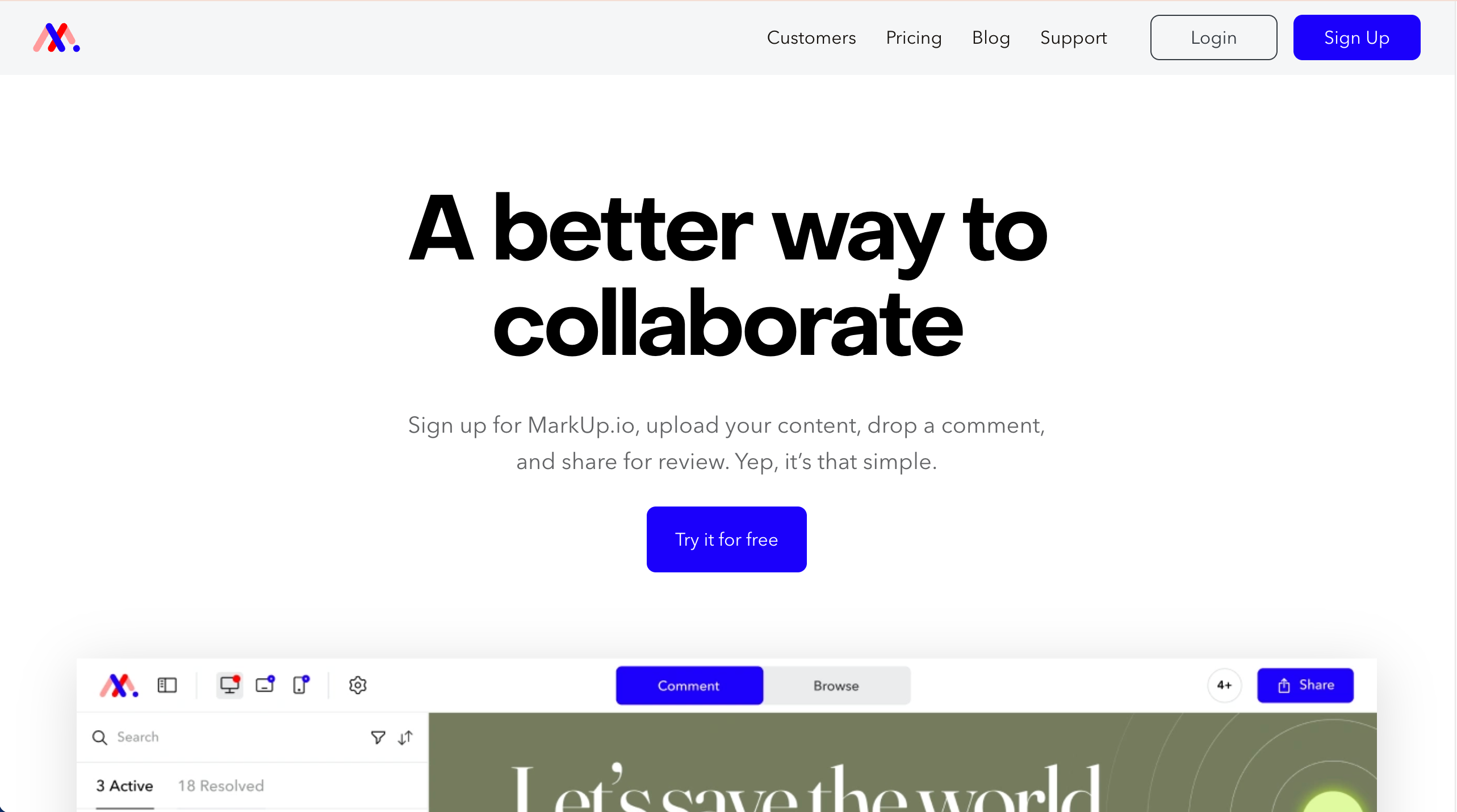
MarkUp.io lets teams leave visual comments on websites, designs, and files.
Who is MarkUp.io designed for?
MarkUp.io is designed for freelancers and small teams who want simple, visual feedback. For agency‑scale work or dev workflows, tools like BugHerd fit better.
What are the key features of MarkUp.io?
- Basic annotations: draw, highlight, and text comments on static and web captures.
- Lightweight notifications to keep threads moving.
- Mobile‑responsive reviewing for quick checks on any device.
What are the Pros and Cons of MarkUp.io?
Pros:
- Relatively easy to use
- Works across file types
- Fast client feedback
Cons:
- Limited project management
- Pricing is expensive compared to similar tools
- Not built for large teams
How much does MarkUp.io cost?
- Pro: $79/month
- Custom pricing: Get in touch with the MarkUp.io team
Find out more about what's included in each of the MarkUp.io pricing plans.
Does MarkUp.io offer a free trial?
Yes, MarkUp.io offers a 30-day free trial.
#3. Usersnap
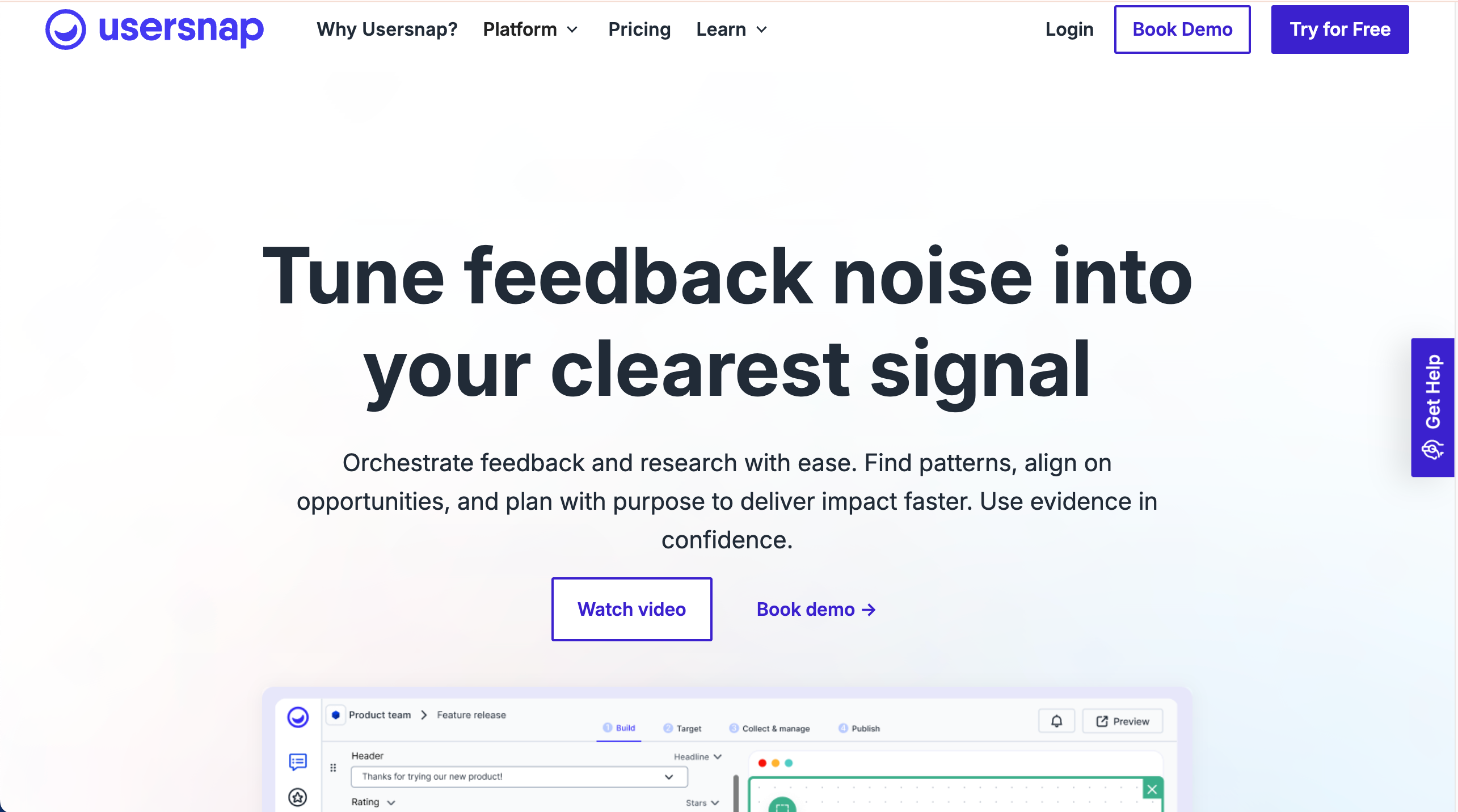
Usersnap is a visual feedback and bug-tracking tool designed for enterprise teams. It provides advanced feedback management, microsurveys, and AI-powered insights.
Who is Usersnap designed for?
Usersnap is designed for enterprises and product development organizations needing a feedback process across CX, product, and QA with reporting and governance.
What are the key features of Usersnap?
- Feedback across bugs, feature requests, and surveys with dashboards.
- Screenshot and video capture.
- Broad integrations across product and support stacks.
What are the Pros and Cons of Usersnap?
Usersnap Pros:
- Strong context capture
- Good for large teams
- Reliable feedback collection
Usersnap Cons:
- Can be expensive
- Less intuitive UI
- Overkill for small teams
How much does Usersnap cost?
- Starter: $53/month
- Growth: $121/month
- Professional: $216/month
- Premium: $432/month
Find out more about what's included in each of the Usersnap pricing plans.
Does Usersnap offer a free trial?
Yes, Usersnap offers a free trial.
#4 Marker.io
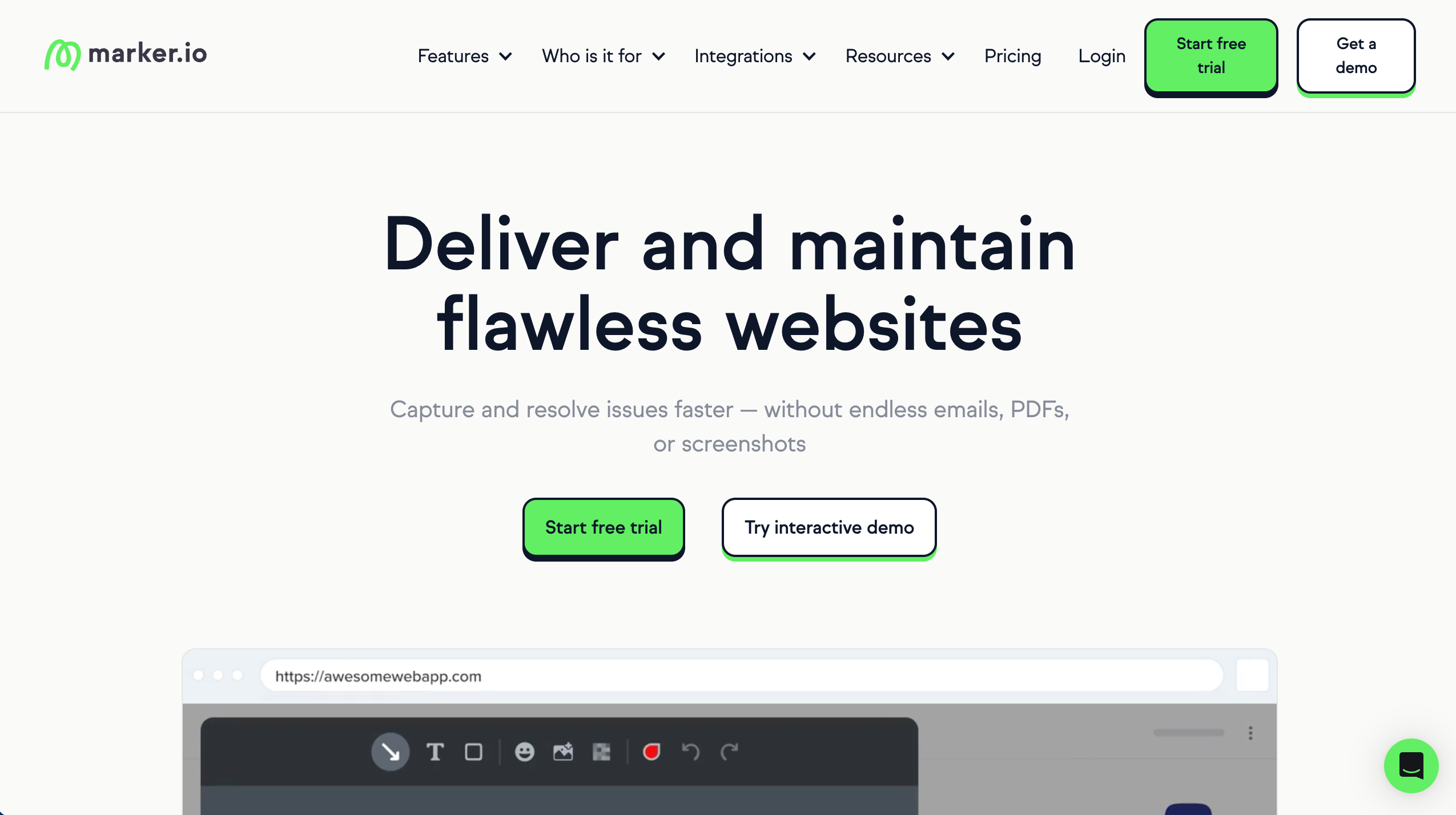
Marker.io is a visual feedback tool designed for developer-focused teams, rather than agencies.
Who is Marker.io designed for?
Marker.io is designed for dev teams and agencies that work inside issue trackers.
What are the key features of Marker.io?
- Users can capture bugs with annotated screenshots
- Customizable feedback forms
- Guest portal
- Console log recording
What are the Pros and Cons of Marker.io?
Marker.io Pros:
- Strong dev workflow fit
- Reduces back-and-forth
- Feedback includes context
Marker.io Cons:
- Less client-friendly
- Limited annotation features
- Can get expensive
How much does Marker.io cost?
- Starter: $59/month
- Team: $199/month
- Business: Custom pricing paid yearly
Find out more about what's included in each of the Marker.io pricing plans.
Does Marker.io offer a free trial?
Yes, Marker.io offers a 15-day free trial.
#5. Ruttl
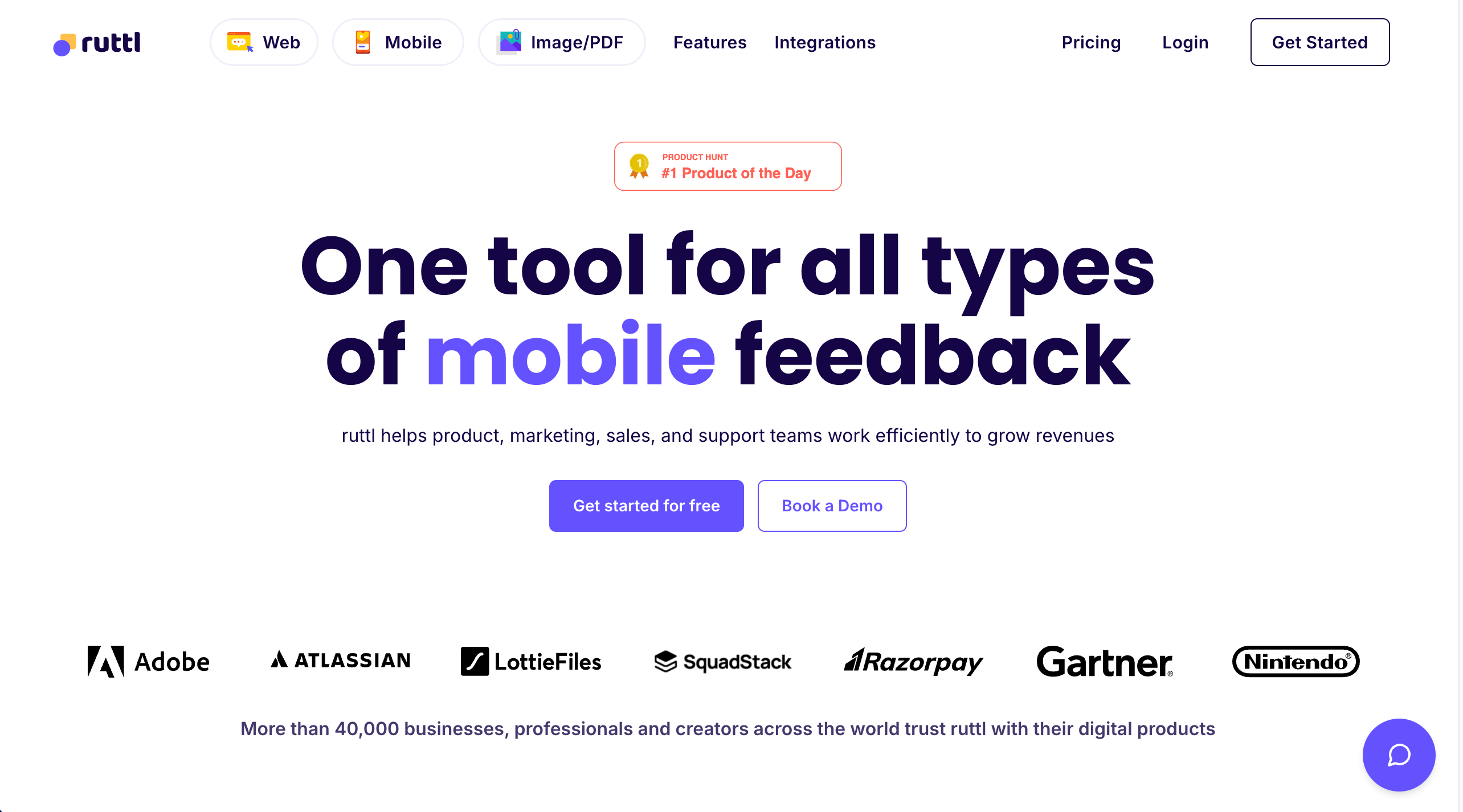
Ruttl allows teams to comment and suggest changes on live web designs.
Who is Ruttl designed for?
Ruttl is designed for designers and agencies reviewing live websites.
What are the key features of Ruttl?
- Live website annotations
- Mobile and desktop views
- Visual change suggestions
- Guest comments
What are the Pros and Cons of Ruttl?
Ruttl Pros:
- Live website context
- Easy for clients
- Fast feedback loops
Ruttl Cons:
- Fewer integrations
- UI can feel basic
- Less mature workflows
How much does Ruttl cost?
- Free plan: $0 (limited)
- Starter: $12/user/month
- Pro: $18/user/month
- Business: $90/user/month
Find out more about what's included in each of the Ruttl pricing plans.
Does Ruttl offer a free trial?
Ruttl does not offer a free trial as a free plan is available.
#6. Userback
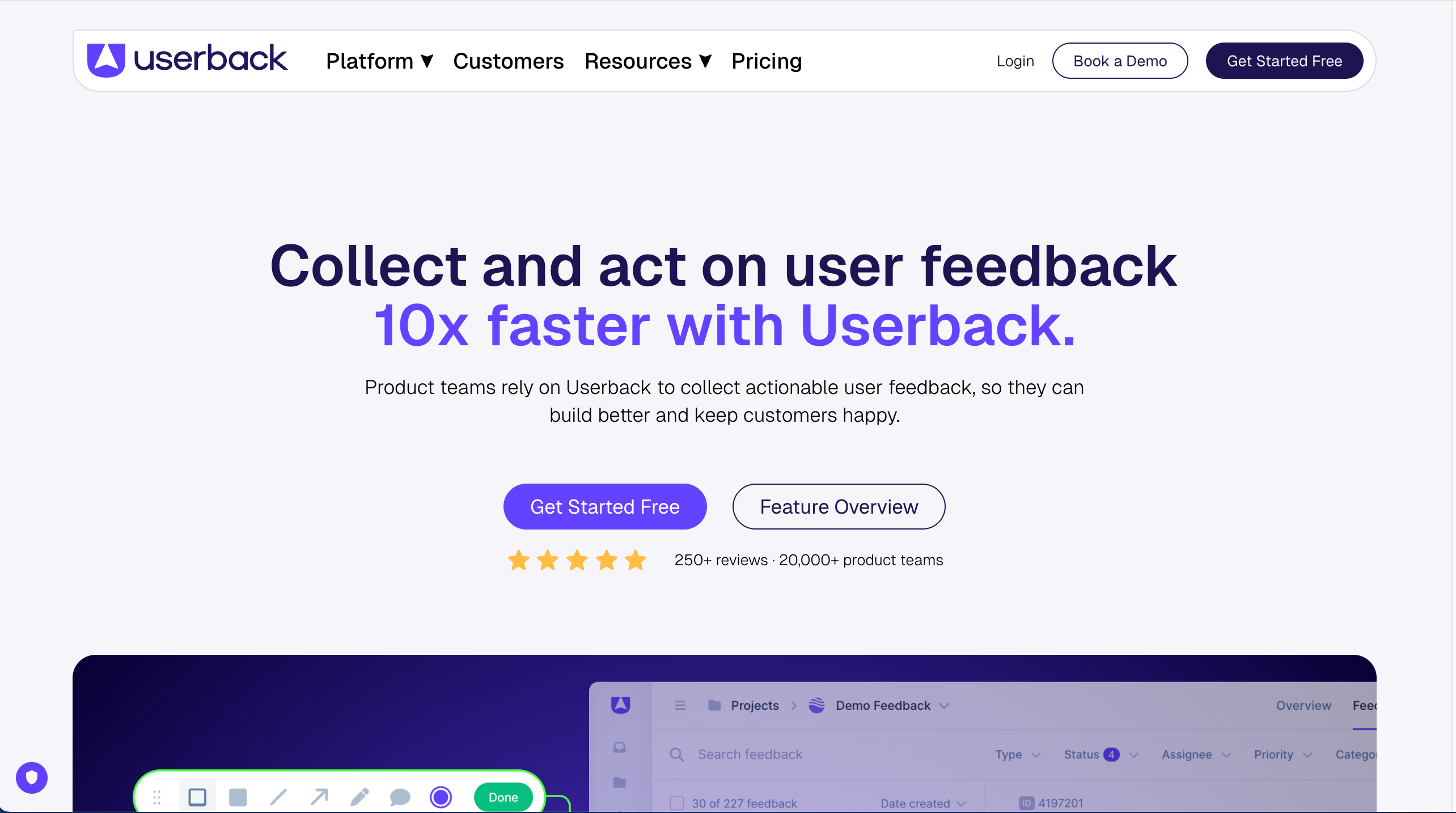
Userback collects visual and video feedback directly from websites and apps.
Who is Userback designed for?
Product teams and QA who need structured feedback in‑app, with a balance of visual capture and developer context.
What are the key features of Userback?
- Visual bug reporting, video feedback, and console capture for web apps.
- Ready‑made integrations.
- Widget customization and segmenting for in‑app feedback.
What are the Pros and Cons of Userback?
Userback Pros:
- Rich feedback detail
- Multiple feedback types
- Flexible integrations
Userback Cons:
- Setup is not simple
- The platform can feel complex
How much does Userback cost?
- Free Forever Plan (very limited)
- Team: $9/seat/month
- Business: $19/seat/month
- Business Plus $29/seat/month
- Feature Portal add-on: $39/month
Find out more about what's included in each of the Userback pricing plans.
Does Userback offer a free trial?
Userback does not offer a free trial as a free plan is available.
#7. ProofHub

ProofHub combines website design feedback with project management.
Who is ProofHub designed for?
ProofHub is designed for teams that want feedback and task tracking together.
What are the key features of ProofHub?
- File markup tools
- Task boards
- Discussions
- Approval tools
What are the Pros and Cons of ProofHub?
ProofHub Pros:
- All-in-one platform
- Flat pricing
- Feedback tied to tasks
ProofHub Cons:
- Not design-feedback specific
- Limited deep integrations
How much does ProofHub cost?
- Essential: $50/month
- Ultimate Control: $99/month
Find out more about what's included in each of the ProofHub pricing plans.
Does ProofHub offer a free trial?
Yes, ProofHub offers a free 14-day trial.
#8. Pastel
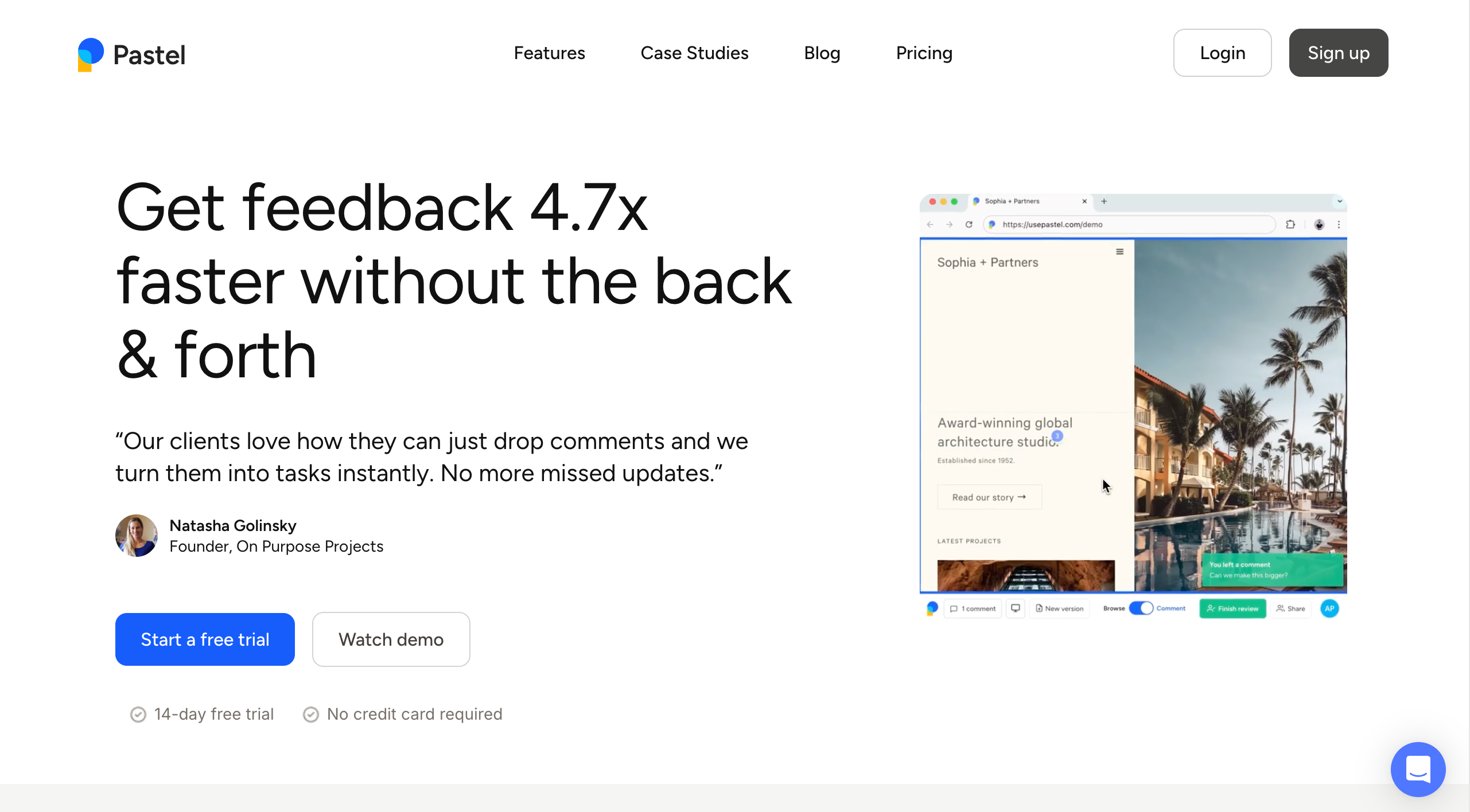
Pastel lets clients leave comments directly on live websites.
Who is Pastel designed for?
Pastel is designed for small agencies that want fast, low-friction website feedback. Upgrade to BugHerd when volume and complexity grow, and you want everything in a single platform.
What are the key features of Pastel?
- On-page comments
- Sticky-note style feedback
- Shareable review links
What are the Pros and Cons of Pastel?
Pastel Pros:
- Very client-friendly
- Quick to set up
- Lightweight tool
Pastel Cons:
- Limited technical context
- Basic reporting
- Not ideal for complex projects
How much does Pastel cost?
- Free Forever Plan (very limited)
- Pro: $35/month
- Team: $119/month
- Enterprise: $450/month
Find out more about what's included in each of the Pastel pricing plans.
Does Pastel offer a free trial?
Yes, Pastel offers a free 14-day trial in to a free plan.
#8. Atarim
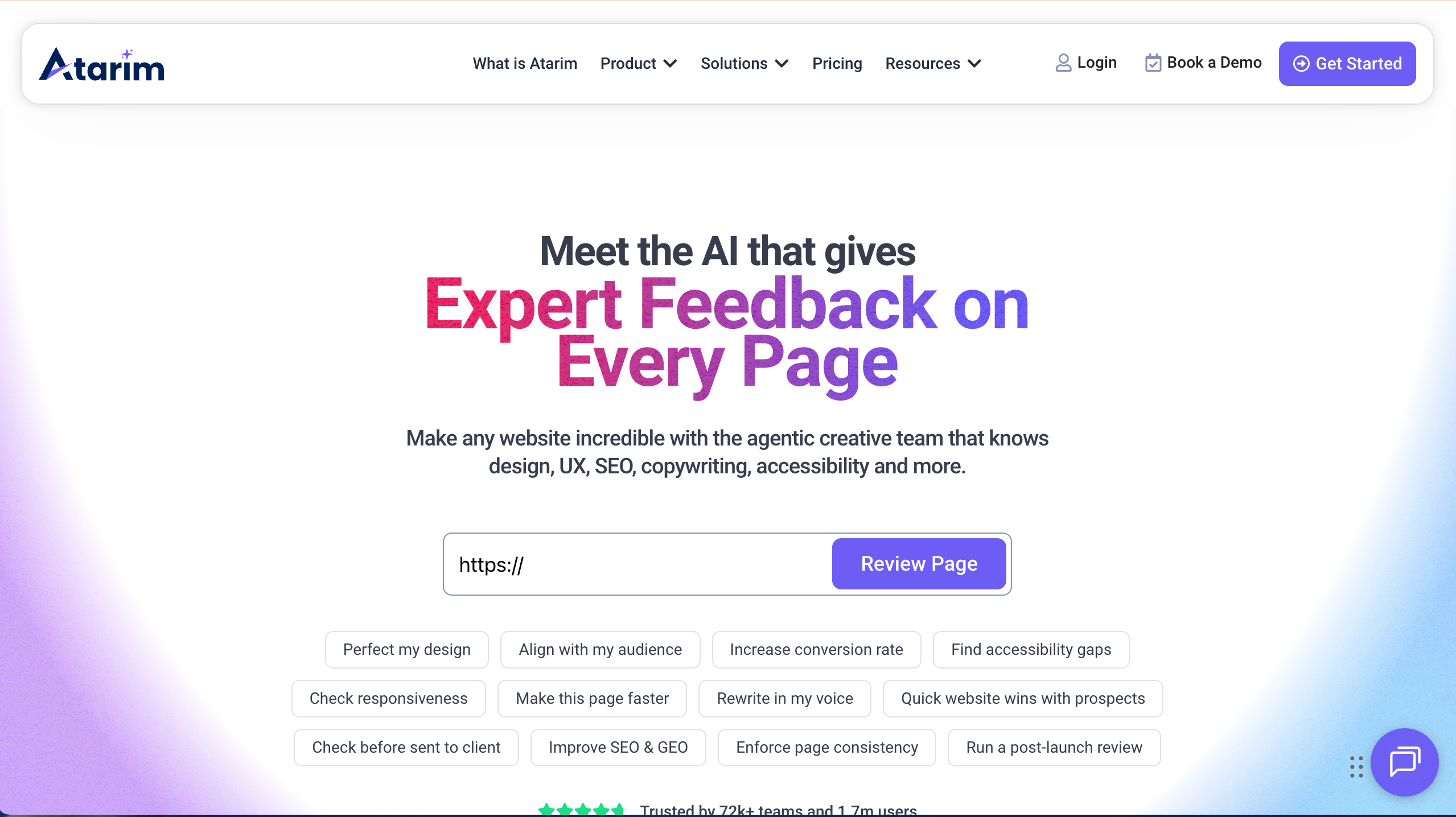
Atarim lets teams leave visual feedback directly on websites and manage tasks from right inside the feedback tool.
Who is Atarim designed for?
Atarim is designed for web designers, and teams who need to collect feedback on live sites and design work.
What are the key features of Atarim?
- Visual comments on live sites
- Task assignment and tracking
- Screenshot annotations
What are the Pros and Cons of Atarim?
Atrarim Pros:
- Easy for clients to use
- Good for site changes
- Shows feedback in context
Atarim Cons:
- UI is basic
- Not strong for complex approval flows
- Limited analytics/reporting
How much does Atarim cost?
- Free Forever Plan (very limited)
- Pro: $29/seat/month
- Business: $42/seat/month
- Enterprise: Custom pricing
Find out more about what's included in each of the Atarim pricing plans.
Does Atarim offer a free trial?
Atarim does not offer a free trial as a free plan is available.
#9. Filestage
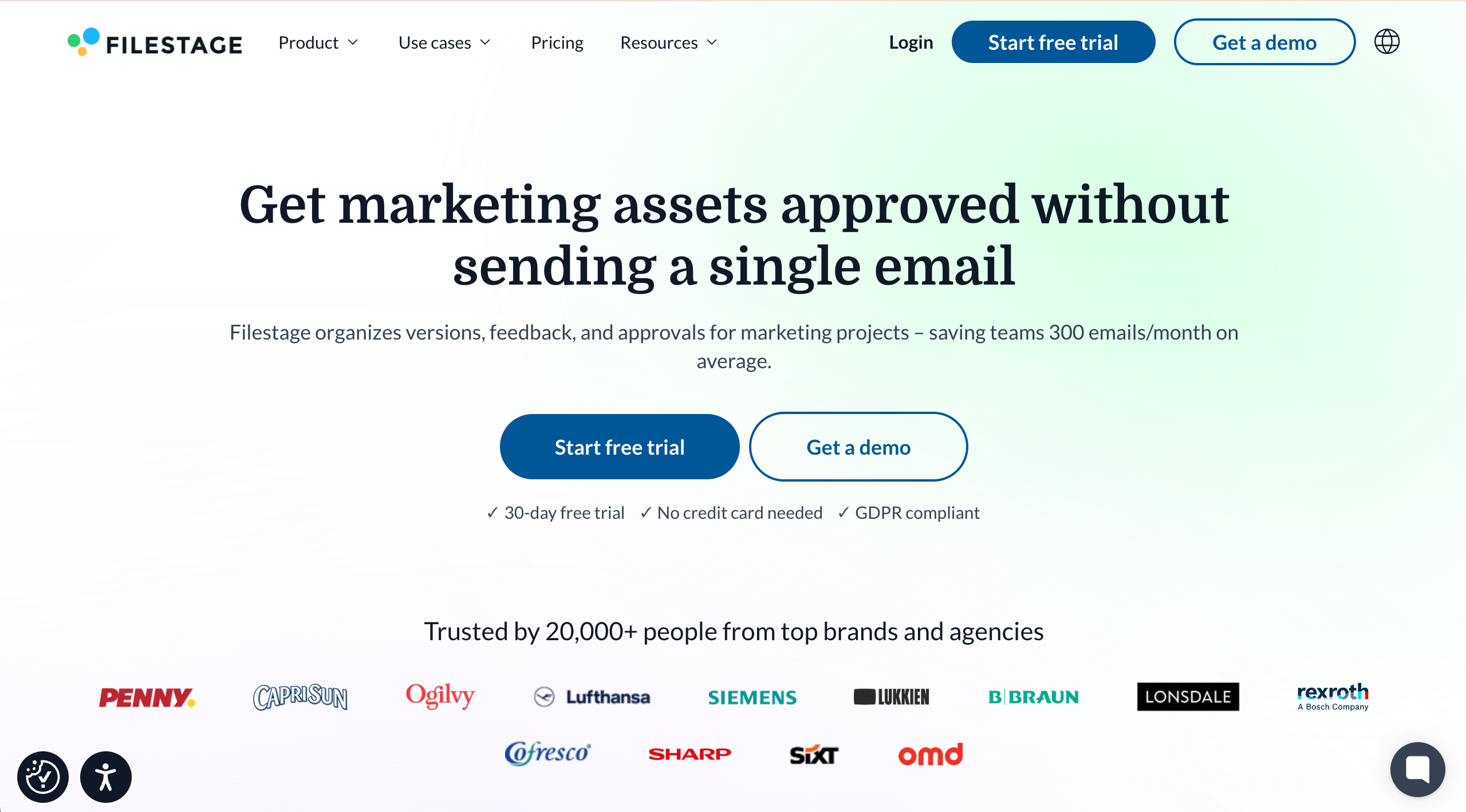
Filestage is an online proofing tool for collecting, managing, and approving feedback on creative files.
Who is Filestage designed for?
Filestage is designed for creative agencies managing campaign assets, video producers, brand teams, and marketing team members who require formal approvals.
What are the key features of Filestage?
- Multi‑format review across video, images, PDFs, and documents.
- Time‑stamped video comments for feedback on motion and edits.
- Branded client portals for professional approvals at scale.
What are the Pros and Cons of Filestage?
Filestage Pros:
- Works for multiple file types
- Easy to use for teams & clients
- Centralizes feedback & approvals
Filestage Cons:
- Steeper onboarding for new reviewers
- Some UI parts not intuitive
- Limits on project structure in certain plans
How much does Filestage cost?
- Free Forever Plan (very limited)
- Basic: $129/month
- Professional: $369/month
- Enterprise: Custom pricing
Find out more about what's included in each of the Filestage pricing plans.
Does Filestage offer a free trial?
Filestage offers a free 30-day trial.
#10. Webvizio
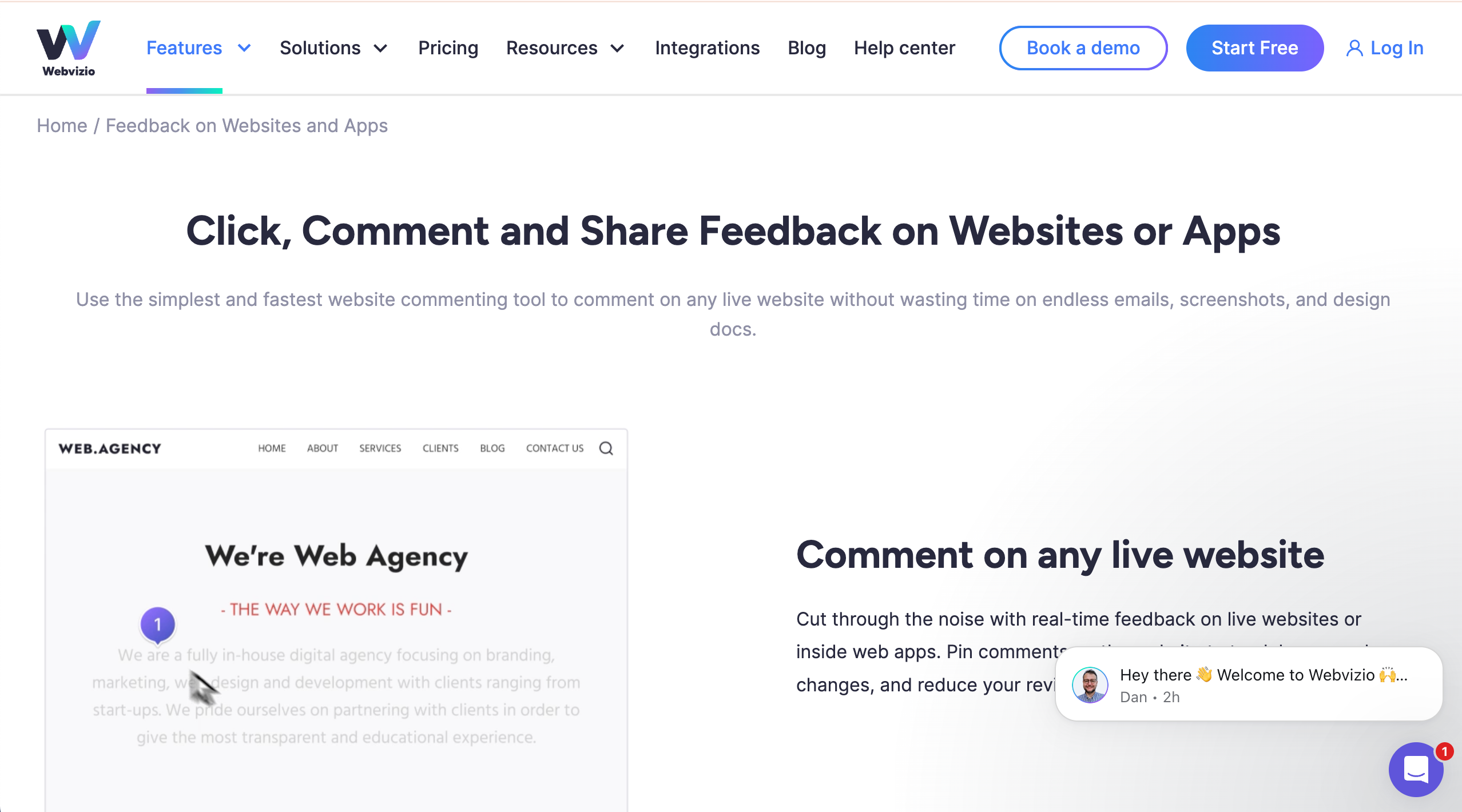
Webvizio lets people annotate and comment on live websites or designs with visual pins and context.
Who is Webvizio designed for?
Webvizio is designed for web developers, designers, and teams who need visual feedback pinned to specific page elements.
What are the key features of Webvizio?
- Visual pins/comments on websites
- Screenshot capture
- Feedback history
- Integrations with project tools
What are the Pros and Cons of Webvizio?
Webvizio Pros:
- Very visual feedback
- Captures browser/OS context
- Integrates with PM tools
Webvizio Cons:
- Only works in browser extension
- Small user base
- Less known on major review sitess
How much does Webvizio cost?
- Solo: $10/month (limited)
- Starter: $35/month
- Advanced: $95/month
Find out more about what's included in each of the Webvizio pricing plans.
Does Webvizio offer a free trial?
Yes, Webvizio offers a free trial.
#11. SureFeedback
SureFeedback lets teams collect feedback by placing widgets on sites where users can comment visually.
Who is SureFeedback designed for?
SureFeedback is designed for designers, agencies, and site owners who want simple visual feedback directly from visitors.
What are the key features of SureFeedback?
- On-page feedback widgets
- Screenshot comments
- Email notifications
- Custom feedback forms
What are the Pros and Cons of SureFeedback?
SureFeedback Pros:
- Easy to set up
- Good for basic visitor feedback
- Simple interface
SureFeedback Cons:
- Looks a bit old-style
- Few advanced integrations
- Not built for deep task workflow
How much does SureFeedback cost?
- Standard: $99/year
- Basic: $139/year
- Ultimate: $169/year
- Ultimate Lifetime: $499 one time payment
Find out more about what's included in each of the SureFeedback pricing plans.
Does SureFeedback offer a free trial?
No, SureFeedback does not offer a free trial.
#12. Feedbucket
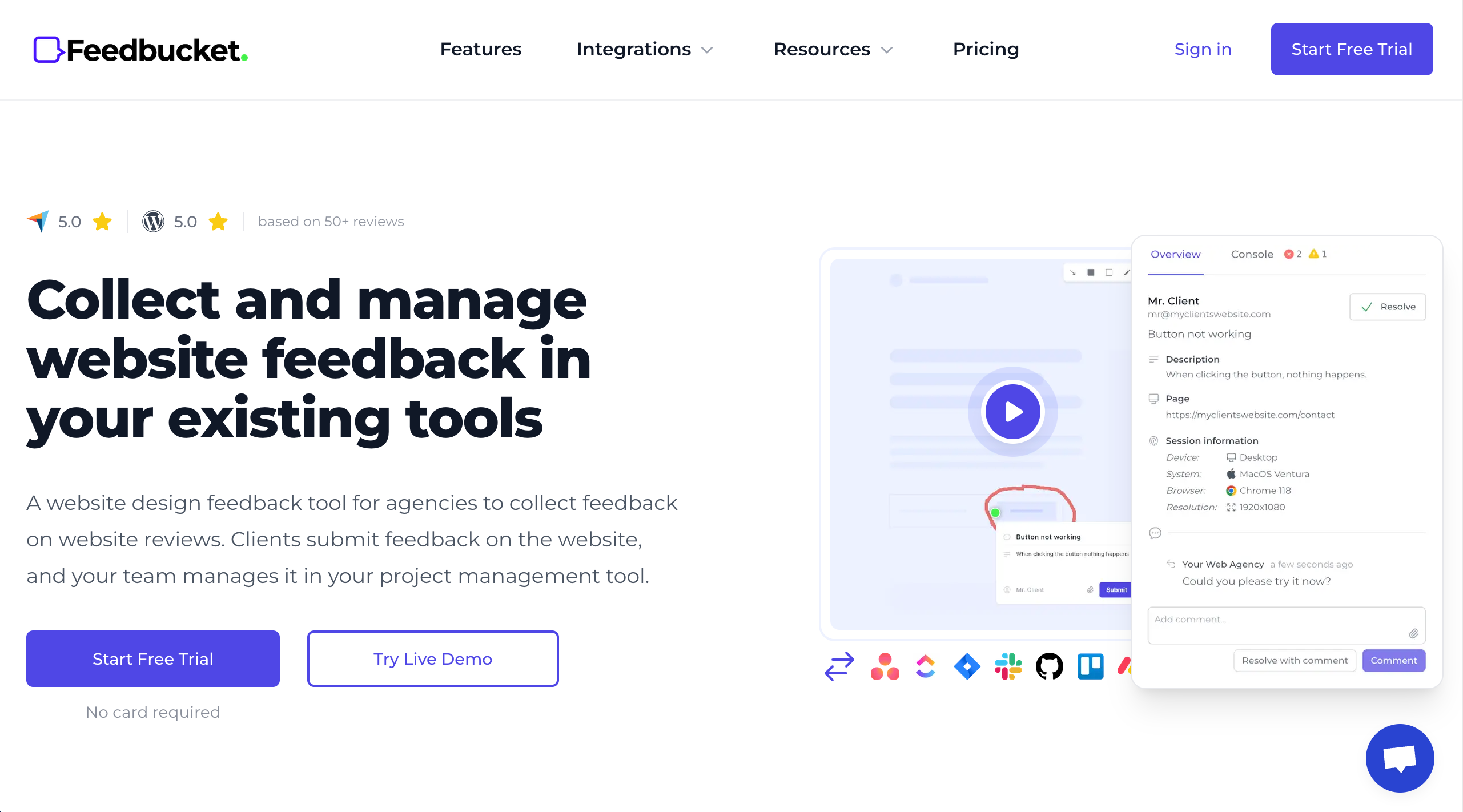
Feedbucket helps teams capture annotated screenshots and feedback, then organize it for designers and developers.
Who is Feedbucket designed for?
FeedBucket is designed for web design teams who want simple, annotated feedback that connects to their workflow.
What are the key features of Feedbucket?
- Annotated screenshots
- Video feedback capture
- Comment threads
- Integrations with workflow tools
What are the Pros and Cons of Feedbucket?
Feedbucket Pros:
- Easy feedback capture
- Works across file types
- Good for client feedback
Feedbucket Cons:
- Smaller review footprint online
- UI feels basic
- Some plans can add up in cost
How much does Feedbucket cost?
- Pro: $39/month
- Business: $89/month
- Enterprise: $259/month
Find out more about what's included in each of the Feedbucket pricing plans.
Does Feedbucket offer a free trial?
Yes, Feedbucket offers a 14-day free trial.
#13. Ziflow
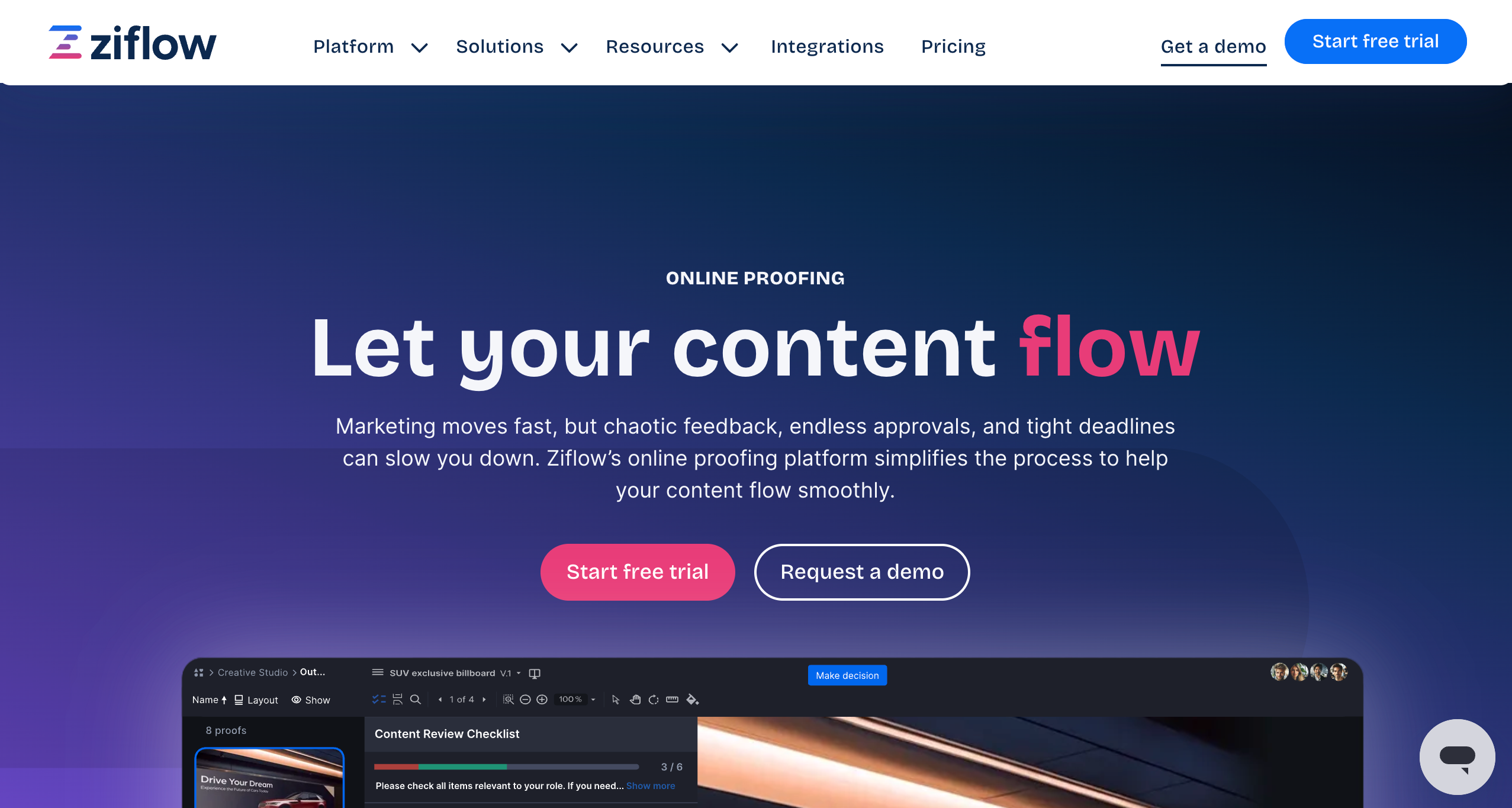
Ziflow manages structured design reviews and approvals at scale.
Who is Ziflow designed for?
Ziflow is designed for enterprise teams with complex review workflows.
What are the key features of Ziflow?
- Versioned proofing
- Multi-stage approvals
- Audit trails
- Workflow automation
What are the Pros and Cons of Ziflow?
Ziflow Pros:
- Strong approval control
- Enterprise-ready
- Handles large volumes
Ziflow Cons:
- Expensive for small teams
- Steep learning curve
- Not design-first
How much does Ziflow cost?
- Free Forever Plan (very limited)
- Standard: $249/month
- Pro: $399/month
- Enterprise: Custom pricing
Find out more about what's included in each of the Ziflow pricing plans.
Does Ziflow offer a free trial?
Yes, Ziflow offers a free 14-day trial in to a free plan.
#14. ReviewStudio
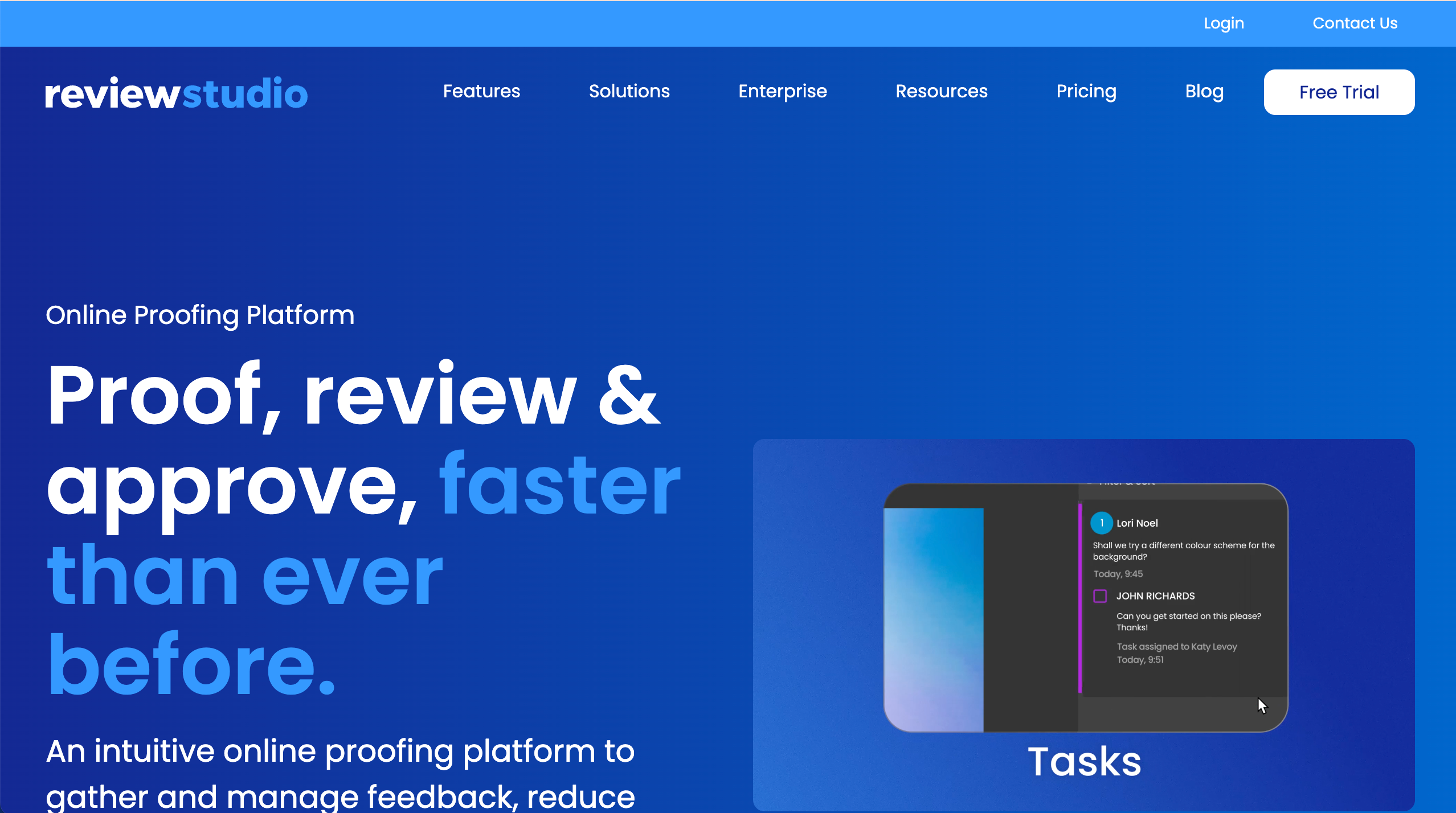
ReviewStudio lets teams and clients comment on design files and websites with markups and version comparisons.
Who is ReviewStudio designed for?
ReviewStudio is designed for creative teams, agencies, and freelancers who want structured visual feedback on creative assets.
What are the key features of ReviewStudio?
- On-screen markups
- Version compare
- Comment threads
- Approval tracking
What are the Pros and Cons of ReviewStudio?
ReviewStudio Pros:
- Great for creative file reviews
- Keeps comments organized
- Easy version history
ReviewStudio Cons:
- Limited technical feedback context
- Fewer workflow automations
- Lacks deep PM tool integrations
How much does ReviewStudio cost?
- Starter: $0 (very limited)
- Pro: $12/user/month
- Advanced: $20/user/month
- Enterprise: Custom pricing
Find out more about what's included in each of the ReviewStudio pricing plans.
Does ReviewStudio offer a free trial?
Yes, ReviewStudio offers a free trial.
#15. Mopinion
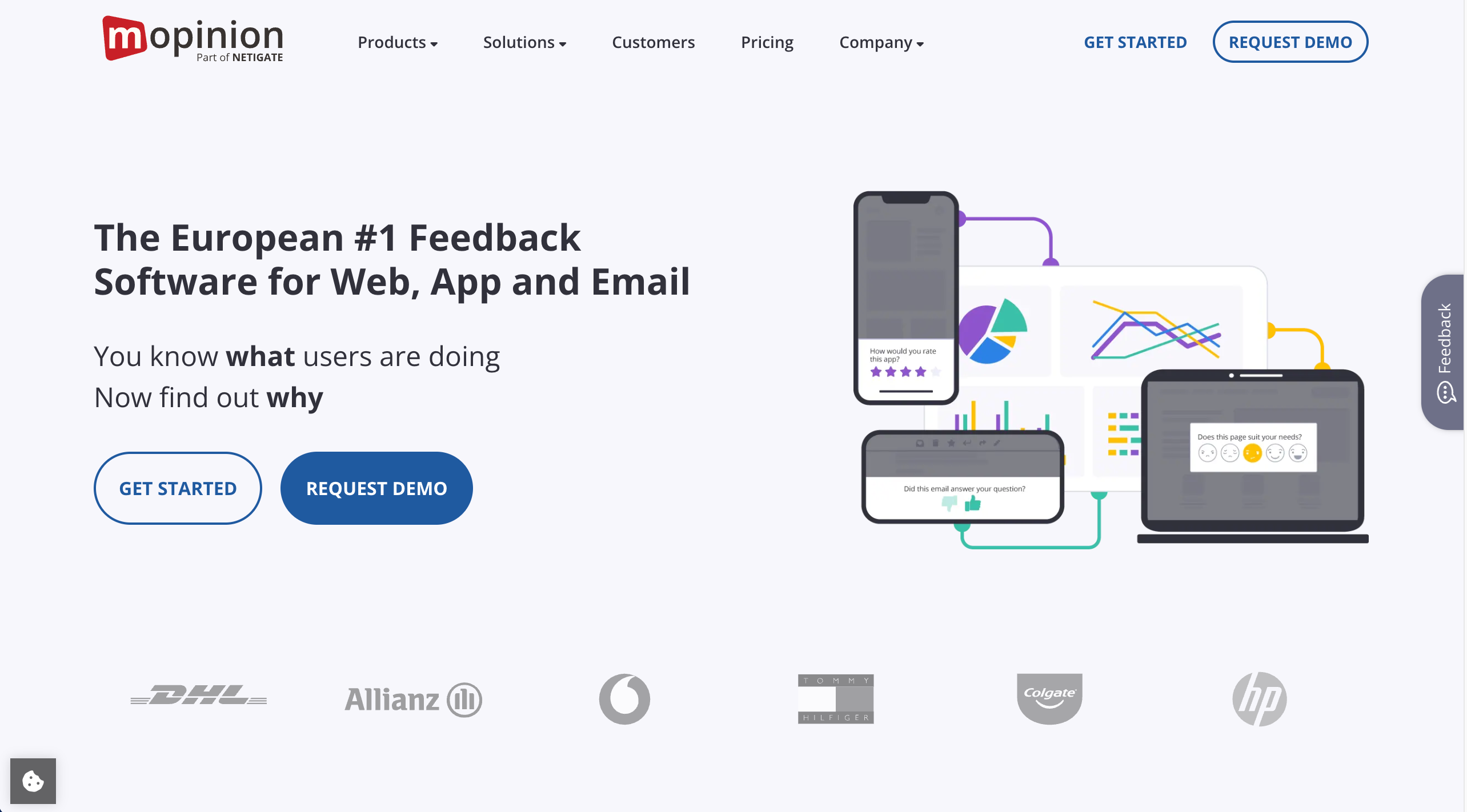
Mopinion gathers user feedback via surveys and on-page forms to help teams understand what users think about a design or website.
Who is Mopinion designed for?
Mopinion is designed for UX teams, marketers, and product teams who want detailed user feedback and analytics.
What are the key features of Mopinion?
- On-page feedback forms
- User surveys
- Analytics dashboard
- Segmentation tools
What are the Pros and Cons of Mopinion?
Mopinion Pros:
- Strong analytics
- Targeted surveys
- Works across devices
Mopinion Cons:
- Dashboard can feel complicated
- Not great for direct on-page markups
- UI can be clunky at times
How much does Mopinion cost?
- Standard: $325/month
- Enterprise: Custom pricing
Find out more about what's included in each of the Mopinion pricing plans.
Does Mopinion offer a free trial?
Yes, Mopinion offers a free 14-day trial.
#16. Qualtrics
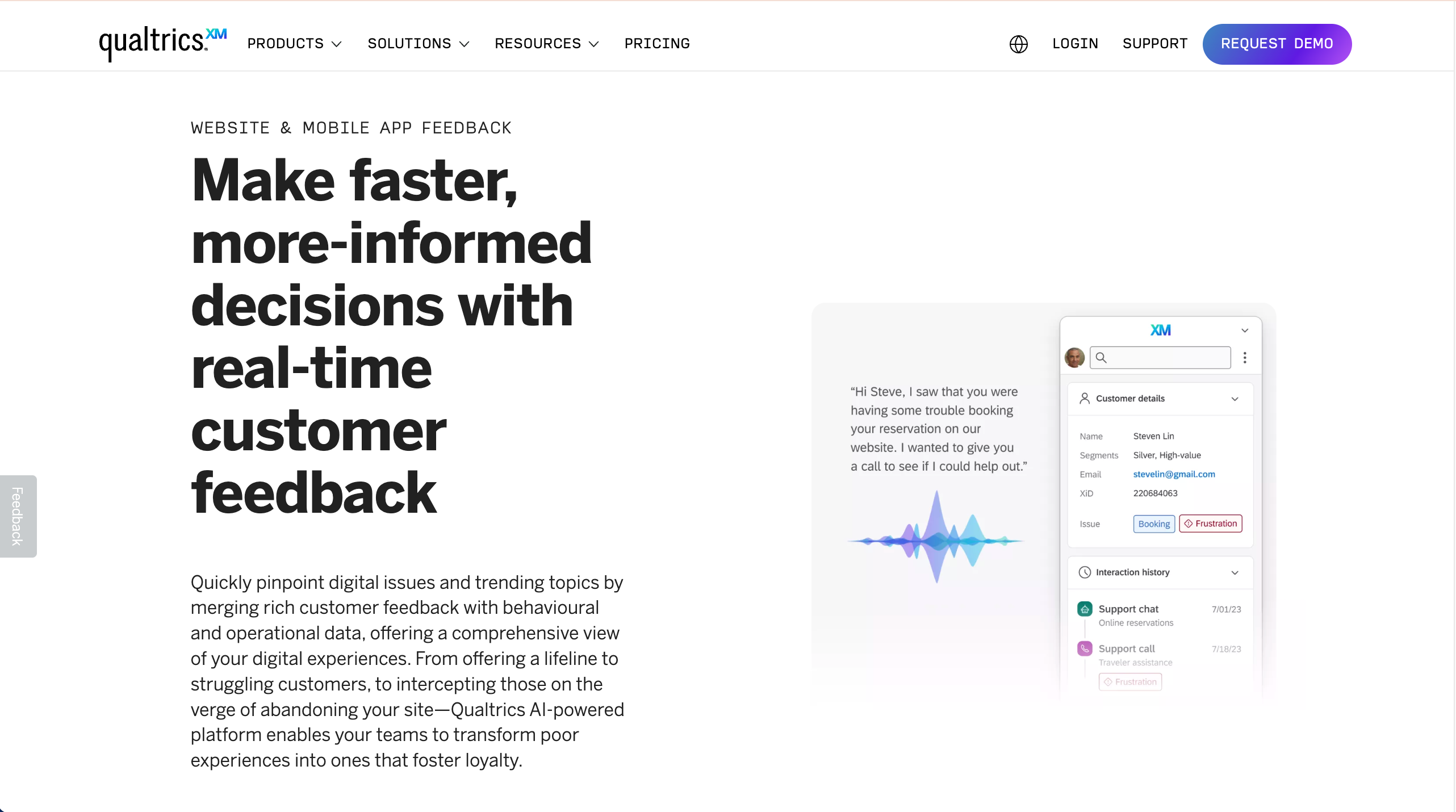
Qualtrics is a survey and experience platform that captures user feedback and helps teams analyze responses at scale.
Who is Qualtrics designed for?
Qualtrics is designed for enterprises, UX researchers, and product teams doing in-depth user feedback and research.
What are the key features of Qualtrics?
- Advanced survey builder
- Analytics and reporting
- Segmentation and targeting
- Custom dashboards
What are the Pros and Cons of Qualtrics?
Qualtrics Pros:
- Deep research capabilities
- Very customizable
- Enterprise-grade tools
Qualtrics Cons:
- Can be expensive
- Overkill for small teams
- Not focused on visual page feedback
How much does Qualtrics cost?
Find out more about what's included in each of the Qualtrics pricing plans.
Contact the Qualtrics Sales team for actual pricing.
Does Qualtrics offer a free trial?
No, Qualtrics does not offer a free trial.
#17. Hotjar
Hotjar shows how users behave on a website and lets teams gather feedback with polls and surveys.
Who is Hotjar designed for?
Hotjar is designed for UX teams, product managers, and website owners who want to see real user behavior and feedback.
What are the key features of Hotjar?
- Heatmaps & click maps
- Session recordings
- On-site feedback polls
- Conversion Funnels
What are the Pros and Cons of Hotjar?
Hotjar Pros:
- Easy setup
- Shows real user behaviour
- Good for surveys and heatmaps
Hotjar Cons:
- Not a design markup tool
- Can be noisy data
- Limited direct review comments
How much does Hotjar cost?
- Free Forever Plan (limited)
- Growth: $40/month
- Pro: Contact Hotjar
- Enterprise: Contact Hotjar
Find out more about what's included in each of the Hotjar pricing plans.
Does Hotjar offer a free trial?
No, Hotjar does not offer a free trial as a free plan is available.
Common Mistakes to Avoid When Choosing a Website Review Tool
1. Not onboarding clients properly
If clients don’t know how to use the tool, feedback becomes vague and unclear. A short walkthrough or quick guide helps clients leave precise, useful comments and reduces back-and-forth.
2. Skipping project management integrations
When feedback isn’t connected to your PM tool, it’s easy for tasks to get missed. Choosing a review tool that syncs with tools like Jira or Asana keeps feedback actionable and work moving.
3. Choosing the wrong tool for your needs
Not every tool fits every team. Small teams can get bogged down by complex platforms, while larger teams may outgrow lightweight tools. Match the tool to your workflow, scale, and budget.
4. Letting feedback get disorganized
Unstructured feedback leads to confusion and delays. Tools with built-in boards or task lists help teams prioritise, track progress, and move through reviews faster.
What are the Best Website Review Tools for Agencies in 2026?
Here are the top 3 website review tools for agencies in 2026:
1. BugHerd — Best for agencies
Built for agency workflows, BugHerd lets reviewers click directly on live sites to leave feedback, captures key metadata automatically, and turns comments into trackable tasks that integrate with popular dev tools.
2. Marker.io — Good for integrated bug reporting Strong on-page annotation and deep sync with project management and issue trackers, making it ideal for teams that already use structured dev workflows.
3. Userback — Good for visual feedback Supports point-and-click feedback, screenshots, and video capture, with integrations that help agencies streamline website reviews across teams.
While there are many solid options available, BugHerd stands out as the best website review tool for 2026, especially for agencies and web teams, thanks to its in-page visual feedback, automatic context capture, and built-in task management that saves time, keeps projects moving, and clients happy.
BugHerd offers a free 7-day trial where you can check out all of the features. No credit card is required.
You can also book a 1:1 demo with a BugHerd product specialist where all of your questions will be answered on the spot.
This product is exceptional, without it web and software development would be much harder to manage, I manage multiple projects each having multiple members, the thought of tracking bugs from multiple sources like I used to in email and spreadsheets would literally take for ever to track, update and share, BugHerd has saved me and my team thousands of wasted hours!”
- Elliott R., Web and software developer
Frequently Asked Questions about Website Review Tools
What is the difference between a website review tool and a website analytics tool?
The difference between a website review tool and a website analytics tool is that website review tools focus on website feedback, visual feedback, and bug reporting, while analytics tools track user behavior, traffic, and performance data to support analysis and SEO.
What is the best website feedback software with visual annotation features?
BugHerd is the best website feedback software with visual annotation features because it lets users click directly on live web pages to leave annotated comments, automatically captures screenshots and technical metadata, and turns feedback into actionable tasks for your team.
Can clients use a website feedback tool without creating an account?
Clients can use a website feedback tool without creating an account when the tool supports no-login feedback, making it easier to collect feedback and improve customer satisfaction. BugHerd does not require clients to login or create an account.
Do website review tools work on password-protected or staging websites?
Website review tools work on password-protected and staging websites, allowing teams to collect website feedback safely during development before launch.
What’s the difference between user feedback tools and project management tools?
The difference between user feedback tools and project management tools is that feedback tools collect user feedback and contextual feedback, while project management tools focus on tasks, deadlines, and delivery.
How many website review tools should a team use at once?
Teams should usually use one website review tool so feedback collection stays centralized, easy to manage, and visible to all users.
Can website review tools capture feedback on mobile devices?
Website review tools can capture feedback on mobile devices through mobile apps or mobile-friendly interfaces, helping teams identify issues on smaller screens.
What happens to website review data if we cancel a tool?
When you cancel a website review tool, most platforms let you export feedback, reports, and customer insights so no valuable data is lost. Other tools, such as BugHerd, will store your data so when you re-subscribe, everything is there as you left it.
How do visual feedback tools improve the review process?
Visual feedback tools improve the review process by letting users click on specific elements, add comments, and report bugs with contextual feedback.
Do website review tools support usability testing?
Website review tools support usability testing by combining user feedback, visual feedback, and insights from live websites and landing pages.
How do website review tools help with SEO and search visibility?
Website review tools help with SEO by identifying technical issues and UX problems that can impact search engine rankings and search visibility on Google search.
Are there website review tools with a free plan or completely free option?
There are website review tools that offer a free plan or limited free tier, making them accessible for website owners and teams with limited budgets. Check out our Top 17 Website Review Tools in 2026 - Comparison Table
How do website owners choose the right tool for website reviews?
Website owners choose the right tool by selecting a website review tool that works with other platforms, fits their workflow, and helps capture clear feedback from potential customers.
Which website review tools integrate with Jira and Trello?
Here are the top website review tools that integrate with Jira and Trello:
BugHerd has deep, two-way integrations with both Jira and Trello, automatically syncing feedback as issues or cards so teams can manage website reviews directly within their existing workflows.
Marker.io supports both Jira and Trello, sending annotated website feedback straight into tickets and boards with rich context.
Userback integrates with Jira and Trello to push visual feedback and screenshots into project workflows for streamlined review and resolution.
How do website review tools help improve conversion rates?
Website review tools help improve conversion rates by identifying friction on key pages, gathering feedback from potential customers, and turning insights into changes that reduce drop-offs and increase engagement.

Marina Domoney
Marina Domoney is Marketing Communications Lead at BugHerd and a senior B2B marketer with 20+ years’ experience in SaaS and website delivery workflows. She’s worked closely with agencies, creative teams, and developers across countless web projects, giving her practical expertise in design and website feedback, approvals, and client collaboration.
Try BugHerd on your site
See feedback in context
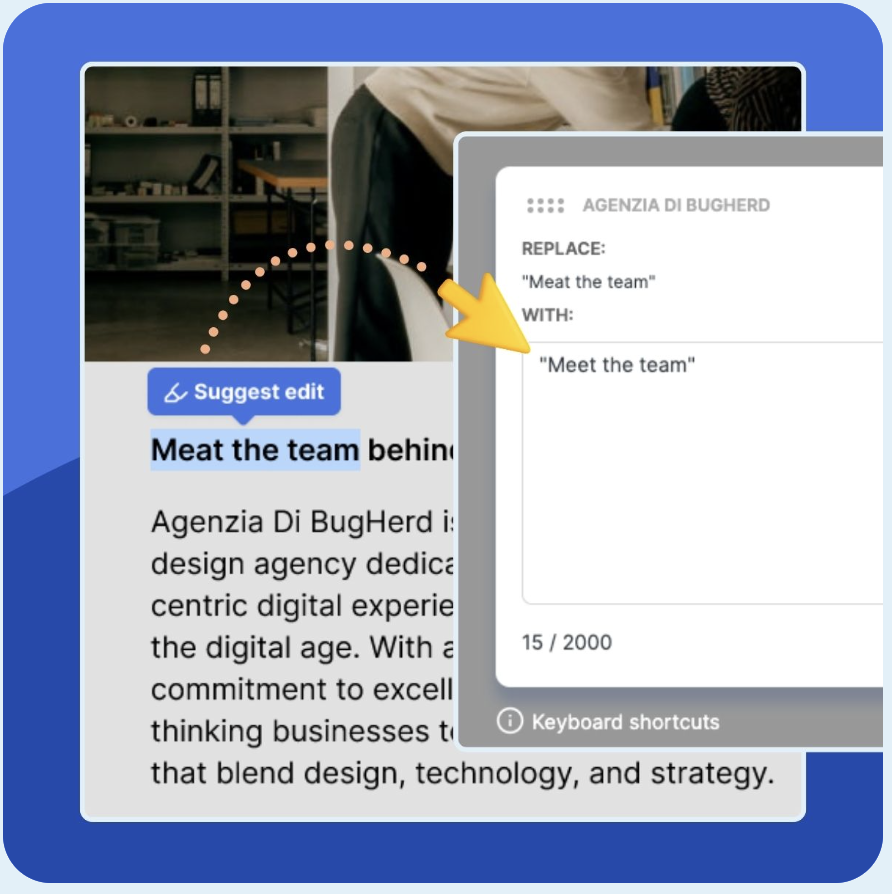
Click anywhere to leave feedback directly on your website.








But don't just take our word for it.
BugHerd is loved by 10,000+ companies,
350,000+ users across 172 countries.
4.8/5
4.7/5
4.5/5
5/5
8.7/10
Sam Duncan 📱📏 🌱
@SamWPaquet
"@bugherd where have you been all my life??
We just migrated our bug tracking over from Asana and have at least halved our software testing time🪳👏📈. "
Ashley Groenveld
Project Manager
“I use BugHerd all day every day. It has sped up our implementation tenfold.”
Sasha Shevelev
Webcoda Co-founder
"Before Bugherd, clients would try to send screenshots with scribbles we couldn't decipher or dozens of emails with issues we were often unable to recreate."
Mark B
Developer
“A no-brainer purchase for any agency or development team.”
Kate L
Director of Operations
"Vital tool for our digital marketing agency.”
Paul Tegall
Delivery Manager
"Loving BugHerd! It's making collecting feedback from non-tech users so much easier."
Daniel Billingham
Senior Product Designer
“The ideal feedback and collaboration tool that supports the needs of clients, designers, project managers, and developers.”
Chris S
CEO & Creative Director
“Our clients LOVE it”
Emily VonSydow
Web Development Director
“BugHerd probably saves us
at least 3-4hrs per week.”