BugHerd is the Best Visual Feedback Tool for Websites

Speed up your website review and approval process.

30%

Faster web dev projects

75%

Faster bug resolution

4x

Faster 
QA

BugHerd is the best tool to collect, organize and action website feedback and bug reports. It’s easy to use and your clients will love it!

Start your free trial
green tick icon

No credit card required.

cropped hero image

Join 10,000+ companies, 350,000+ users across 172 countries.

arrow icon

Watch BugHerd in action

Simplify website development for your clients and your team

BugHerd is the go-to visual feedback and bug tracking tool for Web Developers, Designers, Project Managers, QA and UA Testers, as well as Software Teams.

With BugHerd, you can report, track and resolve website bugs quickly and easily, all in one location. It’s easy to use and easy to get started with for both you and your clients.

Quick and Easy Bug Reporting

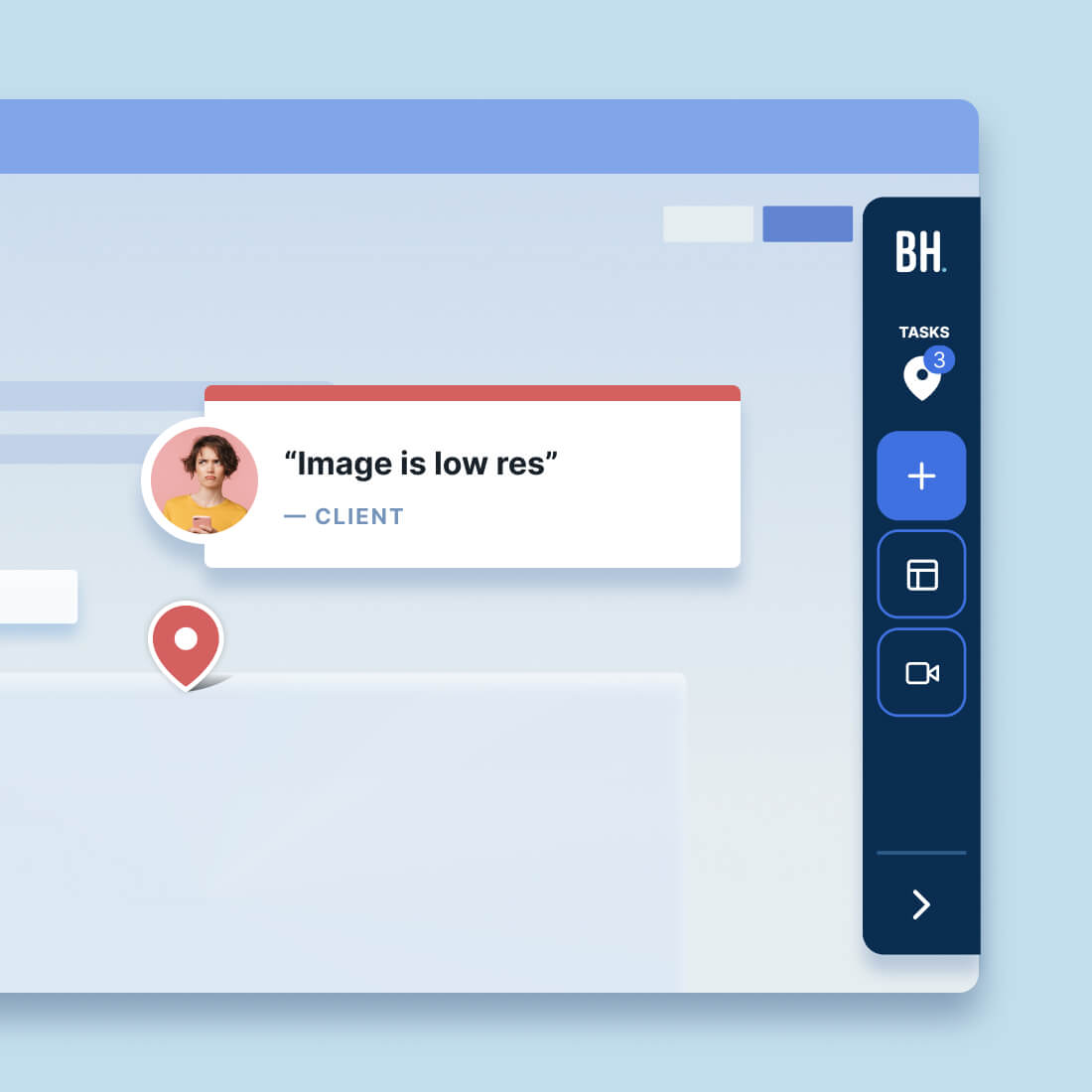
Teams and clients can provide website feedback and report bugs in seconds by pinning feedback directly onto a webpage, as they’re reviewing it.  It’s like pinning virtual sticky notes.

These pins remain attached to the element until the feedback or bug is resolved, keeping you and your clients up-to-date on project progress, while preventing duplicated feedback on the same issue.
image of customer
Timothy O

Sr. Digital Experience Developerr

icon of review source

“Users can tag any portion of a site and quickly say what is wrong. They don't need to give us more information about their device, browser, URL, etc.”
Effortless Feedback Collection

Collect feedback via comments, annotations, screenshots, video recordings, and even file attachments for clear, actionable insights.

You'll find it easy to collaborate with others and pick up reported bugs. No more back and forth with email or using spreadsheets! Recording bugs with BugHerd is simple and actionable, significantly streamlining project workflows and ensuring efficient communication.
Learn more
guest feedback

Automatic Capture of User Technical Details

With each bug report BugHerd automatically captures the user’s browser, operating system, exact URL, screen resolution, and more.

You’ll save hours of follow up time and streamline your workflows by knowing upfront the details about each bug reported, and you’ll have everything you need to keep your project moving.
Learn more

Client-Friendly Access

Clients can start giving feedback instantly without needing to log in.

Just simply invite your clients into a project and they can get started reporting bugs right away.  

BugHerd is very intuitive and easy to use but if they need extra help, there are plenty of helpful videos available to get them going, or your clients can contact the BugHerd Support Team directly with any questions.

Most clients are up and running without any assistance and reporting bugs straight away. Clients love BugHerd!
guest experience
image of task board in new ui

All Feedback Captured in One Place

Track and fix bugs quickly via a customized Kanban-style task board. BugHerd automatically turns bug reports into trackable tasks, all in the one location, so that your team can see how much work is required on a project.

Having all issues in one location makes it easy to assign bugs to the appropriate team members, prioritize them, and keep website software projects moving.
Learn more

Seamless Integrations

Integrate BugHerd with your favorite tools like Jira, monday.com, ClickUp, Asana, Trello, Slack, Zapier, and many more.

It streamlines your process, allowing for smooth feedback and task synchronization without the need for new systems or extensive training with both 2-way and 1-way integrations.

With BugHerd, you enhance your workflow's efficiency and maintain cohesive project management, all while ensuring accurate client billing with time-tracking integrations like Harvest or Time Doctor.
View full list of integrations
BugHerd integrations

Have a quick try of BugHerd

Click on the green dot and follow it around the page to see how easy BugHerd is. 🟢

But don't just take our word for it.
Customers love us.

award iconaward iconaward iconaward iconaward icon
image of customer
Sam Duncan 📱📏 🌱

@SamWPaquet

icon of review source

"@bugherd where have you been all my life??

We just migrated our bug tracking over from Asana and have at least halved our software testing time🪳👏📈. "

image of customer
Ashley Groenveld

Project Manager

“I use BugHerd all day every day. It has sped up our implementation tenfold.”

image of customer
Sasha Shevelev

Webcoda Co-founder

"Before Bugherd, clients would try to send screenshots with scribbles we couldn't decipher or dozens of emails with issues we were often unable to recreate."

image of customer
Mark B

Developer

icon of review source

“A no-brainer purchase for any agency or development team.”

image of customer
Kate L

Director of Operations

icon of review source

"Vital tool for our digital marketing agency.”

image of customer
Paul Tegall

Delivery Manager

"Loving BugHerd! It's making collecting feedback from non-tech users so much easier."

image of customer
Daniel Billingham

Senior Product Designer

“The ideal feedback and collaboration tool that supports the needs of clients, designers, project managers, and developers.”

image of customer
Chris S

CEO & Creative Director

icon of review source

“Our clients LOVE it”

image of customer
Emily VonSydow

Web Development Director

“BugHerd probably saves us
at least 3-4hrs per week.”

Your questions answered about BugHerd

BugHerd collects bug reports complete with a screenshot, annotation and metadata. It’s easy for both technical and non-technical users, and will dramatically speed up your review and approval process.
Do I need to install anything to get started with BugHerd?

There are two ways to set BugHerd up. You can embed a JavaScript snippet into the “head” of your website, or you can install a browser extension to your preferred browser.

Do my clients need to install anything to use BugHerd?

No, your clients don’t need to install anything and they don’t even have to set up a login. You simply invite them into your website project and they can start reporting bugs and leaving feedback immediately.

Can I integrate BugHerd with the existing tools that I use?

Absolutely! BugHerd integrates natively with many other platforms such as Jira, Slack, GitHub, ClickUp, Asana, Wordpress, Linear and many more. 

Using Zapier you can easily integrate BugHerd with thousands of other tools.

View all integrations

Can I continue to collect bug reports using BugHerd once my web dev project is over?

Yes! BugHerd’s Public Feedback widget lets visitors and users of your website report bugs on an ongoing basis, even once the website is up and running. All feedback will flow into the Task board and the relevant people will receive a notification in real-time, that feedback has been left. This makes sure that you stay on top of all bug reports and can action them quickly

Is BugHerd free?

BugHerd is free for the first 7 days and you’ll have full access to all of the great BugHerd features during this time. No credit card is required.

After 7 days you can continue using BugHerd via one of our subscription plans. BugHerd offers different pricing plans to accommodate various team sizes and needs.

Start a free 7-day trial or book a 1:1 demo to get started.

What level of support does BugHerd provide?

BugHerd offers various support options, including email support, in-product help documentation, and video guides. Deluxe and Enterprise plans also include priority support for quicker issue resolution.

More on BugHerd Support