🏷️ PROMO
20% off your first 3 months
BugHerd LogoBugHerd Logo
🏷️ PROMO
20% off your first 3 months

BugHerd makes it easy for your clients to leave website feedback.

Let clients simply point, click and comment – BugHerd grabs a screenshot, saves technical details and creates a task for your team to track. Get 20% off your first 3 months of BugHerd.

green tick icon

No credit card required. 60 day money back guarantee.

project manager using bugherd

4.8/5

Users love us

Google logo

350k+

Users worldwide

Google logo

10k+

Companies worldwide

Google logo

With BugHerd, clients just point, click & comment.

IN-CONTEXT FEEDBACK

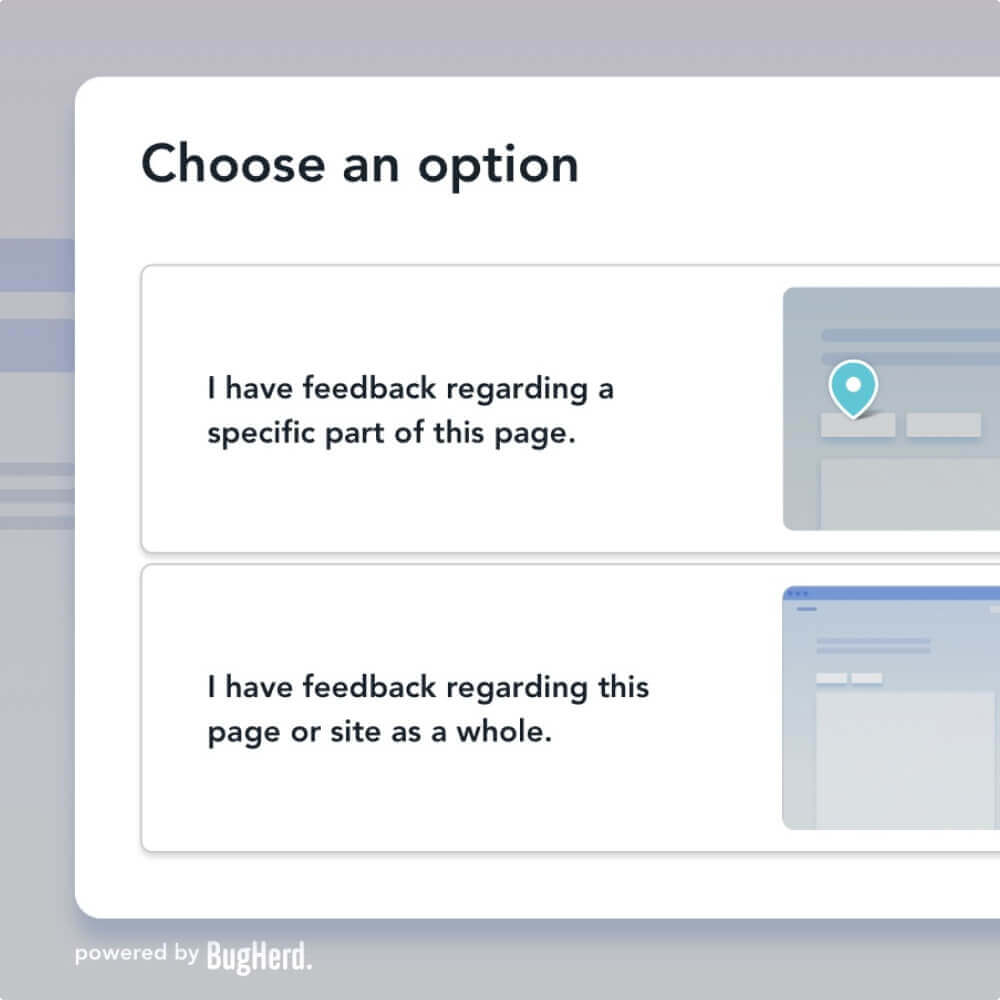
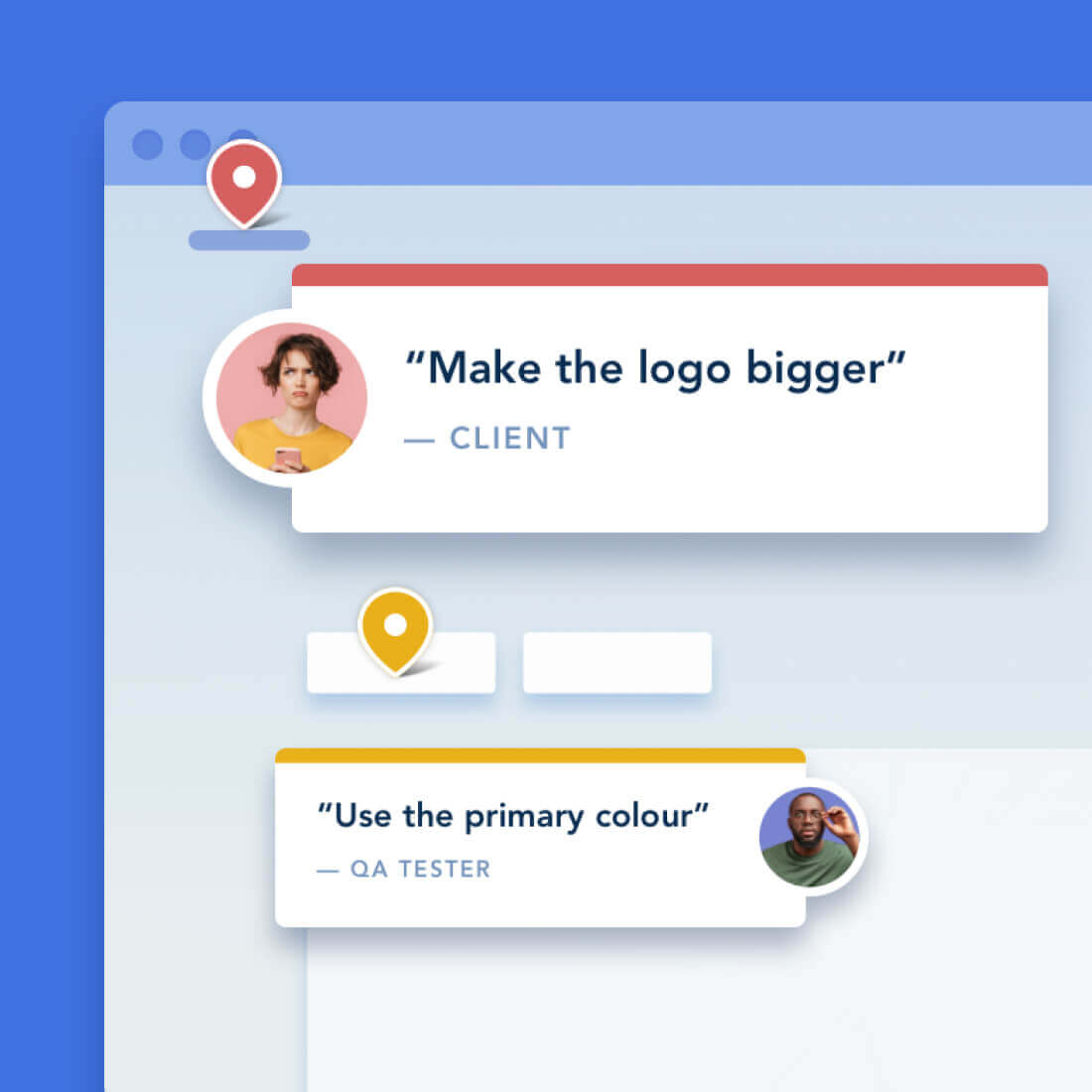
Clients drop a pin to show feedback in context

No need for accounts or log-ins — send clients a link and let them comment away. Feedback stays pinned to the exact page element, so your team always knows exactly what to change.

AUTOMATIC SCREENSHOT CAPTURE

You get a screenshot and all the technical details

No more chasing down browser versions, screen resolutions, and device details. Every client comment comes with all the information you need, captured automatically.
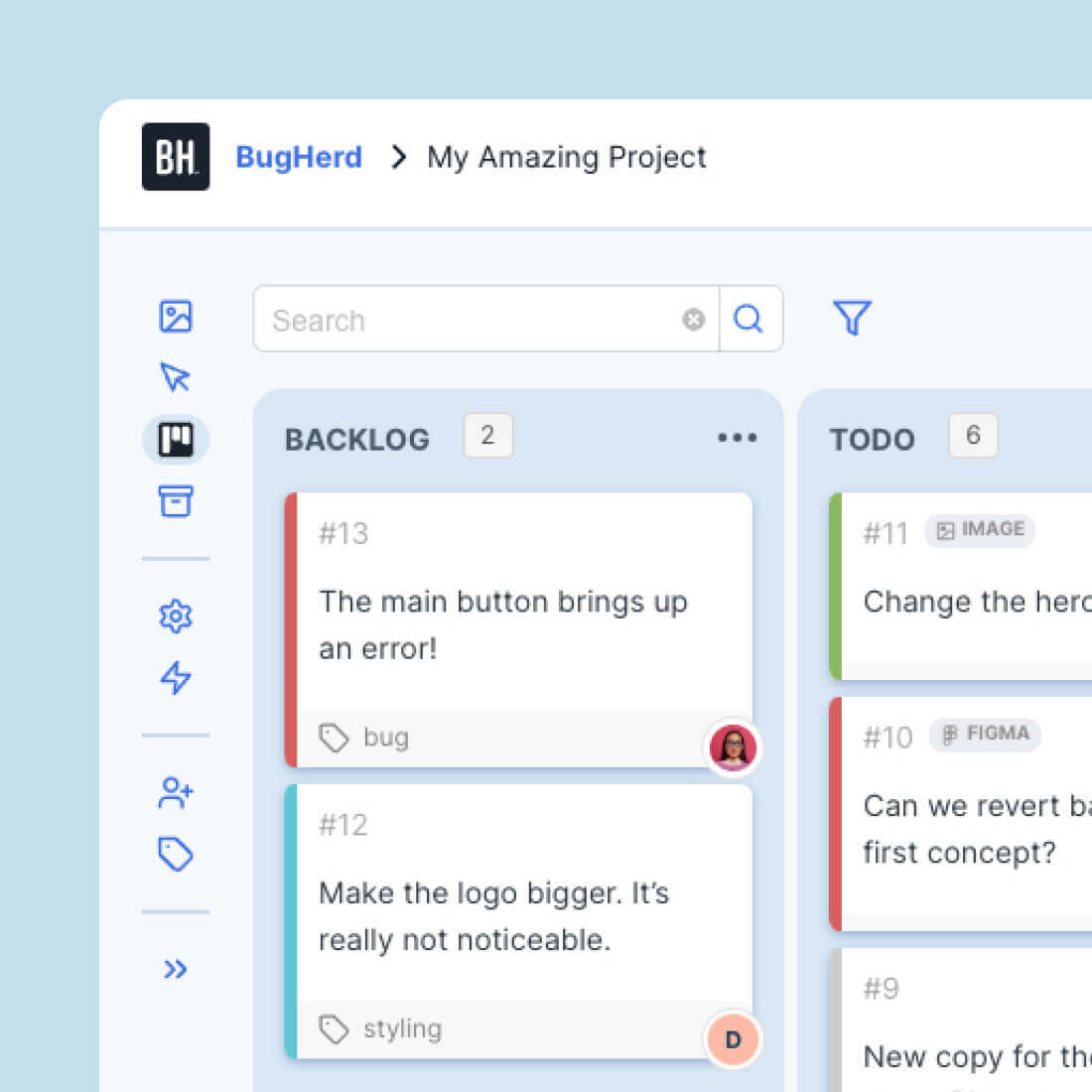
bugherd's kanban task board

TASK TRACKING

Turn every comment into a clear next step

No need for accounts or log-ins — send clients a link and let them comment aEvery comment becomes a trackable task on a Kanban board, so your team can prioritize and resolve feedback easier than ever. Already using a PM tool? Send tasks there with one click.way. Feedback stays pinned to the exact page element, so your team always knows exactly what to change.

CLIENT COLLABORATION

Enhanced workflow when collaborating with Clients

green tick icon

Clients can review websites & files without logging in.

green tick icon

Client-version of the Task Board.

green tick icon

Set feedback deadlines for your Clients.

green tick icon

More control over Client permissions.

integrations wheel

20+ INTEGRATIONS

Seamless integration with other tools

To streamline workflow further, BugHerd's feedback tool integrates with popular web apps such as project management, customer support, and CRM tools.  These include Trello, Asana, ClickUp, Jira, GitHub, WordPress, MS Teams, Slack, Zapier, and many more.

This ensures that BugHerd fits seamlessly into existing workflows, enhancing collaboration and efficiency.
public feedback

PUBLIC FEEDBACK

Receive ongoing feedback to make sure your website is always up-to-date

Once a website goes live, you can continue to receive feedback and bug reports via BugHerd's Public Feedback Widget which lets you quickly and easily collect user feedback from general website visitors.

Watch BugHerd in action

Simply click on the green dot and follow 🟢
Get started with BugHerd in minutes

Finally, a visual feedback tool loved by web development teams and their clients.

Developers love BugHerd because it captures technical info from non-technical people – including full browser specs, screen sizes, and device info are captured automatically.

Designers love BugHerd because they can compare the design to production with ease.

Project Managers love BugHerd because it turns client feedback into clear, actionable tasks that keep your projects on track.

customer logocustomer logocustomer logocustomer logocustomer logocustomer logocustomer logocustomer logocustomer logocustomer logocustomer logocustomer logocustomer logocustomer logo

Effortless feedback. Happier clients. Better websites.

94%

94% of users report improved client satisfaction.

93%

93% of users report reduced
time to delivery

95%

95% of users say they’re delivering higher quality products

But don't just take our word for it.
Customers love us.

award iconaward iconaward iconaward iconaward icon
image of customer
Sam Duncan 📱📏 🌱

@SamWPaquet

icon of review source

"@bugherd where have you been all my life??

We just migrated our bug tracking over from Asana and have at least halved our software testing time🪳👏📈. "

image of customer
Ashley Groenveld

Project Manager

“I use BugHerd all day every day. It has sped up our implementation tenfold.”

image of customer
Sasha Shevelev

Webcoda Co-founder

"Before Bugherd, clients would try to send screenshots with scribbles we couldn't decipher or dozens of emails with issues we were often unable to recreate."

image of customer
Mark B

Developer

icon of review source

“A no-brainer purchase for any agency or development team.”

image of customer
Kate L

Director of Operations

icon of review source

"Vital tool for our digital marketing agency.”

image of customer
Paul Tegall

Delivery Manager

"Loving BugHerd! It's making collecting feedback from non-tech users so much easier."

image of customer
Daniel Billingham

Senior Product Designer

“The ideal feedback and collaboration tool that supports the needs of clients, designers, project managers, and developers.”

image of customer
Chris S

CEO & Creative Director

icon of review source

“Our clients LOVE it”

image of customer
Emily VonSydow

Web Development Director

“BugHerd probably saves us
at least 3-4hrs per week.”

Frequently asked questions

Here’s the answer to some commonly asked questions to help you discover if BugHerd is the right tool for you.
Do I need to install anything?

There are two ways to set BugHerd up to get feedback on a website. You can embed a JavaScript snippet into the “head” of your website or you can install a browser extension to your preferred browser.

Does BugHerd include screenshots?

Yes, BugHerd snaps a screenshot of each bug as you report it. This helps whoever is fixing the bug to know exactly where the bug is and what is happening.

What technical information does BugHerd capture?

In addition to a screenshot, BugHerd captures which operating system and browser the reporter is using. BugHerd also captures screen resolution, making it easy to see if the issue is desktop or mobile based. BugHerd also captures the page URL of the bug and selector information, making it easy to pinpoint bugs.

Where is the feedback sent?

BugHerd turns the feedback provided into tasks on a kanban style Task Board. Using the Task Board, you can sort, assign and track tasks to completion.

Is BugHerd free?

You can try BugHerd for free on a trial.

Can I integrate BugHerd with existing tools?

BugHerd effortlessly integrates into your existing workflow, connecting with tools you're already using like Slack, Jira, Trello, Asana, ClickUp, Monday.com, GitHub and more.